
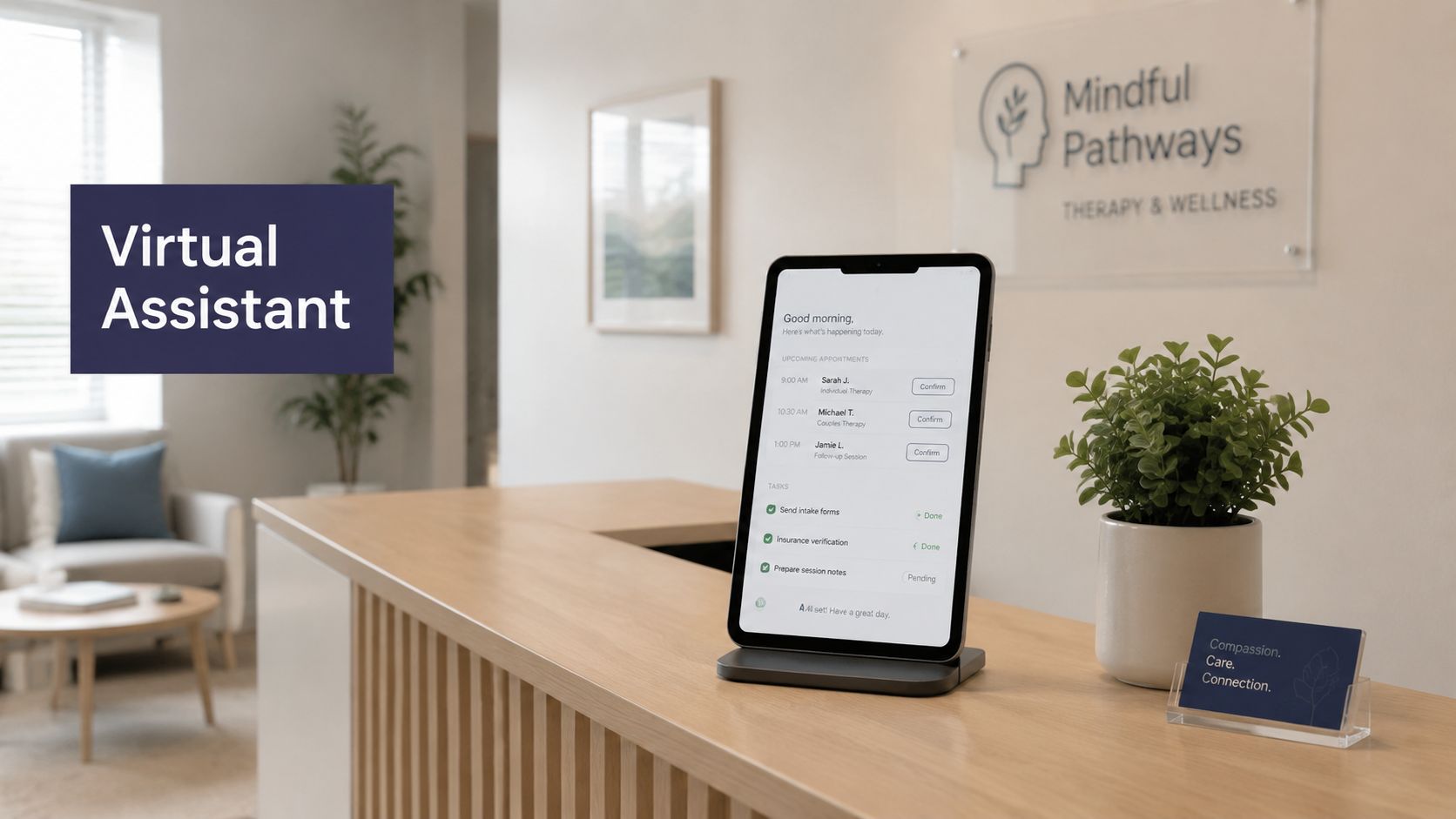
Most mental health practices don't have an access problem first. They have a workflow problem that patients feel as an access problem.
A new patient calls during lunch and reaches voicemail. A therapist finishes a hard session and sees three refill messages, two scheduling changes, an intake form that never made it into the chart, and a front-desk note asking whether a callback sounds urgent. By late afternoon, nobody feels caught up. The work gets done, but it gets done by pulling clinicians into admin and pulling admin staff into situations that need better rules.
We've built and deployed AI assistants in healthcare settings, and the pattern is familiar. The practices that get value from a virtual assistant for mental health practice aren't chasing novelty. They're trying to stop daily operational drag from eating the schedule, the team's energy, and patient trust.
The endless phone calls and mounting paperwork
At 4:45 p.m., the voicemail light is still on. A clinician has two patient messages marked urgent by the front desk, three routine scheduling calls waiting, and an intake packet that never made it into the chart. Nobody is ignoring the work. The problem is that too much of it depends on someone noticing, deciding, and handing it off correctly.
That operating strain is hitting behavioral health teams hard. The National Council for Mental Wellbeing reported that 93% of behavioral health workers experienced burnout and 62% reported moderate or severe burnout in its survey of the workforce, summarized in Behavioral Health Business' coverage of the findings. In practice, those numbers show up as callback delays, scheduling mistakes, incomplete intake records, and clinicians doing admin work between sessions.
The hours rarely disappear into one large project. They disappear in fragments.
- Scheduling churn: New patient requests, reschedules, therapist preferences, telehealth rules, and reminder questions all land in the same queue.
- Intake follow-up: Demographics, consent forms, insurance details, referral information, and missing paperwork get split across calls, texts, portals, and inboxes.
- Billing interruptions: Coverage questions, balances, and statement confusion pull the same staff away from registration and scheduling.
- Record cleanup: Teams re-enter information because the first version was captured in free text, written on paper, or left in a voicemail.
We see one more failure point in mental health settings. Sensitive patient language often enters the practice through ordinary admin channels first. A voicemail about canceling may also include hopelessness. A portal message asking for a refill may hint at medication misuse. If those messages sit in a generic inbox or are routed by whoever is available, the risk is not just inefficiency. The risk is that a patient who needs a defined escalation path gets treated like routine office traffic.
That is why practices should look past labor savings alone. A virtual assistant has to reduce repetitive work, but it also has to support clear triage rules, time-based escalation, and documented handoffs for higher-risk interactions. We build for that reality at Simbie AI because mental health operations break down fastest at the line between admin and clinical judgment.
The technical foundation matters too. If phones, internet, devices, and clinic software are unreliable, automation adds one more failure point instead of reducing them. Practices reviewing that layer before adding patient-facing tools should keep a resource on HIPAA compliant IT for healthcare handy.
Patients feel these gaps quickly. Many will not call back a second or third time, especially when reaching out already takes effort. Every delayed callback, missing form, or mishandled message affects access, trust, and clinical safety.
What a virtual assistant for mental health actually is
A real virtual assistant for mental health practice isn't just a chatbot on a website and it isn't a glorified phone tree. It's an operational layer tied to how the clinic already works. That means scheduling logic, billing workflows, intake rules, and chart updates all connect to one system instead of being split across staff memory and sticky notes.
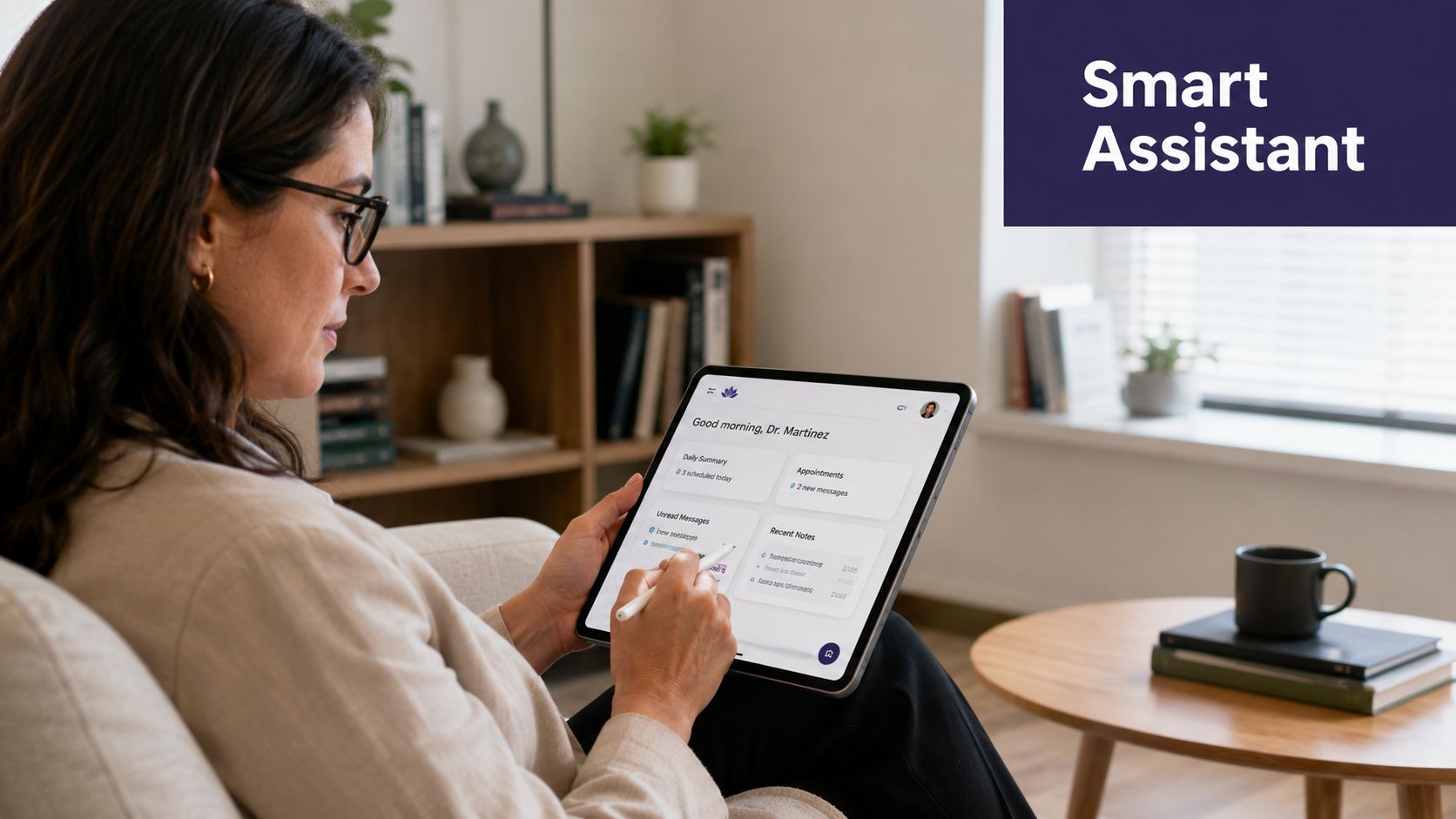
The highest-value design is the boring one. It captures structured data once, then reuses it across the practice. As described in Virtual Medical Assistant's overview of mental health practice workflows, these systems are most useful when tied to the EMR/EHR, scheduling, and billing workflows, collecting demographics, eligibility, and intake details once and then carrying that data through the rest of the process.
What it should know how to do
A clinically aware system should understand the difference between visit types because the calendar depends on that distinction. A new evaluation is not the same as a follow-up. A refill request is not the same as a therapy reschedule. A missed-call callback from a distressed patient should not enter the same queue as a generic billing question.
When we design these systems, we don't start with “Can the AI answer calls?” We start with “What decisions is the front desk making all day, and which of those decisions can be made safely by rule?”
That usually includes:
- Structured intake capture: Demographics, insurance details, referral source, intake status, and appointment preferences.
- Specialty-specific scheduling: Rules that separate new evaluations, follow-ups, telehealth visits, and urgent slots.
- Billing and eligibility support: Collecting the data billing staff need without asking patients for the same information twice.
- Chart-linked communication: Posting outcomes into the record so staff can see what happened without hunting through another dashboard.
What it is not
It is not a clinical replacement. It should not improvise advice, interpret symptoms beyond its approved scope, or “sound smart” at the cost of being safe. Generic conversational tools often fail here because they can talk fluently without respecting workflow boundaries.
Practical rule: If the assistant can't explain where the information goes after it collects it, it's probably an add-on, not an operational system.
Example workflows that reclaim your team's time
The value becomes obvious when you look at the day minute by minute. A good assistant doesn't just answer faster. It removes repeat work and keeps information moving.
One useful benchmark comes from mental health clinics that added virtual assistants and saw 40% fewer intake calls, according to HelpSquad's discussion of mental health practice support. That matters because intake calls are often the first bottleneck. Less repetitive phone traffic means the front desk can stop firefighting and start managing exceptions.
A new patient inquiry that doesn't die in voicemail
A patient calls after work. Instead of voicemail, the assistant answers, asks whether the person is seeking therapy, psychiatry, or an existing-patient follow-up, then gathers basic intake details. It checks appointment type, records insurance information, and offers available times based on practice rules.
By the time staff review the interaction, the key fields are already captured. If your team is comparing options for this part of the workflow, our page on AI patient intake automation shows the kind of intake handoff that tends to work best in healthcare settings.
A refill request that follows policy instead of hallway memory
Refill calls often create hidden work because patients rarely use the exact words the protocol expects. They say they're “out,” “almost out,” or “need something sent before travel.” The assistant can gather the medication name, pharmacy, timing, and whether there are any red-flag concerns, then queue the request for clinician review according to practice policy.
That matters because staff don't have to transcribe voicemail fragments into a chart task. The clinician sees a structured request, not a scavenger hunt.
Filling a cancellation without a staff scramble
A therapist has an opening tomorrow. The assistant identifies patients on a waitlist or those who asked for earlier times, reaches out through approved channels, and updates the schedule when someone accepts. Staff only step in if there's a conflict or a rule exception.
This is one of those workflows that sounds small until you run it at scale. Empty time on a behavioral health schedule often comes from missed coordination, not lack of demand.
Pre-visit reminders that do more than say “Don't forget”
A reminder should do more than announce the date and time. It should ask for missing forms, confirm telehealth instructions, and check whether anything changed that affects the visit. If a patient still hasn't completed intake, the assistant can prompt for the missing pieces before the appointment instead of leaving the clinician to sort it out live.
We've learned to keep these flows narrow and structured. The wider the conversation, the more likely it drifts into areas that need staff review.
The critical importance of clinical safety and compliance
Many articles often become too lenient. In mental health, safety boundaries matter more than convenience.
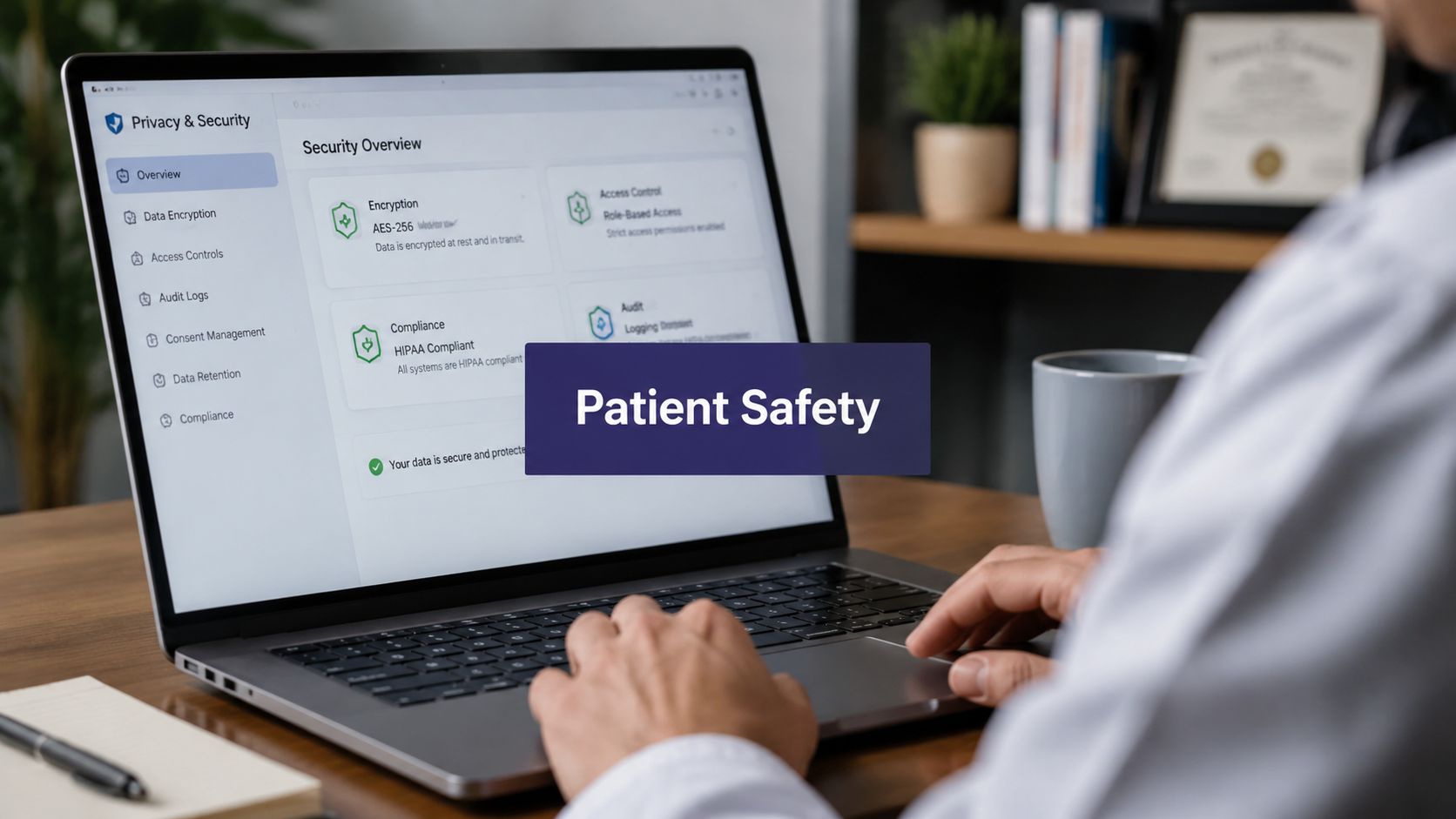
The hard question is simple. What happens when a patient says something that sounds like crisis language, suicidality, domestic violence, severe distress, or a request for clinical advice? A lot of marketing pages never answer that. As noted in Wing Assistant's piece on mental health virtual assistants, a major gap in this category is exactly that: patient safety boundaries, especially around crisis language, edge cases, and human escalation. That concern matters even more now that the EU AI Act entered into force in 2024 and governance expectations for health-related AI are getting tighter.
What safe design looks like in practice
A mental health assistant should have explicit boundaries, not vague promises. We expect to see:
- Clear crisis escalation rules: The assistant detects risk language and routes the interaction to a human path immediately.
- Human takeover options: Staff can review, intervene, and assume control without friction.
- Audit trails: The system records what the patient said, what the assistant did, and why that path was taken.
- Strict scope controls: The assistant handles admin and approved support tasks. It does not drift into clinical judgment.
For practices evaluating technical controls, our guide to HIPAA-compliant AI covers the baseline questions we think every healthcare buyer should ask before any patient-facing deployment.
What doesn't work
Generic models with broad conversational freedom don't belong in sensitive mental health workflows unless they are heavily constrained. We've tested enough systems to be blunt about this. A model that sounds warm but has weak escalation logic is dangerous. A model that answers everything is often worse than one that politely stops and hands off.
If a vendor spends more time talking about tone than escalation paths, keep digging.
Compliance matters too, but compliance alone isn't safety. You can secure data and still handle a suicidal disclosure badly if the workflow design is wrong. In this space, governance, oversight, and operational rules have to sit together.
How to implement an AI assistant in your practice
Monday starts with three voicemails from patients who need to reschedule, two portal messages asking about intake paperwork, and one caller whose language may require urgent follow-up. Implementation succeeds when the assistant can sort those paths safely, not just answer faster.
The practices that get good results start small. Pick one workflow with stable rules, clear ownership, and an obvious review process. Trying to automate every inbound call, portal message, and follow-up request in the first month usually creates confusion for staff and risk for patients.
Start with one workflow your team already runs consistently
A good first use case is repetitive, high-volume, and easy to audit. New patient intake often fits. Appointment reminders and reschedules usually do too. Waitlist outreach is another strong option because the success criteria are plain and the conversation stays within a narrow scope.
Refill request collection can work, but only if your medication policy is already defined. If staff handle those requests differently by clinician, location, or payer, standardize that process before the assistant touches it.
If the assistant needs to connect with your existing systems, map those dependencies early. We generally advise teams to review EMR integration options for mental health workflows before they finalize scripts, because routing, documentation, and staff review all change once you know what can write back to the chart and what still needs human signoff.
Set the operating rules before you tune tone
Teams often focus on the assistant's voice too early. The safer order is workflow, routing, escalation, charting, and staff oversight.
| Implementation step | What to define first |
|---|---|
| Workflow choice | One queue with clear rules and measurable pain |
| Scheduling logic | New evaluations, follow-ups, telehealth, urgent requests |
| Escalation policy | Crisis language, abuse disclosures, medication confusion, clinical advice requests |
| Charting handoff | What gets documented, where it lands, who reviews it |
| Staff visibility | Dashboard access, alerts, transcript review, takeover rights |
Mental health deployments diverge from generic call automation. If a patient says they feel unsafe, reports self-harm, or asks for advice that falls outside approved scripting, the assistant should stop the scripted path and route the case to a human process immediately. That process needs owners, alert rules, and coverage hours. A flag with no response plan is not a safety protocol.
Build the exception path with the same care as the happy path
In real clinics, edge cases drive the workload. The assistant may handle the first 80 percent of an intake conversation cleanly, then hit a disclosure about active substance use, domestic violence, or a guardian dispute. Your team needs to decide in advance what the assistant can collect, what it must avoid, and when staff step in live versus review after the interaction.
We recommend testing these scenarios before launch with front-desk leads, clinical supervisors, and compliance staff in the same room. Run sample calls. Check whether alerts reach the right person. Confirm that timestamps, transcripts, and disposition notes are visible. If your team cannot explain the handoff in one minute, the workflow is still too loose.
Train staff to supervise the system
Good rollout changes daily work. Front-desk staff spend less time repeating intake questions and more time reviewing exceptions, correcting routing mistakes, and watching queues that need human judgment. Clinicians spend less time sorting administrative noise between sessions and more time addressing the interactions that carry clinical weight.
We have also found that short governance training helps teams adopt the system more responsibly. A visual resource like Freeform Company's AI insights can support rollout meetings by framing oversight as part of operations, not just an IT task.

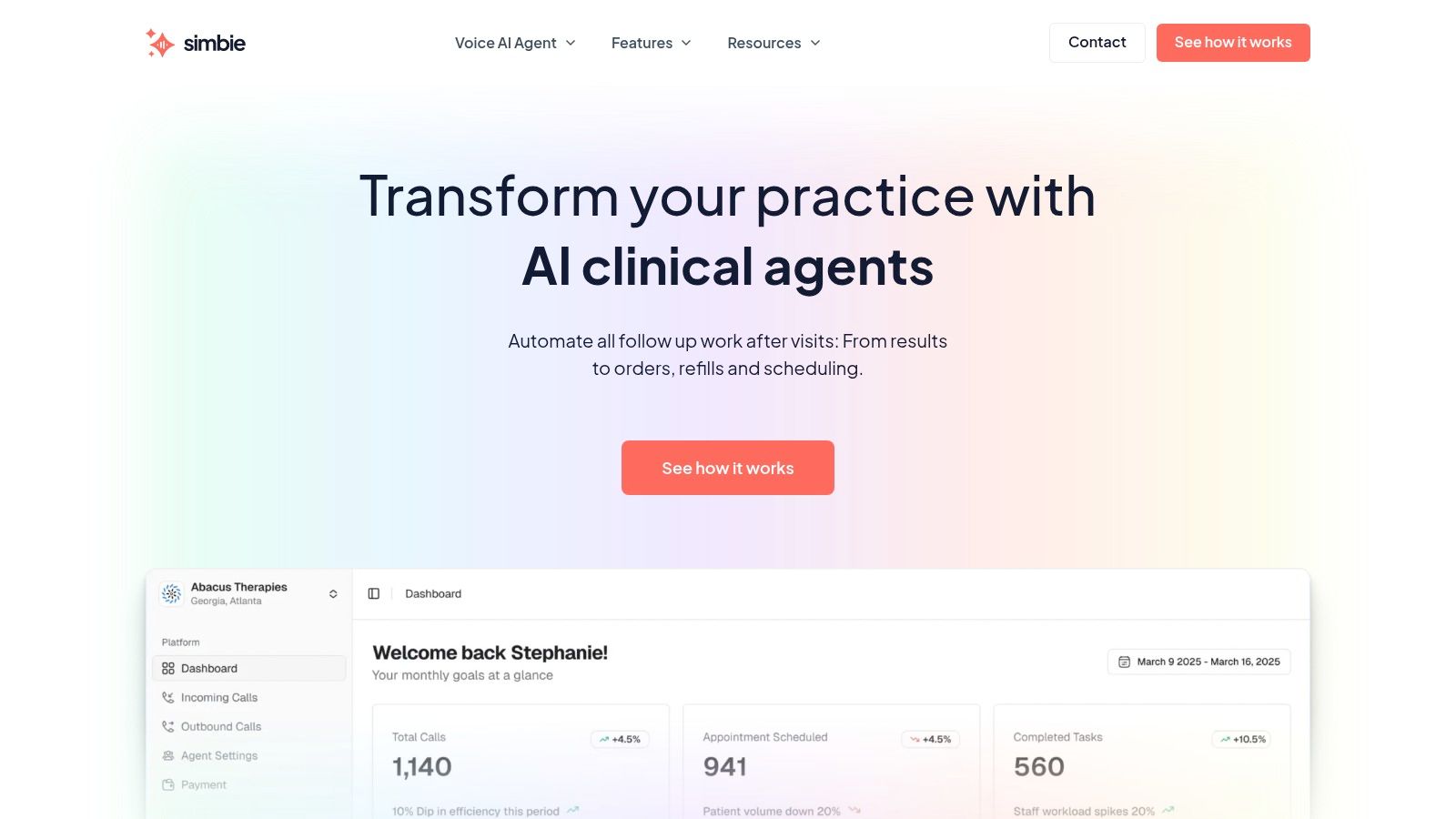
One factual example is enough here. Simbie AI is one option in this category. It offers clinically trained voice agents for scheduling, intake, documentation, and EMR-related tasks, with monitoring so staff can review interactions and take over when needed.
A vendor selection checklist for your practice
A vendor demo can sound polished and still leave out the parts that matter. We've sat through enough of them to know that practices need a checklist, not just a feature tour.
Questions that expose the real operating model
Use these questions early, before procurement turns into a branding contest.
- How deep is the EHR connection? Ask whether the assistant can write structured outcomes back into the chart or whether staff still need to copy details over manually.
- Who designed the mental health workflows? You want to hear about clinician input, scheduling rules, and scope limits, not generic “healthcare use cases.”
- What triggers human escalation? Ask for examples involving suicidality, self-harm language, abuse disclosures, medication confusion, and requests for clinical advice.
- Can staff see and interrupt live interactions? If the answer is vague, that's a bad sign.
- What does the audit trail look like? You need a record of what happened, not a black box summary.
Questions about telephony and handoff quality
Phone handling gets less attention than it should, especially if your practice forwards calls across systems or locations. Technical details like caller identity and routing can affect whether patients feel continuity or confusion. If your phone setup is complex, this piece on Hosted PBX caller ID for AI solutions is a useful reference because it gets into a practical handoff issue many buyers miss.
What to treat as warning signs
A few answers should slow the deal down.
| If a vendor says this | Read it this way |
|---|---|
| “Our AI can handle any patient conversation” | Scope control may be weak |
| “We integrate with all major EHRs” | Ask what the integration actually does |
| “Safety is built in” | Ask for the escalation matrix |
| “Staff won't need to monitor much” | Oversight may be an afterthought |
The best vendors are usually specific about limitations. That's not a weakness. It's often the clearest sign they understand patient-facing healthcare work.
FAQs about virtual assistants in mental health
A lot of buying decisions stall on the same handful of questions. The right answer is rarely “yes” or “no” without context, so it helps to be direct about where these systems fit and where they don't.
Frequently asked questions
| Question | Answer |
|---|---|
| Can a virtual assistant talk to patients about appointments and intake? | Yes, if the workflow is clearly defined and tied to your scheduling and intake systems. That's usually the safest place to start because the tasks are repetitive and rule-based. |
| Can it give clinical advice? | It shouldn't. In a mental health setting, the assistant needs tight scope boundaries. Admin support, reminders, intake collection, refill request capture, and routing are appropriate. Clinical judgment belongs to licensed staff. |
| What about crisis language or suicidality? | This is the make-or-break issue. The system needs explicit escalation rules, immediate human routing, and reviewable records of what happened. If a vendor can't walk you through that path clearly, stop there. |
| Will staff hate it? | Staff usually resist bad rollouts, not useful tools. If the assistant dumps extra cleanup work on them, they'll reject it. If it removes repetitive calls and gives them visibility into what was handled, adoption is much easier. |
| Do patients mind talking to an AI? | Some will. That's normal. The goal isn't to force every interaction through automation. The goal is to give patients fast access for routine tasks and a reliable path to a person when the situation needs one. |
| Is the business case only about payroll? | No. The case is also about fewer missed opportunities, less front-desk overload, steadier intake throughput, better chart completeness, and less clinician time spent on non-clinical work. In mental health, morale and reliability matter as much as line-item savings. |
| Should solo practices consider this, or only larger groups? | Solo and small-group practices often feel the pain first because one missed call or one admin-heavy morning has a bigger effect on the whole week. The deciding factor isn't size alone. It's whether repetitive coordination is eating time that should go to care. |
| What's the smartest way to evaluate ROI without inventing a spreadsheet fantasy? | Track a short list for a few weeks: missed calls, intake backlog, time to first response, refill queue cleanup time, and staff time spent on scheduling churn. You don't need a grand model. You need evidence from your own front desk. |
“If you can't measure the current mess, you won't know whether the new system fixed anything.”
That's the part many teams skip. They buy on intuition, then argue later about whether the tool worked. We prefer to start with operational friction you can observe.
Your next step is simpler than you think
Don't start by shopping. Start by watching your own practice for one week.
Have your team log the repetitive tasks that keep interrupting care. Count the categories, not just the volume. Which calls show up every day? Where does intake stall? Which requests bounce between front desk, billing, and clinicians? Which messages create uncertainty because nobody knows whether they're routine or risky?
Then pick one workflow to fix first.
For most practices, that first target is intake, scheduling churn, or refill request collection. Keep the pilot narrow. Write the escalation rules before go-live. Make sure staff can see every interaction. If the workflow can't be monitored and overridden, it isn't ready for patients.
A virtual assistant for mental health practice works best when it removes repeat work without blurring clinical boundaries. That's the standard to hold.
If your team wants to see what a clinically trained, patient-facing workflow looks like in practice, Simbie AI is built for healthcare operations such as intake, scheduling, and chart-linked communication, with staff oversight built into the process.