
If you run or manage a small to mid-size medical practice, you already know the daily grind. Phones ring nonstop. Front desk staff juggle scheduling, check-ins, and insurance questions at the same time. Billers chase denials. Patients wait on hold or leave voicemails that pile up. According to widely cited industry surveys, 87% of healthcare professionals report working late due to administrative tasks. That statistic reflects what most practice leaders feel every week.
Medical practice management software is designed to fix this. It is the system that handles the business side of your practice – scheduling, registration, medical billing, insurance claims processing, financial reporting, and more. The right practice management software reduces the administrative load on your team, gives you clearer visibility into your financial performance, and helps patients get through to you without long hold times or missed calls.
This article covers what practice management software actually does, how it differs from electronic health records, the core functional areas to understand, key features to evaluate, real benefits and common pitfalls, how to choose the right practice management system, and where patient communication tools like AI voice agents fit in your stack.
What Is Medical Practice Management Software?
Medical practice management software is the operational engine behind a healthcare organization. While your EHR handles clinical data – chart notes, diagnoses, medications – practice management software focuses on administrative and operational tasks: getting patients scheduled, verifying their coverage, capturing charges, submitting claims, collecting payments, and reporting on how the business is doing.
Both solo practitioners running a private practice and multi-site groups use a practice management system to standardize workflows and reduce manual data entry across front desk, billing, and management roles. Centralized patient demographics improve administrative efficiency and reduce errors in patient data input.
Here is what day-to-day use looks like:
- A front desk coordinator opens the system to book a new patient visit, checks insurance eligibility before the appointment, and confirms the copay amount.
- A biller reviews charges from the day’s patient visits, submits claims electronically, tracks denials in a work queue, and posts payments as they come in.
- A practice manager pulls a report on accounts receivable aging to see where revenue is stuck and which payers are slow.
In short, practice management software handles the workflows that keep the business running while clinicians focus on medical practice management and patient care.

Practice Management Software vs. EHR: How They Work Together
Many healthcare practices confuse these two systems because they often sit side by side on the same screen or even come from the same software provider. But they serve different purposes and different users.
EHR focus: Electronic health records are built for clinicians. They store clinical data – medical history, problem lists, medications, allergies, lab results, and imaging reports. Providers use the EHR during patient care to document visits, place orders, and review results.
Practice management focus: Practice management software focuses on the business of care. Its users are front desk staff, billing teams, and practice managers. It covers patient scheduling, patient registration, insurance and eligibility, medical billing, claims management, and financial management.
When these two systems are connected, the benefits compound. Integration with EHR systems enhances data flow efficiency. Demographics and insurance details entered once during registration flow into both systems, which reduces duplicate data entry in healthcare practices. EHR integration enhances data accuracy and security, and unified data platforms improve the patient experience by keeping records consistent across departments. Integration with EHRs streamlines administrative workflows, so your team spends less time re-entering information and more time on work that matters.
Some platforms bundle both functions into one product. Others keep them separate but connected through interfaces. This distinction matters when you evaluate options – bundled systems may be simpler to manage, while separate systems give you flexibility to choose the best tool for each job. Either way, confirm that data flows cleanly between them before you commit.
Core Functional Areas of Medical Practice Management
Every practice management solution should support a set of core operational domains. Here is what to expect from each.
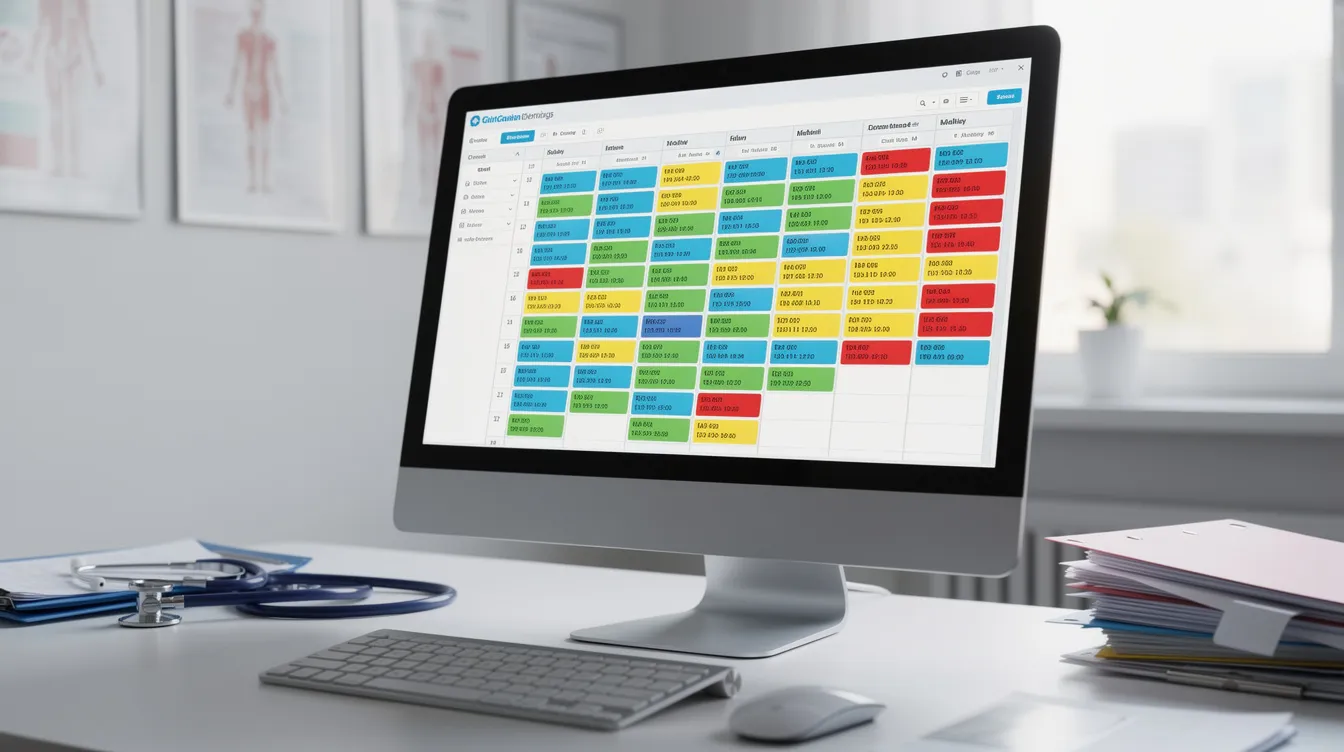
Appointment scheduling and patient flow. The system should manage appointments across multiple providers, multiple locations, and different visit types – new patients, follow-ups, urgent same-day slots. Waitlist management, recurring appointments, and buffer times between visits help you manage appointments without constant manual adjustment. Medical practice management software automates appointment scheduling, which frees your front desk from phone-tag and spreadsheet tracking. Automated appointment reminders sent via text, voice, or email reduce no-shows and keep the schedule full.
Patient registration and insurance. It manages patient registration and insurance information: names, addresses, demographics, insurance carrier details, policy numbers, and copay amounts. Insurance eligibility verification tools help prevent billing rejections and denials before patient visits. Running eligibility checks before the appointment – not at check-in – prevents surprises for both staff and patients.
Medical billing and claims management. This is where revenue cycle management lives. The software includes billing and claims management features: charge capture, coding, claim scrubbing, electronic submission through clearinghouses, and denial tracking. Many practice management platforms offer work queues that let billers prioritize aging or denied insurance claims and resubmit them efficiently. For a deeper look at medical billing software for small practices, specialized tools can complement your core system.
Financial management and reporting. Monitoring charges, collections, adjustments, accounts receivable, and cash flow trends gives practice leaders the data they need. Reporting tools provide visibility into operational performance and financial operations, including collections by payer, provider productivity, and write-off patterns. Tracking medical practice metrics like key performance indicators helps you make informed decisions instead of guessing.
Document management. Storing and organizing referrals, authorizations, consent forms, and insurance card images in a structured way eliminates paper chases. Good document management means tagging, versioning, and linking files directly to the patient record – with access controls and audit logs to stay compliant.
Key Features to Look For
When evaluating practice management software solutions, treat this as a working checklist. Not every feature carries equal weight – rank them by how directly they address your pain points. For a more detailed breakdown, see this guide to practice management software features.
Scheduling and patient management. Look for intuitive calendars that let you see all providers at a glance. Waitlist functions, recurring appointment support, and automated appointment reminders via SMS, email, or voice are table stakes. Patient engagement tools like a patient portal offer self-service options for appointment scheduling, bill viewing, and communication with providers. Online self-scheduling is a strong plus for reducing inbound call volume.
Insurance eligibility and claims. Real-time or batch eligibility checks before visits. Claim status tracking dashboards. Denial work queues with configurable rules based on payer requirements. Insurance claims processing that catches common errors before submission saves your billers hours of rework.
Billing and payments. Support for copay and co-insurance collection at time of service. Flexible payment plans. Clear patient statements. Online payment options. Billing automation reduces the number of manual touches between charge capture and payment posting, which tightens your billing processes and accelerates collections.
Document management. Easy upload, tagging, and retrieval of insurance cards, lab orders, referrals, and financial documents. Secure storage with HIPAA-compliant access controls. HIPAA compliance is essential for safeguarding patient data in medical practice management software – make sure your system enforces role-based access, encryption, and audit logs for all protected health information.
Reporting and analytics. Out-of-the-box reports on no-show rates, accounts receivable aging, collections by payer, and provider productivity. Reporting and analytics tools in medical practice management software track key performance indicators like revenue cycles and patient volume. Data-driven decision-making is enhanced through these reporting features, helping you spot trends before they become problems.
Integration capability. Your practice management system needs to connect with existing systems – your EHR, clearinghouse, payment processor, and communication tools. Ask about APIs, data flow direction, sync frequency, and error handling. Integration reduces friction across your entire stack.
Benefits for Medical Practices
The payoff from comprehensive practice management solutions goes beyond convenience. It ties directly to your financial health, your team’s workload, and your patients’ experience.
Operational efficiency. Automated workflows in medical practice management systems help optimize staff time and reduce manual data entry. When your front desk no longer manually calls patients with reminders, and your waitlist auto-fills open slots, your team reclaims hours every week. Practice management software reduces the administrative burden and improves efficiency across every role. Fewer manual steps mean fewer hand-offs and fewer errors. For more strategies on improving daily operations, explore this medical office efficiency playbook.
Improved financial performance. When eligibility is checked before the visit, claims go out clean, and denials are worked promptly, your operational and financial performance improves noticeably. Better visibility into unpaid balances means fewer overlooked charges. Faster claim turnaround shortens the gap between delivering care and collecting payment.
Better patient experience. Patients notice when things run smoothly. Automated reminders improve patient satisfaction and reduce no-shows. Shorter hold times, clearer communication about their benefits and balances, and fewer billing surprises at checkout all contribute to patient engagement. When a practice meets patient expectations consistently, retention follows.
Stronger team alignment. Centralized communication improves team alignment and accountability. When front desk staff, billers, administrative personnel, and practice managers all work from the same data – schedules, balances, patient data, documentation – there are fewer handoffs, fewer misunderstandings, and clearer ownership of tasks.
Scalability. If your medical practice is growing – adding providers, opening multiple locations, or expanding service lines – the right practice management system scales with you. Standardized workflows, shared reporting tools, and consistent scheduling rules across sites mean you don’t rebuild processes from scratch every time you grow.

Common Challenges and Pitfalls
Even well-designed medical office software can create new problems if the selection or rollout is handled poorly. Here are the most common traps and how to avoid them.
Complexity and training. A system with too many clicks or non-intuitive workflows frustrates staff and slows adoption. The learning curve is real – if onboarding is rushed, people revert to workarounds. Mitigation: test the software with actual end users before you buy. Insist on role-based training, not a one-size-fits-all walkthrough.
Integration gaps. If your practice management software doesn’t connect cleanly with your EHR, clearinghouse, or communication tools, you end up with inconsistent data across multiple systems. That leads to duplicate data entry, mismatched records, and billing errors. Mitigation: ask for integration references and test data flows in a sandbox before go-live.
Hidden costs. Medical practice management software pricing varies widely by provider. Costs may include one-time license fees or monthly subscriptions. Additional costs can arise from configuration and data migration, premium support, add-on modules, or interface development. Tiered subscription models are common in practice management software, and custom pricing is often available based on practice size and needs. Mitigation: request a fully itemized quote and ask specifically about recurring fees that aren’t in the base price.
Underused features. Many healthcare organizations invest in comprehensive practice management solutions but only use scheduling and basic billing. Reporting tools, document management, billing automation, and eligibility checks often sit idle. That means you’re paying for capability you never activate. Mitigation: map your workflows during selection and build an adoption plan that rolls out features in phases.
Change management. Resistance from administrative personnel used to legacy systems is predictable. Without clear ownership of process redesign, the new system becomes a source of frustration rather than practice efficiency. Mitigation: appoint an internal champion, set realistic adoption timelines, and create space for feedback from staff.
How to Choose the Right Practice Management Solution
Strategy comes before software. Define your problems first, then evaluate tools.
Assess your workflows. Map the patient journey from first contact through scheduling, check-in, visit, billing, and follow-up. Note where bottlenecks hit – long hold times, delays in insurance eligibility verification, high denial rates, lost referrals. These bottlenecks become your selection criteria.
Prioritize requirements. Separate must-have capabilities from nice-to-have features. If your biggest issue is denied claims, claim scrubbing and denial tracking are must-haves. If phone volume is overwhelming your front desk, after-hours call handling and patient engagement tools belong at the top. Don’t let demo gloss drive the decision.
Evaluate usability. Ask software providers for demos to find the best fit for your needs. Have your front desk staff, billers, and clinical support test common tasks: scheduling a visit, running an eligibility check, posting a payment, pulling a report. Count the clicks. If it takes too long, your team won’t use it.
Check integration needs. Confirm how the system connects to your EHR, clearinghouse, and communication channels. Practice management software integrates with EHR systems for efficiency – but integration quality varies. Ask about data flow direction, sync frequency, and how errors are handled. Consider your practice size and future expansion plans when choosing software, and evaluate how well a platform fits your current workflows and technology.
Vendor due diligence. Ask about security posture, HIPAA compliance documentation, support responsiveness, update cadence, and system uptime history. Review the product roadmap – are features you need under active development?
Pilot before committing. Run a sandbox or limited pilot with real scenarios – common visit types, cancellations, denials, pre-visit forms. Implementation time varies from 4 weeks to over 12 months depending on practice size and complexity, so plan accordingly.
The right practice management software is the one that solves your actual problems, not the one with the longest feature list.
Where Patient Communication and Phone Handling Fit
Even the strongest practice management software usually relies on separate tools for patient communication – especially inbound and outbound phone calls. This is where many practices still struggle.
The typical gaps are familiar: missed calls during peak hours, long hold times, after-hours voicemails that pile up, and manual documentation of phone encounters. Healthcare providers and their teams end up playing phone tag with patients, pharmacies, and referring offices. Patients who can’t get through may delay care or go elsewhere.
AI voice agents are emerging as a practical layer that sits alongside the core practice management system to handle routine call volume. These tools answer inbound patient calls for scheduling, intake questions, and general information. They can also place outbound calls for reminders, follow-ups, and prescription refill requests. Simbie AI is one example of an AI voice agent platform built for medical practices. It handles inbound and outbound patient phone calls – covering scheduling, intake, reminders, refill requests, and call routing – and is designed to make sure calls are answered rather than sent to voicemail. Practices looking to address phone handling gaps and after-hours coverage can explore an AI-driven medical answering service as a complement to their existing stack.
These tools do not replace your practice management system or your EHR. They complement them by making sure patient communication stays timely and calls are not lost. When your practice management software handles the business engine and a communication layer handles the phones, patients are less likely to fall through the cracks between visits. That combination – strong practice operations paired with responsive communication – is what separates a successful practice from one that’s constantly catching up.