

In a busy healthcare setting, standardized and efficient documentation is crucial for clarity, patient care, and compliance. Creating these reports from scratch is time-consuming and often leads to inconsistencies across a practice. This is where high-quality sample medical report templates become invaluable, providing a structured foundation that saves clinicians and administrative staff significant time while improving the quality of medical records.
This guide simplifies your search by curating the best resources for downloadable templates. We will explore a comprehensive list of websites and platforms offering everything from general SOAP notes and discharge summaries to specialized pathology and radiology reports. For each resource, you'll find a clear breakdown of its best use cases, key features, and important considerations like HIPAA compliance and EMR integration. To truly streamline your documentation and ensure compliance, understanding current medical record documentation standards is essential.
Our goal is to help you quickly identify the perfect solution for your specific workflow. We provide direct links and practical insights to help you move from searching for a template to implementing it seamlessly within your practice. Let's dive into the top options available.
1. Template.net
Template.net offers a massive library of downloadable documents, making it a valuable resource for clinics that want to standardize their paperwork without adopting new software. Unlike EMR-integrated form builders, this platform provides sample medical report templates in familiar, editable formats like Microsoft Word, Google Docs, and PDF. This approach is ideal for practices looking to quickly download and customize files for local use.
The platform hosts a wide variety of layouts, including diagnosis reports, case summaries, annual physical forms, and more specialized documents. While many templates are free, a premium subscription unlocks the full collection. It is crucial to remember that Template.net is not a HIPAA-compliant system for handling Protected Health Information (PHI). Users are fully responsible for ensuring their storage, editing, and sharing practices meet all regulatory requirements. For a deeper understanding of formatting requirements in different clinical scenarios, explore these common medical report formats.
Key Features & Takeaways:
- Formats Available: Microsoft Word, Google Docs, Apple Pages, PDF
- Pricing: Offers both free downloads and a premium subscription model for full access.
- Best For: Practices needing ready-made, editable document layouts for offline use and standardization.
- Compliance Note: The service itself is not a PHI-handling platform; HIPAA compliance depends entirely on the user's own processes for managing the downloaded files.
2. Jotform
Jotform transitions from static documents to dynamic online forms, offering a powerful platform for digital data collection. Its extensive template gallery provides sample medical report templates for physician statements, case reports, and patient summaries that can be deployed instantly. The drag-and-drop builder allows for deep customization, making it simple to add e-signature fields, file uploads, and conditional logic to streamline clinical workflows without needing to code.
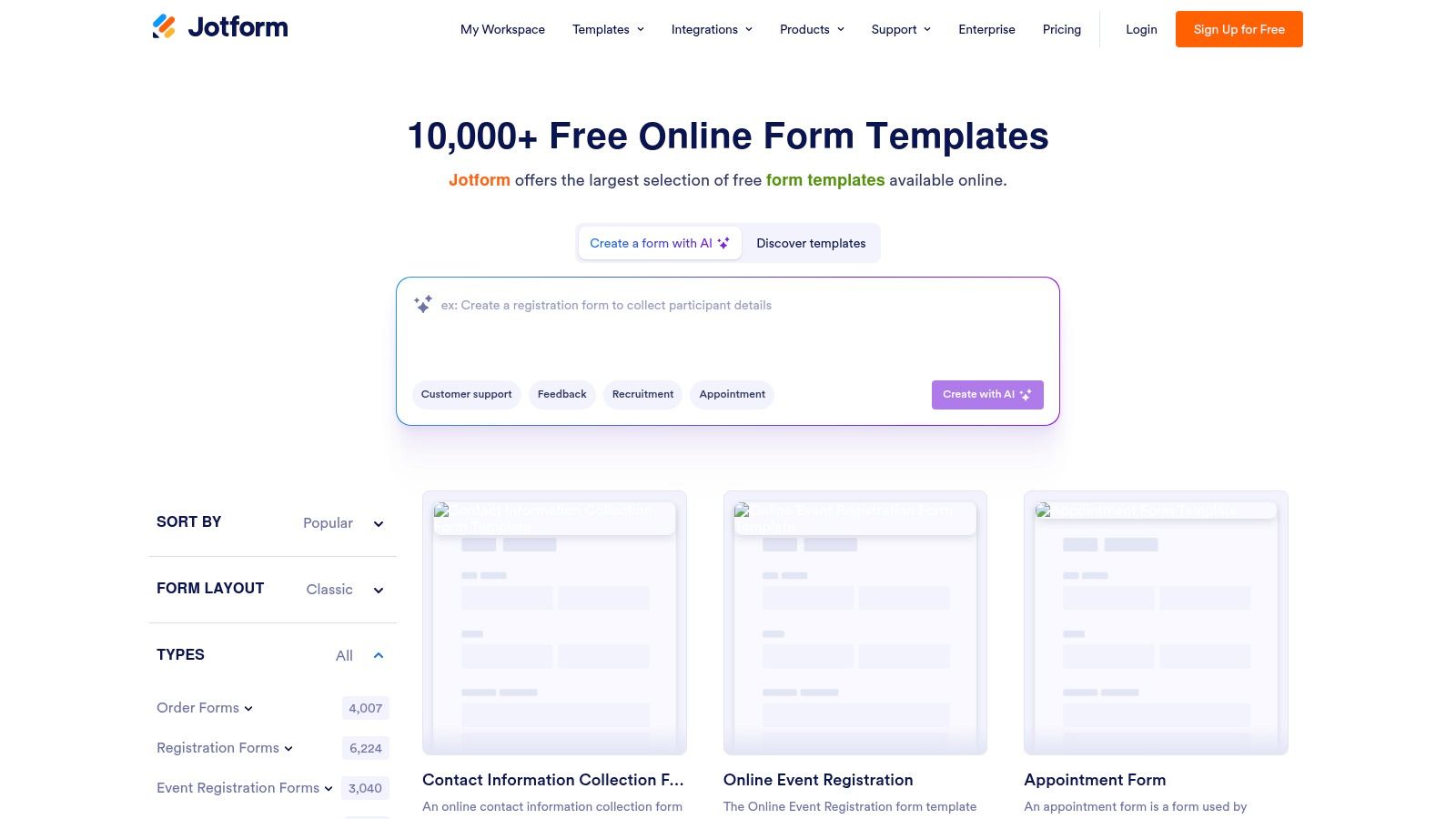
Unlike downloadable files, Jotform's strength lies in creating interactive, mobile-friendly forms for live data entry. While a free plan exists, accessing the platform's HIPAA-compliant features requires a paid subscription, which is essential for handling any patient data. These features make it an excellent choice for digitizing patient-facing paperwork. For more ideas on modernizing your data collection, review these best practices for medical intake forms. Its ability to integrate with tools like Google Drive and Salesforce also allows for automated data routing.
Key Features & Takeaways:
- Formats Available: Web-based forms, exportable to PDF.
- Pricing: Free plan with limitations; paid plans (Silver and higher) are required for HIPAA compliance.
- Best For: Practices seeking to digitize data collection with interactive, secure, and mobile-friendly online forms.
- Compliance Note: HIPAA-compliant features are a specific offering on paid plans. Users must sign a Business Associate Agreement (BAA) with Jotform and configure their account correctly to ensure compliance.
3. RSNA RadReport
For imaging centers and radiology departments, RSNA RadReport provides a specialized and authoritative library of structured reporting templates. This free resource, curated by the Radiological Society of North America (RSNA), offers peer-reviewed templates that are not just documents but tools for creating standardized, machine-readable reports. By using RadLex terminology, these sample medical report templates ensure consistency and clarity in imaging findings across various modalities like CT, MRI, and ultrasound.
The platform is designed for clinical precision, providing layouts for everything from chest X-rays to complex neurological scans. Unlike general template sites, RadReport focuses exclusively on radiology and even provides API access for integration into PACS or EMR systems. This makes it an invaluable resource for departments aiming to elevate their reporting quality and interoperability. Access is free, but integrating the templates into a local workflow may require technical support from an IT team or vendor. For more details on integrating such structured data, refer to best practices for medical data entry.
Key Features & Takeaways:
- Formats Available: Viewable online, downloadable, and accessible via API for EMR/PACS integration.
- Pricing: Completely free to access and use.
- Best For: Radiology departments, imaging centers, and hospitals seeking to standardize diagnostic reporting with authoritative, peer-reviewed templates.
- Compliance Note: The templates themselves are content standards. Users are responsible for ensuring the systems they are imported into (like an EMR or PACS) are HIPAA-compliant for storing and transmitting PHI.
4. College of American Pathologists (CAP) – Cancer Protocol Templates
For pathology and oncology, the College of American Pathologists (CAP) provides the gold standard in reporting. Rather than general forms, CAP offers highly specialized, evidence-based sample medical report templates known as cancer protocols. These templates are structured as synoptic checklists, ensuring that all required data elements for cancer staging and diagnosis, aligned with WHO and AJCC guidelines, are captured consistently. This approach is critical for accreditation, quality reporting, and interoperability between care teams.
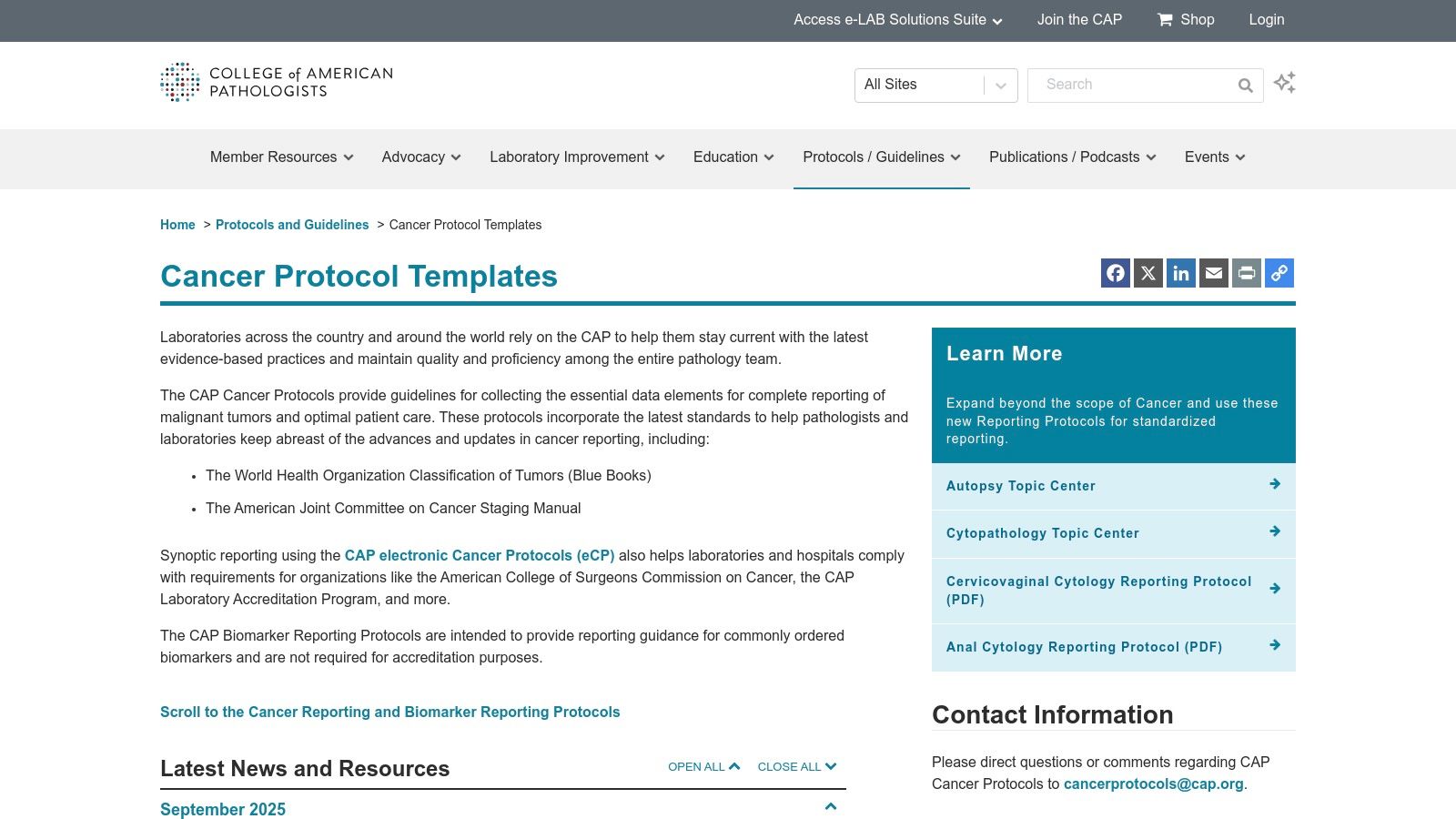
The protocols are available as free downloadable PDFs for immediate use or reference. For deeper integration, CAP licenses electronic Cancer Protocols (eCC) that can be embedded directly into a laboratory information system (LIS) or EMR. While not a source for general medical reports, CAP is an indispensable resource for any practice involved in cancer diagnostics, as these templates form the backbone of modern pathology reporting. Adopting such standardized formats is a key component of any successful clinical documentation improvement program.
Key Features & Takeaways:
- Formats Available: PDF (free downloads), proprietary electronic formats (eCC) for LIS/EMR integration via licensing.
- Pricing: PDF versions of the protocols are free. The electronic eCC modules require a license for integration.
- Best For: Anatomic pathology labs, oncology departments, and healthcare systems needing to standardize surgical pathology cancer reporting.
- Compliance Note: The templates are designed to help labs meet and exceed regulatory and accreditation requirements from bodies like The Joint Commission and the American College of Surgeons Commission on Cancer (CoC).
5. Formstack
Formstack transitions from simple downloadable files to a powerful, HIPAA-capable online form builder designed to digitize clinical workflows. Instead of static documents, it provides a platform to create secure, interactive forms for patient intake, medical history, and consent. Its key strength is turning submitted data directly into polished, report-style PDF documents, bridging the gap between data collection and final documentation. This makes it an excellent choice for clinics aiming to automate their paperwork processes from start to finish.
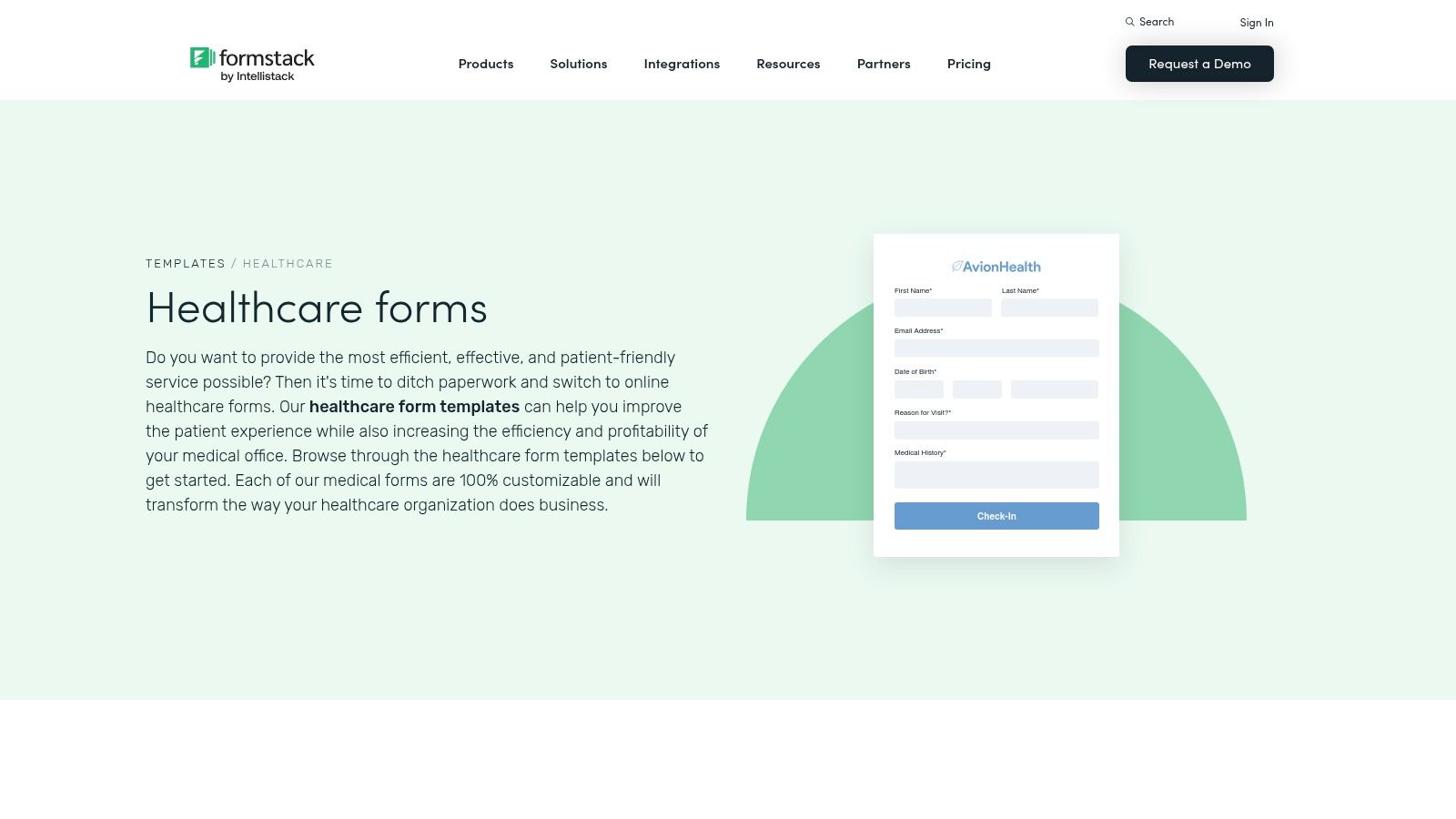
The platform offers a gallery of healthcare templates, including therapy progress notes and medical release forms, which serve as a great starting point. Users can leverage conditional logic to create dynamic forms that adapt to patient answers, ensuring only relevant information is requested. While Formstack’s robust compliance features and automation capabilities are impressive, accessing its full HIPAA-compliant toolkit requires a specific subscription plan. The learning curve can also be steeper for building complex, multi-step workflows compared to just downloading a simple Word file.
Key Features & Takeaways:
- Formats Available: Interactive web forms that generate secure PDFs and data exports.
- Pricing: Subscription-based, with specific plans required for HIPAA compliance features.
- Best For: Practices focused on digitizing patient data collection and automating the creation of reports from that data.
- Compliance Note: Offers a HIPAA-compliant solution, including Business Associate Agreements (BAAs), audit logs, and encryption, but these features are tied to higher-tier plans.
6. Cognito Forms
Cognito Forms transitions from simple document downloads to a powerful, secure online form builder. While it provides a healthcare template library for items like medical history and patient registration, its core strength lies in its automation and compliance capabilities. The platform allows clinics to build dynamic forms with conditional logic, collect e-signatures, and generate polished documents from submissions. This makes it ideal for creating interactive, web-based intake processes.
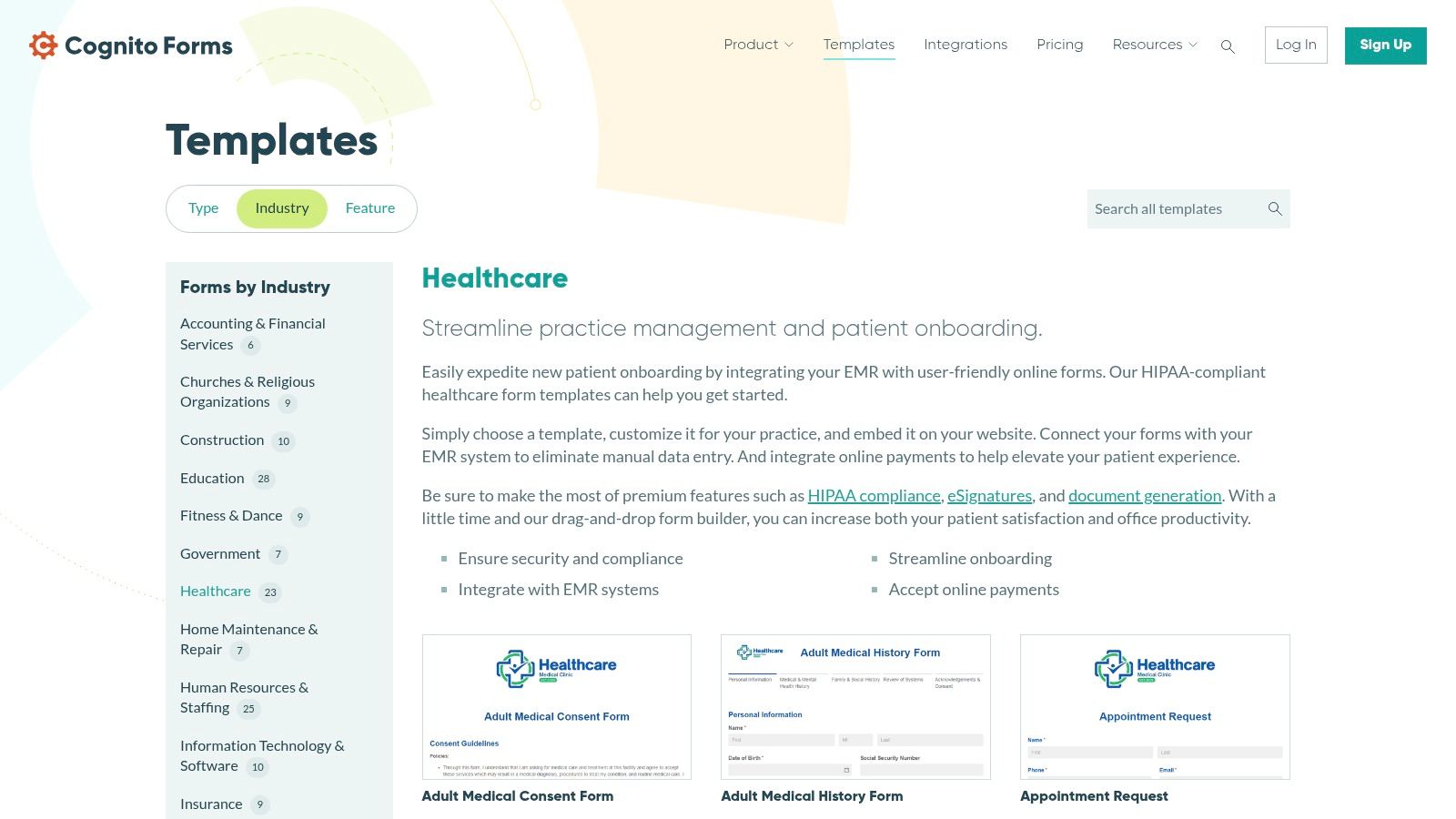
Unlike basic template repositories, Cognito Forms is designed for active data collection and can be made HIPAA-compliant. This requires subscribing to their Enterprise plan and signing a Business Associate Agreement (BAA), ensuring that any Protected Health Information (PHI) is handled securely. While its native library of sample medical report templates is more focused on administrative tasks than clinical notes, the tool is flexible enough to build custom reports from scratch. Its workflow automation features can streamline everything from patient onboarding to referral management. You can explore their healthcare templates directly at Cognito Forms.
Key Features & Takeaways:
- Formats Available: Web forms that can generate PDF or Word documents.
- Pricing: Free and paid tiers are available, but HIPAA compliance requires the Enterprise plan.
- Best For: Clinics needing to create secure, automated online forms for patient intake, consent, and registration.
- Compliance Note: HIPAA compliance is a key feature but is only available on the Enterprise plan with a signed BAA. Lower-tier plans are not suitable for handling PHI.
7. forms.app
forms.app specializes in creating online forms, offering a streamlined solution for practices that need to quickly deploy digital documents. Rather than providing downloadable files, this platform focuses on embeddable web forms, making it simple to collect patient information through a website or a direct link. It offers a variety of sample medical report templates and other healthcare forms, designed for rapid customization and digital-first workflows. This is ideal for small clinics needing straightforward patient intake or feedback collection without complex system integrations.
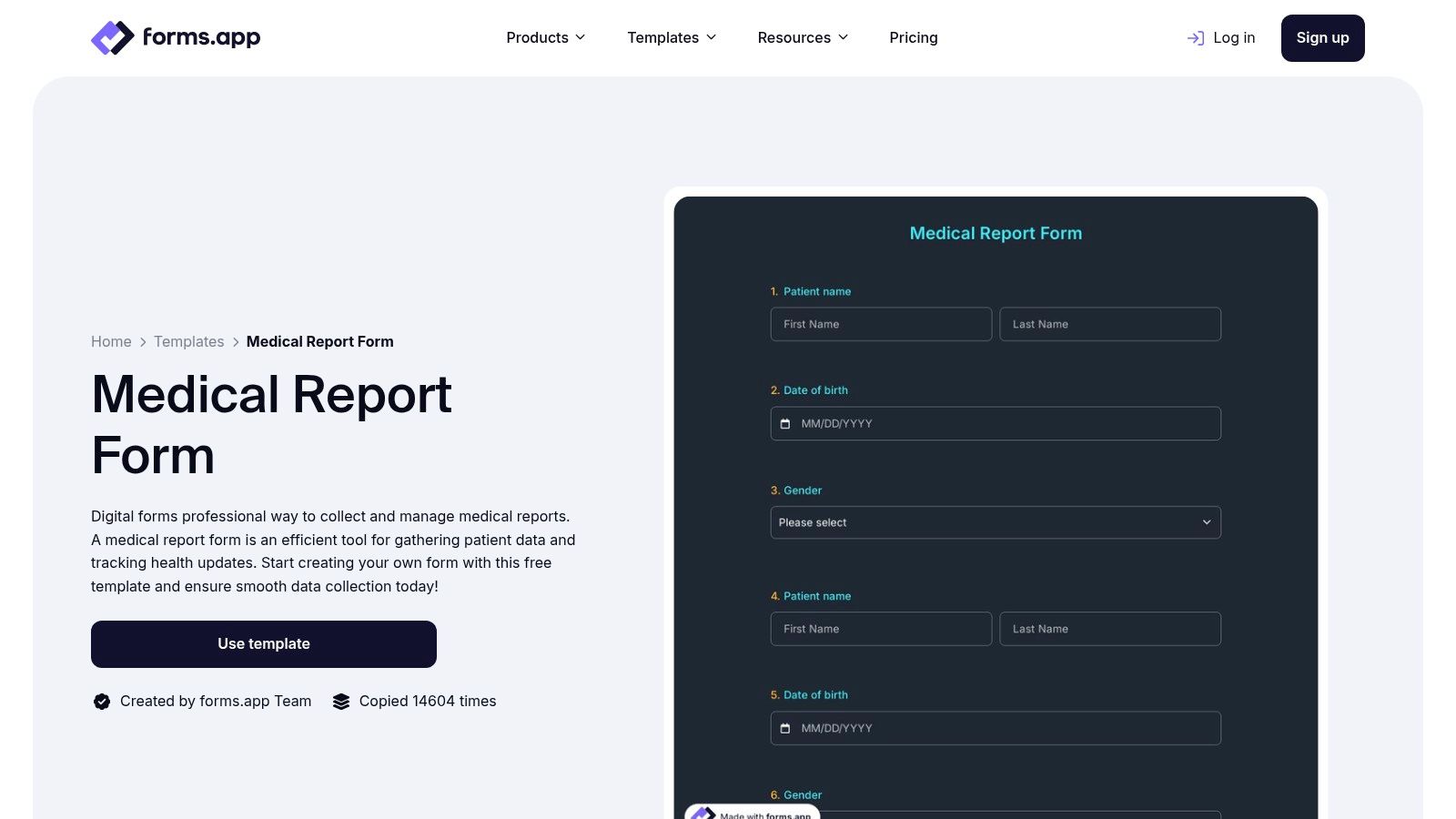
The platform stands out with its user-friendly interface, conditional logic, and AI-assisted template creation for fast setup. While it provides a free tier suitable for testing simple use cases, it's important to note its compliance features may be less robust than dedicated US-based healthcare platforms. It is best suited for non-PHI data collection or for practices operating in regions with different regulatory standards. Users must verify its HIPAA compliance capabilities for their specific needs before handling sensitive patient data.
Key Features & Takeaways:
- Formats Available: Online/Web Forms (embeddable, shareable links)
- Pricing: A free plan is available; paid subscriptions unlock advanced features and higher submission limits.
- Best For: Small practices needing fast, low-friction digital forms for websites or direct patient sharing.
- Compliance Note: While offering security features, practices handling PHI should carefully vet its HIPAA compliance status, as it may not meet the stringent requirements of larger, US-focused healthcare systems.
8. pdfFiller (airSlate)
For practices that rely heavily on a PDF-based workflow, pdfFiller offers a powerful online editor combined with a large library of fillable forms. Rather than focusing on proprietary web forms, the platform allows teams to upload, edit, and manage existing PDFs or customize its extensive collection of sample medical report templates. This approach is perfect for clinics that need to quickly digitize their paper-based processes and add capabilities like e-signatures without overhauling their entire system.
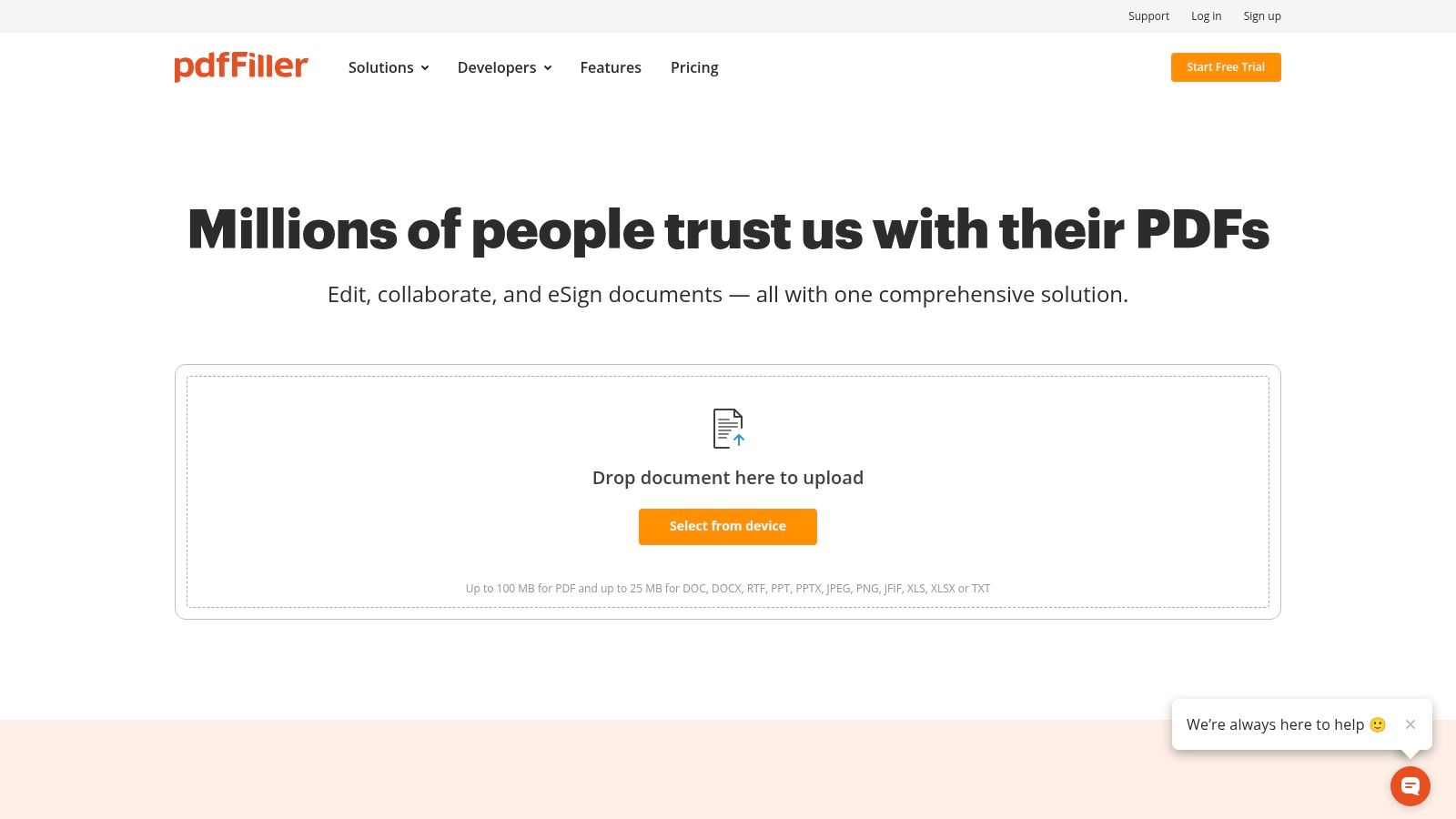
The platform supports collaborative editing, cloud storage, and robust e-signature functionality, making it a comprehensive tool for managing documentation. While the broader airSlate ecosystem offers HIPAA-compliant plans, users must carefully review their specific subscription to ensure it meets regulatory standards for handling PHI. The quality of pre-made templates can vary, so it is crucial for clinical staff to review and validate any form for accuracy and appropriateness before deployment in a patient care setting.
Key Features & Takeaways:
- Formats Available: Primarily PDF; supports uploading and converting Word documents.
- Pricing: Subscription-based, with different tiers available (Basic, Plus, Premium).
- Best For: Teams that need to edit, sign, and manage PDF documents online collaboratively.
- Compliance Note: HIPAA-compliant business plans are available, but users must confirm their subscription level provides the necessary controls and sign a Business Associate Agreement (BAA).
9. airSlate SignNow
airSlate SignNow specializes in e-signature and document workflow automation, making it an excellent tool for clinics focused on finalizing and distributing reports. Rather than providing a broad library, it offers targeted sample medical report templates, such as its "Final Medical Report," designed to be integrated directly into a signature and routing process. This platform is ideal for practices that need to streamline the final approval stages of clinical documentation, ensuring reports are signed and archived efficiently.
The primary strength of SignNow is its ability to turn a static report into an actionable, trackable workflow. Users can easily add signature fields, route documents to multiple providers for sign-off, and store the completed, legally binding reports securely. While its templates may not offer the deep clinical structure of specialty-specific forms, they provide a solid foundation for general-purpose reporting that requires formal approval. Its integrations with common tools like Gmail and Chrome also simplify sharing and signing tasks within existing workflows.
Key Features & Takeaways:
- Formats Available: Web-based forms, PDF output
- Pricing: Requires a subscription for most business features, including advanced routing and template reuse.
- Best For: Clinics needing to formalize the sign-off and distribution of finalized medical reports.
- Compliance Note: SignNow is HIPAA compliant, providing a secure platform for handling and signing documents containing PHI.
10. PDFSimpli
PDFSimpli provides a lightweight, browser-based solution for creating and editing individual documents. Its strength lies in offering a focused sample medical report template that users can quickly fill out, customize, and export as a PDF or Word file. This platform is particularly useful for small clinics or solo practitioners who need to generate a standardized, printable report on an ad-hoc basis without the complexity of a full-scale document management system.
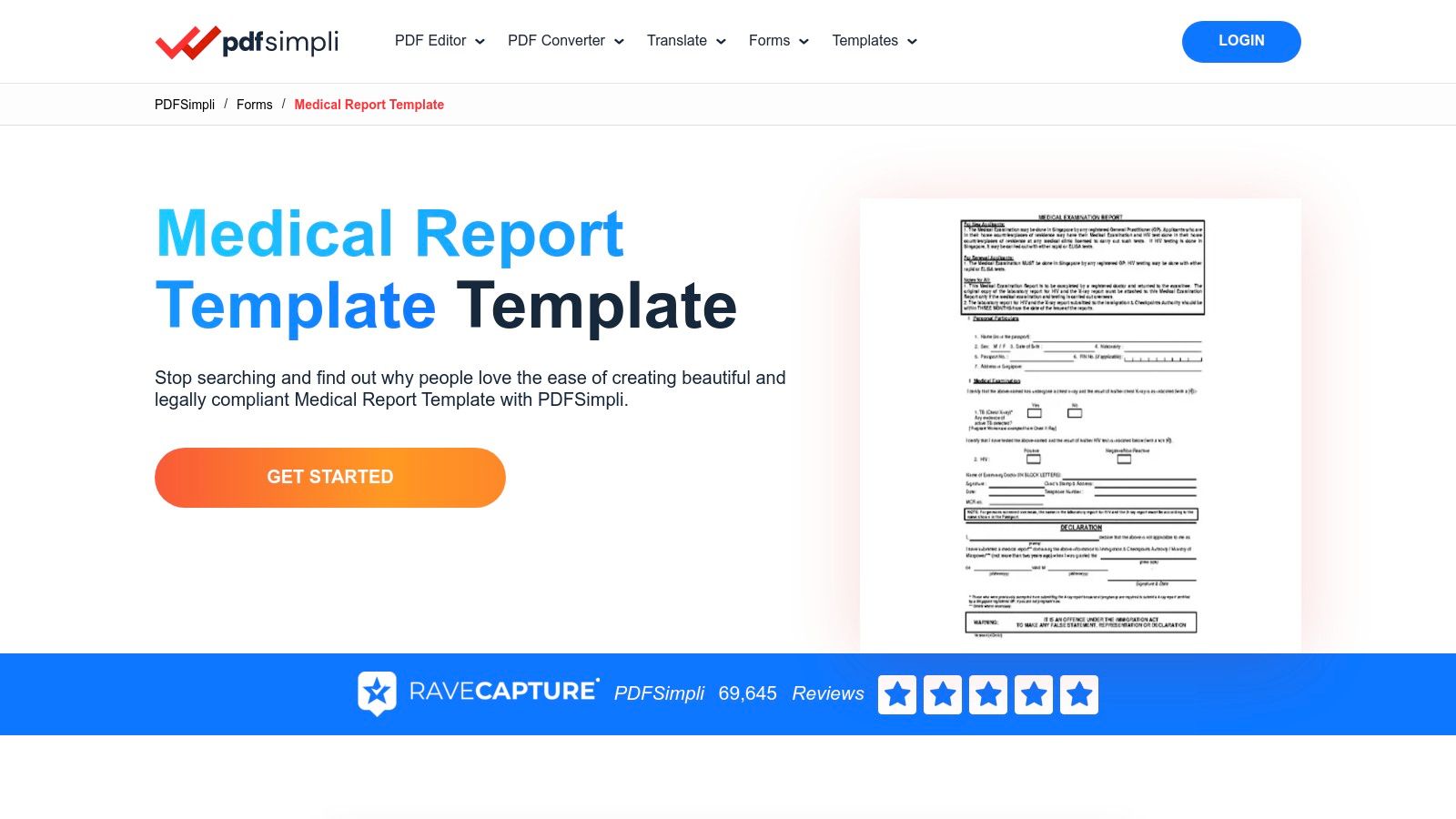
The platform guides users through the template with a simple step-by-step workflow, making it accessible even for non-technical staff. Features like e-signatures and document conversion add practical value for one-off needs. However, PDFSimpli is not designed as a HIPAA-compliant platform for managing patient records. The responsibility for securing any Protected Health Information (PHI) within the created documents falls entirely on the user. Its template selection is also more limited compared to larger repositories.
Key Features & Takeaways:
- Formats Available: PDF, Microsoft Word
- Pricing: Requires a subscription or a trial to download and use the templates.
- Best For: Solo practitioners or small teams needing a simple tool for creating one-off, printable medical reports.
- Compliance Note: This is a general document editor, not a HIPAA-compliant healthcare tool. Users must manage PHI security and privacy independently after exporting files.
11. US Legal Forms
US Legal Forms occupies a specific niche by providing attorney-drafted documents tailored for medico-legal, insurance, and employment contexts. Rather than focusing on daily clinical notes, this platform offers sample medical report templates designed for legal completeness. Its templates are structured to help clinicians document causation, diagnosis, treatment, and prognosis in a way that satisfies the stringent requirements of legal and insurance claims processes.
The primary advantage of US Legal Forms is its focus on saving clinicians time when generating reports for non-clinical workflows. The documents are available for instant download in editable formats like Microsoft Word, providing a clear framework for legally sound reporting. However, these templates are not intended for routine patient encounters and lack features like EMR integration or e-signatures. Practices must pair them with other tools and ensure their own handling of the downloaded files is HIPAA-compliant.
Key Features & Takeaways:
- Formats Available: Microsoft Word, RTF
- Pricing: Templates are available for individual purchase or through a premium subscription.
- Best For: Clinicians and practices that frequently produce medical reports for legal cases, insurance claims, or workers' compensation.
- Compliance Note: The platform provides downloadable files; users are solely responsible for managing the documents in a HIPAA-compliant manner after download.
12. Smartsheet – Medical Forms & Templates
Smartsheet offers a curated collection of free, downloadable medical forms that bridge the gap between simple documents and structured data management. While it provides downloadable sample medical report templates in familiar Word, Excel, and PDF formats, its true strength lies in integrating these forms into the Smartsheet platform. This approach is perfect for practices that need both standard templates for immediate use and a pathway to more advanced workflow automation and data tracking.
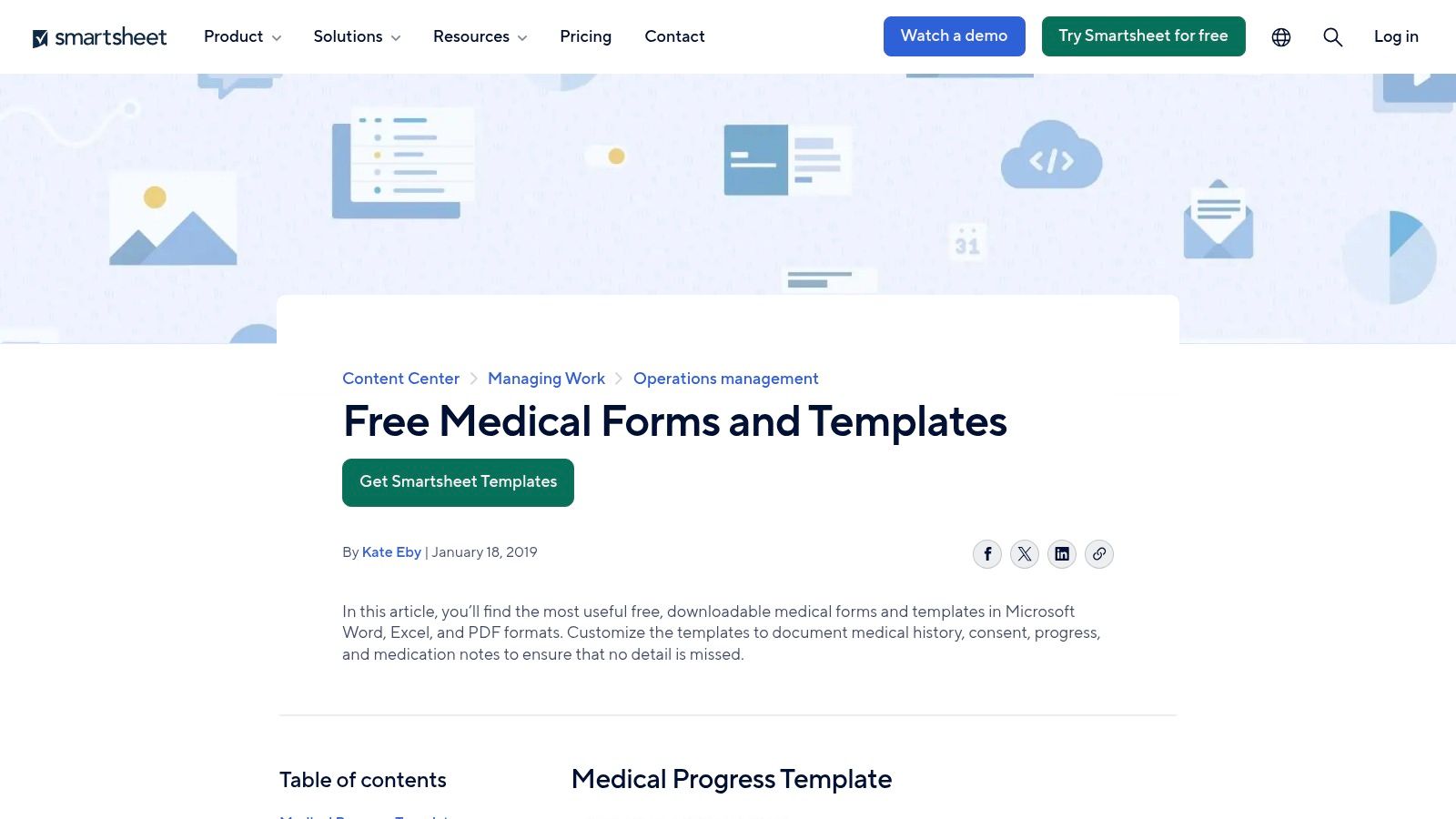
The available templates cover a range of operational and clinical needs, including medical history, progress notes, medication lists, and patient sign-in sheets. For those seeking more than static files, these templates can be built out as dynamic sheets within Smartsheet to automate processes, set reminders, and centralize information. While the basic templates are free, unlocking the platform's full automation capabilities requires a subscription. As with other non-EMR sources, users are responsible for implementing HIPAA-compliant procedures for handling any PHI with the downloaded files.
Key Features & Takeaways:
- Formats Available: Microsoft Word, Excel, PDF, and native Smartsheet format.
- Pricing: The template downloads are free; using the Smartsheet platform for advanced workflows requires a paid subscription.
- Best For: Clinics and administrative teams that want both downloadable forms and a powerful platform for operational tracking and workflow automation.
- Compliance Note: The free templates are not inherently HIPAA-compliant. Compliance is dependent on the user's storage and handling protocols. The Smartsheet platform itself can be configured for HIPAA compliance with an Enterprise plan.
Top 12 Medical Report Template Providers Comparison
| Product | Core features | Unique selling point | Compliance & Integration | Best for | Price & quality |
|---|---|---|---|---|---|
| Template.net | Editable Word/Google/PDF medical templates across specialties | ✨ Large downloadable, ready-to-edit library | No built-in HIPAA; user-managed PHI | 👥 Practices wanting quick doc standardization | 💰 Free + premium · ★★★ |
| Jotform | Drag‑and‑drop forms, e-sign, file uploads, templates | ✨ Rapid digital intake & mobile workflows | HIPAA-capable on eligible paid plans; strong integrations | 👥 Clinics needing online intake & forms | 💰 Paid HIPAA tiers · ★★★★ |
| RSNA RadReport | Peer-reviewed, RadLex-aligned radiology templates | 🏆 Specialty-grade, authoritative reporting templates | Free access; API for EMR/vendor integration | 👥 Radiology departments & imaging vendors | 💰 Free · ★★★★★ |
| CAP – Cancer Protocols | Synoptic cancer pathology protocols (WHO/AJCC-aligned) | 🏆 Gold‑standard oncology reporting for accreditation | PDFs free; eCC electronic modules via license for LIS/EMR | 👥 Pathology labs & cancer programs | 💰 Free PDFs / licensed eCC · ★★★★★ |
| Formstack | HIPAA-capable form builder, conditional logic, automations | ✨ Compliance tooling & audit trails for clinical workflows | HIPAA on specific plans; broad integrations | 👥 Practices → enterprise health systems | 💰 Subscription; plan-based HIPAA · ★★★★ |
| Cognito Forms | Conditional logic, e-sign, document generation, templates | ✨ Enterprise BAA option for HIPAA-ready use | HIPAA available with Enterprise + BAA | 👥 Clinics needing secure PHI handling | 💰 Enterprise required for HIPAA · ★★★★ |
| forms.app | 200+ medical templates, embedding, AI-assisted template creation | ✨ Low-friction, AI-assisted setup for fast deployment | Limited HIPAA/compliance compared with US enterprise vendors | 👥 Small practices & fast testers | 💰 Free tier available · ★★★ |
| pdfFiller (airSlate) | Online PDF editor, fillable templates, e-sign, collaboration | ✨ Familiar PDF/Word workflow for non-technical staff | HIPAA controls exist in ecosystem; plan-dependent | 👥 Teams preferring PDF-based reports | 💰 Subscription · ★★★ |
| airSlate SignNow | eSignature, routing, archiving, prebuilt report templates | ✨ Fast signature-centric finalization & distribution | E-sign compliance features; advanced routing on paid plans | 👥 Clinics needing signatures & signing workflows | 💰 Paid plans · ★★★ |
| PDFSimpli | Lightweight editor, export to PDF/Word, e-sign | ✨ Quick one-off printable report creation | Not a HIPAA/PHI platform | 👥 Small teams / ad-hoc printable reports | 💰 Low-cost · ★★★ |
| US Legal Forms | Attorney-drafted Word/RTF medico-legal templates | 🏆 Legal-focused, medico-legal completeness for claims | Download-only; no built-in workflow or signing | 👥 Legal, insurance, occupational medicine use | 💰 Pay-per-download · ★★★★ |
| Smartsheet – Medical Templates | Downloadable Word/Excel/PDF templates + Smartsheet workflows | ✨ Operational tracking + automation when on platform | HIPAA depends on storage/process; platform subscription for workflows | 👥 Ops teams, administrators, clinics tracking workflows | 💰 Free templates; platform subscription · ★★★★ |
Beyond Templates: Automating Documentation for the Modern Practice
Navigating the landscape of clinical documentation can be complex, but the right tools make a significant difference. Throughout this guide, we've explored a variety of powerful platforms, from versatile form builders like Jotform and Formstack to specialized resources like RSNA RadReport and CAP Cancer Protocols. Each offers a unique set of sample medical report templates designed to bring structure, consistency, and compliance to your practice's workflow.
The core takeaway is that a well-chosen template is more than just a document; it's the foundation of an efficient and accurate documentation system. Whether you need a simple SOAP note for daily encounters, a comprehensive H&P for new patients, or a detailed operative report, the right starting point saves time, reduces errors, and ensures all critical information is captured. By leveraging these resources, you can standardize care communication across your entire team.
From Static Forms to Dynamic Workflows
While static templates are a crucial first step, the true evolution in modern healthcare documentation lies in automation. Manually populating even the most well-designed form takes valuable time away from patient care. This is where the synergy between structured templates and intelligent automation creates a paradigm shift.
Imagine a workflow where a patient's history is collected conversationally and the relevant fields in your discharge summary or referral letter are populated automatically. This isn't a future concept; it's a present-day reality powered by AI. For those looking to fully embrace the future, exploring intelligent automation use cases in healthcare can illuminate the potential to transform documentation workflows. This leap forward is about turning a time-consuming administrative burden into a streamlined, background process.
Your Next Steps to Smarter Documentation
To put these insights into action, consider the following steps:
- Audit Your Current Process: Identify your most frequently used reports and pinpoint the biggest time sinks in your documentation workflow. Are there specific reports that consistently cause delays or contain errors?
- Select the Right Foundation: Based on your audit, choose a template provider from our list that best fits your needs. Consider factors like customization options, EMR integration capabilities, and HIPAA compliance features.
- Implement and Standardize: Introduce the chosen templates to your team. Provide clear guidance on their use to ensure everyone is following the same protocol, which enhances data consistency and quality.
- Explore Automation: Once your templates are standardized, investigate how AI-powered tools can automate the data entry process. This is the key to unlocking significant time savings and allowing your clinical staff to operate at the top of their license.
Ultimately, the goal is to build a documentation system that supports your clinicians, not one that hinders them. By combining high-quality sample medical report templates with smart automation, you can reclaim countless hours, improve report accuracy, and dedicate more focus to what truly matters: providing exceptional patient care.
Ready to see how AI can automatically populate your medical templates and eliminate manual data entry? Discover how Simbie AI uses a clinically-trained voice agent to handle patient intakes and instantly fill out your EMR forms. Learn more about Simbie AI and book a demo today.