
Empty slots don’t show up on a report first. They show up at 9:15 on a Tuesday, when the physician is ready, the MA has prepped the room, and the first two patients never arrive. The front desk starts calling. Nobody answers. The schedule already has holes in it, and the day feels behind before it starts.
We’ve seen that pattern in primary care groups, specialty clinics, and multi-site systems. The mistake many practices make is treating no-shows as a patient behavior problem only. In practice, it’s also a systems problem. If your reminder process depends on staff remembering to pull tomorrow’s schedule, dialing manually, leaving voicemails, and hoping for callbacks, you don’t have a reminder system. You have a daily scramble.
The good news is that you can reduce no-shows with automated appointment reminders if you build the process correctly. The tech matters, but the workflow matters more. The practices that get this right do four things well: they pick the right cadence, connect reminders directly to the EMR, keep messages simple and compliant, and redesign front desk work around exceptions instead of routine outreach.
The true cost of an empty appointment slot
At the practice level, an empty slot creates three problems at once. You lose revenue for that time, you waste staff labor that was already scheduled around the visit, and you delay care for someone else who could have used that opening.

In smaller practices, that feels personal because the impact is immediate. One missed physical or follow-up might look manageable in isolation, but a string of no-shows turns a full day on paper into a thin day in reality. Front desk staff end up doing reactive work instead of planned work. Providers get uneven patient flow. Patients who wanted an earlier appointment still sit on a waitlist while booked slots go unused.
We hear the same frustration from managers over and over. They’re not asking for flashy automation. They want fewer surprises, fewer empty exam rooms, and fewer hours spent chasing confirmations.
There’s also a care issue that gets missed in the financial conversation. A no-show isn’t just an operational gap. It can mean delayed medication review, delayed imaging follow-up, or delayed chronic care management. In clinics with long lead times, one missed visit can push care out by weeks.
Empty appointments are rarely caused by one thing. Forgetfulness, unclear instructions, transportation issues, and unanswered phones all mix together, which is why a single reminder channel falls short.
That’s why reminder automation works best when it isn’t treated as a bolt-on tool. It has to become part of scheduling discipline. Once a practice sees reminders as part of access management, not just patient messaging, the conversation changes. The goal isn’t just to “send more texts.” The goal is to make the day more predictable and make it easier for patients to confirm, cancel, or reschedule early enough for the slot to be used.
Building your reminder strategy before you build the tech
A practice buys reminder software on Monday, turns on the default settings on Tuesday, and by Friday the front desk is still calling half the schedule by hand. We see this pattern all the time. The problem usually is not the tool. The practice never decided what the reminder program was supposed to do, who needed which channel, or how staff should respond when a patient does reply.
Set the operating rules first. Then choose software that can support them.
At Simbie AI, we usually start with a whiteboard, not a vendor demo. The questions are operational. How much lead time does the clinic need to refill a canceled slot? Which appointment types create the most downstream disruption if they no-show? Which patient groups answer texts, and which ones only respond to a phone call? Those answers shape the reminder design far more than a feature checklist.
Start with cadence, not features
Reminder timing should match the clinic’s scheduling reality. A primary care follow-up booked two weeks out does not need the same cadence as a specialist consult booked three months in advance. Procedure visits, new patient appointments, and visits with prep instructions usually need more than one touch. Same-day and next-day appointments often need shorter, simpler prompts.
We advise practices to decide a few rules before they evaluate any platform:
- How far in advance the first reminder should go out. The right answer depends on how quickly the clinic can refill openings.
- Which visits need more than one reminder. New patients, high-value slots, procedures, and long-wait appointments usually justify extra outreach.
- What response counts as success. Confirmation matters, but an early cancellation matters too if the staff can offer that slot to someone else.
- When automation should stop and staff should step in. If a patient gives an unclear reply, asks a clinical question, or needs to reschedule a complex visit, the handoff has to be defined.
That last point gets missed. A reminder program is not just an outreach schedule. It is a response-handling system.
Match channels to actual patient behavior
Practices often overvalue the cheapest channel and undervalue the one that gets a response. Text messaging is fast and efficient. Email is useful for instructions, forms, and location details. Voice still matters, especially in populations with older adults, landlines, shared phones, limited digital literacy, or patients who routinely ignore text messages.
HIPAA-compliant voice AI fills a gap that SMS and email cannot cover on their own. A text can ask for a yes or no. A voice conversation can confirm attendance, capture a cancellation reason, offer rescheduling options, and escalate edge cases without sending every exception back to the front desk. That matters in real clinics, because patient behavior is messy. Replies are incomplete. Numbers are outdated. People miss the text, then answer the phone while driving home from work.
We have also seen channel choice vary by specialty. Pediatrics may rely heavily on text because parents respond quickly. Orthopedics and cardiology often need stronger voice coverage. Multi-location groups usually need different mixes by site, not one corporate rule applied everywhere.
If the practice expects the reminder system to stay aligned with scheduling data, patient preferences, and appointment status changes, the design has to account for the underlying system connections early. Our team usually maps that before launch through the EMR integration planning work so reminder logic is tied to live appointment data instead of static exports.
Keep each message focused
Each reminder should drive one clear action. Confirm. Cancel. Request a callback. Reschedule.
Once a message tries to do all four, response quality drops. Patients reply with free text, staff have to interpret it, and the automation loses its value. We have seen clinics cram parking instructions, prep guidance, portal login help, copay reminders, and cancellation language into one SMS. The result is predictable. Patients skim it or ignore it.
A better pattern is simple:
| Channel | Best use | Main limitation |
|---|---|---|
| SMS | Quick confirmation or cancellation | Weak for nuance and long instructions |
| Forms, prep steps, telehealth links, detailed directions | Lower urgency and lower engagement | |
| Automated voice | Patients less likely to engage by text, landlines, higher-friction confirmations | Poorly designed voicemail flows get ignored |
| Voice AI or live staff follow-up | Complex reschedules, unclear responses, high-value visits | Costs more, so use it where it changes outcomes |
The message itself should stay short enough that a patient can act on it immediately. If extra details are necessary, link out, route to staff, or save them for a second message tied to confirmed appointments.
Build the workflow before launch
Reminder strategy fails most often at the handoff points. Who owns undelivered messages? Who works the cancellation list? Who calls back patients who say they need transportation help, can’t make the time, or want to switch from in-person to telehealth? If those decisions are not made up front, automation just creates a new pile of exceptions.
We tell practices to test their strategy against a normal clinic day, not an ideal one. Assume some messages will bounce. Assume some patients will reply in free text. Assume someone will press the wrong button, call back on the main line, or ask a billing question in response to an appointment reminder. Good reminder systems are designed around those realities.
The best reminder strategy is boring on purpose. Staff know what gets sent, when it gets sent, what counts as a valid response, and which situations trigger human follow-up. That clarity matters more than a long feature list.
EMR Integration: An Essential Step
If your reminder platform sits outside the scheduling system, staff will end up doing double work. We’ve seen teams export tomorrow’s schedule into a spreadsheet, upload it into a reminder tool, then manually update confirmations back into the EMR. That’s not automation. It’s a new clerical task.
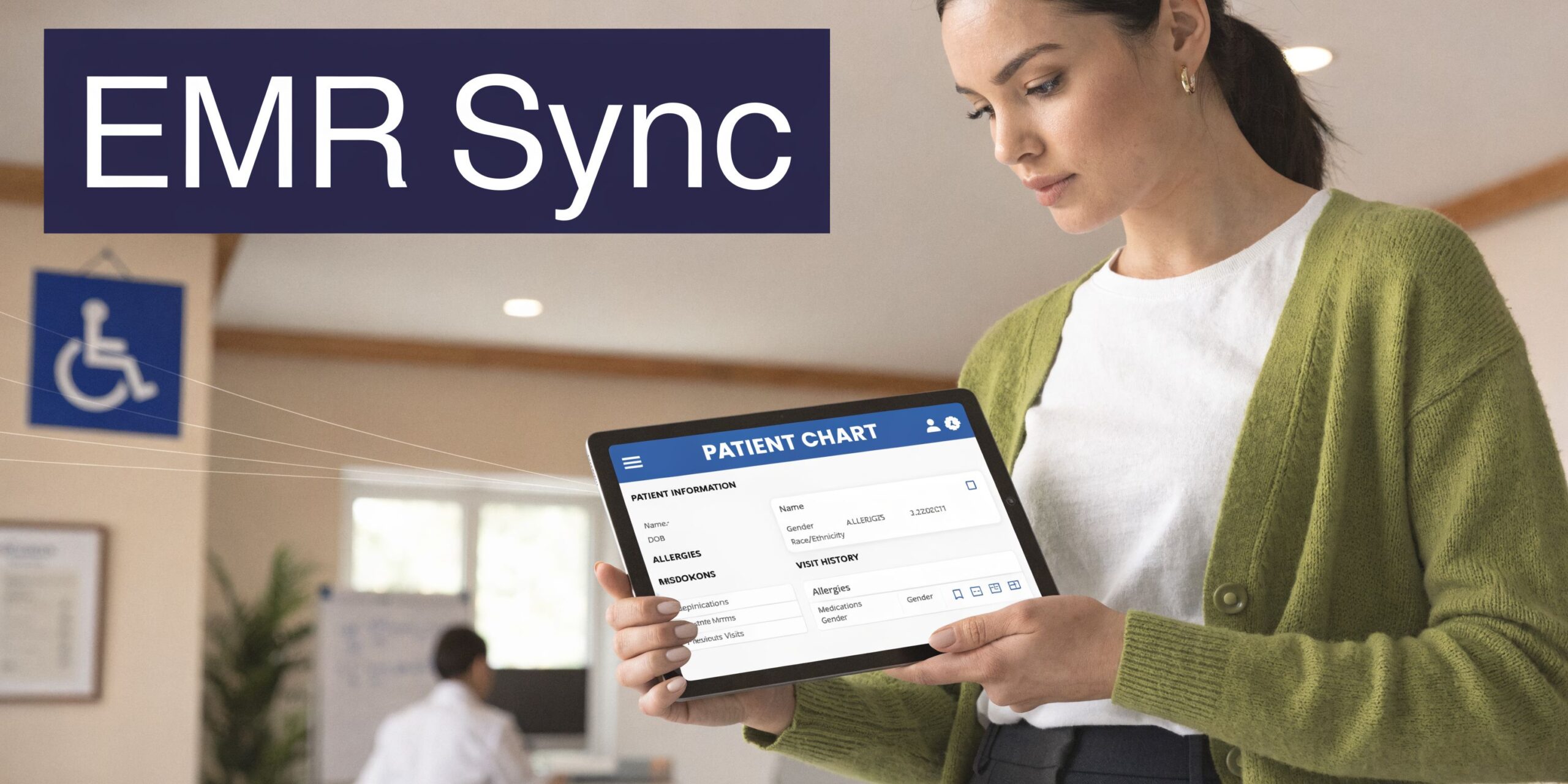
A proper setup needs two-way movement of data. The reminder system should pull appointments, contact preferences, and scheduling changes from the EMR or PM system automatically. Then it should write patient responses back to the appointment record so the front desk sees what changed without rekeying anything.
What good integration looks like
In a strong setup, the workflow is boring. That’s a compliment.
The system reads the schedule, sends the reminder based on the rule set, captures the patient’s response, updates status, and creates a task only when someone needs human follow-up. Staff spend less time hunting for information because the schedule itself becomes the source of truth again.
If you’re comparing vendors, ask direct questions:
- Do you use a direct API connection or file-based imports.
- Can confirmed, canceled, and reschedule-request responses write back into appointment fields automatically.
- How do you handle custom appointment types, provider fields, and location rules.
- What happens if the schedule changes after the reminder is queued.
Those details matter more than a polished demo. We’ve seen practices buy tools that could send messages but couldn’t sync status changes reliably, which left the front desk checking two systems all day.
Why voice AI changes the integration conversation
This is also where voice systems become useful. If a patient doesn’t respond to text or email, a voice workflow can call, gather confirmation or cancellation, and push that result back into the schedule without a staff member making the call. That’s different from a basic dialer that leaves a voicemail and stops there.
For teams evaluating that part of the workflow, it helps to look at how the vendor handles EMR system integration across scheduling, documentation, and response syncing. The integration layer is what decides whether reminders reduce work or just move it around.
Crafting messages that are both effective and HIPAA-safe
Reminder messages fail for two opposite reasons. Some are so vague that patients don’t know what to do. Others include too much detail and create privacy risk.
The safest middle ground is simple, direct, and action-oriented.
What to include and what to leave out
Most reminders only need a few elements:
- Patient name
- Practice name
- Appointment date and time
- A clear response path
That’s enough for many workflows. You don’t need to mention the visit reason, diagnosis, treatment plan, or anything that could expose sensitive information if someone else sees the message or hears the voicemail.
We advise teams to build message templates that assume another person may read or hear the reminder. That mindset prevents a lot of avoidable HIPAA mistakes.
Don’t treat voicemail like a private channel. It isn’t.
Simple templates work better
Here’s the kind of SMS format we’ve seen work consistently:
“Hi [Patient Name], this is a reminder of your appointment with [Practice Name] on [Date] at [Time]. Reply YES to confirm or call [Number] to reschedule.”
That works because it’s easy to scan and easy to answer. It doesn’t ask the patient to interpret a menu of options or click through a portal just to say they’re coming.
Email can carry a bit more detail, especially for parking notes, telehealth links, or preparation instructions. Voice reminders need more restraint. A voicemail should identify the practice and ask the patient to return the call or use a simple callback option. It shouldn’t list treatment details.
Build compliance into the template process
Practices think HIPAA risk comes from the AI layer. In reality, the bigger risk is ad hoc scripting by staff or vendor templates that were never reviewed carefully.
A safer process looks like this:
- Standardize scripts early. Don’t let each location write its own wording from scratch.
- Review by channel. What is fine in email may not belong in a voicemail.
- Control free text. If staff can edit every reminder on the fly, someone will eventually include more than they should.
- Audit the edge cases. New patient intake, behavioral health, imaging prep, and telehealth reminders often need separate review.
If your team is sorting through vendor options, a good filter is whether the product was built for HIPAA-compliant AI tools rather than adapted from a general messaging platform after the fact. That won’t replace internal policy, but it does remove a lot of avoidable friction.
Redesigning front desk workflows around automation
A reminder system only pays off if staff stop doing the old work. That sounds obvious, but it’s where many rollouts stall.
We’ve watched clinics turn on automated reminders and still ask the front desk to make manual reminder calls “just in case.” That creates duplicate outreach, patient confusion, and no real labor savings. The better model is to let automation handle the routine layer and move staff into exception management.
Shift staff from dialing to decision-making
Real-world case studies show that a hybrid AI-human model can produce a 32% drop in no-show rates and a 45% increase in appointment confirmations, while also reducing manual outreach time and raising monthly revenue by nearly $100,000 in some practices, as described in Emerging Global’s case study on automated appointment reminders.
That result makes sense operationally. Staff time is expensive, and most reminder calls are repetitive. If a system can handle standard confirmations, your team can focus on the work that needs judgment.
That usually means:
- Working reschedule requests quickly
- Calling patients who didn’t respond through any automated channel
- Filling newly opened slots from a waitlist
- Handling patients with special communication needs
Those are better uses of trained front desk staff than reading the same reminder script all afternoon.
Give the team a new playbook
Workflow redesign needs explicit rules. Otherwise staff fall back to old habits.
We usually recommend clear ownership for each exception queue. One person may own same-day openings. Another may handle unresolved responses from high-value appointments. Someone should monitor bad contact data and clean it up as part of normal scheduling work.
A practical rollout includes:
- Turning off manual reminder calls for appointment types already covered by automation.
- Training staff to watch response queues instead of call lists.
- Creating a waitlist process that can use canceled slots fast.
- Escalating complex or emotional patient conversations to a person, not a bot.
One area where voice AI fits naturally is the front-desk overflow problem. Tools such as AI front desk workflows can take routine inbound scheduling and reminder-response calls, then hand off the edge cases that need a human. The point isn’t to remove staff. It’s to stop spending skilled labor on repetitive confirmation work.
Measuring success A/B testing and calculating ROI
A practice launches reminders, confirmations go up, and everyone feels better for two weeks. Then the physician group asks the question that matters. Did no-shows drop, did staff time shift in a useful way, and did the added integration and workflow work pay for itself?
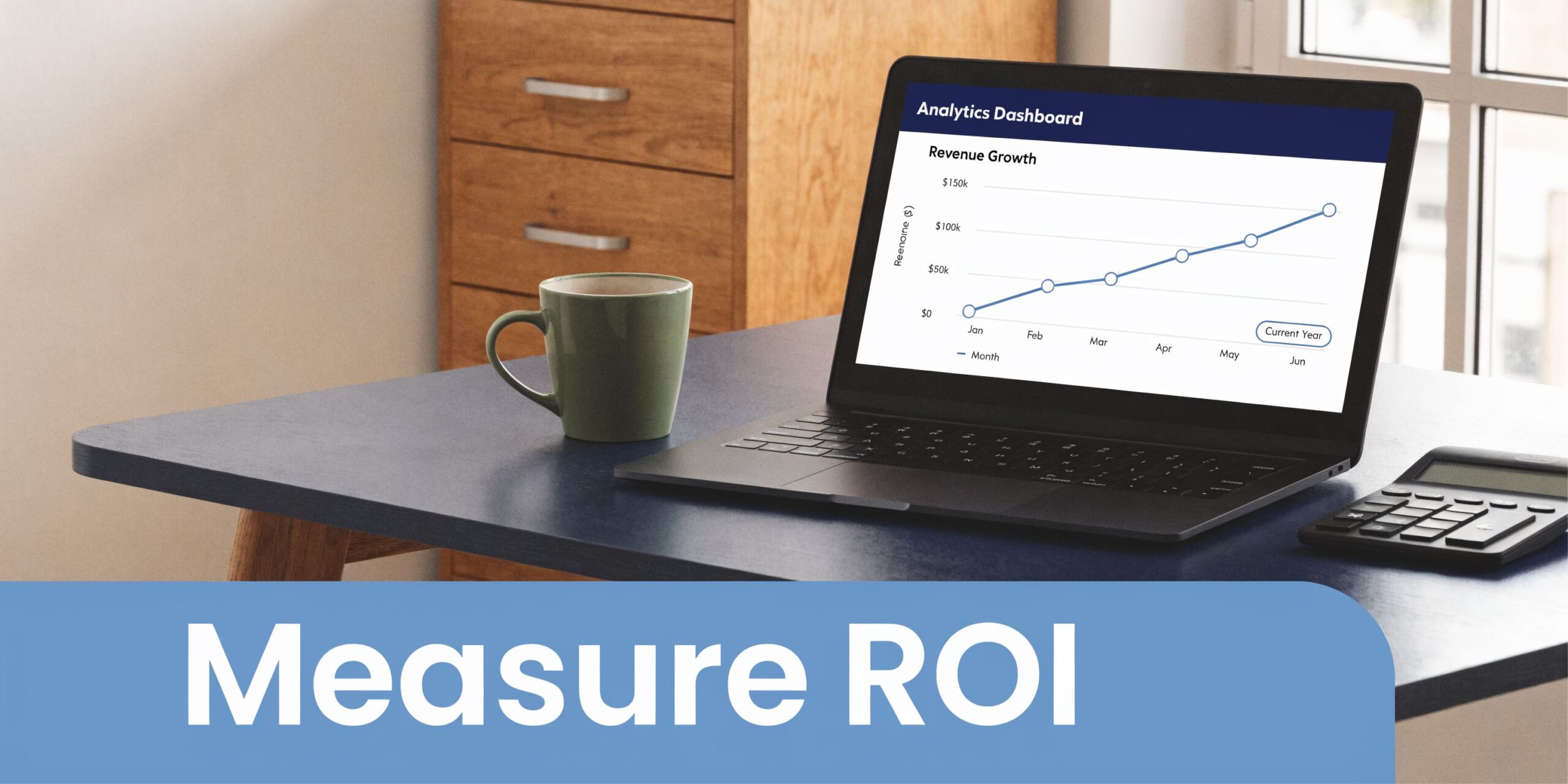
That answer starts with a clean baseline. Before changing message timing, channels, or automation rules, pull no-show and late-cancel rates by provider, location, appointment type, payer mix if relevant, and day of week. We also recommend splitting new patients from established patients. In many practices we work with at Simbie AI, those groups behave very differently, and a blended average hides it.
No-show rate is only one outcome. It is the lagging one.
The operating metrics that matter day to day are usually:
- Delivery rate by channel. A reminder program cannot perform if phone numbers are wrong, carrier filtering is high, or emails bounce.
- Confirmation rate. Measure confirmed, canceled, and reschedule-requested separately. Lumping them together hides useful signal.
- Cancellation lead time. A cancellation three days out gives the schedule a chance. A cancellation 20 minutes before the visit does not.
- Backfill rate. Count how often an open slot gets refilled, and how quickly.
- Staff time reallocated. Measure hours taken out of manual reminder work and where those hours went next.
Those measures show where the system is failing. For example, a practice may see strong SMS delivery but weak confirmation for specialist visits. That usually points to message design, poor timing, or a patient population that needs voice outreach because text alone is not enough. We see that often with older patients, complex follow-up visits, and populations that ignore links but will answer a short HIPAA-compliant phone call.
A/B testing should stay simple. Change one variable at a time, keep the audience comparable, and run the test long enough to survive normal weekly swings in the schedule. If your team is new to testing, basic conversion rate optimization best practices apply here too.
Useful tests include:
- 48 hours vs. 24 hours. Good for finding the best confirmation window by specialty.
- Confirm-only vs. confirm-or-reschedule. Good for reducing friction when patients know they cannot make the visit.
- SMS only vs. SMS plus voice. Good for patient groups with low text response.
- Plain reminder vs. reminder with specific prep instructions. Good for imaging, procedures, and telehealth.
Be careful with the success criteria. A test can raise confirmations and still fail the business case if it does not reduce late cancellations or increase backfills. We usually judge reminder performance against schedule utilization, not response volume alone.
ROI should be calculated in operational terms first, then in dollars. Start with avoided no-shows, recovered visits from earlier cancellations, and labor hours taken out of repetitive outreach. Then subtract software, implementation, EMR integration work, and the internal time needed to monitor queues and fix contact data. That last piece matters. Automation saves labor, but it also creates new work in reporting, exception handling, and workflow ownership.
A practical ROI model looks like this:
- Recovered appointment revenue. Visits kept because the patient confirmed or rescheduled instead of disappearing.
- Backfilled revenue. Canceled slots filled from a waitlist or recall process.
- Labor savings. Manual reminder hours reduced.
- Program cost. Messaging, voice, integration, support, and internal admin time.
In our experience, the strongest business case often comes from mixed-channel workflows, not from the cheapest reminder setup. SMS and email handle volume efficiently. Voice AI earns its keep when it reaches patients who do not respond digitally, captures a clear reschedule request, or prevents a high-value slot from sitting empty. That is the part many ROI models miss.
If your reporting is messy, start small. Compare baseline no-shows to post-launch no-shows for a narrow group, such as one location or one appointment type, then add cancellation lead time and backfill rate. A rough but honest model is better than a polished spreadsheet built on unreliable data.
Troubleshooting common issues and advanced challenges
The hard part starts after launch. That’s when edge cases show up.
A patient replies “cancel” a few minutes before the visit. Another patient never answers texts because the mobile number on file belongs to a family member. A whole subset of your population ignores digital reminders but will answer a phone call. If you assume automation alone will solve all of that, you’ll leave performance on the table.
Fix the gaps that pure automation misses
Advanced hybrid systems that use ML models to trigger live telephone outreach for high-risk patients can achieve 25% to 40% no-show reductions, and a common problem with pure automation is that it ignores the 24% of patients who don’t respond to voicemails or texts, according to the NIH-hosted study on model-driven outreach for missed appointments.
That finding matches what we see in real deployments. SMS and email do a lot of the work, but there is always a group that needs a different approach. That’s where voice earns its place. Not because voice is universally better, but because it reaches patients who aren’t engaging elsewhere.
Common fixes include:
- For last-minute cancellations. Route the event into a waitlist workflow immediately, not into a passive inbox.
- For bad contact data. Make number and channel verification part of every registration and check-in.
- For low digital engagement. Use voice outreach as a fallback, especially for high-risk visits and older populations.
- For underserved groups. Don’t assume text-first outreach is neutral. Some patients need live contact or more than one path to respond.
Equity and access need active attention
One of the bigger blind spots in reminder programs is equity. A system can look efficient in aggregate while missing the very patients who already face the most friction getting care.
That’s why targeted live outreach matters. In practices serving safety-net populations, hybrid reminder models can improve access where text-heavy workflows fall short. The reminder strategy should adapt to patient behavior, not punish patients for not behaving like ideal digital consumers.
If you’re trying to quantify the broader business case for patient communication changes, a tool like the CX ROI Calculator can help frame the operational value. Just don’t mistake a calculator for ground truth. Your own appointment data should still drive the final decision.
The clinics that do this well don’t chase perfect automation. They build a reminder system that catches routine work automatically, routes exceptions fast, and keeps a human path open for the patients who need it most.
If your practice wants to reduce no-shows with automated appointment reminders and also fix the workflow problems around them, take a look at Simbie AI. We use HIPAA-compliant voice AI with EMR-connected workflows to handle reminders, confirmations, reschedules, and phone-based follow-up without forcing staff back into manual calling.