
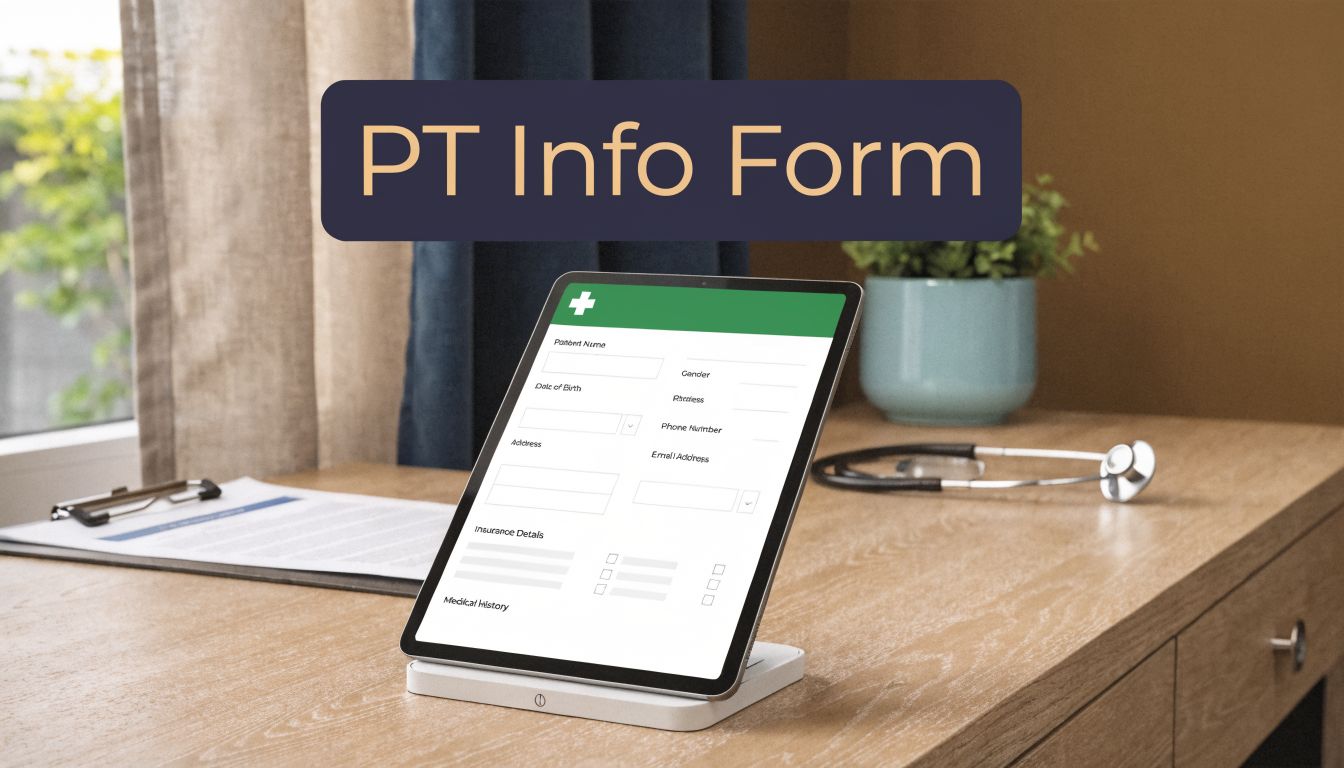
The stack of clipboards at the front desk looks harmless until the day it starts running your schedule. A patient misses two fields, someone writes an insurance ID that nobody can read, and your staff spends the next hour fixing a problem that started before the visit even began.
I've seen that pattern enough times to know a pt information form isn't a piece of admin busywork. It's the first operational step in care. If it's messy, your billing gets messy, your chart gets messy, and your staff loses time before the therapist even walks into the room.
Your patient information form is more than just paperwork
Most practices start with the same assumption. Intake is front-desk work, so the form just needs to collect the basics and get out of the way. That sounds reasonable until you watch what happens downstream.
A weak form creates repeat work. Staff chase missing demographics, call for insurance details, re-enter paper data into the EMR, and stop the patient at check-in to ask questions that should've been answered before arrival. None of that feels dramatic. It just drains the day.
A good pt information form does the opposite. It starts the chart correctly, supports billing, captures consent, and gives the clinical team usable information before the exam starts. That's why I stopped thinking about intake as a document and started treating it as a system.
What paper usually gets wrong
Paper forms fail in predictable ways:
- Handwriting causes avoidable errors. If your staff has to guess at a date of birth or member ID, you've already lost time.
- Patients skip fields. Blank emergency contacts, half-finished insurance sections, and unsigned policies are common on paper.
- Data entry happens twice. Once by the patient, then again by your staff.
- There's no built-in logic. Paper can't require fields, validate format, or route data to the right place.
The form isn't the problem by itself. The problem is everything your team has to do after the form is filled out badly.
What a modern intake system needs to do
The form has to collect the right information, but that's only the first layer. In practice, a modern setup should also:
- Reach the patient before the visit, not only at the front desk.
- Group questions in a way patients can finish without confusion.
- Capture signatures and acknowledgments clearly.
- Move data into the chart without retyping it.
- Give staff a fallback process for exceptions.
That last point matters more than vendors admit. No intake workflow is perfect. Some patients won't finish the form ahead of time. Some will call instead of using a portal. Some will show up with insurance changes they forgot to mention. The answer isn't pretending those cases don't exist. The answer is building a process that handles them without throwing the whole schedule off.
If you're fixing the same intake problems every week, don't start by redesigning a prettier form. Start by asking a harder question. What information do you need once, correctly, and early enough to use it?
Designing the core fields for your intake form
The best intake forms are usually shorter than people expect. Not because they ask for less, but because they ask for the right things in the right order.
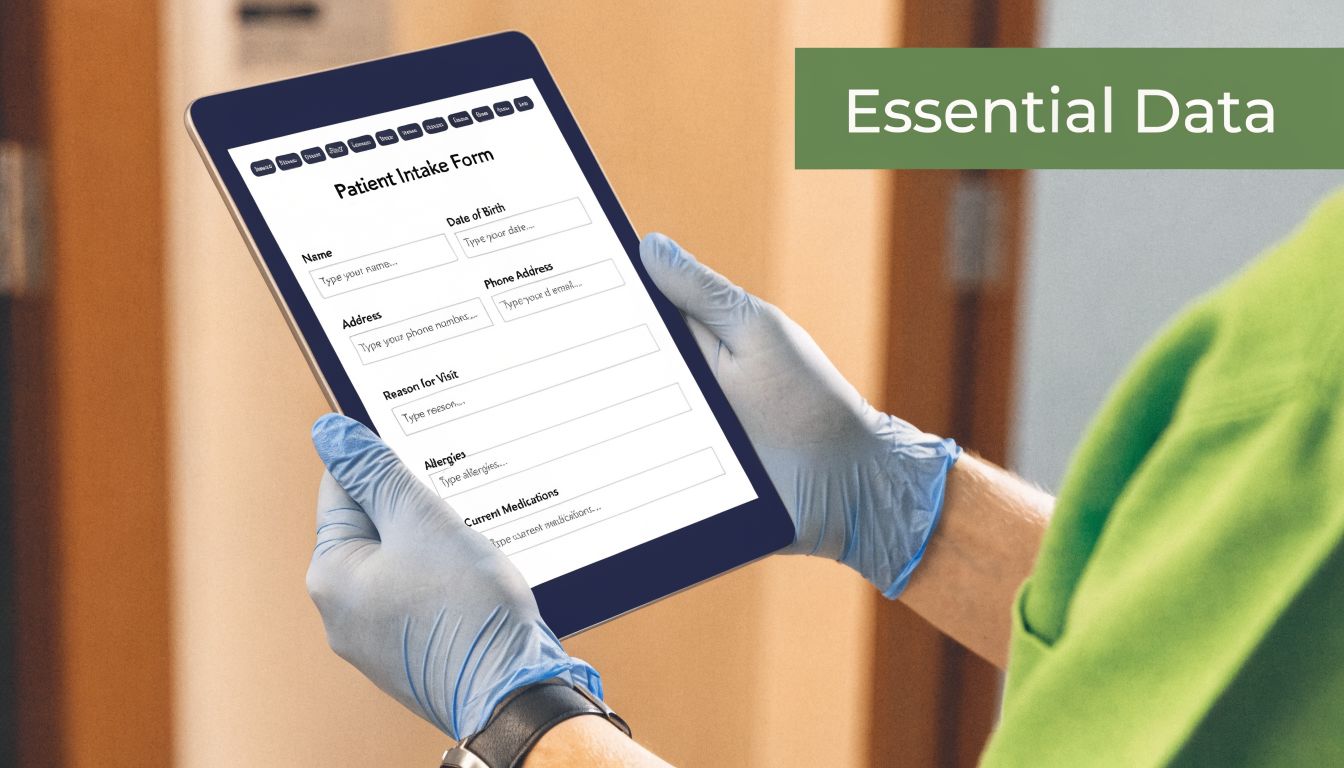
When we cleaned up our own intake process, the biggest improvement came from grouping fields by function instead of dumping every question onto one page. Patients move faster when the structure makes sense, and staff spend less time untangling partial answers.
Start with demographics that match the chart
Your first block should cover the identity and contact details that anchor the record. For PT, that usually includes full name, date of birth, address, phone numbers, email, gender, and emergency contact details. Keep preferred name available too, but don't let it replace the legal name used for registration and claims.
This part sounds basic, but it isn't trivial. If the patient's identifying details are off at intake, every later step gets harder.
I also prefer to keep employer or occupation in this section if the practice treats work-related injuries or needs job context for functional goals. It saves a second round of questions later.
Build the insurance section for real use
Insurance fields should do more than collect a photo of a card. The form should ask for primary and secondary carrier details, policy or ID numbers, and subscriber information. If your system supports verification, the workflow should then hand off to that process.
According to the Spry PT intake form guide, a digital PT intake process should include pre-visit digital form deployment 24 to 48 hours prior, automated insurance validation, financial policy acknowledgment, medical history reconciliation, and EMR auto-population. That same source reports an 85% patient completion rate for digital intake versus 60% for paper, with 40% faster visit starts.
That matches what many administrators learn the hard way. Insurance isn't a side field. It's one of the main reasons intake falls apart.
For practices that also want to connect intake with front-end marketing, tools that manage lead generation with smart forms can be useful for non-clinical workflows, especially if you want one system for referral capture and pre-visit follow-up outside the medical chart.
Add the PT-specific fields that staff always end up asking anyway
Generic templates often prove insufficient. A PT information form should capture the details your team always needs before the first evaluation:
- Referring provider details so staff can connect orders and plan-of-care requirements.
- Primary complaint or injury in the patient's own words.
- Onset date because timing affects documentation, treatment planning, and payer rules.
- Medical history and current concerns that may change the exam or treatment approach.
- How the patient heard about the practice because it gives you useful referral and marketing data with almost no extra effort.
If your staff asks the same follow-up question every day, that question belongs on the form.
You should also include the financial policy acknowledgment in the intake flow, not as a separate afterthought at the desk. The cleaner version of this process is one pass, not five mini-interruptions.
If you're reviewing examples before rebuilding your own packet, these patient intake form templates are a practical starting point. The point isn't to copy a template word for word. It's to see how a form can be structured around workflow instead of habit.
Staying compliant with HIPAA and consent
Most practices say they take HIPAA seriously. The true test is whether the intake process shows it.

Your pt information form collects some of the most sensitive data in the practice. That means compliance isn't limited to a privacy notice in small print. It shapes what you collect, how you store it, who can access it, and how you prove consent.
Why intake sits at the center of HIPAA risk
The HIPAA Privacy Rule defines 18 identifiers that count as Protected Health Information, including names, dates of birth, addresses, and medical record numbers, according to the NCBI overview of HIPAA. By 2023, compliance applied to over 700,000 physician practices, and a 2022 HHS report noted 710 data breaches affecting 51.1 million individuals, with many tied to unsecured intake processes.
That matters because standard intake forms gather exactly the information HIPAA is trying to protect. In other words, the form is one of your first points of exposure.
If you still have paper packets sitting on a counter, getting copied at the front desk, or moving between staff without a clear process, you should treat that as a workflow risk, not a harmless tradition.
Consent has to be clear and provable
Two parts are easy to bury and expensive to get wrong:
- Notice of Privacy Practices acknowledgment
- Consent for treatment
On paper, that usually means a signature and date. In digital workflows, it often means a required checkbox plus a recorded timestamp. Either can work, but only if you can retrieve proof later.
I've seen forms that include the right consent language but bury it under unrelated text. Patients sign it because they want to get to their appointment, not because the form is readable. That's bad practice. Your consent section should be short, plain, and impossible to miss.
Practical rule: If a patient can submit the form without acknowledging privacy and treatment consent, the form isn't finished.
Privacy review should be part of vendor review
A lot of practices evaluate intake tools for design and ease of use, then treat privacy review as legal housekeeping. I'd reverse that. Before you care about nice screens, ask where the data goes, how signatures are stored, how access is limited, and what happens if staff need to audit a record later.
If you want to see how another healthcare vendor explains its handling of patient data, the DoctorDoc privacy policy is useful as a reference point for the kind of disclosure practices administrators should review.
For your own internal process, a simple HIPAA compliance checklist for healthcare workflows helps keep intake review grounded in actual operational steps instead of vague policy language.
Choosing your collection workflow digital vs paper
This is the operational fork in the road. You can keep paper because it feels familiar, or you can move intake upstream and make the form part of the schedule instead of a delay at the door.
I don't think paper is evil. I do think paper becomes expensive once a practice grows past a certain point, because every “simple” clipboard step turns into labor later.
Side-by-side comparison
| Aspect | Digital Forms | Paper Forms |
|---|---|---|
| Completion timing | Can be sent before the visit by portal, email, or text | Usually completed on arrival |
| Legibility | Typed responses are easy to read | Handwriting causes avoidable follow-up |
| Required fields | Can force completion before submission | Patients can skip sections easily |
| Staff workload | Reduces re-entry if linked to the chart | Staff often enter everything manually |
| Patient access | Works well for many patients, but not all | Familiar for patients who dislike devices |
| Process control | Easier to timestamp, track, and audit | Harder to track missing signatures or pages |
| Downtime backup | Needs device and internet planning | Works even during technical outages |
What digital gets right
The biggest gain with digital intake is timing. If the patient completes forms before arrival, your team has a chance to review issues before they become check-in problems. Missing insurance details, unsigned policies, and confusing history answers are much easier to fix before the appointment clock starts.
Digital intake also gives you cleaner structure. Required fields stop partial submissions. Drop-downs reduce weird variations in common answers. Staff don't have to guess whether that number is a five or an eight.
That said, software alone won't fix a bad form. If you copy your paper packet into a digital screen without cleaning it up, you just move the mess online.
What paper still does better
Paper still has a place as a backup. I'd never run a clinic without one.
Some patients are more comfortable writing by hand. Some arrive without having opened a text link. Some don't want to type personal details into a tablet at the desk. If your process can't handle those patients without making them feel like a problem, the workflow is too rigid.
Paper also helps during outages and during the first phase of a transition. A hybrid setup often works better than a hard switch, especially if staff are still learning the new process.
The trade-offs administrators should plan for
If you move to digital, plan for more than the software demo. You'll need to think through:
- Staff training so the front desk knows what to do when a patient hasn't completed the form.
- Device management if you use tablets in the office.
- Fallback procedures for patients who need paper or extra help.
- Ownership of review queues so incomplete or flagged forms don't sit untouched.
- Patient communication that explains when and how to fill out the form.
What works in practice is a staged rollout. Start with pre-visit digital forms for new patients. Keep paper available. Watch where patients get stuck. Then fix the friction instead of blaming adoption.
Integrating forms with your EMR and voice AI
A digital form becomes useful when it stops being a PDF and starts being data.
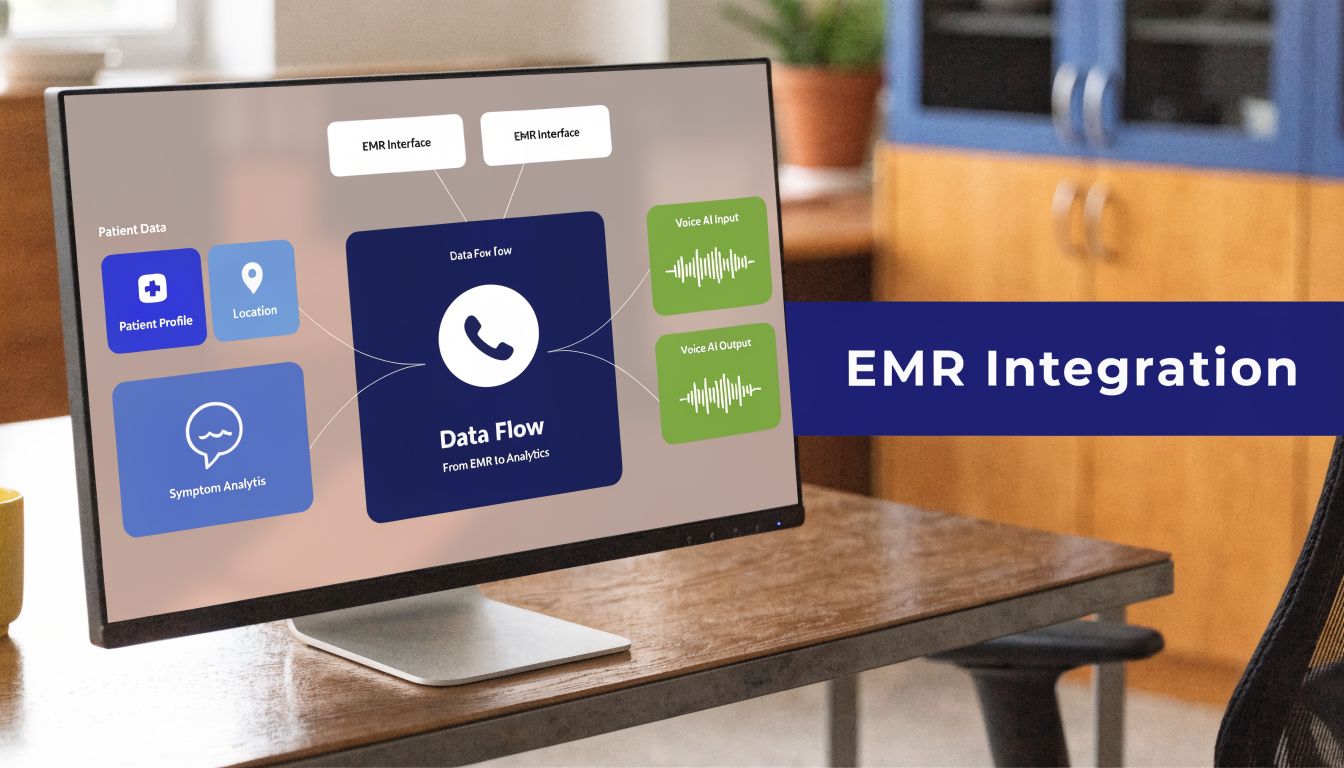
That usually comes down to one unglamorous job. Field mapping. You tell the intake system exactly where each answer belongs in the chart, then test it until the data lands correctly every time.
Why integration matters more than the form itself
EHR adoption among U.S. office-based physicians rose from 9.4% in 2008 to 78.5% by 2021, and digital forms integrated with EHRs can reduce manual entry errors by 40% to 60%, according to the Ambula summary of patient demographic data and EHR use.
That tracks with what most practices see after go-live. Actual savings don't come from “paperless” branding. They come from not retyping names, addresses, insurance details, and history into another system.
What field mapping looks like in real life
A mapped intake workflow is usually pretty plain:
- The patient completes the form.
- The system sends each answer to the matching field in the EMR.
- Staff review exceptions instead of entering everything from scratch.
- The therapist opens a chart that already has the intake data in the right place.
Simple idea. Fussy setup.
The common failure point is assuming similar labels mean identical fields. “Referring provider,” “PCP,” and “ordering physician” may be treated differently in the chart, so you need to test each one. I've also seen insurance subscriber fields map incorrectly because nobody checked edge cases like dependent coverage.
Where voice AI fits
Voice-based intake is the next practical step for practices that still depend heavily on phone calls. Instead of sending every patient to a portal and hoping they finish, a voice system can collect demographics, insurance details, and history during the call, then route that information into the record.
One option is EMR integration with AI receptionist workflows, which shows how voice-based intake can connect with charting systems rather than sitting outside them. Simbie AI is one example of this approach. It handles patient-facing intake questions by phone and passes the collected information into the EMR workflow.
A form doesn't have to live on paper or on a screen. If the patient gives the information by phone and the data lands correctly in the chart, that's still intake done right.
The catch is the same as any other system. Don't buy the concept. Test the handoff.
Your next step to a smarter intake process
You don't need a perfect intake rebuild to get value from this. You need a cleaner starting point and a better workflow than the one you have now.
If I were fixing a PT information form process this month, I wouldn't start with software. I'd start with the packet itself. Print your current form, mark every field staff use, circle every field patients routinely skip, and cross out anything that adds no clinical, billing, or compliance value. That review alone usually exposes half the waste.
A practical rollout plan
Use a short sequence:
- Audit the current form and remove dead questions.
- Rebuild the sections into demographics, insurance, clinical details, and consent.
- Ask vendors to show field mapping live with your actual EMR, not a slide deck.
- Pilot with one provider or one location before changing the whole practice.
- Keep a backup path for patients who need paper or phone support.
That approach keeps the project small enough to manage and real enough to test.
What to ask in a demo
Most intake demos look polished because they show the easy case. Push past that. Ask vendors what happens when a patient stops halfway through, updates insurance on the day of the visit, or gives incomplete information by phone. Ask how staff see exceptions. Ask how signatures are stored. Ask who fixes a broken field map.
I also like to compare intake tools with software used in adjacent service businesses, because they often expose workflow ideas healthcare can adapt. This guide to fitness business software is useful for seeing how appointment-driven businesses think about scheduling, forms, and client flow, even though healthcare needs a stricter compliance layer.
The right next move is simple. Book demos with two or three vendors that say they integrate with your EMR, and make them prove it with your workflow. If they can't show how the pt information form gets from patient input to usable chart data without manual cleanup, keep looking.
If you're evaluating ways to move intake off clipboards and into a system your staff can effectively use, Simbie AI is worth a look. It focuses on healthcare phone and intake workflows, including voice-based data collection and EMR-connected administrative tasks, so you can compare that approach against traditional digital forms during your vendor review.