
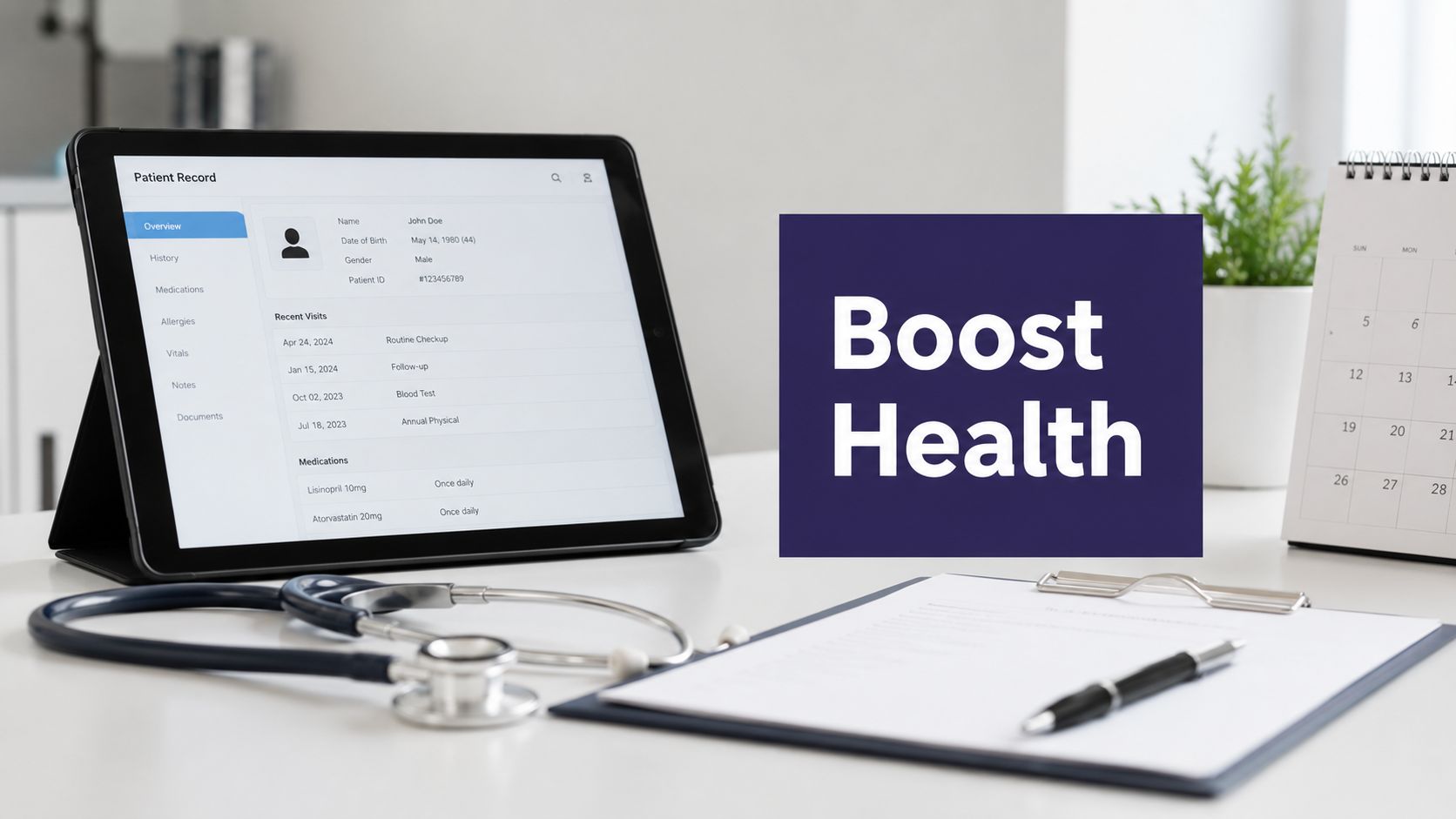
A preventive screening reminder agent matters because most independent practices already know who is overdue, they just don't have the staff time to chase every mammogram, colonoscopy, Pap test, or annual lab order by hand. Front desks get buried in inbound calls, refill requests, and rescheduling, while screening gaps sit open in the chart. For dermatology, gastroenterology, and internal medicine groups, the key question isn't whether reminders help, it's whether the reminder workflow closes the loop or just sends another message into the void.
The best reminder systems do more than broadcast. They identify the right patient, choose the right channel, document what happened, and hand off the hard cases to staff when needed. That closed-loop design is why reminder agents can support access, documentation quality, and preventive care completion at the same time, while keeping clinicians focused on care instead of phone tag.
What a Preventive Screening Reminder Agent Actually Does
A preventive screening reminder agent is not a bulk text tool with a medical label on it. It's a workflow system that starts with the chart, not the message. The system checks who is due or overdue, reaches out through voice, SMS, email, or portal messaging, and writes the outcome back into the record so the gap can be closed or escalated.
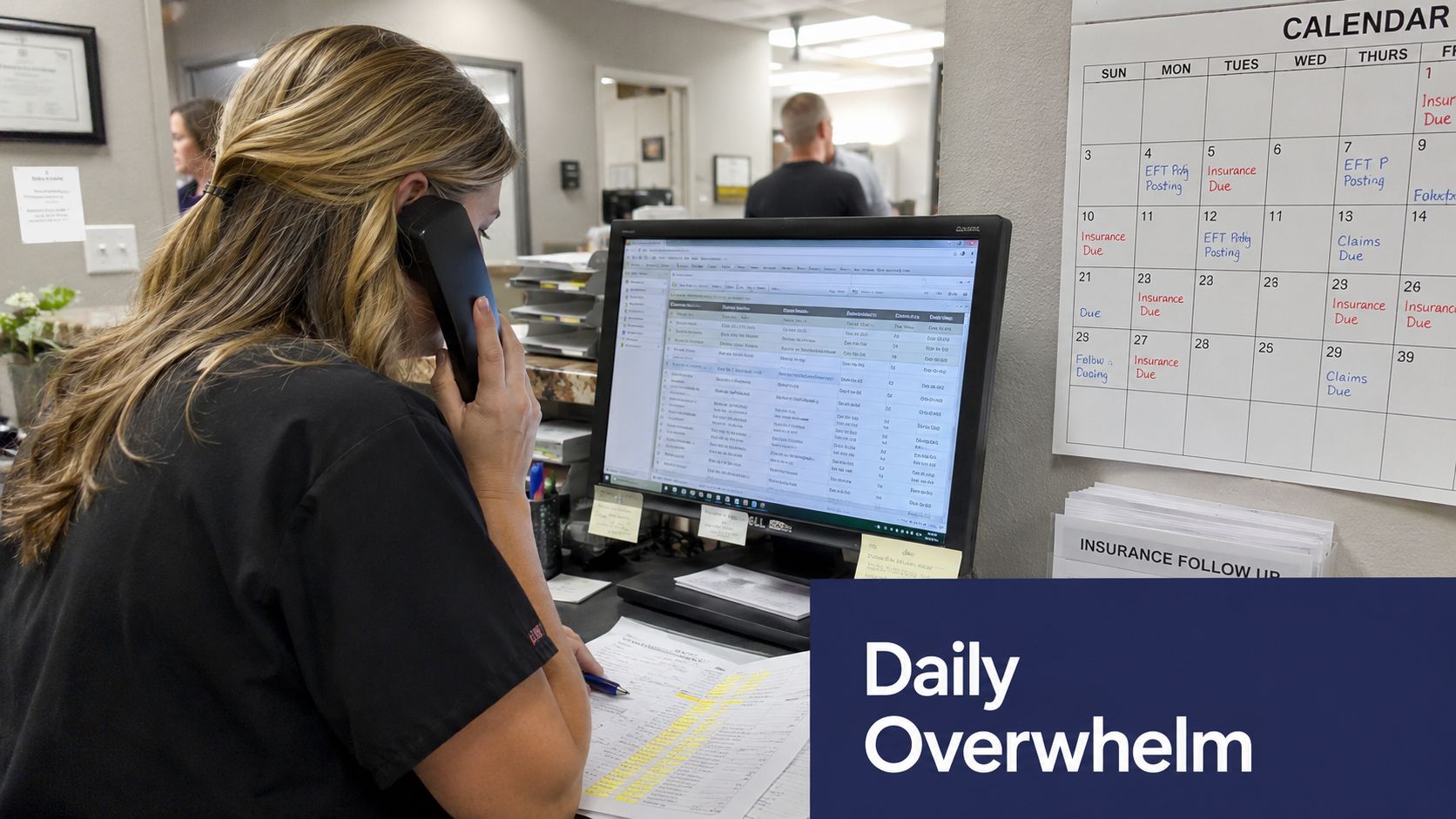
It starts with the patient list
In a busy clinic, the hard part isn't knowing that screenings matter. It's sorting the right people out of the full panel, then identifying the ones who are due based on age, sex, last screening date, and risk factors. CDC guidance for provider reminder and recall systems treats this as a structured process, where an EHR flags the patient and the practice follows a protocol tied to screening criteria and workflow, not a one-off marketing blast (CDC/NIHB toolkit).
That distinction matters. A basic appointment reminder says, “You have a visit tomorrow.” A preventive screening reminder agent says, “You're due for a specific preventive service, here's the right outreach path, and here's what happens if you don't respond.” The second approach is the one that can support screening completion.
Practical rule: if the system can't tell you who was due, who was contacted, and who still needs escalation, it's not a reminder agent. It's just messaging.
It reaches patients in the way they'll actually see
The CDC's Community Guide defines patient reminders as written messages, emails, texts, or telephone calls, and it reports that multicomponent reminder interventions produced median increases of 5.0 percentage points for breast cancer screening, 3.7 percentage points for cervical cancer screening, and 10.9 percentage points for colorectal cancer screening (CDC Community Guide). Those are reminder outcomes, not marketing outcomes.
A real reminder agent also respects patient preference. Some people answer the phone, some read portal messages, some only respond to a text. That's why the workflow has to be built around the patient, not around the channel a vendor prefers to sell.
It closes the chart, not just the conversation
The last step is documentation. Accepted appointments, declines, wrong numbers, language barriers, and unreachable patients need to land somewhere auditable. Without that, staff have no reliable record of who still needs follow-up, and the same reminder cycle gets repeated manually.
A reminder agent is hired to move a screening gap from “open and forgotten” to “documented and acted on.” It is not there to replace staff judgment, and it is not there to pretend every patient will answer on the first try.
How the Agent Identifies, Reaches, and Documents Patients
A reminder workflow is easiest to manage when you think in three layers, identification, outreach, and documentation. Each layer solves a different operational problem, and weak tools usually fail because one of those layers is sloppy. The CDC guidance around reminder and recall systems is clear that timing, protocol design, and integration into daily workflow matter as much as the message itself (CDC provider reminder guide).
Identification has to be precise
The first layer is the EHR query. The system needs to read enough structured data to know whether the patient is due based on screening criteria, not just whether they had a recent appointment. That means last screening date, age, sex, and relevant risk factors have to be available in a form the workflow can use.
If the patient list is dirty, everything downstream gets messy. Practices end up calling people who are already scheduled elsewhere, people who declined months ago, or people who are no longer active. Good identification saves time before any outreach starts.
Outreach should follow patient preference
The second layer is the message itself. Some patients respond to a portal alert, some need a text, and others only answer a voice call. CDC and NIHBC toolkit guidance emphasizes tailoring reminders and integrating them into normal daily workflow, with undeliverable reminders tracked and corrected rather than ignored (CDC/NIHB toolkit).
That's where modality choice matters. A reminder sent to the wrong channel is just dead air. A reminder sent in the right channel, at the right time, with the right follow-up path, is part of a care process.
Documentation makes the workflow auditable
The third layer is chart entry. Every outreach attempt should be documented, along with the patient's response and any next step. The documentation should not disappear into a free-text note that no one can search later. It should land in discrete fields or structured chart elements, because those can be tracked, audited, and acted on.
Operational truth: the chart is the source of memory. If the outreach isn't written back cleanly, the practice will repeat work and miss open care gaps.
This is why reminder systems are more than communication tools. They're workflow systems that help a clinic know who was due, who was contacted, and what happened next.
EMR Integration and What It Means in Practice
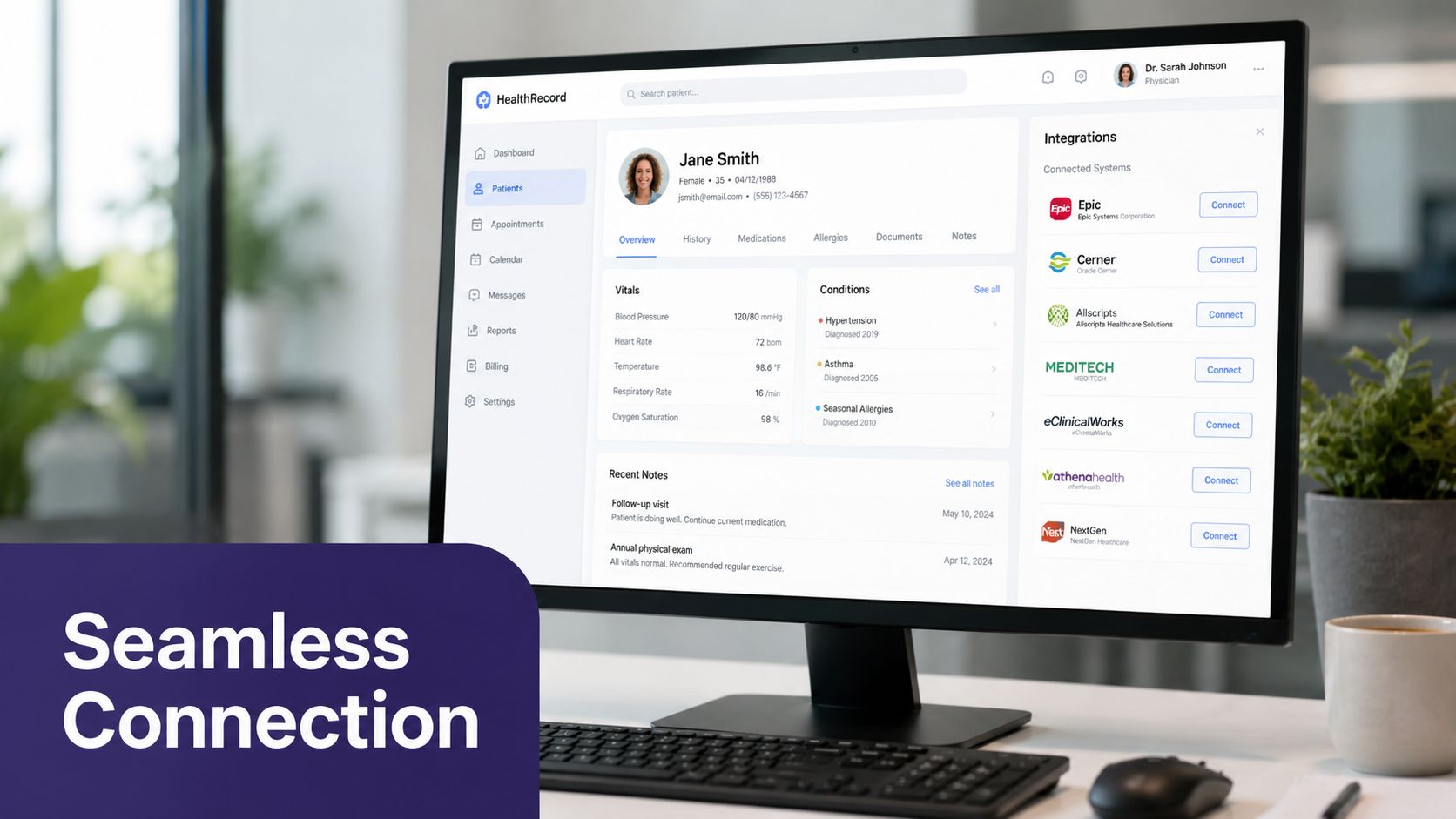
A reminder agent only works if it fits the EMR setup your practice already uses. For independent clinics, that often means systems like eClinicalWorks, gGastro, EMA ModMed, Athenahealth, Epic, or DrChrono. The agent does not need access to every detail in the chart, but it does need the right fields to read and the right outcomes to write. If the integration is clumsy, staff end up rechecking work by hand, and the reminder program starts to lose value fast.
Read only what the workflow needs
At minimum, the agent needs structured data such as screening status, last service date, demographics, preferred language, and contact information. That is enough to sort patients into an outreach queue and decide how they should be contacted. Anything beyond that needs a clear clinical or operational reason, because broad access creates more risk than most reminder workflows need.
The goal is precise data access, not wide-open chart access. The integration should pull only the fields required to identify the right patient and place them in the right follow-up path, while the rest of the record stays protected. That is also where minimum-necessary PHI rules stop being policy language and become part of the build.
Write back in structured form
The write path matters just as much as the read path. Outreach attempts, patient responses, scheduled appointments, decline reasons, and unreachable status need to land in discrete chart elements, not buried notes. If a human cannot audit the action later, the workflow is weaker than it looks on a demo call.
Simbie AI writes chart documentation directly to the EMR, which is the right model for this kind of workflow because the reminder is only useful if the chart reflects what happened. For a broader technical overview, practices can review how EMR integration works in practice.
Keep the chart clean
A good integration also knows what to leave out. The reminder layer should not spray free-text summaries across the record if the same facts can be stored as structured statuses. That reduces transcription errors, makes reporting easier, and keeps the follow-up list usable by staff.
Field-tested advice: ask whether the vendor writes back in discrete status fields, because that answer tells you a lot about the maturity of the integration.
For practices comparing systems, the difference between “connects to the EMR” and “updates the EMR cleanly” is the difference between a nice feature and a usable workflow. It also shapes how much staff trust the program after the first few weeks, since the chart has to stay accurate when patients respond, decline, or need a second attempt. A reminder stack that can identify the patient, document the result, and route the next step back into the record is easier for a clinic to run, and easier to defend when someone asks how the workflow works. That is also where teams that want to transform business with AI should be careful, because the operational win comes from reliable charting and follow-through, not from volume alone.
Clinical and Operational Benefits Worth Measuring
A reminder agent has to earn its place on the operations dashboard. The clearest measures are screening completion, fewer no-shows for scheduled preventive visits, call capture, and staff time reclaimed from manual outreach. Those are the numbers practice owners and office managers can defend in a meeting.
The stronger clinical evidence points to workflow design, not message volume. A pragmatic randomized trial found that adding a personal telephone call to a reminder letter increased breast cancer screening from 17.8% to 27.5% and colorectal cancer screening from 12.2% to 21.5%, while automated telephone calls did not produce the same gain over a letter alone (PubMed trial and review summary). A CDC systematic review of clinician reminder systems found average completion increases of 12% to 14%, and AHRQ notes reminder and recall systems can improve immunization rates by 5% to 20% in intervention groups.
Use the right outcome for the right screening
Different screening workflows need different success measures. Breast, cervical, and colorectal outreach can be tracked as completion by test type, while pre-visit or preventive visit reminders should also watch no-show rates and rescheduling behavior. A reminder system that increases outreach volume but leaves completion flat is not doing enough work.
| Reminder Effect on Screening Completion | Screening Type | Reminder Modality | Reported Increase |
|---|---|---|---|
| Client reminder interventions | Breast cancer screening | Multicomponent reminders | Median 5.0 percentage points |
| Client reminder interventions | Cervical cancer screening | Multicomponent reminders | Median 3.7 percentage points |
| Client reminder interventions | Colorectal cancer screening | Multicomponent reminders | Median 10.9 percentage points |
| Personal telephone call added to a letter | Breast cancer screening | Letter plus personal call | 17.8% to 27.5% |
| Personal telephone call added to a letter | Colorectal cancer screening | Letter plus personal call | 12.2% to 21.5% |
Those numbers matter because they show the workflow effect is real, but uneven. Reminder strategy matters. Timing matters. Human follow-up matters.
Where the operational payoff shows up
If your practice already fields a flood of calls, the reminder layer can also support inbound access by freeing staff from repetitive outbound chasing. That matters in independent practices where the front desk is already juggling scheduling, refills, intake, and post-visit questions. A resource like transform business with AI can help leaders frame the operational side of automation, but the healthcare test is simple. Does the workflow reduce manual work without making the chart harder to trust.
For teams watching broader clinic metrics, medical practice metrics that matter should include preventive care measures, not just visit volume. Reminder programs that are integrated well tend to show their value in both completion and staff relief.
A Walkthrough of a Patient Outreach Sequence
A 54-year-old internal medicine patient shows up on the overdue list for colorectal cancer screening. The EHR flags the patient, the agent sends a portal message, and the chart records that the first outreach went out. That first touch is quiet, but it matters, because the workflow now has a timestamp and a starting point.
Two weeks later, the patient hasn't responded, so the agent places a voice call. The patient answers, asks a few questions, and agrees to schedule the colonoscopy. The appointment lands in the schedule, and the outreach history is written back to the chart. The clinic now knows the care gap is moving instead of sitting stale.
What happens when the first touch fails
Not every patient responds. Some ignore the portal message. Some have a wrong number. Some need another language. Some want a person, not a system. The workflow has to route each of those cases differently instead of treating them all as “no answer.”
CDC guidance is explicit that reminders work best when paired with follow-up, protocol design, EHR flagging, and regular monitoring, and that patients who do not complete screening often need other evidence-based approaches layered in (CDC provider reminder guide). That means the escalation path isn't an optional add-on, it's the part that turns a reminder into care coordination.
The handoff needs to be visible
If the patient declines, staff should see the reason. If the phone number is wrong, it should be corrected. If the record looks inactive or the patient is deceased, the workflow should stop and alert a human for review. These edge cases sound small, but they're exactly where sloppy automation creates noise.
A reminder agent should also know when to stop pushing and let a human take over. That's especially important in practices that want automation support without losing the personal touch patients still expect. For teams thinking about follow-through after diagnosis or after a missed step in care, the same logic applies to proactive patient outreach after diagnosis, not just to preventive screening.
What to Ask Before You Buy a Reminder Agent
Security questions should come first. Ask whether the vendor is HIPAA-compliant, whether it has SOC 2 Type 2 controls, whether it will sign a BAA, and whether it limits access to minimum-necessary PHI. Ask how it encrypts data in transit and at rest, and whether every AI-generated action that enters the chart gets logged, because that audit trail is part of safe deployment (healthcare AI architecture guidance).
The vendor call should be specific
Don't ask, “Is it secure?” Ask, “What PHI do you read, what PHI do you write, and who can see the logs?” That gets you closer to the actual risk.
- Compliance and legal controls: Will you sign a BAA, and how do you separate PHI access from general model processing?
- Encryption and logging: Is data encrypted in transit and at rest, and can we audit every outbound action and every chart write?
- Integration scope: Which EMRs do you read and write to, and is the write-back structured or free-text?
- Workflow control: When does staff get alerted, what can't the system auto-complete, and how does human takeover work?
- Reporting: Can we see screening gaps, outreach status, decline reasons, and cadence tuning without exporting data manually?
Ask how the workflow fails safely
A good tool should tell you what happens when a reminder is undeliverable, when a patient replies in the wrong language, or when the contact number is invalid. Those are not edge cases in real practice, they're routine. If the answer is vague, the implementation will probably be vague too.
The last thing to verify is whether the reporting matches how your office runs. If the dashboard can't show screening status by patient segment or outreach state, the team will fall back to manual spreadsheets, and that defeats the point.
Where Reminder Agents Fit in a Broader AI Medical Staff Strategy
A reminder agent is useful, but on its own it's still just one piece of the access and follow-up problem. Independent practices get more value when the same layer can also handle inbound calls, intake, refill requests, prescription renewals, and post-visit education. That is the model behind AI medical staff, and it's the direction the category is moving.
For leaders trying to understand the shift, the leaders' guide to agentic AI adoption is a useful way to think about the difference between isolated automation and coordinated workflow control. The healthcare version of that idea is simple, one system should help the practice answer, schedule, document, and follow up without creating four separate integration projects.
That's why single-purpose reminder tools often age poorly. They create another vendor, another log-in, another place for patient status to drift out of sync. A unified layer that supports both front-office and clinical-support work gives a smaller practice a cleaner operating model, and it keeps the reminder workflow connected to the rest of the patient journey.
Protecting Doctors' Time for Doctoring.
Simbie AI brings preventive screening reminders into the same workflow layer that handles calls, intake, refills, and chart documentation, so the outreach isn't stranded outside the record. If your practice wants a closed-loop reminder process that fits real clinic operations, you can see how it works at Simbie AI.