
Patients leave with a stack of discharge papers, a half-remembered explanation, and a real chance of getting stuck between your office, the pharmacy, and home care. That gap is where preventable problems start. For independent dermatology, gastroenterology, and internal medicine practices, post-discharge phone call best practices are less about being nice to have and more about building a repeatable safety process your staff can sustain.
The good news is this doesn't need to become another manual burden. With a clear workflow, standard scripts, and the right automation tied into tools like eClinicalWorks, Athenahealth, EMA ModMed, gGastro, Epic, or DrChrono, you can make follow-up consistent without burning out the front desk. This is a practical operating plan with eight moves you can put in place now, supported by proven clinical guidance and modern workflows such as workflow optimization solutions.
Post-Discharge Phone Call Best Practices
1. Call Within 24 to 48 Hours of Discharge
A patient gets home on Tuesday, hits a pharmacy problem that night, feels worse on Wednesday, and by Friday your staff is hearing about it too late. That is why your first post-discharge call should happen within 24 to 48 hours. Early contact catches confusion, symptom changes, and follow-up failures while your team can still intervene quickly.
Set the task at discharge receipt, not later in the day and not when someone has time. If your process depends on memory, it will fail under normal clinic pressure.
What this looks like in a real practice
An internal medicine group using Athenahealth can route discharge documents into a same-day outreach queue. A GI practice using gGastro can flag post-procedure discharges before the next session starts. The point is operational discipline. The call window needs to start the moment the record hits your system.
Weekend discharges expose weak workflows fast. Build coverage rules for Friday evening and weekend arrivals so those patients do not sit untouched until Monday afternoon.
Use automation for speed and triage, not as a replacement for clinical judgment. A voice workflow can make the first attempt quickly, ask a fixed set of screening questions, document the answers, and send urgent findings to the right nurse or physician. Simbie's AI post-discharge follow-up call workflow supports that handoff model, and teams that want to tighten the medication step can pair it with a structured medication reconciliation workflow.
Keep the call plan simple. Launch the first attempt within 48 hours, route high-risk answers the same day, and keep retry logic active for the next several days if the patient does not answer.
Track it like any other operational metric. Measure time from discharge receipt to first call attempt, contact rate by day of discharge, and escalation rate for urgent symptoms or medication access problems. If those numbers are not visible in your EMR work queue or dashboard, your process is still manual, even if parts of it feel automated.
2. Standardize Medication Reconciliation
Medication review is where many post-discharge calls either become clinically useful or stay superficial. “Are you taking your meds?” is too vague. Your staff needs a fixed sequence that compares the discharge list to what the patient has in hand.
That matters because real discrepancies show up fast after discharge. In a review of post-discharge telephone follow-up programs, approximately 37% to 40% of contacted patients needed clarification on discharge instructions or referral for medical problems identified during the call, as summarized in the post-discharge follow-up evidence review.
Build a fixed med rec sequence
Use the same order every time:
- Read the active list aloud: Confirm each medication name with the patient or caregiver.
- Check what changed: Ask what was started, stopped, or replaced after discharge.
- Confirm access: Verify the prescription was picked up and the patient knows when to take it.
- Escalate discrepancies fast: Route uncertainty about anticoagulants, antibiotics, pain medications, insulin, or taper instructions to a nurse, pharmacist, or prescribing clinician.
For dermatology, this may mean checking oral antibiotics, immunomodulators, or wound care products after a procedure. For GI, it may be bowel meds, acid suppression, or post-endoscopy instructions. For internal medicine, med rec often touches several chronic medications at once.
Simbie's medication reconciliation workflow fits best when you want that process documented directly into the chart instead of buried in free-text call notes. The key is consistency. Every patient gets the same safety net, and complex cases get escalated instead of improvised.
3. Use Condition-Specific Symptom Screening
Generic scripts miss important complications. A patient discharged after a colonoscopy needs a very different symptom check from a patient who had a dermatologic excision or an internal medicine admission tied to heart failure, infection, or medication adjustment.
Your script should branch based on diagnosis, procedure, or discharge category pulled from the EMR. That's the operational difference between a courtesy call and a clinical screening call.
Match questions to the actual risk
For a GI patient after colonoscopy or hospitalization, ask about bleeding, worsening abdominal pain, vomiting, fever, or inability to tolerate oral intake. For dermatology, ask about spreading redness, drainage, increasing pain, fever, or concern about wound care. For internal medicine, align the call to the reason for discharge, such as shortness of breath, swelling, dizziness, new weakness, glucose issues, or confusion about home monitoring.
Don't ask “How are you feeling?” and stop there. Ask symptom questions that make it easy to spot a problem and easy to escalate it.
AI Medical Staff can provide greater utility than a basic answering service. The workflow can follow branching logic every time, in the right order, without skipping steps on a busy day. It can also support front-office and clinical layers together, from symptom screening and patient education to scheduling and refill coordination.
That matters in smaller practices. You need support that covers both access and care continuity, not a tool that only handles messages.
4. Verify Comprehension With Teach-Back
A patient gets home, nods through the discharge review, and then takes the new medication at the wrong time, changes the dressing the wrong way, or misses the symptom that should trigger a call. That failure usually isn't refusal. It's poor recall.
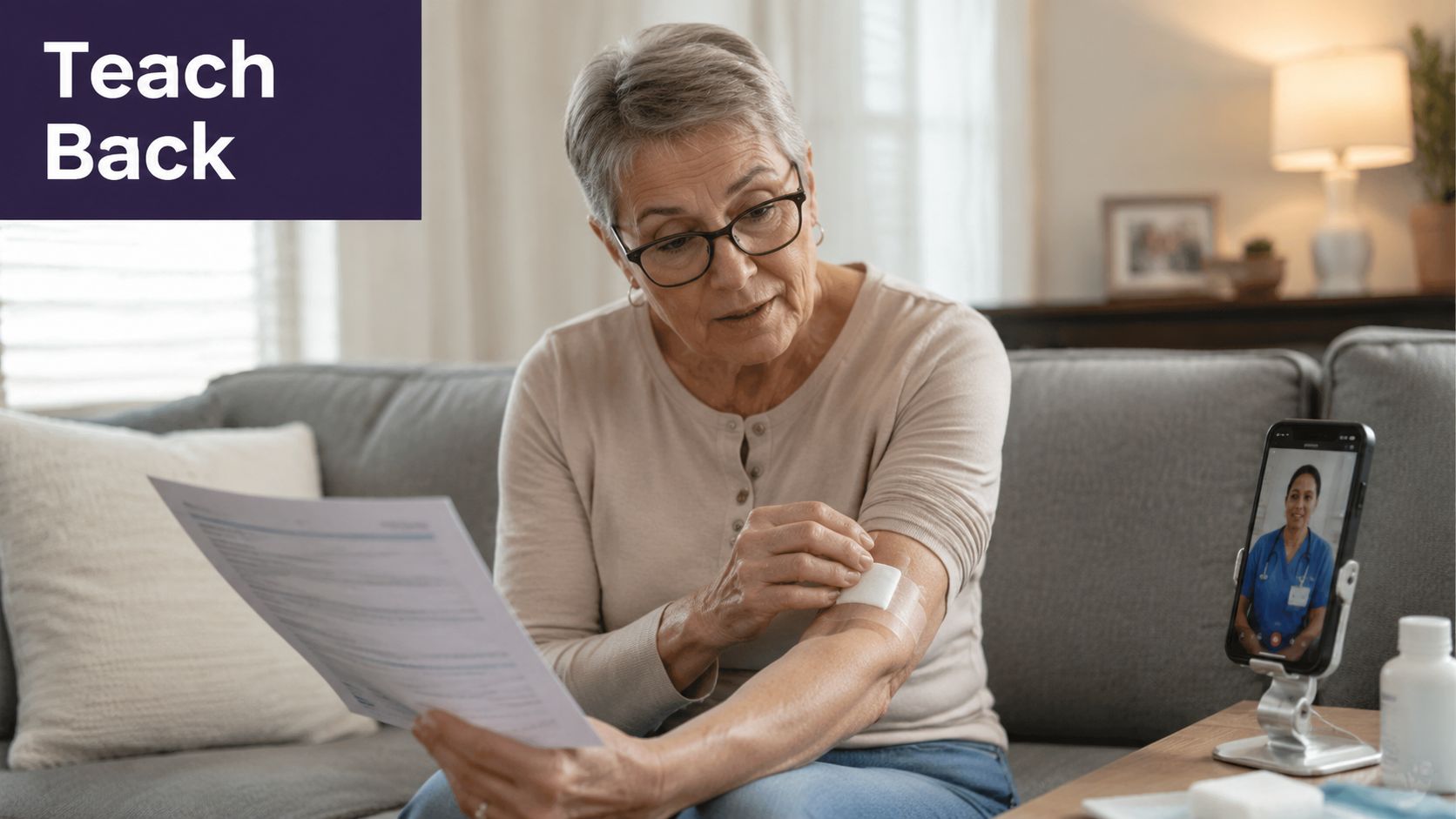
Teach-back is how you catch that before it turns into a complication or a preventable callback. Ask the patient to explain the plan in their own words. If they can't, the plan is not clear yet.
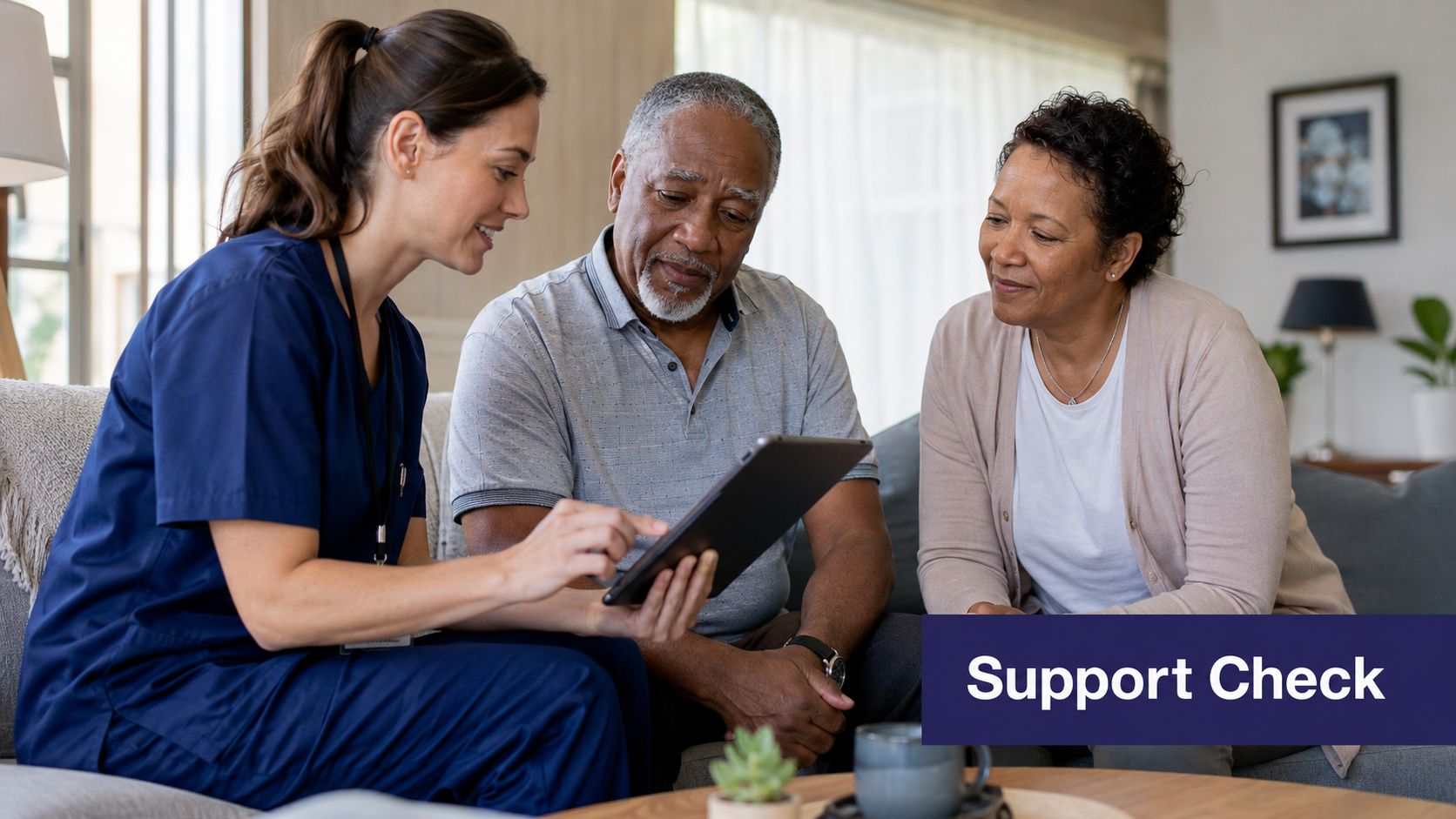
How to make teach-back usable in a busy office
Keep it focused on the instructions that are most likely to go wrong after discharge. Use plain language. Ask for a step-by-step response, not a yes or no answer.
- Activity restrictions: “Tell me what you should avoid doing this week.”
- Medication understanding: “Tell me how you're taking the new medication today.”
- Wound or skin care: “Walk me through how you're caring for the site at home.”
- Return precautions: “Tell me which symptoms mean you need to call us right away.”
This needs to be part of the workflow, not dependent on who happens to make the call that day. Build a short teach-back field into the EMR follow-up template. Give staff discrete documentation options such as understood, partially understood, or unable to teach back. Then attach the next action. Reinforce education, route to a nurse, or escalate to the clinician.
That operational layer is where automation helps. Your phone workflow, call script, or AI-supported outreach tool can prompt the same teach-back questions every time, capture the patient's response, and flag gaps for review. Staff should not have to remember which instructions matter most for each discharge type while they are juggling refill requests and inbound calls.
This works especially well in internal medicine, GI, and dermatology. These patients often leave with multi-step instructions involving diet, medication timing, home monitoring, or wound care. If the patient cannot explain the plan clearly, repeat it in simpler language and document the gap before the call ends.
5. Assess Social Support and Barriers
The patient says they understand the plan. Then the call uncovers the underlying problem. No one is home to help, the prescription is too expensive, and the ride to follow-up fell through.
That is why this part of the post-discharge call needs structure. Social barriers are not side notes. They are common reasons the care plan breaks after the patient leaves the hospital.
Skip the long checklist. Use a short barrier screen that staff can complete in under two minutes, then attach each answer to a next step inside your workflow.
Ask questions that lead to action:
- Home support: Who is with you at home if you start feeling worse?
- Transportation: How are you getting to your follow-up visit, lab, or procedure?
- Medication access: Did you get the prescriptions, and is cost stopping you from taking any of them?
- Home services: Has home health, wound care, oxygen, or other ordered support contacted you yet?
The goal is not to document that a problem exists. The goal is to route it while you still have the patient on the phone.
Build that routing into the EMR template and call workflow. Transportation issues should go to scheduling. Medication cost issues should go to nursing, pharmacy support, or whoever handles prior auth and alternatives. No home support in a clinically fragile patient should trigger provider review. If your team uses automation, tie the barrier screen to tasks, queues, and reminders instead of dropping free text into a chart note. A workflow tied to patient appointment reminder and scheduling processes helps staff act on the barrier during the call, not hours later.
This is where operations discipline matters. Staff should not have to guess what happens next based on memory or experience level. Give them fixed response paths, clear escalation rules, and a place in the EMR to record both the barrier and the handoff. That is how a post-discharge call starts to function like care coordination instead of a documentation exercise.
6. Confirm and Schedule Follow-Up Appointments
A missed follow-up visit breaks the entire transition plan. Patients lose appointment cards, forget dates, or assume someone else will call them. Your post-discharge workflow should verify the appointment during the call or schedule it on the spot.
This needs to happen inside the same workflow, not as a separate task someone may or may not complete later.
Tie scheduling to the call itself
A strong call script does three things before it ends:
- Confirm the visit exists: Don't assume the patient was scheduled correctly.
- Repeat the details clearly: Date, time, location, and any prep.
- Solve obstacles immediately: If transportation or timing is a problem, reschedule while you have the patient.
For groups using gGastro or EMA ModMed, this is one of the cleanest places to connect clinical follow-up and front-desk execution. The patient mentions they can't make the slot, and the system moves straight into scheduling logic instead of dropping a task into a shared inbox. Simbie's patient appointment reminder and scheduling workflow is built for exactly that front-office plus clinical coordination layer.
A review of the literature on post-discharge calls notes that patients report these calls provide additional information, reduce concerns, and increase confidence in managing care at home, with standard calls often taking 10 to 20 minutes and longer if pharmacists or physicians need to troubleshoot issues, as discussed in the evidence summary on post-discharge phone calls. That's one more reason to close scheduling during the same touchpoint when possible.
7. Integrate Documentation Into EMR Workflows
A follow-up call has little value if the outcome disappears into a voicemail log or a scanned PDF. The chart needs structured documentation that reaches the right person quickly.
Many practices encounter a common breakdown: they complete the call, but the information never lands in a useful queue inside Epic, DrChrono, Athenahealth, eClinicalWorks, or ModMed.
Document for action, not storage
Your template should capture:
- Caller credentials: The healthcare professional's name and signature.
- Call details: Date, time, and whether contact was successful.
- Clinical content: Symptoms reported, medication concerns, teaching provided, and next steps.
- Escalation status: Whether the patient needs nurse review, physician review, pharmacy follow-up, or immediate triage.
The HIROC risk note on post-discharge phone calls recommends documenting caller credentials along with the date, time, and information received or provided, and it advises using structured scripts with open and closed-ended questions while keeping language free of jargon in calls that may range from 20 to 60 minutes depending on complexity, as outlined in the HIROC post-discharge call documentation guidance.
If the physician has to read three paragraphs to find the problem, the note is too loose.
Practices do better when the call creates a concise summary in the chart and routes urgent issues into a work queue. That's one reason we position Simbie as AI Medical Staff rather than an AI receptionist. The useful part isn't only answering the phone. It's connecting outreach, documentation, refills, scheduling, and patient education inside the workflow your team already uses. That supports Protecting Doctors' Time for Doctoring.
8. Align Documentation With Billing Codes
Many practices already do post-discharge coordination work but fail to document it in a way their billing team can use. That leaves clinical value on the table and operational value on the table too.
If you're running transitional care or ongoing chronic follow-up, your call notes need to capture the right details, time, and coordination actions in a consistent format. Clean documentation matters just as much as the phone call itself.
Make the call log billing-ready
Use one standard template that supports both clinical continuity and revenue capture. Include the contact attempt, successful contact status, the issues reviewed, the coordination performed, and the next action. If your workflow supports time tracking, keep it inside the same note and not in a separate spreadsheet.
A nurse-led scripted follow-up program reported that 57.92% of patients were successfully contacted within 7 days after 137,515 total calls, and patients reached in that window had a 7-day readmission rate of 2.91% compared with 4.73% for patients not contacted, while 30-day readmissions were 11.00% for contacted patients versus 12.17% for non-contacted patients, according to the Journal of Hospital Medicine study on post-discharge follow-up calls. That's a reminder that these calls are not clerical extras. They are clinical interventions that deserve clean operational support.
If your billing team is trying to chase missing elements later, the workflow is wrong. Build the note so it supports compliance from the start, and train the team with the same discipline you'd apply to a medical coding errors guide.
Post-Discharge Call: 8-Point Best Practices Comparison
| Item | Implementation Complexity (🔄) | Resource Requirements & Speed (⚡) | Expected Outcomes (📊) | Ideal Use Cases | Key Advantages (⭐ 💡) |
|---|---|---|---|---|---|
| Call Within 24-48 Hours of Discharge | Moderate 🔄, EMR triggers and scripted workflows | Low–Moderate; can be automated with voice agents ⚡ | Reduced 30‑day readmissions; early complication detection 📊 | All recent discharges, high‑risk patients | High effectiveness ⭐⭐⭐; reinforces continuity; automate to cover off hours 💡 |
| Standardize Medication Reconciliation | Moderate 🔄, structured scripts + verification steps | Moderate; clinician/pharmacist time or AI-assisted review ⚡ | Fewer med errors and adverse drug events 📊 | Patients on multiple meds, new prescriptions (anticoagulants, opioids) | Very effective ⭐⭐⭐; prevents serious harm; document discrepancies for follow‑up 💡 |
| Condition‑Specific Symptom Screening | High 🔄, branching logic tied to diagnosis/CPT | Protocol development and EMR mapping; AI improves throughput ⚡ | Better detection of procedure‑specific complications; targeted escalations 📊 | Procedure or disease‑specific discharges (surgery, colonoscopy) | Highly specific triage ⭐⭐⭐; reduces unnecessary clinician work; escalate red flags automatically 💡 |
| Verify Comprehension with Teach‑Back | Low–Moderate 🔄, simple scripting and training | Low; scripted calls or AI agent can handle documentation quickly ⚡ | Improved patient understanding and adherence; fewer preventable complications 📊 | Complex discharge plans, low health literacy, elderly patients | Very effective ⭐⭐⭐; catches misunderstandings early; use clear, specific prompts 💡 |
| Assess Social Support and Barriers | Moderate 🔄, sensitive screening + referral workflows | Moderate; screening time plus social work or community referrals ⚡ | Identifies barriers that cause missed care and readmissions 📊 | Patients discharged home alone, seniors, low‑income populations | High impact on outcomes ⭐⭐⭐; enables warm handoffs to resources; prioritize referrals 💡 |
| Confirm and Schedule Follow‑Up Appointments | Low 🔄, scheduler integration and confirmation scripts | Low; EMR scheduler + AI receptionist can be fast and automated ⚡ | Higher follow‑up adherence; fewer no‑shows and missed visits 📊 | All discharged patients needing outpatient follow‑up | High ROI ⭐⭐⭐; straightforward automation; sync calendars and transport checks 💡 |
| Integrate Documentation into EMR Workflows | High 🔄, mapping to structured fields and inbox routing | High initial IT effort; automation reduces ongoing time ⚡ | Timely clinical action, fewer missed alerts, better continuity 📊 | Practices using Epic/DrChrono and high call volumes | Enables actionable follow‑up ⭐⭐⭐; closes the loop; standardize templates for consistency 💡 |
| Align Documentation with Billing Codes | Moderate–High 🔄, compliance with CMS time/coordination rules | Moderate; billing expertise plus automated time/document tracking ⚡ | Increased revenue capture (TCM/CCM) and fewer claim denials 📊 | Practices seeking to monetize care coordination and reduce coding risk | Strong financial impact ⭐⭐⭐; ensures compliant claims; use checklists and audits 💡 |
Turning Calls Into Care Continuity
The best post-discharge phone call programs don't depend on heroic staff effort. They depend on structure. The call happens early. Medication review follows the same sequence. Symptom questions match the condition. Teach-back confirms the patient understands the plan. Social barriers get identified before they turn into clinical failures. Follow-up visits get scheduled while the patient is still on the line. Documentation lands in the EMR where someone can act on it.
That's the operating model smaller practices need. A dermatology office with a lean front desk, a GI group managing procedure follow-up, and an internal medicine clinic handling complex medication changes all face the same problem. The work is important, but the manual version doesn't scale well. Staff get pulled into phones, inboxes, charting, pharmacy callbacks, and scheduling gaps at the same time.
The right automation layer helps because it handles both operational and clinical support. That means inbound and outbound call coverage, intake, refills, scheduling, chart documentation, patient education, and follow-up outreach in one connected workflow. For independent practices, that matters more than a narrow tool that only answers calls. Simbie AI was built by clinicians from Stanford, Yale, Columbia, and Princeton with that broader workflow in mind, and practices use it as AI Medical Staff, not as a physician replacement.
There's also a straightforward business case for getting this right. Practices care about patient safety first, but they also need reliability. Simbie supports 24/7 availability, captures 100% of inbound calls, and can reduce front-office staff costs by up to 60% while staying HIPAA-compliant and SOC 2 Type 2 certified. When that capability connects to systems like eClinicalWorks, gGastro, EMA ModMed, Athenahealth, Epic, and DrChrono, your follow-up process becomes easier to run and easier to trust.
If you're refining care continuity, a practical next step is mapping your current discharge workflow against these eight standards, then deciding what should stay human-led and what should be automated. That's the path to fewer dropped balls, less staff fatigue, and stronger patient confidence. For broader context on sustaining outreach after the visit, this guide for patient engagement is a useful companion read.
If you're evaluating AI for your practice, you can see Simbie AI in action and explore how it supports post-discharge follow-up, scheduling, refills, documentation, and call handling with a live workflow review at book a demo.