
If your front desk is spending the day on reminder calls, refill follow-ups, canceled slots, and voicemail cleanup, you don't have a staffing problem alone. You have a workflow design problem. Outbound call automation healthcare tools matter most for small and mid-sized practices when they stop being just a dialer and start acting like an extension of your staff, handling repetitive outreach while your team handles the conversations that require judgment.
For dermatology, gastroenterology, and internal medicine practices, that split is where its core value is realized. Done well, outbound automation supports both the business side of the practice and the clinical side. It helps fill the schedule, reduce front-office pressure, and keep follow-up work from slipping. It can also support refill workflows, post-procedure check-ins, overdue care outreach, and patient education. That dual-layer model is what many tools still miss.
Meta description: Outbound call automation healthcare helps practices reduce admin burden, improve follow-up, and support better patient access with EMR-connected AI.
What Outbound Automation Means for Your Practice
Outbound automation is not a blast of generic robocalls. In a practice setting, it's a system that makes targeted calls for a reason, listens to the patient's response, and completes a task such as confirming an appointment, moving someone off a waitlist, starting intake, or routing a refill request.
For a busy independent clinic, the easiest way to think about it is this. It's an extra team member, or really an extra team, that only handles structured outbound work and never gets buried by the phones. That matters when your staff is already juggling check-in, prior auth questions, reschedules, messages to providers, and patients standing at the desk.
Industry research notes that automated outbound calling in healthcare sees a 300% increase in talk time compared to traditional manual methods, effectively tripling the daily volume of patient conversations, according to CloudTalk's overview of automated outbound calling. For a small practice, that doesn't mean calling more people just to call more people. It means getting through the list you already have but never have time to work.
What it looks like in daily operations
The practical version is simple:
- Appointment reminders: The system reaches out before the visit, confirms attendance, and flags patients who need to reschedule.
- Recall outreach: Patients due for follow-up are contacted automatically instead of waiting for a staff member to find time.
- Refill and intake follow-up: Routine requests can be gathered cleanly and sent into the right workflow.
- Overflow support: When your staff is tied up, outbound campaigns still run.
Practical rule: If the task is repetitive, rules-based, and time-sensitive, it's usually a strong candidate for automation.
The mistake practices make is treating outbound as a separate project from phone operations overall. In reality, it works best when paired with how your calls are already being handled on the front end. If you're evaluating the broader workflow, it helps to look at inbound call automation for healthcare alongside outbound so you're not solving only half the access problem.
What it is not
It is not a replacement for nuanced clinical judgment. It is not a set-it-and-forget-it campaign that fixes weak scheduling rules. And it is not useful if it creates more charting work for your staff after the call ends.
What works is a system that can complete narrow, high-volume tasks reliably, then hand off the exceptions. That's why the strongest setups feel less like software and more like AI Medical Staff, handling the repetitive administrative lift so your team can focus on the patient in front of them.
Key Clinical and Operational Use Cases
The easiest way to judge outbound automation is to stop thinking in product features and start looking at the jobs your practice keeps postponing. Most clinics already know where the backlog lives. It's in the cancellation list no one worked, the refill follow-ups that sat until late afternoon, and the recall spreadsheet that gets reopened every month and never finished.
Operational use cases that immediately reduce drag
A dermatology office gets two cancellations before lunch. In the manual version, someone at the front desk starts calling a waitlist between checking patients in and answering the main line. By the time they reach the third patient, the slot is stale and the team is behind on everything else.
With outbound automation, the list is worked immediately, and the responses route into scheduling logic instead of sticky notes and callbacks. The same pattern applies to confirmation calls, pre-visit intake reminders, and reactivation campaigns.
A strong system also helps with patients who have drifted away. Specialty practices use overdue-visit closure campaigns to identify patients overdue for preventive or chronic care, including HEDIS and RAF-related gaps, and schedule them through automated multimodal outreach. They also run inactive patient reactivation for people absent for 12 months or longer, as described in Assort Health's healthcare workflow automation examples.
Clinical support use cases that often get ignored
Many vendors split the world into “front desk automation” or “clinical outreach.” Real practices don't have that luxury. The same staff managing appointment flow is usually also fielding medication questions, post-procedure concerns, and follow-up tasks.
High-performing automation does more than notify. It moves the next step forward.
A GI practice, for example, can use outbound calls before a procedure to reinforce prep instructions and catch confusion early. After the visit, the same framework can support symptom check-ins and route concerning answers for staff review. In internal medicine, recurring outreach can support chronic disease check-ins, medication adherence, and recall for annual or overdue visits. In dermatology, it can help with biopsy follow-up coordination, post-procedure education, and refill-related outreach tied to clear protocols.
Here's the distinction that matters:
| Workflow type | Before automation | After automation |
|---|---|---|
| Schedule recovery | Staff manually call waitlists between other tasks | Openings are worked immediately through outbound campaigns |
| Overdue care outreach | Recall lists sit untouched for weeks | Patients are contacted continuously using rules-based outreach |
| Clinical follow-up | Nurses or MAs spend time on routine check-ins | Routine scripts are handled automatically, exceptions escalated |
| Refill coordination | Messages bounce between voicemail, staff, and pharmacy | Intake is captured consistently and routed into the right queue |
The platform matters here. A generic dialer can place calls. A healthcare-specific system should understand scheduling logic, chart context, and escalation rules. If you want to see how a voice-based workflow can support clinic operations more directly, review how an AI voice agent for a clinic is used across scheduling and patient communication.
Ensuring EMR Integration and HIPAA Compliance
Most practice leaders ask two things first. Will this create more charting work, and will it create risk? Those are the right questions.
If outbound automation sits outside your core workflow, staff will end up copying notes from one system into another, fixing scheduling mistakes, and double-checking what happened on each call. That defeats the point. In a workable setup, the outreach activity connects to the systems your team already uses, including eClinicalWorks, gGastro, EMA ModMed, Athenahealth, Epic, and DrChrono.

What good integration actually looks like
The standard to look for is not “we integrate.” It's whether the system updates records in the workflow your staff already trusts. Monday.com's explanation of automated outbound calling notes that AI-driven predictive dialers integrate real-time CRM synchronization to update patient records immediately after each call outcome, triggering automated workflows and eliminating manual transcription errors while ensuring HIPAA-compliant documentation directly into EMRs.
That principle matters in healthcare because every extra handoff creates delay and error risk. If a patient confirms, cancels, asks for refill follow-up, or needs escalation, the result should flow into the chart and tasking process without your team re-entering it.
Security check: If a vendor can't clearly explain how call outcomes are written back, reviewed, and audited, the integration is probably too shallow.
That's also why practices should ask about staff oversight, exception handling, and manual takeover. A system should support the team, not force the team to chase it.
HIPAA compliance is more than a checkbox
A vendor saying “HIPAA compliant” is the beginning of the conversation, not the end. You should expect a Business Associate Agreement, access controls, secure data handling, and clear policies for how patient information moves through the system. If your team wants a practical checklist, this guide on building a HIPAA compliant call center is a useful outside reference because it breaks down the operational side of compliance, not just the label.
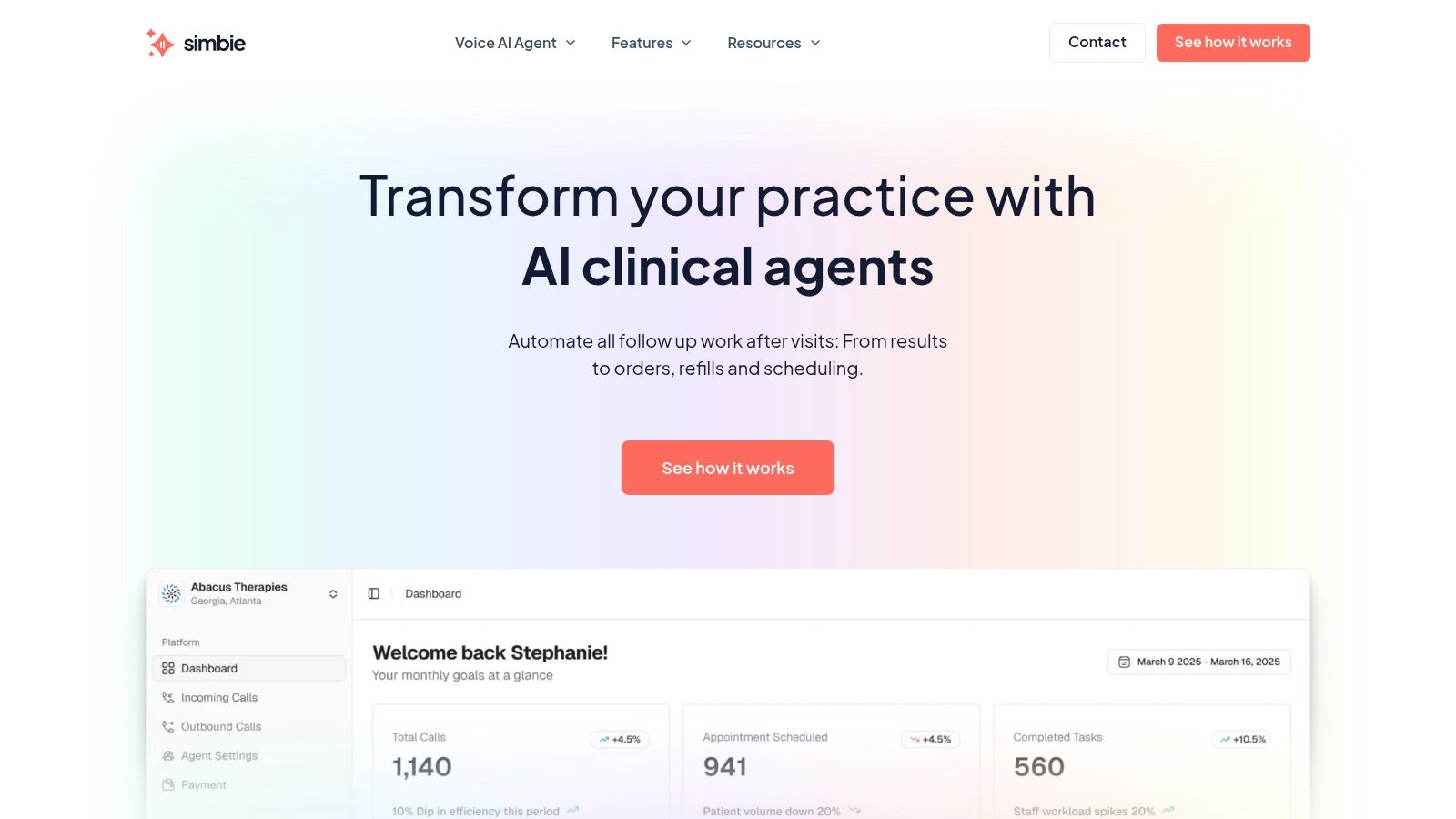
For practices evaluating healthcare-specific AI, this is also where certifications and architecture matter. Simbie AI is one example of an AI Medical Staff platform that supports both front-office and clinical support workflows, integrates with practice systems, and operates with HIPAA-compliant controls and SOC 2 Type 2 certification. That combination matters because independent practices need both security and usable workflow coverage, not just an answering layer.
If integration depth is the deciding factor for your group, it's worth reviewing what a true EMR integration workflow should look like before you commit.
A Practical Approach to Implementation and Change Management
The fastest way to lose staff buy-in is to drop automation into a messy process and call it innovation. A better rollout starts with one narrow workflow that already eats too much time. Appointment confirmations. Waitlist fill. Recall outreach. Refill follow-up. Pick one.
Then map the handoff points. Who reviews exceptions? Which responses should book automatically? Which ones should create a task for an MA, nurse, or scheduler? The clearer those rules are, the smoother the launch will be.
Start small and train around oversight
Front-office teams don't need to become technical experts. They need to know when the system is handling the job well, when to step in, and where to review outcomes. The role shifts from manual dialing to supervising workflow quality.
That's not theoretical. At the University of Arkansas for Medical Sciences, 95% of inbound after-hours calls were automated, and staff reviewed an up-to-date schedule the next day instead of doing manual follow-up on those interactions, according to Luma Health's case study on UAMS call center AI.
What the rollout usually looks like
Choose one high-volume use case
Start where repetition is high and exceptions are manageable.Define escalation rules
Staff should know exactly when a conversation gets handed off.Review real call outcomes early
The first phase should involve active monitoring, not blind trust.Expand only after staff confidence improves
Once the team sees fewer callbacks and cleaner task queues, adoption gets easier.
Staff resistance usually drops when they see that the system is taking away repetitive work, not taking away their role.
The strongest implementations are human-in-the-loop from day one. That matters in medicine. Your practice still needs people making judgment calls. The goal is to protect those people from spending half the day on tasks that can be handled consistently by automation. That aligns with the operating principle we care about most, Protecting Doctors' Time for Doctoring.
Measuring ROI and Choosing the Right Automation Partner
Most outbound automation pitches focus on activity. More calls placed. More reminders sent. More outreach completed. That's not the metric that matters to a practice owner. Instead, the question is whether the system reduces wasted labor, protects schedule utilization, and supports better follow-through on patient care tasks.
A useful benchmark comes from a major academic medical center where outbound call automation generated a capacity gain of 60 full-time equivalent staff members, delivered nearly $39 million in value, and achieved a 90% success rate for automated interactions, according to Actium Health's case study on outbound AI calls. Your practice won't mirror that scale, but the categories of value are relevant. Saved staff time. Better schedule utilization. Less administrative drag. More consistent follow-up.
Metrics worth tracking in a real practice
You don't need a complex analytics team to measure return. You need a short list of numbers your office already cares about and a few operational markers tied to clinical follow-through.
- Staff time shifted away from manual outbound work: Look at how many hours your front desk, MAs, or scheduling team spend each week on recalls, reminders, and refill outreach before and after rollout.
- Appointments recovered from waitlists or recall lists: This is often the fastest operational proof that the workflow is doing useful work.
- No-show and cancellation recovery trends: Track whether the practice is catching reschedules earlier and filling openings more consistently.
- Completion of clinical follow-up tasks: For internal medicine, that may be adherence check-ins or overdue visit outreach. For GI, prep reinforcement and post-procedure callbacks. For dermatology, follow-up coordination and patient education.
What separates a useful partner from a generic tool
Some vendors are really phone tools with healthcare language added on top. That usually shows up during implementation. They can make calls, but they struggle with specialty scheduling logic, chart write-back, refill workflows, and escalations that need clinical guardrails.
A more reliable evaluation framework looks like this:
| Evaluation area | What to ask |
|---|---|
| Workflow coverage | Can it support both administrative and clinical support tasks, not just reminders? |
| EMR depth | Does it work with eClinicalWorks, gGastro, EMA ModMed, Athenahealth, Epic, or DrChrono in a way your staff can actually use? |
| Staff oversight | Can your team review, intervene, and take over when needed? |
| Documentation | Are call outcomes recorded cleanly enough to avoid rework? |
| Security posture | Is there HIPAA alignment, clear access control, and documented safeguards? |
| Availability model | Can it support after-hours, overflow, and routine daytime volume without hold times? |
Don't buy outbound automation just because it sounds efficient. Buy it if it can carry both layers of the workload, the administrative layer and the clinically adjacent layer.
That distinction matters more in small and mid-sized practices than in enterprise settings. In an independent group, the same operational bottleneck often blocks patient access, billing opportunities, refill turnaround, and provider time all at once. A system that only solves appointment reminders may help, but it won't change the day in a meaningful way.
The trade-off most practices miss
Volume alone is not the same as resolution. Plenty of systems can increase outreach volume. Fewer can handle the messy middle, where a patient says they can't make the visit, needs help rescheduling, has a refill question, or needs instructions repeated in plain language. That is where generic automation stalls and staff get pulled back in.
The better model is one that combines front-office automation with clinical support workflows in a single operating layer. That means scheduling, intake, calls, refills, and prescription renewals on one side, plus test result review support, patient education, adherence check-ins, pre-op and post-op calls, and chronic disease outreach on the other. For practices under constant staffing pressure, that's the difference between adding another tool and adding usable capacity.
There's also a simple operational reality. If your platform captures 100% of inbound calls, offers 24/7 availability with zero hold times, and can reduce front-office staff costs by up to 60%, the effect isn't only financial. It changes how your staff spends the day. It can reduce burnout, lower phone backlog, and make it easier to retain good people because the work becomes more manageable.
The right partner should sound less like a software vendor and more like someone who understands how a clinic runs. Built by clinicians from Stanford, Yale, Columbia, and Princeton, that perspective should show up in workflow design, not branding. If the system doesn't understand specialty scheduling, refill handoffs, documentation expectations, and when a patient needs a human, it won't hold up in practice.
If you're evaluating AI for your practice, you can see Simbie AI in action at book a demo.