
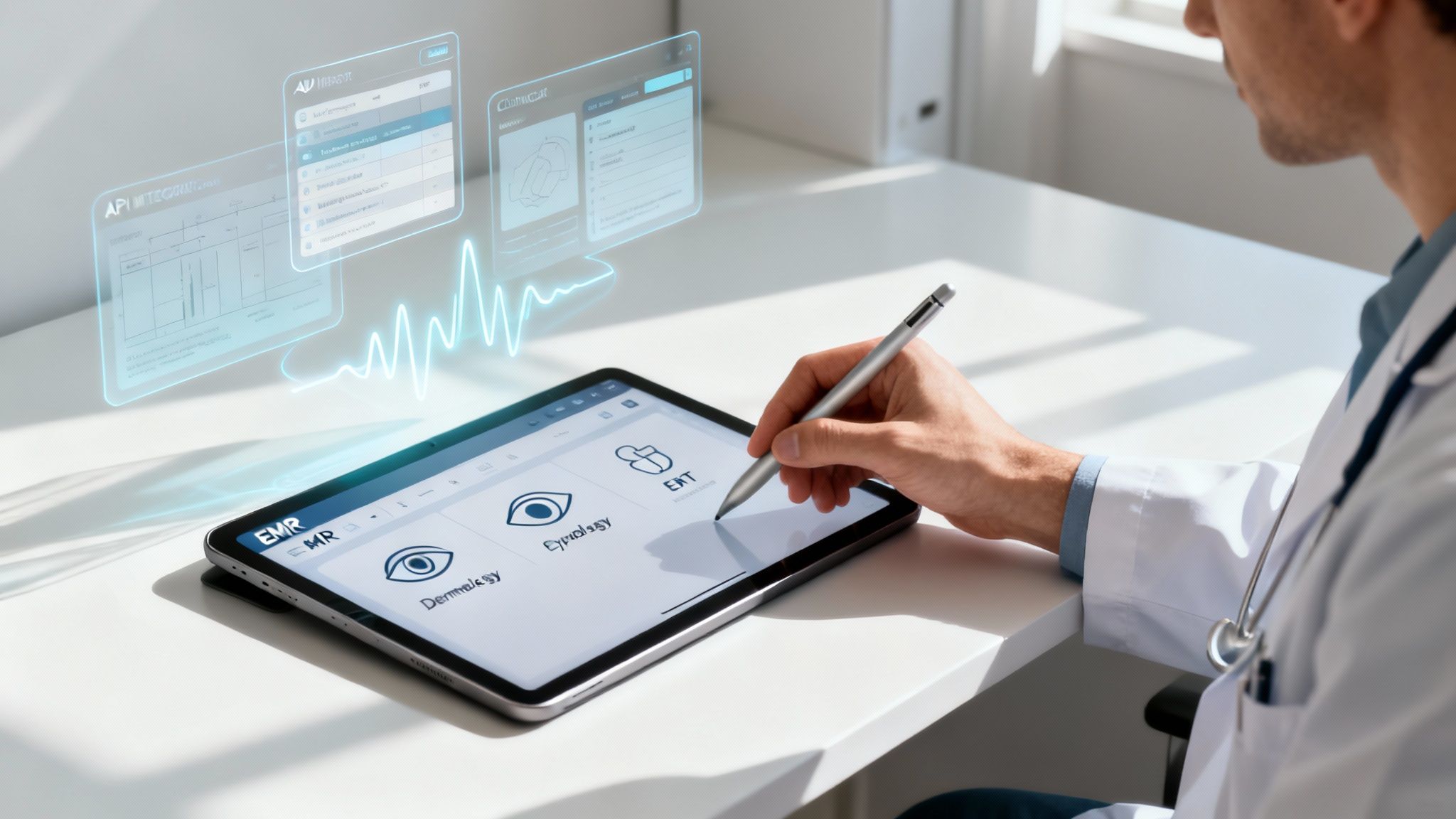
ModMed EMR is a cloud-based electronic medical records and practice management platform built for specialty practices such as dermatology, ophthalmology, orthopedics, and gastroenterology. Its clinical core is EMA, the Electronic Medical Assistant, which uses specialty-specific content and an adaptive learning engine to help physicians document faster.
ModMed EMR software isn’t just another digital filing cabinet for patient charts. Think of it less as a one-size-fits-all EMR and more as a specialized toolkit for fields like dermatology, ophthalmology, and plastic surgery. The point is to give specialists the workflows and features they actually need, cutting out the noise and reducing administrative burdens. This guide looks at ModMed’s features, strengths, trade-offs, and practical considerations for specialty practices.
Key takeaways
- ModMed EMR software is an all-in-one EMR and practice management platform from Modernizing Medicine, designed for medical specialties rather than general or family medicine.
- EMA (Electronic Medical Assistant) is ModMed’s EMR product, so “EMA” and “ModMed EMR” usually refer to the same clinical system.
- ModMed’s main strengths are specialty-specific templates, an iPad-native interface, and one integrated platform; the main trade-offs are cost and the learning curve of switching.
- AI voice agents such as Simbie AI integrate with ModMed EMA to handle patient phone calls and document the results in the chart.
What Exactly Is the ModMed EMR Platform?
ModMed EMR is a specialty-focused platform from Modernizing Medicine that combines the EMA electronic medical record, practice management, and patient engagement tools in one cloud-based system. ModMed builds a separate, specialty-specific version of its software for each specialty it serves rather than one generic system for every practice.
Choosing an EMR system can feel like a monumental task for any medical practice, because the market is crowded and many systems look alike on paper. ModMed carves out its niche by deliberately not trying to be everything to everyone. It has built its reputation on depth, not breadth.
Instead of offering a generic system that forces a dermatologist to use the same interface and templates as a family doctor, ModMed EMR software operates more like a custom-built cockpit designed for a specialist pilot. Every control, display, and workflow is laid out for their specific job, from specialized charting tools to anatomical diagrams and specialty clinical content. This focus on specialty-specific design is what defines its value proposition.
To get a clearer picture of its architecture, here’s a quick overview of what makes up the ModMed system.
ModMed EMR At a Glance
| Attribute | Description |
|---|---|
| Company | ModMed (Modernizing Medicine). |
| Platform Type | Cloud-based, all-in-one EMR and Practice Management suite. |
| Primary Focus | Designed for medical specialties (e.g., dermatology, ophthalmology, orthopedics, gastroenterology). |
| Core EMR | Electronic Medical Assistant (EMA) with adaptive learning and specialty-specific clinical content. |
| Practice Management | Integrated scheduling, registration, and day-to-day practice operations. |
| Patient Tools | Includes a secure patient portal, integrated telehealth capabilities, and automated communication tools. |
| Other Features | Built-in quality reporting, AI powered documentation tools, and integration with diagnostic equipment. |
This table shows how the components of the ModMed ecosystem come together to create a single system for running a specialty practice, reducing the need for separate, poorly connected software.
Are EMA and ModMed the Same Thing?
EMA and ModMed are closely related but not identical. ModMed (Modernizing Medicine) is the company and the overall platform, while EMA, the Electronic Medical Assistant, is ModMed’s electronic medical record product. When practices say “ModMed EMR” or “ModMed EHR software,” they are almost always talking about EMA.
ModMed also offers practice management, patient engagement, and analytics products that work alongside EMA. In gastroenterology, ModMed’s EHR is called gGastro rather than EMA.
The Core Components of ModMed
ModMed isn’t a single application but an ecosystem of interconnected tools designed to handle the main parts of a practice’s operations. It’s built to support the patient journey from the moment a new patient schedules their first appointment through their follow-up care.
The platform rests on three key pillars that work together:
- Electronic Medical Assistant (EMA): This is the clinical heart of the system. It’s where physicians and clinical staff find patient charts, manage documentation, create treatment plans, and order prescriptions or labs. A standout feature is its adaptive learning engine, which learns a physician’s charting habits over time and suggests the entries they use most often.
- Practice Management (PM): This is the administrative engine of the practice. It handles the operational heavy lifting, such as complex provider scheduling, patient registration, check-in, and day-to-day reporting.
- Patient Engagement Tools: These features create a more modern, convenient experience for patients. The suite includes a secure patient portal for accessing records and messaging the office, integrated telehealth for virtual visits, and automated appointment reminders.
The dashboard below gives you a sense of how ModMed organizes critical information into a clean, easy-to-scan layout, a contrast to the cluttered interfaces of many older EMR systems.

This kind of visual clarity is central to ModMed’s philosophy. By presenting clinical and operational data in an accessible way, ModMed EMR software helps clinicians and administrators find what they need without getting bogged down in menus and clicks.
How ModMed Is Built for Specialty Practices
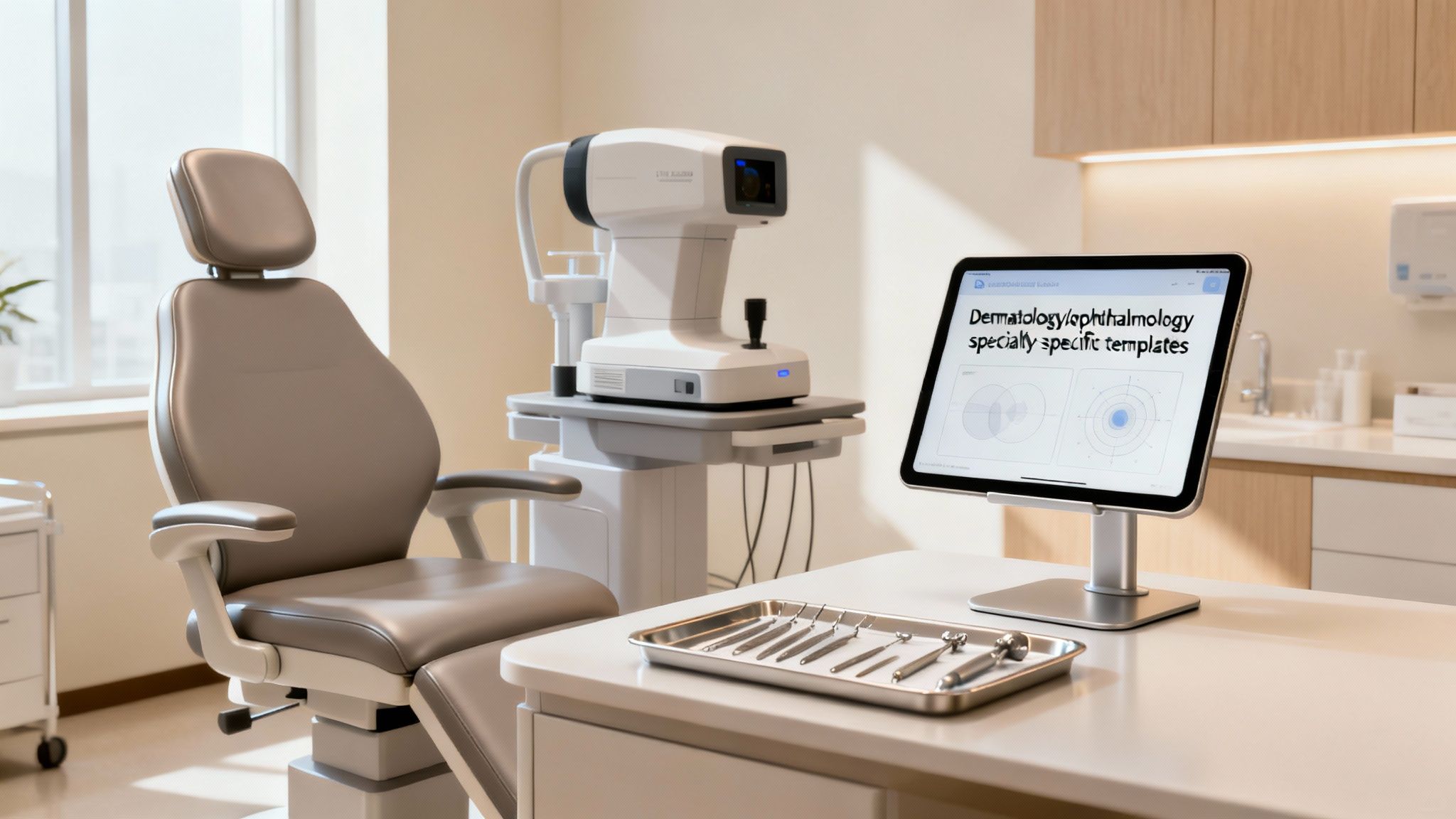
ModMed is built for specialty practices by developing each version of its software around one medical field’s workflows, terminology, and exam patterns. A dermatologist, an ophthalmologist, and an orthopedic surgeon each get specialty-specific templates and tools designed for their own field.
Many EMR systems on the market try to be a jack-of-all-trades. They offer a generic platform that technically works for any medical practice, but this approach often forces specialists to shoehorn their workflows into software that wasn’t designed for them. That friction slows down patient encounters and contributes to physician burnout. ModMed takes the opposite approach, building its product strategy on deliberate specialization.
Instead of starting with a universal template and adding a few custom fields, ModMed develops its EMR software for individual medical fields. Think of it like this: you could use an adjustable wrench for every job around the house, but a tool designed for one specific task will usually perform that task faster and with less hassle.
Why a Specialty-First Design Matters
When using a generic EMR, a dermatologist might have to click through irrelevant fields just to document a simple mole check. Similarly, an ophthalmologist might get stuck navigating menus and templates built for another specialty. This friction isn’t just a minor annoyance; it slows down documentation, encourages workarounds, and raises the risk of documentation errors. ModMed reduces these roadblocks by building specialty-specific knowledge into the software.
This means the system anticipates what a clinician needs based on their specialty and the context of the patient visit. For instance, ModMed EMR software for dermatology comes with an interactive anatomical atlas of skin, nails, and hair, letting a doctor tap on a body model to chart the location, size, and characteristics of a lesion. It’s a world away from typing long descriptions into a blank text box.
The real power of a specialty-specific EHR is its ability to mirror a clinician’s thought process. When the software follows the way a specialist works, it stops being a mere documentation tool and becomes a genuine clinical assistant.
The end result is a clinical workflow that feels natural and supportive, cutting down on the administrative busywork that drives physician burnout. When you’re evaluating systems, especially for a smaller, focused clinic, it’s critical to see how well each one aligns with your day-to-day reality. For a wider look at the market, check out our guide on the best EHR systems for small practices.
Real-World Examples of Specialization
ModMed’s specialization shows up in specific features for each medical field. These aren’t cosmetic template changes; they are elements designed to solve specialty-specific clinical and administrative problems.
Here’s how this targeted design works in practice:
- Dermatology: The platform has a built-in dermatopathology module that connects with labs. Physicians can electronically order biopsies, track specimens, review results, and document everything in one interface instead of switching between systems.
- Ophthalmology: ModMed’s EMA for ophthalmology features integrated drawing tools for retinal diagrams and connects with diagnostic equipment such as OCTs, topographers, and fundus cameras. Images and measurement data flow into the patient’s chart, building a visual and quantitative history.
- Gastroenterology: The gGastro EHR comes with specialized endoscopy report writers and workflows tailored for procedures like colonoscopies and EGDs. It also helps manage recall protocols for follow-up screenings, which are a critical part of preventative GI care.
- Orthopedics: Clinicians get orthopedic-specific physical exam templates, interactive anatomical diagrams for marking injuries and surgical plans, and workflows for ordering and reviewing imaging studies.
- Otolaryngology (ENT): The software includes ENT-specific templates for audiology results, allergy testing, and sinus procedures, making documentation for head and neck exams faster and more thorough.
- Plastic surgery and pain management: ModMed also offers specialty versions for fields such as plastic surgery and pain management, with templates, consent workflows, and procedure documentation built for those practices.
Independent user surveys reflect this specialty focus. According to ModMed’s January 2026 announcement, its EMA and gGastro EHRs ranked #1 across all 11 of its specialties in the 2026 Black Book Physician Practice & Ambulatory Solutions survey, which evaluated vendors on 18 key performance indicators.
By focusing on the distinct clinical and operational needs of each specialty, ModMed aims to help practices not just document care, but deliver it more efficiently.
Exploring Core Features and Clinical Workflow
ModMed’s core features are the EMA clinical record, the practice management system, and patient engagement tools, all connected in one platform. Together they are designed to give a specialty clinic a predictable, efficient rhythm from check-in to follow-up.
To really understand ModMed EMR software, you have to look past feature lists and see how the pieces fit together in a busy specialty clinic. Think of it as an operating system for your practice, not just another piece of software. When the clinical, administrative, and patient-facing tools work together, a specialty practice runs with less friction and fewer administrative headaches.
The Clinical Core: EMA
At the heart of the ModMed platform is the Electronic Medical Assistant, or EMA. It’s not just a digital filing cabinet for patient data. It’s a dynamic system designed to learn how you practice medicine, and its most important feature is its adaptive learning engine.
Picture an efficient assistant who pays attention to how you work. EMA observes your charting patterns, the terminology you use, your commonly used diagnoses for specific presentations, and your standard treatment plans. Over time, EMA suggests the notes, orders, and actions you use most often in similar clinical scenarios. This pre-filling cuts down on the clicking and typing that frustrates so many EMR users.
This directly addresses one of the biggest complaints physicians have about EMRs: that they turn doctors into data entry clerks. Instead of boxing you into rigid templates, EMA adapts to your personal workflow. The minutes saved on each patient encounter add up, giving physicians more time to focus on the people in front of them.
The Administrative Engine: Practice Management
While EMA supports clinical work, ModMed’s Practice Management (PM) system keeps the administrative side of the practice running. This is where staff handle patient scheduling, registration, check-in, and operational reporting. The practice management system is built into the platform alongside EMA rather than bolted on as an afterthought.
That integration means information entered at the front desk is available to the clinical team, and information documented in the chart is available to administrative staff, without re-entering data between systems.
The PM system gives administrative teams several practical tools:
- Intelligent Scheduling: A scheduling module helps the front desk manage complicated multi-provider calendars, view resource availability at a glance, and check patients in quickly.
- Registration and Check-In: Patient demographics and visit details are captured once and shared across the platform.
- Reporting and Analytics: Dashboards give practice managers a view of daily operations, such as appointment volume, no-shows, and provider schedules, supporting data driven productivity decisions.
By connecting clinical documentation with administrative workflows, ModMed EMR software reduces the handoffs where mistakes and delays tend to happen in a busy practice.
Enhancing the Patient Journey
The final piece of the platform is how ModMed engages patients throughout their care. These features aim to make the patient experience more convenient while taking some of the administrative load off front-desk staff.
A few patient-facing features stand out:
- A Secure Patient Portal: The portal is the patient’s digital home base. Patients can log in to view records, check lab results, request prescription refills, and send secure messages to the office.
- Integrated Telehealth: Practices can schedule and launch HIPAA-compliant virtual appointments from the ModMed platform. Notes and orders from the telehealth visit go into the patient’s chart, just like an in-person visit.
- Automated Appointment Reminders: The system sends appointment reminders by text or email based on patient preferences, which helps reduce no-shows.
These patient engagement tools give patients more involvement in their own care while automating routine tasks that would otherwise take up staff time.
Phone calls remain one of the main ways patients reach a specialty practice, whether to book an appointment, request a refill, or ask a pre-visit question. AI voice agents for scheduling and prescription refills connected to ModMed EMA can handle many of those routine calls and record the outcome in the chart, as covered later in this guide.
How ModMed Connects Your Practice with AI and Other Tools
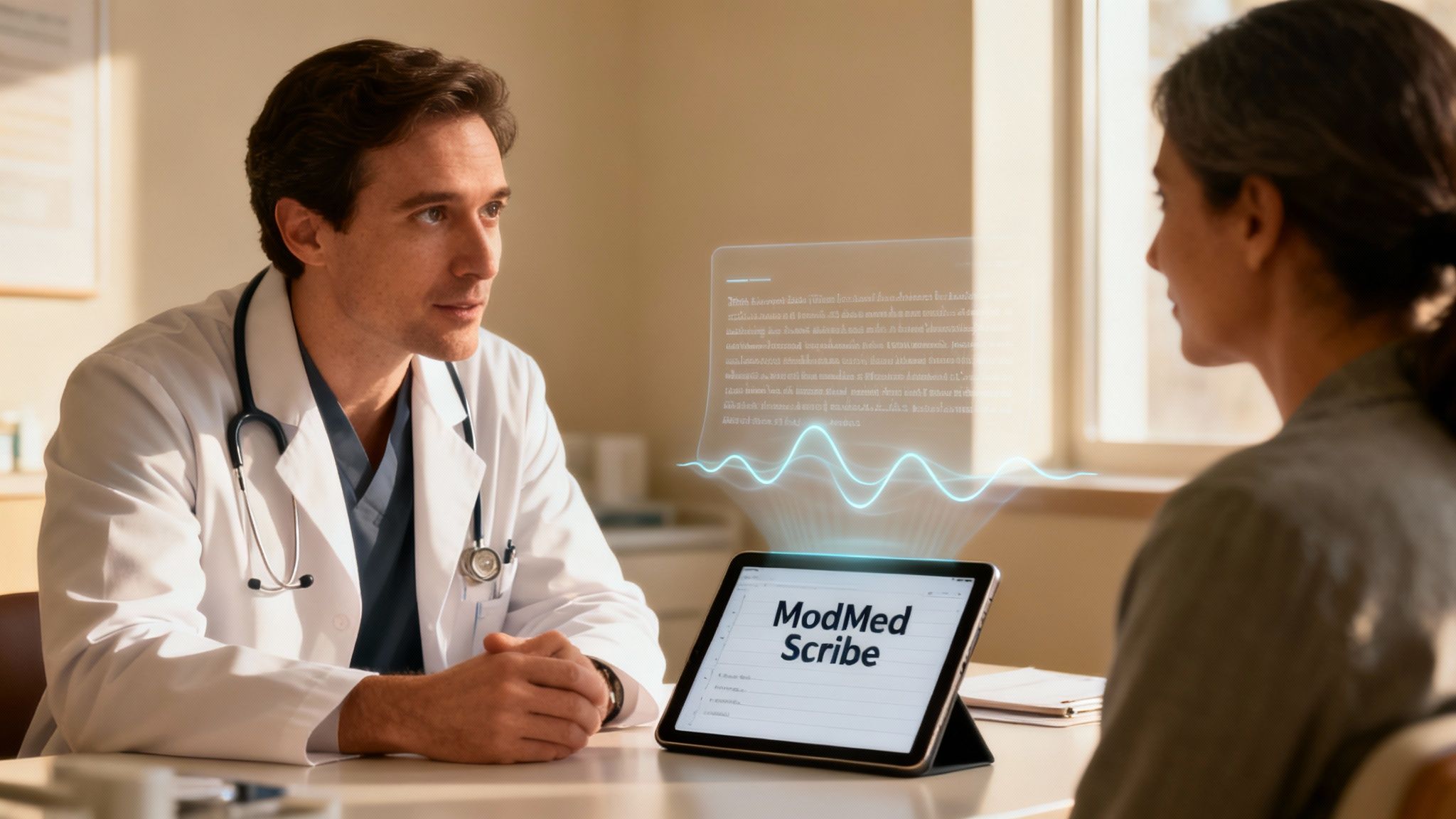
ModMed connects with outside systems through APIs and built-in integrations, and it adds AI powered tools directly into the clinical workflow. A specialty practice exchanges data with labs, pharmacies, hospitals, imaging centers, and other software, and Simbie AI’s EHR, payer, and pharmacy integrations extend those connections to automate routine tasks across systems.
You can think of an API (Application Programming Interface) as a secure, standardized translator that lets different software programs exchange data automatically. When a doctor orders a lab test or sends a prescription electronically, the integration sends the request and returns the results to the right patient’s chart without manual data entry.
Why Integrations Matter
Direct, automated connections are essential for patient safety and daily operations. Eliminating manual data entry reduces the risk of errors such as transcribing a lab value incorrectly or attaching results to the wrong patient. It also frees staff from the cycle of faxing, calling, scanning, and uploading documents.
For a busy specialty clinic, the payoff from integrations includes:
- Quicker Lab Results: Lab orders and results move between the practice and the lab electronically, so results reach the chart without being re-entered.
- Easier e-Prescribing: Prescriptions are sent electronically to the patient’s pharmacy of choice, which makes the refill process easier for patients and staff.
- A Single, Unified Chart: The EMR pulls information from different sources into one chronological patient record.
AI Documentation in ModMed
ModMed describes its current direction as the AI-Powered Practice, adding AI powered tools across its EMR software. One example is ModMed Scribe, an ambient AI documentation tool that listens to the exam room conversation and drafts a structured note for the clinician to review and sign. Like any AI documentation tool, its drafts are meant to be reviewed by the clinician before they become part of the record.
The Real-World Impact of AI in Your Clinic
AI tools in the exam room aim to reduce the time physicians spend on documentation after hours, one of the most common complaints about EMRs. Less time looking at a screen can also mean more attention on the patient during the visit. Getting these tools to work well in your practice is a core part of effective electronic health record optimization.
The potential effects include:
- Less After-Hours Charting: Drafted notes reduce the documentation left for the end of the day, a frequent contributor to physician burnout.
- More Complete Notes: Details captured during the conversation are less likely to be forgotten by the time the note is written.
- Faster Note Completion: Clinicians can review and sign notes soon after the visit instead of at the end of the day.
By combining integrations with AI tools, ModMed EMR is designed to let the technology fade into the background so clinicians can focus on patient care.
A Practical Look at Implementation and Onboarding
Implementing ModMed EMR software is a phased project that covers planning, data migration, staff training, and go-live support. A well-structured plan turns what feels like a monumental task into a series of clear, manageable steps with minimal disruption to daily operations.
This isn’t an overnight switch. It’s a partnership between the practice’s team and ModMed’s implementation specialists to make sure everyone is trained and ready before the system goes live.

Key Milestones in the Implementation Process
The move from an old system to ModMed EMR is mapped out with a project management team. Exact timing depends on the size and complexity of the practice, so practices should confirm their own timeline with ModMed during planning. The core stages are consistent.
| Phase | Key Activities |
|---|---|
| 1: Discovery & Planning | Review of the practice’s current workflows, system configuration, and a milestone-based project plan. |
| 2: Data Migration | Extracting and transferring patient demographics, clinical histories, and appointments from the old system to ModMed. |
| 3: Staff Training | Role-based training for all users, from front desk staff to physicians, PAs, and administrators. |
| 4: Go-Live & Support | The official launch with support from ModMed specialists to handle immediate questions, troubleshoot issues, and ease the transition. |
A structured process helps make sure no critical steps are missed and sets clear expectations for the entire team.
Navigating the Data Migration Process
Moving years of patient data is often the most nerve-wracking part of any EMR switch. A careful, validated data transfer is critical to continuity of care. Migration typically covers patient demographics, future appointments, and key clinical data such as allergies, medications, and problem lists.
Work closely with the ModMed implementation team to audit your data and decide exactly what needs to come over. The transition is also a good opportunity to archive old or duplicate records so outdated information doesn’t carry into the new system. Getting this step right is a cornerstone of any successful EMR system integration.
Pro Tip: Before you begin, appoint an internal project lead, someone in your practice who can be the main point of contact for ModMed and champion the change internally. This person helps keep the project on track and makes sure key decisions are made on time.
Setting Your Team Up for Success
A new tool is only as good as the people who use it, which is why buy-in from the entire team matters for a successful launch. Be clear about the reasons for the move and the long-term benefits, such as less paperwork, quicker charting, and more time for patient-facing work.
Training works best when it matches each person’s role. Physicians and clinical staff focus on the clinical charting workflows in EMA, while front-office teams focus on scheduling and registration in the practice management system. When the team feels confident before go-live day, the practice can avoid much of the stress and productivity dip that comes with a major operational change.
Weighing the Pros and Cons of ModMed EMR
ModMed EMR’s main advantages are deep specialty-specific design, an intuitive iPad-native interface, and a single integrated platform. Its main drawbacks are a premium price, the learning curve of switching systems, and a poor fit for general or family medicine.
Picking a new EMR is a long-term commitment that shapes a practice’s daily efficiency and patient experience for years. ModMed EMR software makes a strong case for practices in its targeted specialties, but it’s important to look at the whole picture before signing.
The Clear Advantages of ModMed
The biggest advantage of ModMed is its focus on medical specialties. Generic systems often force staff into awkward workarounds. ModMed, by contrast, is designed around the real-world workflows of specialists.
In practice, the software already “knows” what a specialist needs to document for common conditions. It offers ophthalmology-specific drawing tools for a retinal exam or dermatology-focused anatomical diagrams right when they’re needed.
The system was also born on the iPad, giving it a touch-based feel that many clinicians find more natural than clicking through a desktop interface.
Finally, having everything under one roof is valuable. ModMed bundles the EMR, practice management, analytics, and patient portal into a single system, which saves practices from juggling separate vendors and support contracts.
Key benefits include:
- Deep Specialization: Specialty-specific templates, workflows, and clinical content mean less customization work and more complete notes from the start.
- Intuitive, Modern Interface: The iPad-native design is clean and easy to learn, which can help staff get up to speed quickly.
- Integrated Platform: A single system for clinical and administrative work simplifies reporting and daily operations.
Potential Drawbacks to Consider
No EMR platform is right for every practice, and ModMed has trade-offs to consider carefully. The most common hurdle is price. As a premium, specialty-specific solution, ModMed EMR software is a significant financial investment, which can be difficult for smaller, newer, or budget-conscious practices.
The long-term case for ModMed rests on efficiency gains and reduced administrative work, but the upfront costs and ongoing subscription fees require careful financial planning. Weigh the price against the time your team could realistically save.
Another consideration is the learning curve. The interface is widely considered intuitive, but switching EMRs is always a change management project. Staff used to another system need time and good training to get comfortable, and a poorly managed transition can cause a temporary dip in productivity.
Lastly, ModMed’s greatest strength, deep specialization, is also its biggest limitation. It is a strong choice for the specialties it’s built for, but it’s the wrong choice for general or family medicine. A primary care physician would find the specialty-focused templates restrictive for the broad range of conditions they manage.
How Do AI Voice Agents Work with ModMed EMA?
Simbie AI exhibits at dermatology conferences, including Fall Clinical. Our Fall Clinical Dermatology Conference 2026 guide covers what the meeting offers dermatology practices.
AI voice agents work with ModMed EMA by answering and placing patient phone calls, completing routine requests such as scheduling and refills, and documenting the outcome in EMA. This takes repetitive phone work off the front desk while keeping records in the practice’s existing system.
Simbie AI provides clinically trained AI voice agents for medical practices along with an AI EMR automation agent with human oversight. The agents answer and place patient calls, handle scheduling, refill requests, pre-visit intake, and patient education, and document the result in the practice’s EMR. Simbie AI integrates with ModMed EMA, and practice staff can take over any call at any time.
For a practice using ModMed EMR software, that typically looks like this:
- Scheduling calls: Patients call to book, move, or cancel appointments, and the voice agent follows the practice’s scheduling rules.
- Refill requests: The agent collects the medication and pharmacy details and records the request for provider review.
- Pre-visit intake: The agent gathers visit reasons and patient details ahead of the appointment.
- Escalation: Urgent calls, or requests outside the configured workflows, are routed to staff or the on-call clinician according to rules the practice sets.
Because the voice agents don’t depend on staff schedules, calls can be answered during lunch, before opening, and after hours, so fewer patients reach voicemail.
Your Top Questions About ModMed Answered
Even with all the details in this guide, you probably have a few practical, bottom-line questions. Here are answers to the most common things practices ask when considering the ModMed EMR.
Is ModMed an EMR System?
Yes. ModMed is a cloud-based EMR system for specialty practices. Its EMR product is called EMA (Electronic Medical Assistant), and in gastroenterology ModMed’s EHR is gGastro. ModMed also includes practice management and patient engagement tools on the same platform.
Does ModMed EMA Work with AI Voice Agents?
Yes. ModMed EMA can work with AI voice agents that handle patient phone calls. Simbie AI integrates with ModMed EMA: its clinically trained voice agents answer and place patient calls, handle scheduling, refill requests, and pre-visit intake, and document each call in EMA. Practice staff can take over any call at any time.
How Does ModMed’s Pricing Actually Work?
ModMed does not publish a standard price list for its EMR software. Practices request a custom quote, and the total depends on factors such as the medical specialty, the number of providers, and which modules and services are included. Practices should also ask about one-time implementation and data migration fees in addition to the ongoing subscription.
Is ModMed a Good Choice for a Small or Solo Practice?
ModMed EMR software can be a good choice for a small or solo practice, as long as the practice’s specialty is one ModMed supports. For smaller teams, the all-in-one platform means clinical, administrative, and patient engagement tools come from one vendor under one support contract.
The main factor for a small practice is budget. ModMed is a bigger financial investment than many general-purpose EMRs. A solo doctor or small practice should compare the expected efficiency gains, reduced administrative work, and specialty-specific features against the higher price before deciding. Small teams using ModMed often pair it with an AI voice agent such as Simbie AI to take routine phone calls off the front desk.
What’s the Deal with Training and Support?
ModMed provides a structured onboarding process so the team is trained before the system goes live. As part of implementation, practices typically work with a dedicated project manager who acts as the main point of contact through setup and migration.
Here’s what the training and support structure typically includes:
- Role-Based Training: Front desk staff, physicians, and administrators receive training tailored to their roles and daily workflows in ModMed.
- An Online Knowledge Base: After the initial training, users can access a library of video tutorials, how-to guides, and release notes.
- Ongoing Support: Once the practice is live, it can reach ModMed’s support team by phone, email, or a client portal for technical and workflow questions.
Simbie AI’s clinically trained voice agents handle scheduling, intake, and refills, integrate with ModMed EMA, and document each call in the chart, so your team can focus on patient care. Learn how Simbie cuts costs by 60% for your practice. Book a demo to see Simbie working alongside ModMed.