
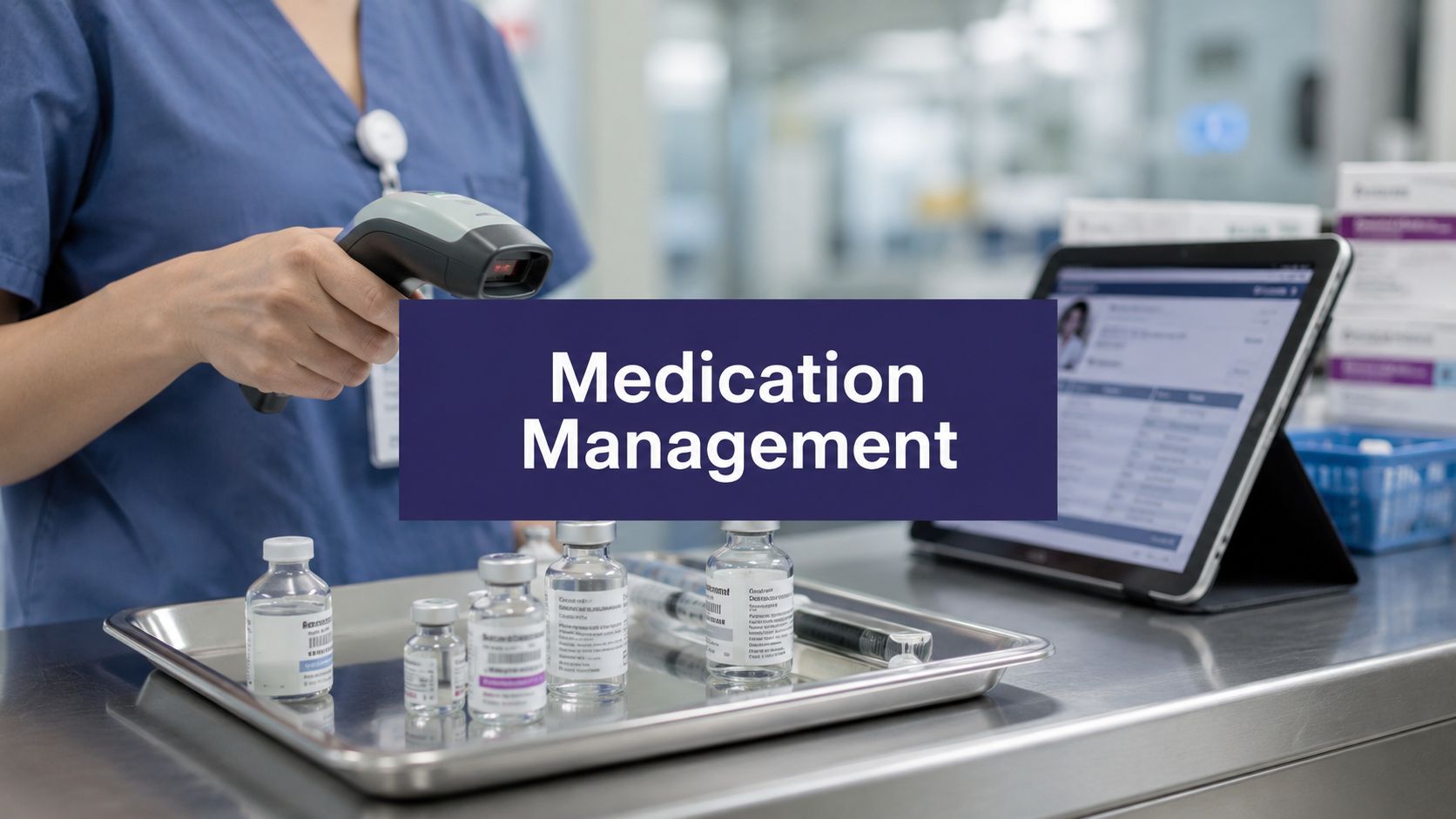
Organizations often start looking at medication management systems after something has already gone wrong. A refill request sat in a voicemail box too long. A nurse documented in one screen while the pharmacy worked from another. A provider signed an order, but the MAR never reflected the change until someone noticed. None of that feels dramatic in the moment. It just feels like another messy day in clinic.
That's why I don't think of medication management systems as software first. I think of them as a way to remove weak handoffs from one of the riskiest parts of care. If the system only digitizes the old chaos, you spent money and kept the same problem. If it changes the workflow for real, staff get time back and patients get safer care.
What a medication management system is really for
A good medication management system exists to stop the same avoidable failures from repeating. In a busy practice, those failures are usually boring and familiar. Missing refill details. Outdated med lists. Duplicate entry between the EMR, the pharmacy workflow, and the administration record. Staff chasing clarifications that should have been visible from the start.
The formal definition matters because it explains why some products help and others don't. A technically mature electronic medication management platform is a closed-loop control system that digitizes the full medication pathway from ordering to administration and documentation. When prescribing, dispensing, and administration are electronically linked, organizations reduce transcription errors and create real-time traceability for every medication event, as described in Australia's electronic medication management system guidance.

The problem it solves day to day
In practice, that closed loop means fewer chances for the same medication data to drift across systems. The order entered by the prescriber shouldn't need to be retyped by someone else. The medication that gets dispensed shouldn't live in a separate operational silo. The administration event should flow back into the patient record without waiting for end-of-shift cleanup.
That's the difference between a system that looks modern and one that changes care delivery.
Practical rule: If your staff still rely on sticky notes, hallway clarifications, and “I'll update the chart later,” your medication process is not closed loop, no matter how polished the software looks.
What people get wrong
The most common mistake I've seen is buying around a feature list instead of a workflow problem. Teams ask whether the system has e-prescribing, refill routing, alerts, and audit logs. Those are fair questions, but they miss the point. The right question is whether the medication pathway is connected enough that one accurate action removes the need for three follow-up actions.
Another mistake is treating medication management as an IT project. It isn't. It's a clinical operations project with IT dependencies. If nursing, pharmacy, providers, and front-desk staff don't all see their part of the workflow reflected in the build, adoption gets shaky fast.
What success actually looks like
The best rollout I've been part of didn't feel flashy after go-live. It felt calmer. Nurses spent less time hunting down orders. Providers got fewer avoidable clarification messages. Medication documentation became easier to trust because it was tied to actual workflow events instead of memory.
That's what these systems are really for. Better control, cleaner traceability, and fewer preventable gaps between intent and administration.
The core features that actually matter in a system
I've sat through enough demos to know that vendors love to pile on features. Most buyers don't need more features. They need the right ones tied to real jobs inside the clinic.
The strongest medication management systems connect verification, dispensing, administration, and charting. According to the EHMA overview of medication management architecture, high-performing setups typically integrate barcode scanning, RFID, automated dispensing cabinets, and EHR/MAR synchronization to enforce the “right patient, right drug, right dose, right time” checks at the point of care. The same guidance explains that the system verifies medication identity before dispensing and documents each event back into the patient record in real time.
The features that earn their keep
Some functions matter because they remove error-prone manual steps. Others matter because they stop staff from working around the system.
| Feature | Primary Clinical Benefit |
|---|---|
| Computerized provider order entry | Reduces handwritten and transcription-related ordering errors |
| Barcode medication verification | Confirms the medication at the point of dispensing or administration |
| Automated dispensing cabinets | Controls access and helps match medication supply to active orders |
| EHR and MAR synchronization | Keeps the medication record current across teams |
| Audit trail and event logging | Makes review, follow-up, and governance far easier |
A mature electronic medication administration record workflow should sit in the middle of this. If the eMAR is disconnected from ordering or dispensing, staff still end up reconciling by hand, which defeats much of the reason to modernize.
What each feature is really doing
Order entry matters because legibility and re-entry errors are still real. If providers enter medication orders directly into the clinical workflow, the team starts from a cleaner source of truth.
Barcode checks matter because they force verification at the point where errors happen. A med room can look organized and still produce wrong-dose or wrong-patient mistakes if no one verifies against the record in real time.
Automated dispensing cabinets matter when they're tied to current orders. If they aren't, they become expensive storage with nicer reporting.
Bidirectional record sync matters because medication changes rarely stay in one department. Pharmacy, nursing, and providers all need the same current picture.
What sounds good in demos but disappoints later
I'm skeptical of any product that leans too hard on alerts without showing how the alert fits the workflow. If every mismatch, refill request, timing issue, or override creates another notification, staff stop trusting the signal. Good systems don't just warn. They route the task to the right place, with enough context that someone can act.
A feature isn't useful because it exists. It's useful because it removes one more chance for staff to improvise.
I'm also careful with “integration” claims. Some vendors mean they can export a file. Others mean they can push one direction. What you want is a medication record that updates where people work, not a nightly sync that leaves everyone guessing during the day.
Clinical and operational benefits I've seen firsthand
The safety case for medication management systems is obvious, but the operational case is what usually wins over a tired clinical team. People adopt the system faster when they feel the work getting easier.
The global cost of medication errors is US$42 billion annually, according to the benchmark cited by the World Health Organization in this medication management market analysis. That same analysis points to real-world implementation work, noting that electronic medication management systems were updated 117 times over four years, with 24% of changes aimed at preventing medication errors and 22% aimed at optimizing workflow. I like that data because it reflects reality. Good systems don't arrive perfect. Teams refine them as care patterns, risks, and staffing needs change.
Where the gains show up first
The first change I usually see is fewer interruptions. Nurses stop chasing basic medication status questions. MAs spend less time relaying refill details that should already be structured. Providers get fewer messages that begin with “Can you confirm what the patient is taking?”
The next change is trust in the chart. That sounds small, but it isn't. If staff believe the med list is stale, they build side processes around it. Once that happens, every reconciliation becomes slower.
For practices still struggling with fragmented lists, this overview of what medication reconciliation is is useful because it gets at the operational issue, not just the definition.
Why workflow improvements matter as much as error prevention
Teams often buy for safety and then realize the day-to-day labor savings are just as important. Medication work creates a huge amount of low-level admin drag. Clarification calls. Refill follow-up. Manual updates after verbal changes. Duplicate documentation after the patient has already left.
Those tasks wear people down because they arrive in pieces all day.
The systems that stick are the ones that make a Tuesday afternoon feel less chaotic, not just the ones that look good in a board report.
There's another lesson in the update data above. If a system needs no adjustment after go-live, I worry someone isn't listening to frontline users. The best medication workflows keep changing because care keeps changing.
Navigating security, regulations, and EMR integration
Projects commonly bog down. Although most organizations can picture the clinical upside, they get stuck on the risk of exposing patient data, breaking compliance, or ending up with another partial integration that staff ignore.

Security due diligence has to go past a sales sheet
I never accept “HIPAA compliant” as a complete answer. I want to know how the vendor handles access control, audit logging, encryption, user provisioning, data retention, and incident response. I also want the business associate agreement reviewed early, not at the end when legal is trying to catch up before signature.
A few questions usually separate serious vendors from hand-waving:
- Access control details: How do they manage role-based permissions for prescribers, nursing staff, pharmacy users, and non-clinical staff?
- Encryption practices: Can they explain how they protect data at rest and in transit in plain language?
- Auditability: Can you trace who changed a medication record, when they changed it, and what the prior value was?
- Downtime planning: What happens if the integration is interrupted during clinic hours?
- Support model: Who owns issue resolution when the problem sits between their product and your EMR?
If your team is also evaluating voice workflows for documentation and patient calls, Meowtxt's medical speech to text guide is a useful read because it frames accuracy, privacy, and workflow fit in practical terms.
The integration question that matters most
A one-way push is better than manual entry, but it still leaves too much room for drift. Medication workflows need a real exchange of data. Orders, discontinuations, refill status, administration events, and reconciliation updates all need to move between systems in a way staff can trust.
That's why I ask vendors to map the exact lifecycle of a medication change inside our environment. Not a generic “we integrate with Epic” or “we support Cerner.” I want to see what happens when a provider discontinues a drug, when a refill is pending, and when nursing documents administration after the order changes.
A practical overview of EMR integration work in healthcare operations can help teams frame those discussions before the demo stage.
Regulatory fit is a workflow issue too
Compliance fails when the workflow invites shortcuts. If users can share logins, chart later from memory, or work around medication verification because the system is slow, you don't just have a usability problem. You have a regulatory problem waiting to happen.
I'd rather choose a less flashy product with cleaner permissioning and stronger audit trails than a prettier interface that leaves those basics weak.
How to choose and implement the right system
The market is getting crowded, which makes disciplined selection more important. One forecast projects the global medication management systems market at USD 3.9 billion in 2025 and USD 10.1 billion by 2035, a 10.0% CAGR, with automated dispensing systems leading product categories, according to Fact.MR's market forecast. I read that less as hype and more as a warning. These tools are now core infrastructure, so a bad fit becomes expensive quickly.
Start with your current mess, not the vendor shortlist
Before any demos, map your actual medication workflow. Follow one refill request from patient contact to provider approval to chart update. Follow one new medication order from entry to dispense to administration documentation. Follow one discontinued medication and see how many screens, people, and delays it touches.
That exercise usually exposes the true buying criteria:
- Broken handoffs: Where does information get re-entered or verbally relayed?
- Delay points: Which steps sit in a queue because nobody owns them clearly?
- Safety gaps: Where could a stale med list or delayed update hurt a patient?
- Volume pain: Which repetitive tasks are burning staff time every single day?
What to watch during the demo
I don't care much about polished navigation on a clean sample chart. I care about edge cases. Ask the vendor to show you messy reality. Late refill requests. Conflicting medication histories. A discontinued drug that still appears downstream. A patient who sees multiple specialists and gives inconsistent answers over the phone.
Then watch who in your team leans forward and who goes quiet. If nurses, MAs, or pharmacy users look unconvinced, don't explain their concern away. That reaction usually predicts adoption trouble later.
If the demo only works for the happy path, the implementation won't survive your first busy week.
How I'd stage the rollout
I prefer phased implementation over a big-bang launch unless the organization has a strong informatics bench and deep support coverage.
A practical rollout usually includes:
- Workflow design first. Define ownership, exception handling, and escalation before the build is locked.
- Super-user selection. Pick respected staff from each affected role, not just the most available people.
- Limited go-live scope. Start with a contained service line, clinic group, or medication process.
- Daily issue review. Tight review cycles in the early weeks catch workarounds before they harden.
- Build refinement. Adjust templates, queues, and routing based on what frontline users are doing.
The technology decision matters, but change management decides whether the system becomes part of care or just another layer sitting on top of it.
Real-world use cases and the future with AI
The most interesting medication work doesn't happen in simple refill scenarios. It happens with patients whose medication story is split across settings, clinicians, and phone calls.
A key aspect of medication management is a shared, real-time medication view across behavioral health, primary care, and hospitals, because reconciliation is where many safety gaps occur. That matters even more for complex patients, where nonadherence has been linked to higher emergency department use, as discussed in this piece on medication management across care settings.
Where standard systems still fall short
A lot of systems do a decent job with ordering and documentation inside the building. They struggle with the last mile. That includes the patient call about “the small white pill,” the family member trying to confirm what changed after discharge, and the refill request that arrives after hours with half the needed context missing.
That's where teams are starting to add voice and conversational tools around the core medication platform.
What AI is actually useful for
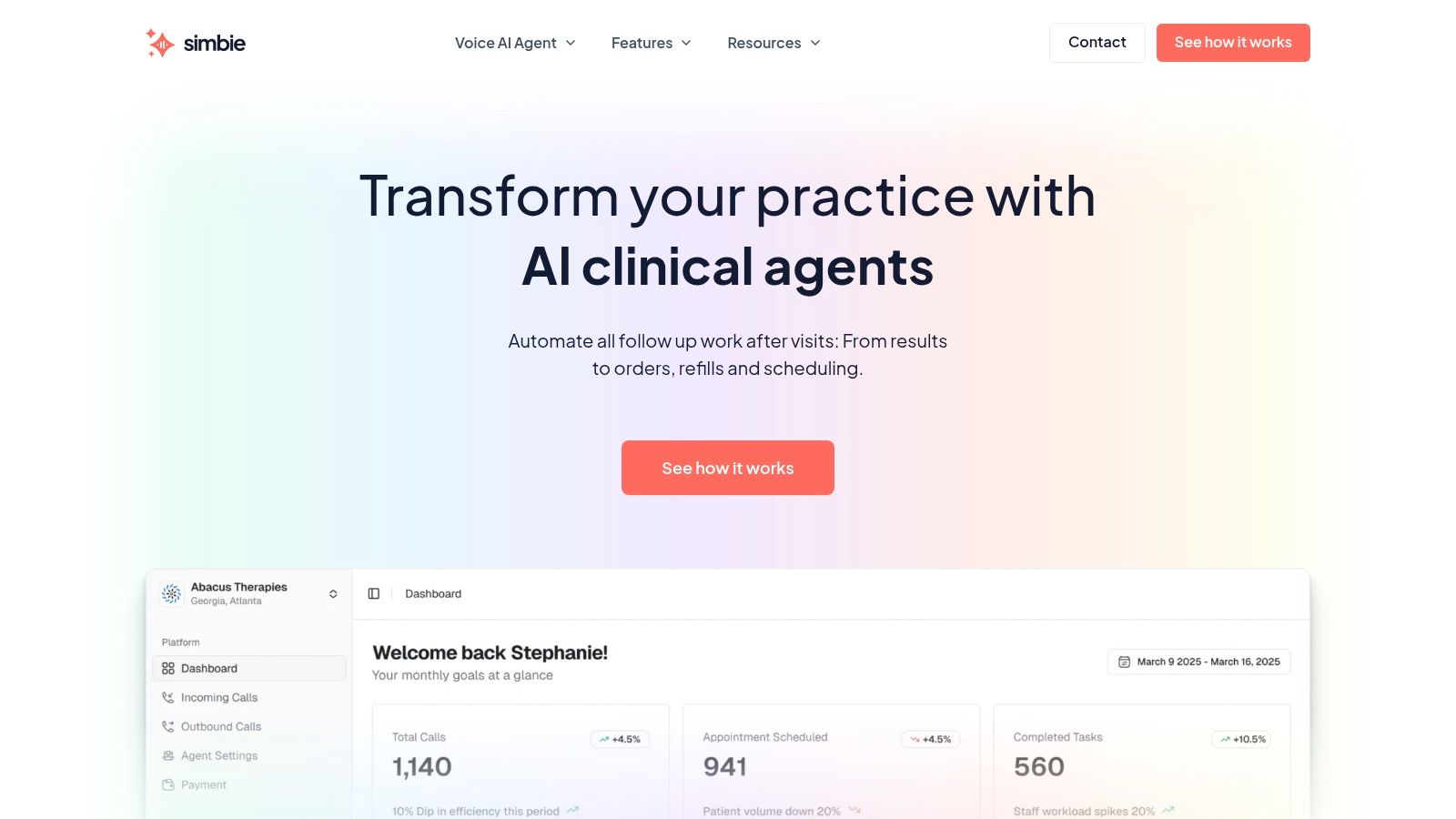
I'm not interested in vague AI claims. I am interested in narrow, supervised uses that remove repetitive work without creating clinical ambiguity. In that category, voice agents can help. Simbie AI, for example, handles medication-related patient calls, collects clarifying details for refill and reconciliation workflows, and queues structured information into the EMR rather than leaving staff to transcribe voicemails manually.
That matters because many medication errors start before the clinical review step. They start when the request arrives incomplete, delayed, or misheard.
If your team wants a practical starting point for how these systems are built, Robotomail's guide to AI agents gives a useful non-hyped overview of agent design and workflow logic.
Two use cases that deserve more attention
Patients with behavioral health comorbidity often have medication histories spread across multiple providers. A shared medication view helps, but only if someone can reconcile the practical discrepancies that surface during calls, admissions, and follow-up.
Underserved populations bring a different challenge. Prescription abandonment, refill friction, access barriers, and pharmacy coordination issues can break the process even when the order itself is correct. In those settings, technology has to support outreach, clarification, and follow-through, not just chart accuracy.
The future isn't one system doing everything. It's a better connection between the core medication record and the communication channels where medication confusion starts.
Proving its value with the right metrics
If you don't define success before go-live, you'll end up with vague claims and no credibility. I like a small dashboard that ties clinical safety to operational effort.
Track metrics your staff can influence and your leaders can understand:
- Medication error categories: Review wrong-patient, wrong-dose, omitted-dose, and transcription-related events.
- Reconciliation quality: Audit whether medication lists are current at key transition points.
- Refill turnaround: Measure how long routine refill requests sit before completion.
- Pharmacy callback volume: Watch whether staff spend less time on preventable clarifications.
- Documentation lag: Check how quickly administration and medication changes appear in the chart.
Don't wait for an annual review. Start with a baseline, review early, and use the findings to adjust the build and training. That's how you turn medication management from a software purchase into a system people trust.
If your practice is trying to close the gap between medication workflows inside the EMR and the patient communication happening by phone, Simbie AI is worth a look. It's designed for healthcare teams that need help with refill calls, intake, and medication-related documentation without adding more manual work to the front desk or nursing staff.