
Monday at 8:07 a.m., the phones are already stacked, the front desk is checking in patients, a refill request sounds routine until it isn't, and your medical assistant is trying to find a lab result while the line keeps blinking. That's the core issue concerning how to handle high call volume in a medical office. For independent dermatology, gastroenterology, and internal medicine practices, call volume isn't just a phone issue. It's a patient access issue, a staffing issue, and often a clinical safety issue too.
Most advice stops at “reduce calls.” That's too shallow. The practical answer is to redesign the workflow from first ring to clinical follow-up, so routine requests move fast, urgent needs get recognized early, and your team doesn't absorb the chaos.
Meta description: Learn how to handle high call volume in a medical office with triage, smart routing, AI support, and workflow fixes that improve access and reduce staff strain.
Establish Triage Protocols and Smart Staffing Models
High call volume exposes a design problem before it exposes a staffing problem. If every caller reaches the same team, with the same priority, reception ends up making clinical judgment calls while checking patients in, collecting copays, and answering insurance questions. That is how refill requests sit too long, post-procedure concerns get buried, and staff leave the day feeling like they worked nonstop without gaining control.
Build triage rules before the phones back up
The first job is to separate demand by risk and by who should own the next step. In practice, that usually means four lanes:
- Urgent clinical concerns: New symptoms, worsening symptoms, post-procedure complications, medication reactions, and questions tied to abnormal results
- Time-sensitive but non-emergent needs: Same-week schedule changes, prior authorization issues delaying care, refill follow-up linked to an active condition
- Routine administrative requests: Scheduling, directions, forms, billing basics, portal access, office hours
- Outbound follow-up work: Reminder calls, rescheduling, standard result outreach, pre-visit instructions
These categories need written criteria, not staff memory. Front-desk teams should know what they can finish on the first call, what goes to an MA or nurse, and what requires same-day provider review. If your office relies on nurse triage, a defined clinical framework matters even more. This guide on telephone triage protocols for nurses is a useful reference point.
One rule catches weak protocols fast. If two trained employees would route the same caller to different places, the workflow is still too subjective.
Pure call deflection creates its own clinical risk. Practices that push patients too hard toward voicemail, portal messages, or generic self-service often see the same issue return through multiple channels, except now it is harder to track, slower to resolve, and more likely to reach the wrong person. Good triage reduces unnecessary live calls, but it also protects the calls that should stay live.
TriageLogic notes in its review of triage best practices that protocols need regular review so they stay aligned with current clinical guidance and actual office workflows. In my experience, annual review is the minimum. High-risk specialties, procedure-heavy practices, and offices with frequent staffing changes often need updates more often.
Staff to the pattern of demand
Average daily call volume is not the number that breaks a medical office. The peak hour does.
Start with a simple demand map. Look at call load by hour, by day of week, and by month. Monday mornings matter, but specialty practices also have predictable spikes after procedure days, during pathology-result windows, after hospital discharge periods, and around refill deadlines. Once you can see those patterns, staffing decisions get easier and less emotional.
A practical model usually includes three moves:
- Cross-train backup staff for short surge windows. Referral coordinators, checkout staff, or office administrators can cover routine intake tasks during the busiest hour if they have scripts, logins, and clear limits.
- Stagger shifts around the peak volume. An early-start schedule often helps more than adding another full day of coverage.
- Separate interruption-heavy work from concentration-heavy work. Staff handling inbound demand should not also be responsible for prior auth follow-up, detailed benefits verification, or complex outbound scheduling at the same time.
This is also where many practices get burned by partial automation. If a bot or voice assistant captures more requests but the clinical review queue stays the same, staff burnout shifts rather than improves. The front desk answers fewer basic calls, but MAs and nurses inherit a larger pile of portal messages, callback tasks, and poorly sorted symptom notes. The fix is a human-in-the-loop model where automation gathers clean information and the office redesigns downstream ownership before volume is redirected.
Define coverage roles before the rush
A stable staffing model gives each role a narrow decision range and a fast escalation path.
| Front desk role | Handles directly | Escalates to |
|---|---|---|
| Reception | Scheduling, registration, routine requests, basic portal help | Triage nurse or MA for symptom-based concerns |
| MA or nurse | Protocol-based symptom review, refill review under standing process, post-visit clinical follow-up | Provider for exceptions, red flags, or unclear presentation |
| Provider | High-risk, worsening, or diagnostically unclear cases | N/A |
Keep escalation rules visible at the workstation. Build them into onboarding. Review a sample of routed calls each month.
Phone overflow planning belongs here too, even before you build formal routing logic. Offices should know who picks up when the front desk is saturated, which call types can be forwarded safely, and what must stay with on-site staff. If your phone vendor allows it, configure call forwarding settings for approved overflow paths only, then test them during a live clinic session, not after hours.
The goal is not to make every call disappear. The goal is to make sure the right person handles the right request at the right point in the patient access workflow. That is what protects access, lowers rework, and gives staff a system they can trust under pressure.
Design an Intelligent Call Routing and Overflow Plan
Most phone systems create one bad experience in two directions. Patients wait too long, and staff lose focus because every ring feels equally urgent.
A better call flow sorts demand before it reaches the person answering the phone. That's where routing logic, callback options, and overflow coverage do the heavy lifting.
Route by intent, not by whoever picks up first
A practical medical office call tree should quickly separate common intents such as appointments, prescription refills, billing, clinical questions, and urgent symptom concerns. The point is not to create a maze. The point is to avoid sending every caller to the same overworked queue.
Interactive Voice Response systems can handle routine inquiries such as appointment confirmations or prescription refill requests without a live agent, which frees staff to focus on more complex medical issues, as outlined in this healthcare call center strategy review.
That same source makes two operational points worth acting on right away. Offering callback options is one of the most effective ways to reduce abandonment without adding staff, because it respects the caller's time. Text messaging is also one of the fastest methods to shift routine volume away from live agents.
Don't aim for a “smart” phone tree that tries to do everything. Aim for a short one that gets patients to the right next step with minimal friction.
Build overflow rules before you need them
Overflow planning is where many smaller practices get caught flat-footed. The phones may be manageable most days, but a provider out sick, weather event, or post-procedure callback surge can break the system by noon.
Your overflow plan should answer three things clearly:
- Where do unanswered calls go after a defined threshold
- Which call types qualify for callback instead of live hold
- Who owns after-hours and lunch-break coverage
If your telecom setup is part of the problem, it helps to review how to configure call forwarding settings in a structured way so overflow rules match your staffing model instead of fighting it.
For practices looking at automation in this layer, this overview of inbound call automation in healthcare shows how routing, capture, and handoff can be standardized.
Use the portal and texting as pressure valves
A patient portal won't fix a bad access workflow by itself. But when it's easy to use and tied to routine tasks, it lowers phone demand in the right places.
The most useful targets are repetitive requests that don't need live conversation, such as appointment confirmations, basic scheduling changes, refill status updates, paperwork prompts, and reminder responses. Texting is especially effective because it meets patients where they already are. In operational terms, it clears low-complexity traffic away from your main phone line so your staff can spend their attention where it matters.
Integrate AI for Front Office and Administrative Relief
High call volume usually includes a large block of work that is repetitive, rules-based, and still important. New patient registration. Appointment scheduling. Rescheduling. Referral intake. Prescription renewal requests. Reminder calls. The front desk spends hours on this, and none of it disappears just because your staff is short.
AI can help, but only if you treat it as part of your staff workflow, not as a gimmick bolted onto the phone line.
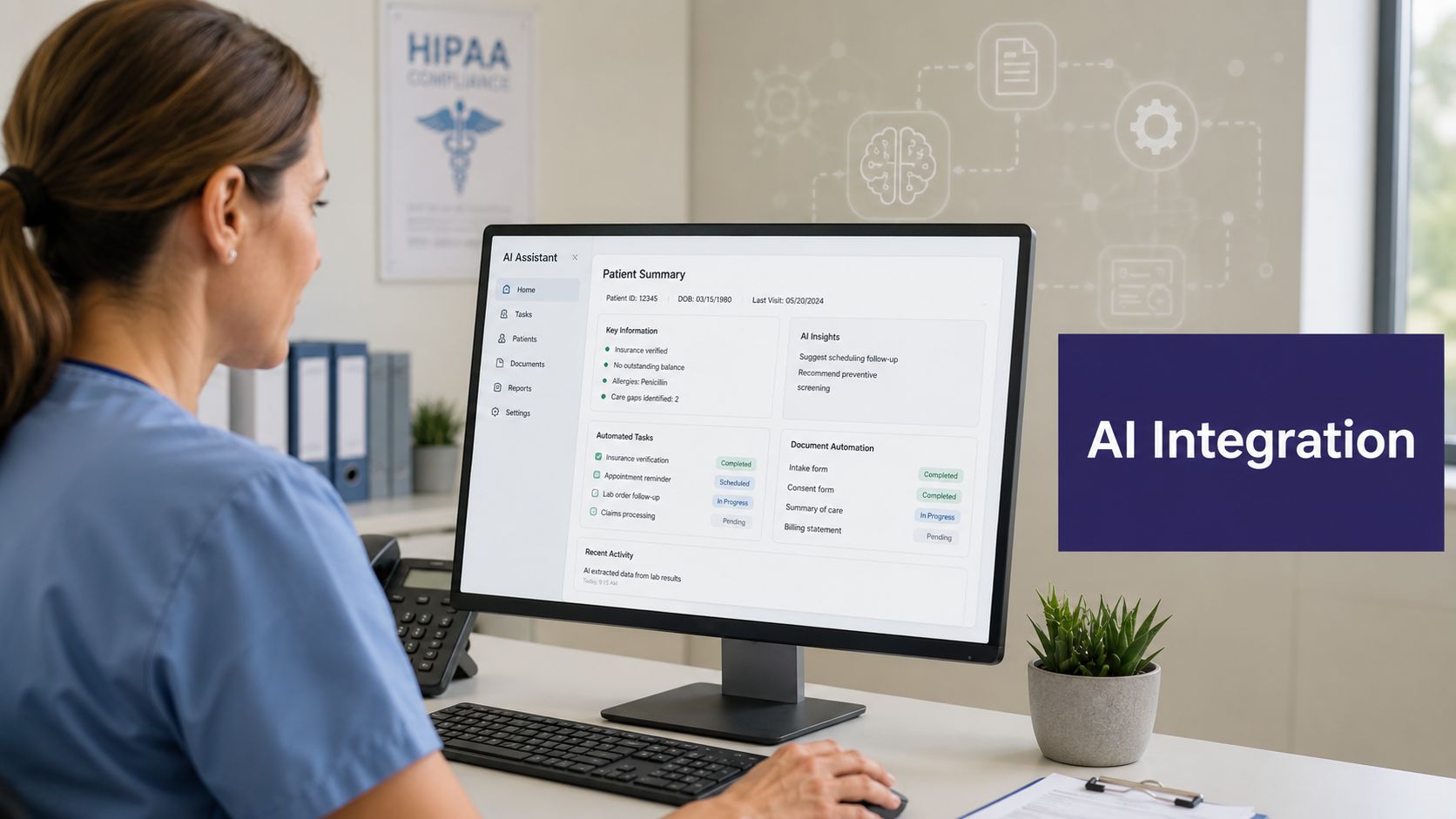
Use AI for the work that is frequent and structured
A clinically useful front-office AI should handle administrative tasks end to end, not just answer and forward. That includes collecting registration details, scheduling into systems like eClinicalWorks, gGastro, EMA ModMed, Athenahealth, Epic, and DrChrono, capturing refill requests, and documenting the interaction cleanly for staff review.
That's different from a basic answering service. The goal is not to take a message. The goal is to complete the task safely and consistently.
For healthcare leaders comparing operational models, this guide for healthcare leaders is a helpful starting point for evaluating where AI fits and where it doesn't.
One example in this category is AI phone receptionist, which reflects the broader shift toward AI Medical Staff rather than simple phone coverage. In practice, that means handling administrative front-office workflows such as calls, scheduling, intake, refills, and prescription renewals within a HIPAA-compliant and SOC 2 Type 2 certified environment, with 24/7 availability, zero hold times, and 100% of inbound calls captured. Simbie AI also extends beyond reception into clinical support tasks, and the platform was built by physicians from Stanford, Yale, Columbia, and Princeton.
Pure deflection is where mistakes happen
This is the part too many vendors skip. Reducing calls is useful. Reducing the wrong calls is dangerous.
According to OhMD's analysis of patient call reduction, 80-90% of calls are deflectable, but 10-20% involve genuine clinical urgency. That's why systems need risk-assessment algorithms or human-in-the-loop escalation triggers so a developing medical issue doesn't get treated like a routine refill or scheduling request.
That distinction matters every day in specialty care:
- In dermatology, “I need a refill” may include a medication reaction or a wound concern after a procedure.
- In gastroenterology, “I need to reschedule” may be tied to prep failure, bleeding, or worsening symptoms.
- In internal medicine, “I have a question about my meds” can turn into dizziness, hypotension, or new side effects.
The right AI workflow doesn't just deflect work. It screens for risk, documents context, and escalates with enough structure that your staff can act immediately.
Judge the tool by the handoff, not the demo
A polished demo can make any phone bot sound competent. What matters in operations is the handoff quality.
When an AI system escalates, your team should receive the reason for escalation, the relevant patient statements, the contact details, the task status, and the next recommended step. If staff still have to restart the conversation from scratch, you haven't removed friction. You've just moved it.
Extend Automation into Clinical Support Workflows
If your automation plan stops at the front desk, you'll improve access but leave a lot of staff strain untouched. The bigger operational gain comes when the same system supports clinical follow-up too.
That's where the model changes from call management to workflow management. The tasks may start on the phone, but they affect nurses, medical assistants, and physicians long after the call ends.
Move beyond scheduling and refills
Clinical support workflows that benefit from automation are usually the ones that are repetitive, protocol-driven, and time-sensitive. Not glamorous. Very valuable.
Examples include pre-op instruction calls, post-visit education reinforcement, adherence check-ins for chronic disease management, outreach tied to missed preventive care, and communicating normal test results according to practice policy. In the right setup, automation can also gather pre-visit history, support medication reconciliation, and tee up documentation for staff review before the patient arrives.
For an independent practice, this matters because physician time gets fragmented by avoidable follow-up work. Protecting Doctors' Time for Doctoring isn't about removing the human layer. It's about keeping clinicians focused on work that needs their judgment.
Prevent the burnout rebound
There is a real trap here. AI can remove routine calls, but if it only escalates the hardest interactions, the staff may end up carrying a heavier emotional load.
As noted in this review of modern patient call volume management, AI can increase administrative burnout if it shifts only the most complex, emotionally charged patient histories to the front desk for final resolution. Effective adoption requires supportive human-handoff protocols that manage that emotional residue and protect staff mental health.
That means your handoff process has to be designed, not assumed.
A workable model includes:
- Context-rich transfers: Staff receive the summary, not just “patient wants callback.”
- Defined ownership: The team knows whether the next step belongs to reception, MA, nurse, or provider.
- Closed-loop documentation: The outcome is recorded so the patient doesn't need to repeat the story.
- Escalation boundaries: Staff know what must go higher and what can be finished within protocol.
A bad handoff creates duplicate work and emotional fatigue. A good handoff creates momentum.
Keep the care team connected
Automation only helps if communication inside the office gets cleaner. When the front desk, MAs, nurses, billers, and providers are all touching the same patient journey, structured communication matters as much as the software.
A practical resource for shaping those internal processes is this boost teamwork in healthcare guide, especially for practices trying to formalize who handles what after an automated interaction reaches a human.
In daily operations, the strongest setup is one platform covering both layers. Administrative work gets completed without clogging the phones, and clinical support workflows move forward without asking physicians to personally chase every normal result, reminder, or follow-up touchpoint. That's how a practice scales care without scaling disorder.
Develop Key Scripts and Monitor Performance KPIs
At 8:10 on a Monday, the phones are backed up, the front desk is trying to check in a line of patients, and a refill caller says, “I already left two messages.” That moment is not a phone problem alone. It is an access workflow problem. Scripts and KPIs help because they standardize what the practice collects, what happens next, and which requests carry clinical risk if they sit too long.
Scripts should give staff structure without making patients feel processed. The goal is consistency under pressure. Every caller should get the same safety screening, the same core intake, and the same clear next step whether the interaction starts with a receptionist, a call center teammate, or an automated assistant.
Write scripts that protect accuracy, not just speed
A usable script sounds conversational, but it is built like a protocol. It guides the staff member through identity verification, reason for contact, urgency check, documentation, and disposition. That matters because pure call deflection can create hidden risk. If a patient asks for a “simple appointment” but mentions worsening shortness of breath halfway through the call, the workflow has to catch that and change course.
For routine scheduling, collect identity, visit reason, timing constraints, scheduling restrictions, and symptom changes that may require clinical review. For refill requests, collect the medication, dose, pharmacy, last fill timing, and whether the patient reports a new side effect, missed monitoring, or a lapse in treatment. For result calls, the script should include the result, the plan, symptom-change screening, and confirmation that the patient understands the next step.
Useful openings sound like this:
- Scheduling: “I can help schedule that. Before I book the visit, tell me if this is routine follow-up, a new problem, or something getting worse.”
- Refills: “I'll get the refill details first. I also need to know if you've had any new symptoms or problems with the medication.”
- Test results: “I'm calling with your result and your next step. Before we finish, tell me if anything has changed since the test was done.”
Those few lines do two jobs at once. They keep the call moving, and they surface patients who should not stay in an administrative lane.
Track the KPIs that expose workflow failure
A crowded dashboard does not help a busy practice. Track the few measures that show whether patients are getting through, getting resolved, or getting bounced around.
Here is the scorecard I would review every week:
| KPI | What It Measures | What to Look For |
|---|---|---|
| Average wait time | How long callers wait before reaching help | Rising waits usually signal staffing mismatch, poor routing, or too many calls that should have been completed elsewhere |
| Call abandonment rate | How many callers hang up before resolution | A spike often means the front end is overwhelmed during specific hours or call types |
| First call resolution | Whether the issue was finished in the initial contact | Low performance here usually points to weak scripts, unclear ownership, or missing authority at the first touch |
| Escalation frequency | How often calls move to clinical staff or providers | Useful for separating appropriate triage from avoidable spillover into nursing and provider queues |
| Repeat call rate | Whether unresolved work is generating more inbound traffic | One of the clearest signs that a workflow is failing upstream |
| Time to clinical follow-up | How long it takes for escalated calls to reach closure | This protects against the false efficiency of deflecting calls without finishing the work |
That last measure gets missed often. A practice can reduce front-desk call time and still create more nurse inbox work, more provider interruptions, and more frustrated patients if escalated requests stall. That is the paradox many teams run into with AI and automation. The phone queue looks better while staff burnout gets worse in the background.
Use KPI review to redesign the workflow
The weekly review should not be a lecture about call numbers. It should be an operating meeting with supervisors, front-desk leads, and clinical managers looking at the same failure points.
If refill calls are repeated, examine refill authorization rules, refill timing, and who owns follow-up when labs or visits are overdue. If scheduling calls run long, look at template complexity inside the PM or EHR system and whether staff are forced to hunt for appointment rules. If result calls generate callbacks, review whether the script explains the plan clearly enough and whether patients know what symptom changes require a return call.
One repeat call is an inconvenience. A pattern of repeat calls is a process defect.
I also watch for staff burden signals alongside patient access metrics. If automation is handling more front-end volume but the MA pool is seeing more unstructured escalations, the script or routing logic is off. Fixing that early matters. Otherwise, the practice shifts strain from one team to another and calls it efficiency.
Strong scripts and a short KPI list give leaders something useful: a way to improve access without stripping out judgment, safety, or accountability.
Create Your Phased Implementation and Training Plan
The practices that implement this well don't try to fix everything in one month. They start with one high-volume workflow, make it reliable, then expand.
That approach lowers risk and keeps the staff from feeling like the ground is moving under them.
Start with one lane and make it boring
The best first use cases are repetitive and easy to define. Appointment reminders. Standard refill intake. New patient registration. Normal result outreach. Pick one that creates daily friction and has a clear owner.
Run it in a controlled phase. Keep a short review loop with the front desk, nursing team, and practice leadership. Look at what got completed, what got escalated, where the script failed, and which handoffs felt clumsy.
Then adjust before you widen the rollout.
Train on the why, then the clicks
Staff buy in faster when they understand what problem the new workflow is solving for them. If the rollout sounds like another top-down efficiency project, they'll resist it. If it sounds like fewer repeated calls, fewer loose messages, and fewer interruptions during patient-facing work, they'll engage.
A good training plan includes:
- Workflow intent: What types of requests are moving into the new process.
- Escalation rules: What still needs a person right away.
- Exception handling: What to do when the workflow breaks or the patient doesn't fit the script.
- Documentation standards: Where the task outcome belongs and who closes the loop.
Keep a visible fallback plan
Every new process needs a backstop. If routing fails, if documentation doesn't write back correctly, or if the handoff creates confusion, the team should know the manual path immediately.
That doesn't mean the rollout failed. It means the practice is implementing responsibly.
The longer-term goal is not fewer phone calls for the sake of fewer phone calls. It's a calmer access system, cleaner handoffs, stronger follow-up, and a practice where the front desk, clinical staff, and physicians are no longer pulled apart by the same preventable bottlenecks.
If you're evaluating practical ways to improve access, reduce front-office strain, and support clinical follow-up without adding more chaos, Simbie AI is one option to review, and you can see it in action at book a demo.