
Most small practices don't get into compliance trouble because they ignored the rules. They get into trouble because their tech stack changed faster than their habits did. The EHR is cloud-based, the front desk now texts patients, a billing partner logs in remotely, a physician uses a personal phone after hours, and someone signed up for a scheduling tool without asking who can see the data.
I've seen this pattern again and again. A practice feels “basically compliant” because it uses a known EHR and has HIPAA paperwork somewhere in the office. But healthcare compliance requirements now sit inside daily operations. They show up in call handling, intake forms, patient portals, AI assistants, remote staff access, and every vendor that touches protected health information.
For small and mid-sized groups, that's the hard part. The law gives you the framework. Your workflow creates the actual risk.
The truth about compliance in a modern practice
A practice manager usually notices the problem all at once. Not because there was a breach, but because somebody asks a simple question: “Do we have agreements and security reviews for every tool we use with patient data?” That's when the room gets quiet.
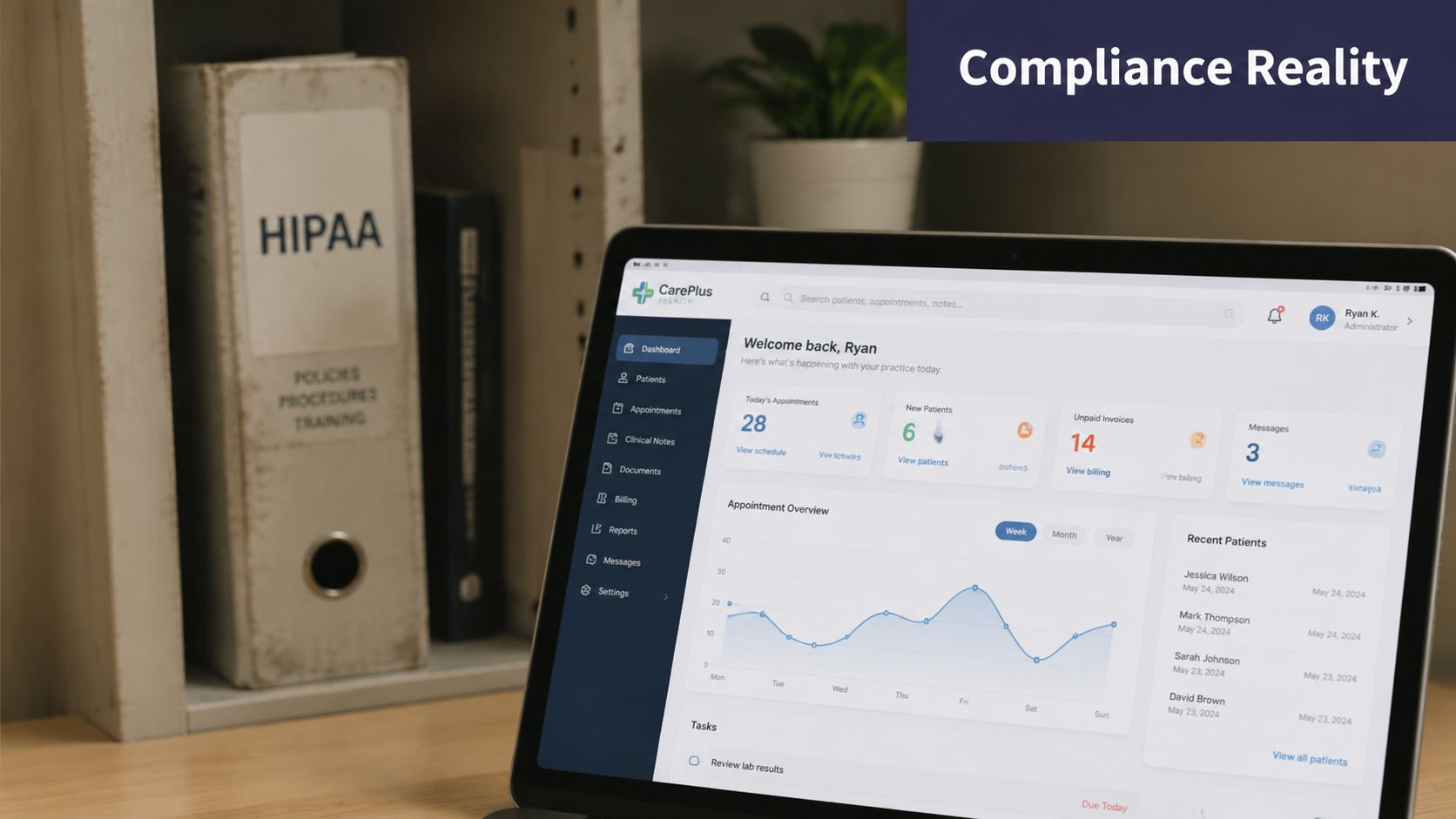
The old version of compliance was easier to picture. Paper charts. Locked cabinets. A billing workflow that barely changed for years. The modern version is messier. Data moves through an EHR, patient portal, cloud fax tool, intake form, transcription service, call center platform, analytics dashboard, and sometimes an AI assistant. Each layer can create new duties for the practice.
The cleanest way I've seen this stated comes from NAVEX: “The hardest question for operators is not ‘what is HIPAA?’ but ‘which parts of my outsourced workflow and software stack make me responsible for compliance, and how do I prove ongoing control?’” Their write-up on healthcare laws and vendor responsibility also points out that these duties extend to business associates and vendors that handle, store, or transmit PHI.
Where small practices usually miss it
The gap is rarely one dramatic mistake. It's usually a pile of normal decisions that nobody treated as compliance decisions.
- Personal device use: A clinician uses a personal phone for patient follow-up because it's faster, then messages become part of care operations without a clear policy.
- Fast vendor signups: A front-office lead picks a new reminder or intake tool because scheduling is a mess, but no one checks contract terms, access controls, or audit logging.
- Shared logins: Staff share credentials because turnover is high and everyone is trying to keep the day moving.
- Silent workflow drift: A tool that started as “temporary” becomes permanent, but the written policy never changes.
Practical rule: If a tool touches patient data, changes how patient data moves, or gives someone access to patient data, treat it as a compliance event.
Why the burden feels heavier now
The rules didn't disappear. If anything, the burden shifted onto the operator. You have to know where PHI sits, who can access it, what vendors are doing with it, and whether your documentation matches reality.
That last point matters more than people think. A policy that says one thing while the staff does another is not a minor paperwork issue. It's evidence that the practice lost control of the workflow.
What works on the ground is boring but effective. Keep a live inventory of tools. Review new vendors before rollout, not after. Tie permissions to job roles. Remove access quickly when someone leaves. Update the written record when operations change. Small practices that do those things are usually in much better shape than practices that talk a lot about compliance but haven't looked closely at their stack in a year.
The core compliance landscape beyond just HIPAA
“Healthcare compliance requirements” typically evokes thoughts of HIPAA. That's fair, because HIPAA is still the base layer for privacy and security work in most practices. But it's not the whole field, and thinking that way causes blind spots.
The timeline matters. The Health Insurance Portability and Accountability Act was enacted in 1996 and implemented in 2003, establishing national standards for protecting sensitive patient health information. The HITECH Act of 2009 later strengthened HIPAA enforcement and pushed electronic health record adoption, which made privacy and security daily operational duties instead of background legal concerns, as outlined in Michigan State University's guide to healthcare compliance regulations.
What that means in practice
If you run a small or mid-sized practice, HIPAA and HITECH are usually where your operational attention belongs first. Not because other laws don't matter, but because they represent most day-to-day exposure:
- patient intake
- scheduling
- documentation
- portal access
- remote staff work
- vendor relationships
- cloud tools
- AI features that touch patient conversations or records
Other laws matter too. Stark Law and the Anti-Kickback Statute affect financial relationships and referral behavior. They're part of the larger compliance picture because healthcare compliance also includes billing integrity, fraud prevention, and workforce conduct. But if your immediate problem is understanding your software stack, your first serious work is usually privacy, security, access, documentation, and vendor oversight.
Don't treat compliance as only a legal hire
A lot of practices wait until they feel overwhelmed, then assume they need a full compliance department. Sometimes they do. Often they need clearer ownership first. Somebody has to own vendor review, policy upkeep, access reviews, training records, and audit readiness.
If you're sorting out roles, this guidance on hiring compliance is useful because it frames what kind of compliance support an organization may need, instead of assuming every problem requires the same hire.
A small practice can stay organized without a large team. It can't stay organized without clear responsibility.
Start with an operational checklist, not legal theory
The mistake I see most is over-reading and under-doing. Managers spend time learning every acronym but still can't answer basic control questions about their own systems.
That's why a practical tool is more useful than another overview. If you need a grounded starting point, this HIPAA compliance checklist for healthcare teams is the kind of resource I'd hand to an office manager first. It helps translate broad duties into specific actions.
Healthcare compliance requirements make more sense once you stop asking, “What laws exist?” and start asking, “What patient data do we touch, where does it go, and who is responsible at each step?”
Essential safeguards and required documentation
The Security Rule is where compliance stops being abstract. Under HIPAA's Security Rule, covered entities and business associates must implement administrative, physical, and technical safeguards for ePHI, and they must periodically review and update security documentation when environmental or organizational changes affect ePHI security, according to HHS guidance on the HIPAA Security Rule requirements.
That single point clears up a lot of confusion. Compliance is not a one-time project. If you add remote staff, change hosting, connect a new patient messaging tool, or introduce AI call handling, you need to revisit your controls and your paperwork.

Administrative safeguards
This is the people and process layer. In small practices, I usually identify the biggest gap because teams think “security” means software settings.
Administrative safeguards often include:
- Access decisions by role: Define who needs access to scheduling, chart notes, billing data, refill requests, and intake history.
- Workforce training: Train people on the tools they use, not just generic privacy slides.
- Risk review habits: Revisit risks after staffing changes, office moves, new vendors, or workflow updates.
- Incident response steps: Decide in advance who investigates, who documents, who contacts vendors, and who talks to patients if something goes wrong.
If your staff doesn't know what to do when they send information the wrong way, lose a device, or spot suspicious access, the policy isn't doing much.
Physical and technical safeguards
Physical safeguards still matter even in cloud-heavy practices. Workstations in open areas, unsecured devices, paper intake sheets left out front, and shared office access all create exposure.
Technical safeguards are where modern healthcare compliance requirements get very specific in practice. You need secure authentication, controlled access, device and session management, and logs that show who did what.
A few absolute necessities I push hard on:
- Unique user accounts: Shared logins make investigations harder and weaken accountability.
- MFA where available: Especially for remote access, cloud admin panels, and anything that exposes patient records.
- Encryption and secure transfer: If data moves, protect it while it moves and where it sits.
- Audit logging: You need a record of access and changes, not just a belief that “only staff can see it.”
If you can't tell who accessed a chart, from where, and under what account, you have an accountability problem, not just a documentation problem.
The documents practices actually need
A lot of managers ask me for a master list. There isn't one perfect universal folder, but there is a practical baseline. Most practices should maintain written records that cover these areas:
| Document or record | Why it matters |
|---|---|
| Notice of Privacy Practices | Tells patients how their information may be used and disclosed |
| Security and privacy policies | Shows how the practice handles access, use, storage, and response procedures |
| Risk assessment records | Proves the practice reviewed threats and made decisions about them |
| Workforce training records | Shows staff training happened and was not informal |
| Vendor and BAA records | Documents which outside parties touch PHI and under what terms |
| Access control records | Shows who has access to what, and how that access changes |
| Incident documentation | Creates a record of what happened, what was reviewed, and what changed after |
For data recovery and business continuity, backups matter too. If you're reviewing recovery posture, this article on understanding immutable backup solutions is a useful technical read because backup quality affects both resilience and audit conversations.
If your current process is mostly spreadsheets, shared folders, and email threads, that may work for a while. But once your stack grows, centralized tooling becomes easier to manage. I generally tell practices to look at dedicated platforms that track policies, reviews, vendor records, and evidence in one place. This overview of healthcare compliance software options is a reasonable place to compare what those systems should cover.
The real costs of non-compliance penalties and risks
The public conversation about compliance failure usually jumps straight to fines. That gets attention, but for most practices the more immediate pain is operational.
A compliance incident can eat weeks of leadership time. Someone has to pull records, answer questions, reconstruct timelines, talk to vendors, review logs, brief clinicians, and calm staff who are worried they caused the problem. Meanwhile, the normal work of the practice doesn't stop. Phones still ring. Patients still show up. Claims still need to go out.
The damage usually starts before any formal penalty
The first costs are often internal. People lose confidence in the workflow. Front-desk staff start creating side processes because they no longer trust the official one. Physicians get frustrated because access rules become tighter during cleanup. Managers spend hours in reactive mode, and every other improvement project slows down.
Then there's the patient side. Even if the issue is limited, patients hear “privacy problem” and don't parse the details the way compliance teams do. They hear that the practice was careless with sensitive information. In a local market, that sticks.
Staffing pressure is part of compliance risk
This is one of the few areas where published research matches what managers say every day. A 2023 systematic review found that better compliance was positively associated with smaller facilities, higher nurse-staffing levels, and lower staff turnover, which the authors tied to operational capacity rather than rules alone, as reported in this systematic review on regulation and compliance in health and social care.
That finding matters because it explains why some practices know the right thing to do and still struggle to do it. Compliance work takes stable ownership. High turnover breaks that. Thin staffing breaks that too.
A practice under staffing pressure doesn't just move slower. It starts accepting workarounds that would have felt unacceptable six months earlier.
Why box-checking fails
The riskiest mindset is “we have the forms, so we're covered.” Forms help. Written policies matter. But if actual workflow depends on exhausted staff improvising across too many tools, the paperwork won't save you.
What works better is treating compliance as a risk management job. Ask where people are bypassing the official process. Ask which tasks depend on memory. Ask where turnover left a gap in ownership. Those answers are usually more useful than another generic training deck.
Auditing your practice and vetting modern tech tools
Your compliance posture is tied to your vendors. That includes the obvious ones, like your EHR and billing company, and the less obvious ones, like a call answering service, patient intake platform, transcription tool, analytics add-on, or AI assistant.
A lot of managers still think of vendor review as procurement paperwork. It isn't. It's part of clinical operations now, because those systems shape how patient data moves.
Start with the BAA question
If a vendor handles, stores, or transmits PHI for your practice, you need to know whether that vendor is acting as a business associate and whether a Business Associate Agreement is required.
I still see practices assume that a vendor saying “we're HIPAA-ready” is enough. It isn't. Marketing language is not a control. You need the agreement, and you need to understand what the vendor is doing with the data.
A basic vendor file should answer questions like:
- What data does this vendor receive
- Who at the vendor can access it
- How is access controlled
- What logging exists
- Where does data move after intake or call capture
- What happens at termination
Cloud tools need specific controls
In cloud-connected environments, healthcare compliance typically requires end-to-end encryption, multifactor authentication, role-based access control, and continuous logging and monitoring, because weak identity controls or unlogged access can turn ordinary interoperability into a reportable failure, as described in ClearDATA's guide to healthcare compliance in the cloud.
Those are not “nice to have” features for modern tools. They are the baseline questions.
Here's how I usually vet a new tool:
| Review area | What I want to confirm |
|---|---|
| Access control | Users can be limited by role and removed cleanly |
| Authentication | MFA is available, especially for admin access |
| Data handling | The vendor explains where data is stored and transmitted |
| Logging | The system records access and meaningful activity |
| Contract terms | Responsibilities are written clearly, including BAA terms if needed |
| Change management | The practice can update workflows without losing oversight |
AI tools deserve extra skepticism
AI creates excitement because it can remove a lot of admin burden. It also creates sloppy buying decisions because teams rush to solve staffing problems.
If you're reviewing AI for phones, intake, chart prep, or patient messaging, push harder on auditability and human oversight. Ask what the system records, how outputs are reviewed, how errors are corrected, and how staff are trained to hand off exceptions. If the vendor can't explain that in plain English, keep looking.
One example in this category is HIPAA-compliant AI for healthcare workflows, which is the type of review I'd use to compare expectations for AI vendors that handle patient interactions and documentation. The point isn't to buy any one product on faith. The point is to insist on controls, agreements, and proof before the tool goes live.
Audit your own environment like an outsider would
I like simple audit walks because they expose reality fast. Sit with front desk, billing, nursing, and providers. Watch how data moves. Don't ask how the process is supposed to work. Ask how it worked yesterday when the office was busy.
You'll usually find one of four things:
- Shadow systems: Staff keep side notes or side tools because the official one is too slow.
- Access drift: Former roles still have permissions they no longer need.
- Unreviewed integrations: Data flows between systems that no one has checked in a long time.
- Policy mismatch: Written rules describe a cleaner workflow than the staff follows.
That kind of audit is rarely comfortable. It's also where genuine fixes are found.
A practical compliance checklist for your practice
Most practices don't need another abstract policy lecture. They need a fast self-audit they can conduct openly with the office manager, clinical lead, and whoever owns IT or vendor coordination.
Use the table below as a working document. Mark each line as Done, In Progress, or To Do. If you can't answer an item clearly, that's usually a “To Do.”
Small Practice Compliance Self-Audit Checklist
| Compliance Area | Key Action Item | Status (Done / In Progress / To Do) |
|---|---|---|
| Vendor management | Confirm every vendor that touches PHI has been identified and reviewed | |
| Business associate oversight | Check whether each relevant vendor has a signed BAA on file | |
| User access | Review staff access by role and remove old or unnecessary permissions | |
| Authentication | Turn on MFA for cloud systems, admin accounts, and remote access where available | |
| Audit logs | Confirm systems log access and changes in a way the practice can review | |
| Device use | Set clear rules for personal phones, laptops, and remote work access | |
| Policies | Update privacy and security policies so they match the current workflow | |
| Training | Make sure staff training covers actual tools and recent workflow changes | |
| Risk review | Reassess risks after new software, integrations, staffing changes, or office changes | |
| Patient communications | Review how texting, calling, portal messages, and intake forms handle PHI | |
| Incident response | Document who does what if a privacy or security issue happens | |
| Backup and recovery | Confirm recovery procedures exist and are understood by the right people |
How to use this without overcomplicating it
Don't delegate this table to one person and forget about it. Work through it live with the people who run operations. The office manager often knows where shortcuts happen. Clinical staff know where documentation breaks down. IT or vendors know where access and logging are weak.
“Done” should mean you can show the evidence, not just that someone remembers discussing it.
The point of this checklist isn't perfection. It's to turn vague concern into a short list of actions your team can complete. That's how healthcare compliance requirements become manageable.
Your first three compliance priorities
If your practice is busy and already stretched, don't try to fix everything at once. Start with the few actions that reduce the most risk.
Map every tool and vendor that touches patient data
Make a single list of your EHR, billing service, scheduling software, patient portal, phone system, intake forms, transcription tools, remote access tools, backup provider, and any AI product. For each one, note what data it touches, who owns it internally, and whether the contract and BAA status are clear.
Review access and authentication now
This is usually the fastest win. Clean up shared logins, remove old accounts, tighten role access, and turn on MFA where you can. You don't need a six-month project to do that. You need an owner and a deadline.
Update policies to match real workflow
A stale policy creates false comfort. Rewrite the parts that deal with texting, remote work, AI tools, vendor use, call handling, and patient communications. Then train staff on the updated process using real examples from your office, not generic slides.
Pick one of these this week and put time on the calendar. Compliance improves when someone owns the next action, not when everyone agrees it matters.
If your practice is reviewing phone automation, intake workflows, or AI tools that may touch PHI, Simbie AI is one option built for healthcare operations. It's a voice AI platform designed for tasks like scheduling, intake, prescription refill workflows, prior authorizations, and chart-linked documentation, so it fits naturally into the kind of vendor review and compliance planning described above.