
Most practices don’t have a staffing problem first. They have a phone workflow problem that staff are absorbing the hard way.
I’ve seen the same scene play out across primary care groups, specialty clinics, and multi-site practices. The desk phone rings while a patient is trying to check in. A refill request is sitting in the portal. Someone else wants to know whether their plan is accepted. The front desk isn’t failing. The system around them is.
The front desk chaos you know all too well
The hardest front desks don’t look disorganized from the waiting room. They look polite, busy, and one interruption away from dropped work.
A receptionist starts an eligibility check, gets pulled into a ringing line, places that caller on hold, then turns back to a patient at the window who’s now annoyed because check-in is taking too long. Meanwhile, another caller hangs up because no one answered quickly enough. Later that afternoon, staff are left sorting voicemails, call backs, and half-finished notes.
Why more hiring often doesn’t fix it
A lot of practice leaders try the obvious move first. They add another person to the front desk or increase call center coverage. That can help for a while, but it rarely fixes the core issue because call volume doesn’t arrive in a clean, predictable pattern.
Most offices get hit in bursts. Monday mornings spike. Lunch hours stack up. Bad weather creates reschedules. One physician running behind triggers a wave of patient calls. You can’t staff every peak without overstaffing the quiet periods, so the team still gets crushed at the same times each week.
“The front desk breaks down at the handoff points, not because people aren’t working hard enough.”
That’s why I think an ai answering service for medical offices makes sense only when you treat it as an operations decision, not a gadget purchase. The value isn’t that it sounds modern. The value is that it absorbs repeatable call work consistently, so staff can stay present with the people in front of them.
The hidden cost of constant interruption
What gets missed in most vendor demos is the cognitive cost. Front-desk staff aren’t just answering phones. They’re switching context all day.
That means:
- Check-ins slow down: Staff lose their place and repeat questions.
- Messages get thinner: Details are captured unevenly, especially during rush periods.
- Patients feel ignored: Both callers and in-person patients notice the split attention.
- Training gets harder: New staff inherit messy processes and learn workarounds instead of clean workflows.
If your team ends every day “catching up” on calls, refills, and scheduling clean-up, you’re already paying for the problem. You’re just paying in overtime, stress, turnover risk, and lost appointments instead of software.
What an AI answering service is (and what it is not)
An ai answering service for medical offices isn’t a phone tree with better branding. It also isn’t just a chatbot bolted onto your website.
A real system is a voice agent built for healthcare workflows. It answers calls around the clock, understands what the patient is asking, follows your routing rules, and, in the better setups, connects to your EMR or practice management system so it can do actual work instead of just taking a message.
What it is
The category is growing fast because the use case is obvious. The healthcare conversational AI market reached USD 16.9 billion in 2025 and is projected to grow at a 24.7% CAGR to USD 123.1 billion by 2034, while appointment management makes up over 50% of inbound calls to practices, according to SPsoft’s healthcare AI voice agents market analysis.
That matters because appointment calls are repetitive, rules-based, and high volume. They’re exactly the kind of work software should handle first.
A capable system usually handles things like:
- Scheduling tasks: booking, rescheduling, canceling, and confirming visits
- Routine questions: hours, location, basic billing directions, and office policies
- Refill and intake steps: collecting structured information and routing it correctly
- After-hours coverage: answering instantly instead of rolling calls to voicemail
If your team is also exploring patient-facing automation beyond voice, it helps to see how teams develop an AI chatbot for structured support flows and intake use cases. The design lesson is the same. Good automation starts with clear workflows, not flashy scripts.
What it is not
It is not an old IVR that traps callers in “press 1, press 2” menus. Those systems reduce labor for the office by shifting effort onto the patient, which is why patients hate them.
It is not the same as a traditional answering service either. Human answering services can still make sense for narrow use cases, especially overflow or highly sensitive after-hours escalation. But many of them work as message-taking layers, not resolution layers.
Practical rule: If the system can’t complete the task inside your normal workflow, it’s still a call deflection tool, not an answering service that changes operations.
It also helps to ground the term “conversational AI” in plain language. Simbie has a useful explainer on what conversational AI means in healthcare settings, especially if your team is still lumping modern voice agents together with old phone trees.
Why this shift is happening now
The timing isn’t random. Staffing strain and cost pressure pushed practices to revisit phone work that had been accepted as “just part of the job.”
What changed is that the tooling is now good enough to do more than route calls. It can capture intent, ask follow-up questions, and pass structured data into systems your staff already use. That’s the line between a novelty and a real operational tool.
Core capabilities that transform front office work
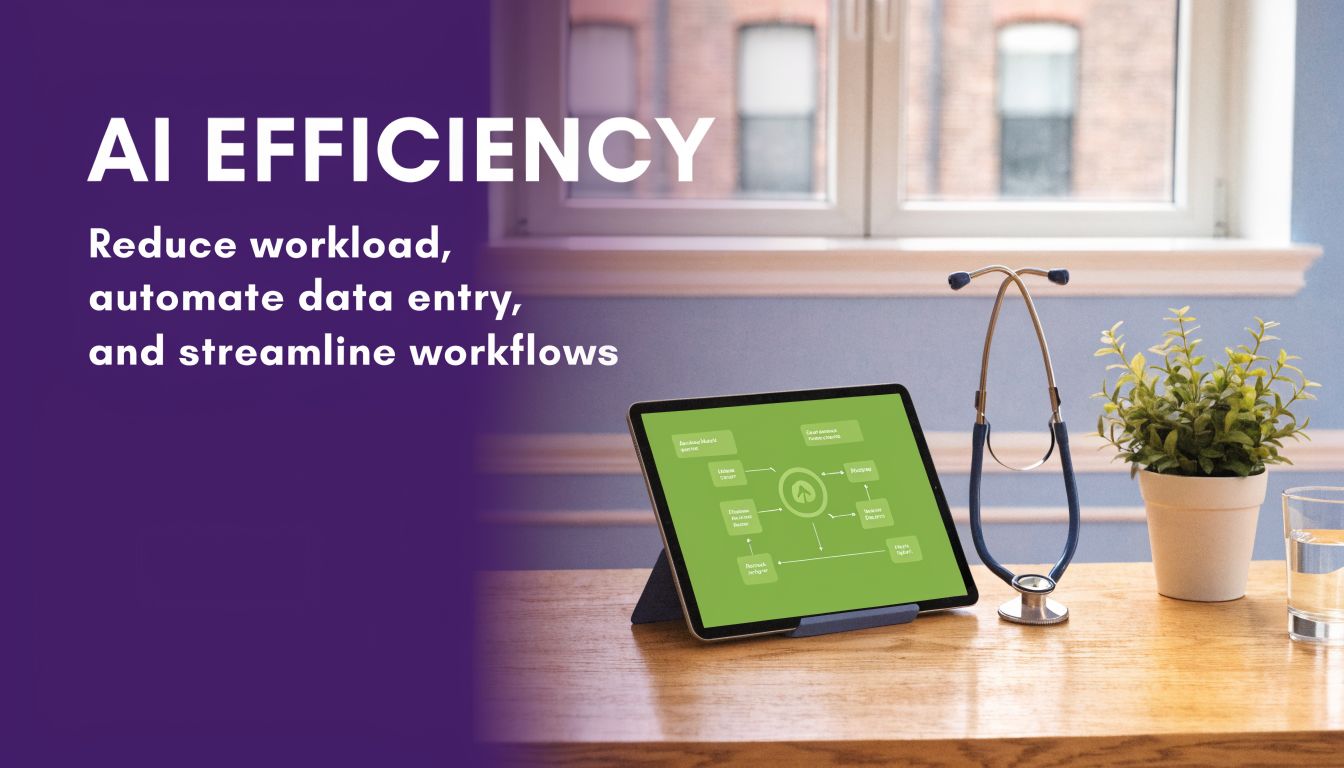
The value of these systems shows up in the tasks your staff repeats all day. Not every call should go to AI, and I wouldn’t force every workflow through it. But the routine layers of front-office work are where the gains usually show up first.
Scheduling and rescheduling
This is usually the first place I’d start because it’s repetitive and easy to measure.
Before AI, a simple scheduling call often means a staff member stops what they’re doing, opens the schedule, checks visit type rules, confirms demographics, and reads out options while the patient decides. If that call comes during a busy period, it may go to hold or voicemail, which means the office has to work it twice.
With AI, the better flow is simple. The caller states what they need, the system checks available slots based on your rules, offers times, confirms the booking, and records the interaction. Staff still handle exceptions, but they’re not touching every routine appointment request.
New patient intake
Front desks lose a lot of time collecting the same data repeatedly. New patient calls often involve demographics, insurance details, reason for visit, and basic prep instructions.
An AI voice workflow can gather that information in conversation and pass it into the chart or queue. That doesn’t remove human review. It removes the worst kind of repetitive data capture, where staff are acting like scribes while the lobby fills up.
The practical win here isn’t speed alone. It’s consistency. Every caller gets the same intake path, and staff aren’t trying to decode handwritten notes or voicemail fragments later.
Refills, prior auth questions, and routine inquiries
These requests eat time because each one is small, but the volume is relentless.
Here’s where offices usually get relief fastest:
- Prescription refill routing: The system gathers the medication request and sends it into the right queue with the right details.
- Prior authorization status questions: Patients get directed to the right process instead of bouncing between desk staff and clinical teams.
- Office information: Calls about hours, directions, and basic policies stop interrupting check-in.
- Message capture: Calls that still need staff review arrive with more complete information.
A good implementation removes low-value interruptions first. It doesn’t try to automate every edge case on day one.
Multichannel handoff and documentation
The strongest platforms don’t stop at answering the call. They create a clean handoff.
That means a documented interaction, a tagged intent, and a route into the next step. Some systems also combine voice with text follow-up, which is useful for confirmations, reminders, or links to forms. I like that model because it keeps the call short while still moving the task forward.
This is also where I’d place one product example without overcomplicating the picture. Platforms such as Simbie AI focus on healthcare-specific voice workflows that can handle intake, scheduling, and refill-related tasks while writing structured information back into office systems. That’s useful if your team wants voice automation without building custom flows from scratch.
What does not work is buying a system because the demo voice sounds natural, then discovering it can’t follow your scheduling rules, can’t hand off cleanly, and can’t document in the right place. Front office work changes only when the system completes a process, not when it answers a call pleasantly.
Answering your biggest concerns on accuracy, HIPAA, and EMR integration
Every serious buyer asks the same three questions. Can it capture the right information. Will it protect patient data. Will it work with the systems we already have.
Those are the right questions, because a medical office can tolerate a clumsy sales workflow. It can’t tolerate bad routing, weak documentation, or loose handling of protected health information.
Accuracy is about workflow design, not just voice quality
A lot of demos focus on whether the AI sounds human. That matters less than whether it asks the right next question.
In real use, accuracy comes from a narrow design. The system needs to know what kinds of calls it should handle, what details it must collect, what red flags should trigger a transfer, and what should be pushed to staff review. If a vendor talks mostly about natural conversation and not about protocol design, I’d be cautious.
Some healthcare-focused systems use NLP trained on clinical language, dialects, and patient intent to improve intake and triage behavior. That’s useful, but only if those language skills are tied to a disciplined workflow.
HIPAA can’t be an afterthought
Vendors often claim security early, but you need details. You’re not buying a generic voice bot for restaurant reservations. You’re putting a system in front of protected health information.
What I look for is boring on purpose:
- Signed agreements: They should be ready to execute the right healthcare privacy paperwork.
- Controlled access: Staff should have role-based visibility, not open access to everything.
- Stored records and logs: You need a clear history of what happened on each interaction.
- Escalation rules: Sensitive calls should route cleanly to people, not wander through generic inboxes.
If your broader patient operations live inside CRM and care coordination workflows, it’s worth looking at how teams are optimizing RevOps with Salesforce Health Cloud. That’s a useful reference point because patient communication only works well when front-office workflows, records, and follow-up processes connect.
The safest AI setup is usually the least flashy one. Clear permissions, clear logs, clear routing.
For teams comparing vendors, Simbie also has a practical page on HIPAA-compliant AI tools for healthcare that’s worth scanning so your questions stay grounded in compliance reality rather than marketing claims.
EMR integration is where projects succeed or stall
This is the make-or-break issue in most rollouts. If the system can only take messages, your staff still has to re-enter data, re-check schedules, and clean up errors. That kills trust fast.
According to EVS7’s overview of AI answering services for medical offices, HIPAA-compliant EMR/EHR integrations with bidirectional sync can cut manual entry errors by 70 to 80%, and systems with deep integrations can connect with over 150 different EHR/PMS platforms.
That’s the kind of detail I care about because it points to operational reality. Bidirectional sync means the system can read from the schedule and write back into the record. Without that, your “automation” turns into a second inbox.
What usually goes wrong
The failure pattern is predictable. A practice buys too broad a rollout too early, doesn’t map call types, and assumes the vendor can figure out local rules on the fly.
The better path is narrower:
- start with after-hours scheduling or overflow appointment calls
- define exactly which call intents the AI owns
- document the transfer rules for urgent or confusing situations
- review transcripts and outcomes weekly in the early phase
- keep a human handoff path visible at all times
Accuracy, privacy, and integration aren’t separate topics. They’re one operating model. If one piece is weak, the whole setup feels risky to staff, and adoption stalls.
The measurable impact on your practice's bottom line
The business case gets easier once you stop treating phone work as overhead you can’t change.
Practices using AI answering services report 50 to 75% annual cost savings compared with traditional answering services, according to Healos’ 2025 medical answering service guide. That’s why I usually tell owners to compare current spend against total call handling cost, not just the monthly answering service line item.
Where the savings usually appear
The first bucket is obvious. You pay less for routine call coverage, especially after hours and during overflow periods.
The second bucket is less obvious, but often more important. 88% of healthcare appointments are still booked by phone in that same guide, which means call handling is tied directly to appointment capture. If calls ring through to voicemail or sit on hold too long, the office isn’t just creating annoyance. It’s missing revenue.
Early adopters also report AI can resolve up to 70% of routine calls autonomously, which is why front-desk teams often feel relief before they can articulate it. The phone stops driving the whole day.
The downstream effect on operations
Once scheduling and rescheduling get easier, another metric tends to move. The same source reports a 40% reduction in no-shows through automated rescheduling.
That makes sense operationally. Patients miss visits for many reasons, but one common factor is friction. If rescheduling is hard, they avoid it. If it’s easy, more patients move the appointment instead of disappearing.
I’d also connect this to patient acquisition and retention work. If your practice is tightening how it markets services and follows up on demand, it helps to review a few actionable marketing plan examples so your front-office changes support the same growth goals. Capturing calls is only part of the story. You also need a clear plan for what happens after the call.
A related operational view is how independent practices tie communication to growth, which Simbie covers in this piece on AI for independent medical practice growth.
If you can’t answer the phone consistently, every other growth effort gets less efficient.
What I’d count before buying
I wouldn’t build a business case from vendor promises alone. I’d pull your own baseline first.
Look at:
- Missed call patterns: especially lunch, open, close, and after-hours periods
- Scheduling backlog: how many requests require call backs instead of being resolved on first contact
- Reschedule friction: where patients drop out of the process
- Front-desk overtime and burnout signals: not just payroll, but turnover risk and training drag
That gives you a real comparison. The gains are rarely abstract. They show up in fewer dropped tasks, fuller schedules, and calmer staff.
A practical checklist for choosing the right AI partner
Most demos look good for the first fifteen minutes. The vendor answers a fake scheduling call, the voice sounds polished, and everyone in the room imagines the problem is solved.
That’s not how these projects succeed. The right partner is the one that can handle your edge cases, document cleanly, and survive contact with real clinic workflows.
The questions that matter in the sales process
I want buyers to push past feature lists and ask operational questions. If the vendor can’t answer them plainly, that’s a signal by itself.
| Evaluation Criteria | What to Ask / Look For | Why It Matters |
|---|---|---|
| EMR and PMS integration | Ask which systems they connect to now, whether the connection is read-only or bidirectional, and what actions the AI can complete inside your current setup | If staff still have to re-enter data, you won’t get much workflow relief |
| Call ownership rules | Ask which call types the AI should handle well today, which ones require transfer, and how urgent situations are flagged | Clear boundaries protect patients and keep staff trust high |
| HIPAA and security process | Ask how access is controlled, how interactions are logged, where data is stored, and what compliance documentation they provide | Security claims mean little if the controls are vague |
| Implementation support | Ask who maps workflows, who builds scripts or protocols, how revisions are handled, and who reviews early call quality | Most failures come from weak setup, not from the core technology |
| Oversight and fallback | Ask how staff review calls, edit workflows, and step in when the AI gets uncertain or a patient asks for a person | A safe handoff path is part of the product, not a backup plan |
Red flags I wouldn’t ignore
Some warning signs show up early if you listen for them.
- “We can automate everything.” That usually means they haven’t worked inside real medical workflows.
- No clear implementation owner. If nobody owns setup, your staff will end up doing hidden project work.
- Generic healthcare language. If they can’t talk through refill requests, triage boundaries, and scheduling rules in plain terms, they’re too generic.
- Weak transcript review tools. You need a fast way to inspect what happened and correct call paths.
The buying rule I use is simple. Don’t choose the vendor with the smoothest demo. Choose the one with the clearest answer to “What happens when the call doesn’t go as planned?”
Your first 90 days with an AI answering service
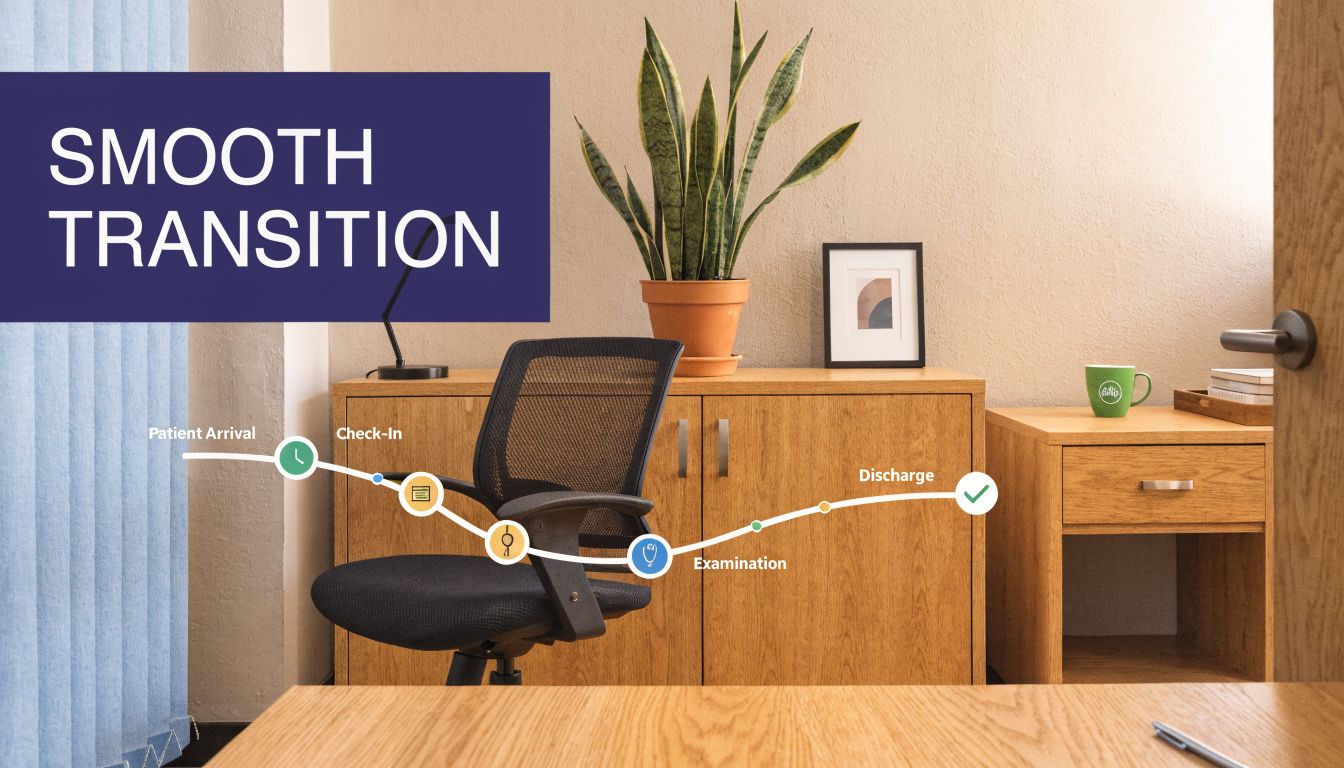
The first mistake practices make is trying to replace the whole phone operation at once. The better move is to give the system one narrow job, then widen the scope after staff trust it.
Days 1 through 30
Start with after-hours calls, overflow scheduling, or one call type that is repetitive and low risk. Train the system on your office hours, visit types, routing rules, and escalation paths.
Tell staff exactly what the AI is taking off their plate. If the team thinks this is a surveillance tool or a replacement plan, they’ll resist it.
Days 31 through 60
Review real calls every week. Listen for where the system asks weak follow-up questions, routes too aggressively, or misses local office nuance.
This is also the point where you tighten handoffs. Staff should know when to step in, how to correct records, and how to flag recurring problems back to the vendor.
Start narrow, review often, and keep a person available for edge cases. That’s the pattern that works.
Days 61 through 90
Once the first workflow is stable, add the next one. That may be rescheduling, refill intake, or routine office questions.
By then, you’ll know whether the vendor is a real partner or just a software seller. If they’re responsive during transcript review, willing to adjust workflows, and honest about limits, you can expand with confidence. If not, stop before you put more of the front office in their hands.
If your practice is sorting through vendors and wants a healthcare-specific option, Simbie AI is built for voice-based patient communication workflows such as scheduling, intake, refills, and documentation with EMR-connected processes. The right next step isn’t a full rollout. It’s a focused pilot on one high-volume call workflow, with clear review points and staff feedback built in from day one.