
A flu vaccination reminder program looks simple from the outside. A practice pulls a list, sends a text, and assumes the job is done. In real clinics, especially internal medicine, GI, and dermatology offices where staff are already stretched, flu vaccination reminder automation only works when it closes the loop, captures replies, updates the chart, and hands off the stubborn cases to a human before the season gets away from you.
That's the difference between a campaign and a workflow. One creates messages. The other creates vaccinated patients.
If your front desk is already juggling calls, refill requests, prior auth, and same-day scheduling, the goal isn't more outreach for its own sake. It's fewer dead ends, cleaner follow-up, and a reminder system that fits into the EHR instead of sitting beside it.
Why Most Flu Reminder Programs Underperform
A lot of practices start flu season with good intentions and weak mechanics. The list gets pulled, one SMS goes out, and the team assumes the most motivated patients will handle the rest. By the end of the season, staff has sent messages, but it still cannot say who booked, who got vaccinated elsewhere, who ignored the reminder, or who should have been escalated to a staff member.
That is where programs waste time. They confuse sending with completing.
Messaging is easy, follow-through is the work
The evidence has been clear for decades that automation can change preventive care when it is tied to workflow. An early community practice study found that computer-generated nurse and physician reminders increased influenza vaccination among seniors from 10.1% to 26.8%, a 165% relative increase. The same study reported that over 60% of eligible patients were seen during the pre-influenza season, and 41.6% of those eligible patients received influenza vaccinations after the reminder system was introduced. PubMed
That still matters because the lesson was not to send more reminders. Reminders work when they show up at the right moment in the clinical workflow, with a clear path to scheduling or documentation.
Practical rule: a reminder that does not update the record, trigger the next action, or identify a non-responder is just a message, not automation.
For small practices, that distinction is everything. There is usually no spare outreach coordinator available to clean up a messy recall list. The front office has to own the process, but it cannot own endless manual follow-up. The system should reduce work after the first send, not create another spreadsheet for staff to maintain.
The more recent flu literature says the same thing in a more modern way. SMS can work well when timing is tight and the patient is about to act, but broad population reminders often look modest or inconsistent. A large U.S. trial across 262,085 patients and 79 primary care practices found overall vaccination rates around 47% and no meaningful improvement from portal or text reminders in the full population. PubMed That is not a failure of reminders. It is a warning against treating reminders as a standalone fix.
If you are comparing workflow options, the basic question is whether the reminder is connected to scheduling, documentation, and escalation. If it is not, you are still doing manual recall, just with a nicer message template. For practices evaluating a more complete approach, the outbound call workflow at Simbie AI outbound call automation is a useful reference point because it sits closer to operations than marketing.
Defining Eligibility and Patient Segmentation
Good reminder automation starts before the first message goes out. If the list is dirty, the campaign is dirty. That sounds obvious, but in practice it is where many teams lose hours, because they are trying to reach everyone at once instead of building a clean, rules-based recall list.
The most useful flu lists are segmented by age, chronic conditions, pregnancy status where relevant, prior immunization history, and basic exclusion flags like opt-out, deceased, inactive, or already vaccinated elsewhere. The goal is not to build a perfect population file. The goal is to build a list that is accurate enough to use today.
Build the list from the data you trust
Start with the EHR, then cross-check with registry data where available. Remove anyone who already scheduled, already got the shot, or should not be contacted. Then sort the remainder into cohorts that match your practice's outreach capacity, because a clean list of 200 patients is more useful than a messy list of 2,000.
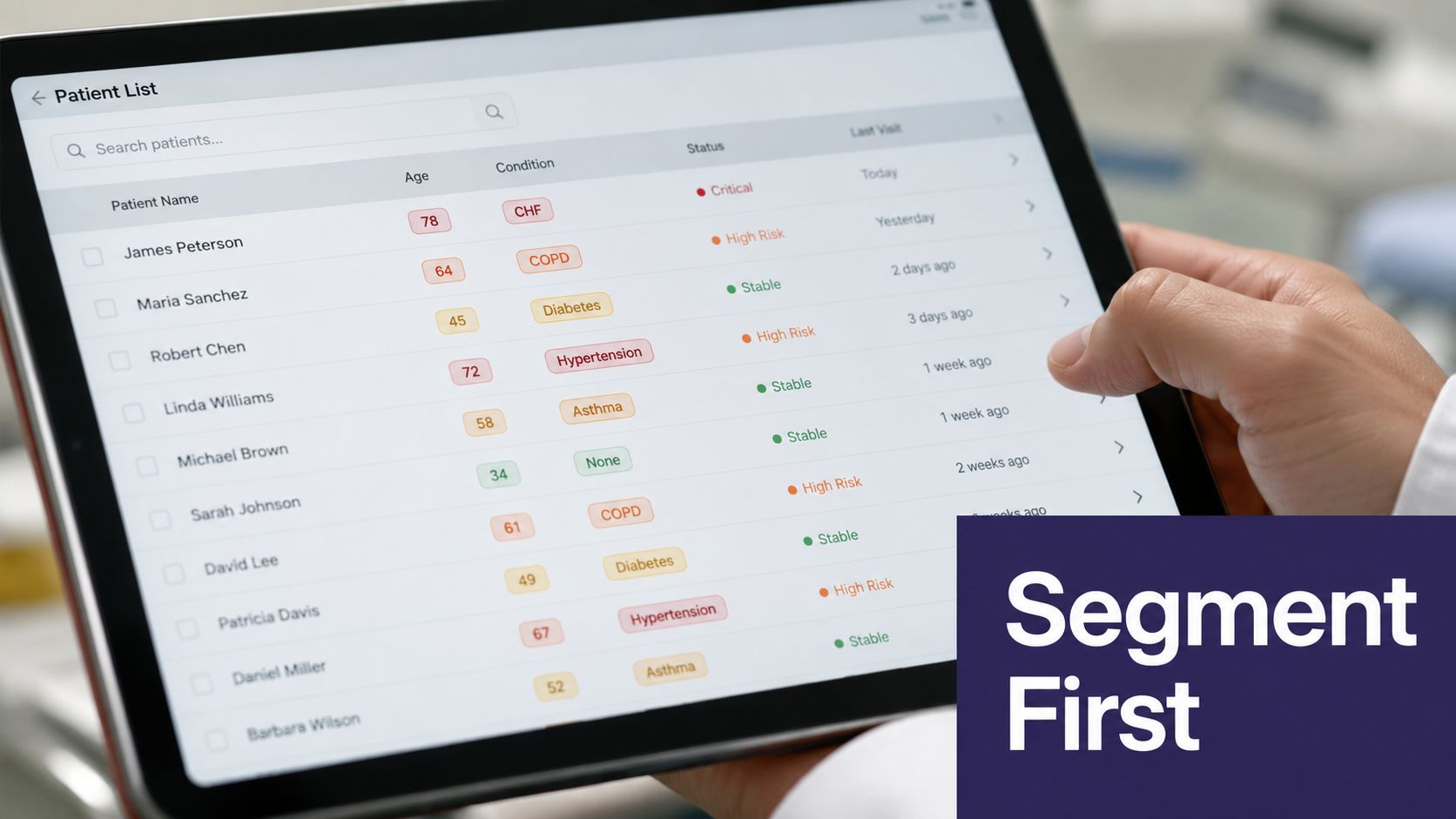
A GI practice may care most about adults with inflammatory bowel disease or other chronic conditions who already come in for procedures and follow-up. A dermatology office may have a smaller flu population overall, but still benefits from reminders to older patients and those with chronic disease flags in the chart. Internal medicine usually has the broadest recall burden, because age-based, risk-based, and preventive-care lists overlap fast.
A few things usually break this step. Due dates are missing. Problem lists are stale. Allergies or contraindications live in free text instead of structured fields. None of that means the campaign should stop.
Practical rule: if a field is unreliable, do not let it block the entire outreach list. Route those records into a manual review queue so the clean cohort can move forward.
The public health workflow for reminder and recall is built around closing the loop, not just generating a list. The Salesmsg appointment reminder setup article shows the operational difference in a simpler setting, where the system has to capture the response and keep the next step moving. Salesmsg appointment reminder setup That is the same mindset that keeps a flu campaign from turning into duplicate outreach and wasted staff calls.
The IIS mini-guide lays out reminder and recall as a 10-step flow, from defining eligibility through updating outcomes and deciding whether to repeat recall or stop for that patient. IIS mini-guide That structure matters because it keeps the practice focused on response capture, record updates, and the handoff when a patient does not respond.
For practices that live in eClinicalWorks, gGastro, EMA ModMed, Athenahealth, Epic, or DrChrono, the segmentation work should happen where the chart already lives. Once the list is trusted, the rest of the campaign gets much simpler.
Choosing the Right Channel Mix
Channel choice is where reminder programs either save staff time or create more work. SMS is fast and familiar. Voice still reaches patients who ignore texts. Portals are convenient for some patients and invisible to others. The error is assuming one channel covers everyone.
The better approach is to match the channel to cost per contact, staff effort, and the patients most likely to see and act on the message. Small practices do better when they plan for layered outreach instead of one broad blast.
Use the channel that matches the patient and the moment
A randomized trial in Australian general practices found that an SMS reminder sent 1 hour before appointments increased influenza vaccination coverage to 39.3%, with an adjusted odds ratio of 1.65 and a number needed to treat of 13. Another trial in 6,177 high-risk patients found vaccination increased from 9% in controls to 12% with SMS reminders, a 39% relative increase. Those results support a simple point, timing changes how patients respond. A reminder tied to an appointment behaves differently from a seasonal recall campaign. PubMed
A separate registry-based trial found that autodialer calls produced the clearest flu vaccination gain, with vaccination rates of 28.0% versus 26.6% in controls, a 1.4 percentage point increase. Text messages were 27.6% and mailed reminders 26.8%, neither statistically different from control, and the benefit from autodialer calls was concentrated in the first 8 weeks after the initial call. PMC For higher-risk patients who do not respond to SMS, that is a strong reason to keep voice in the mix.
The strongest practical pattern for small practices is usually simple:
- SMS first, because it is low friction and inexpensive to send.
- Autodialer next, for patients who did not respond or who are less likely to use a portal.
- Live voice last, for frail older adults, chronically ill patients, or anyone who needs help booking on the spot.
- Portal as a supplement, not the only path.
If you want a plain-language reference for timing and confirmation mechanics, the Salesmsg appointment reminder setup guide is a practical starting point. Use it for the channel workflow, then adapt the clinical steps to your own charting and recall process.
For practices that need the reminder campaign to write back cleanly into the chart, EMR system integration becomes part of the channel decision. A channel may look inexpensive on paper, but if it creates manual reconciliation later, it stops being the low-cost option.
| Channel | Approx. Cost Per Contact | Evidence of Uplift | Best Fit Population |
|---|---|---|---|
| SMS | Low | Can improve uptake when timed close to the appointment, including 39.3% coverage in one trial | Patients who read texts and can self-schedule |
| Autodialer / IVR | Low to moderate | 28.0% vs 26.6% in one registry trial | Older adults, non-responders, lower digital access |
| Live voice | Higher staff time | Useful as an escalation layer when automation stalls | High-risk patients who need help booking |
| Patient portal | Low once built | Minimal effect in broad population studies | Patients who already use the portal |
The practical point is not that one channel wins forever. A hybrid sequence usually works better than a single send, especially when the front desk can only handle a limited number of manual callbacks in a day.
EMR Integration and Consent Handling
Reminder automation falls apart when the outreach tool and the chart disagree. If the system cannot see eligibility, communication preferences, and vaccination outcomes in one place, staff end up reconciling spreadsheets and retrying messages that should never have gone out.
The closed-loop version is simpler. The reminder engine reads from the EMR, sends the message, records the response, and writes back once the vaccine is given or the patient opts out. That is the workflow gain, not just sending more texts.
Keep the source of truth in the chart
In eClinicalWorks, Athenahealth, and EMA ModMed, the practical setup is the same even if the screens differ. Eligibility flags belong in structured fields. Communication preference should be recorded once and reused. Once a patient gets vaccinated, the immunization record should update automatically so the patient drops out of future recall lists.
That write-back step saves staff time. Without it, someone has to compare outreach logs against chart activity and guess whether the patient is still eligible. That kind of work eats a half-day and creates the sort of cleanup that front desks remember long after the campaign ends.
Consent needs equal attention. SMS and autodialer outreach should honor opt-ins, opt-outs, and patient preferences across future campaigns. The audit trail matters because it keeps the practice from sending the wrong channel to the wrong patient twice. Guidance on reminder programs also points toward multiple channels, including written reminders, phone calls or auto-dialers, social media, and approaches for underserved groups, with clear instructions that tell patients how to ask for more information or book online. NICE
Practical rule: a reminder platform should never be allowed to forget an opt-out just because a new campaign started.
There is also a technical detail worth copying from the reminder-recall workflow literature. One vaccination reminder design sends an SMS a few days before the scheduled vaccination date after the patient is registered and the vaccination information is already stored in the database. That kind of trigger is useful because it ties the message to a real due date instead of a broad seasonal guess. IIS mini-guide
For practices comparing tools, EMR integration tools should be judged by whether they can write responses back cleanly and keep recall status current. Email inboxes for AI Agents is a relevant concept if you are thinking about how automated systems should handle replies and route them into a controlled workflow rather than leaving responses scattered across staff inboxes.
The win is boring in the best way. No duplicate outreach. No mystery lists. No manual chart cleanup at the end of the week.
Message Scripts and Cadence
A reminder campaign works better when the wording is plain and the cadence is predictable. Patients do not need a polished brand voice. They need to know they are due, how to book, and what happens next.
The scripts should also match the workflow behind them. If a text asks for a reply, someone or something has to capture that response, write it back to the record, and move the patient to the next step without extra manual cleanup. That is the part many teams miss, and it is why reminder mechanics matter as much as message copy. For teams comparing tools, patient appointment reminders only work well when the reply path is tied to scheduling, not left in a scattered inbox.
The most useful scripts avoid vague phrases like “reach out when convenient.” They give a clear time window, a clear action, and a clear opt-out path. If the message is meant to drive booking, the link should open a real appointment slot, not a generic contact form that sends work back to the front desk.
A practical flu reminder cadence
T-21, pre-season invitation
SMS: “You're due for your flu vaccine. Reply YES to book a time, or use this scheduling link to choose a slot that works for you. Reply STOP to opt out.”
T-7, one-week reminder
SMS: “Your flu vaccine is still due. We have openings next week, and you can book now through this link. Reply STOP to opt out.”
T-1, day-before reminder
SMS: “Your flu vaccine appointment is tomorrow at [time]. Please arrive a few minutes early. Reply STOP to opt out.”
T+1, post-visit nudge for non-responders
SMS: “We have not confirmed your flu vaccine yet. If you would like to schedule, use this link or call us back when you are ready. Reply STOP to opt out.”
T+3, staff escalation
Call script: “This is [practice name]. We are following up because your flu vaccine is still due, and we can help you book it now. I can find a time that works for you.”
For high-risk groups, keep the language HIPAA-safe. Say “you're due for a vaccine” rather than naming diagnoses in a group text. If a patient needs a more specific note, let the staff member handle that by phone.
The wording matters more than many teams expect. Baseline framing like “you're due” works better than a generic seasonal announcement. Specific booking windows work better than open-ended language. A link that opens a real appointment slot beats a form that sends the patient into another waiting room.
A reminder should feel like a path to action, not a flyer.
For GI, dermatology, and internal medicine practices, the cadence also needs to respect visit flow. If a patient is already on the schedule, the reminder should nudge them into the same-day vaccine pathway. If they are not scheduled, the message should go straight to live booking instead of asking the front desk to call later.
Human in the Loop Escalation
The patients who don't respond are the ones who decide whether your reminder program feels polished or chaotic. If every non-response triggers a staff task, the front desk gets buried. If nothing escalates, the highest-risk patients drift through the season unvaccinated.
The fix is selective escalation. Use automation for the first pass, then route only the stuck cases to a person.
Escalate only when the patient is actually stuck
A useful trigger set is straightforward. No response after two SMS messages. Reply of STOP. High-risk patient who still hasn't booked. Those are the moments when a human call adds value.
The routing should also be specific. A care coordinator, medical assistant, or designated front-desk staff member should get the alert, not the entire team. That keeps the inbox usable. If too many alerts fire, staff start ignoring them, and the workflow collapses.
A good example is a 75-year-old patient with CHF who doesn't respond to SMS, then gets an autodialer call, still doesn't book, and is finally routed to a care coordinator for a personal call and same-day scheduling. That sequence is the point of automation. It gets the easy cases out of the way so humans can focus on the ones that matter.
The data supports that kind of layered approach. The NIHRE evidence summary found that recalls and reminders increased immunisation uptake from 29% to 37%, an absolute gain of 8 percentage points across 55 studies and 138,625 participants. For adult influenza vaccination specifically, the same review reported 38% vaccinated with reminders versus 29% without, and it identified text messages and autodialer messages among the methods with the highest-certainty evidence of effectiveness. NIHR The message isn't that every reminder works the same way. The message is that the best programs combine automation with manual follow-up where needed.
When the escalation path is clear, the front desk stops treating reminder alerts like noise. That changes the tone of the whole season.
KPIs That Actually Matter
門診現場常見的失誤,是把 open rate 當成疫苗提醒成效。它看起來乾淨,卻無法說明病人有沒有預約、有沒有施打,或者最後是不是又回到人工追蹤。排程系統可以很忙,成果卻還是不到位。
真正值得盯的指標更直接。看 response rate、已預約人數、實際施打數、每新增一劑疫苗的成本,還有節省下來的 staff time。要判斷活動有沒有幫上忙,這些數字比開信率有用得多。
Measure the whole chain, not just the first click
診所要看的不是第一個點擊,而是整條流程。兩州試驗顯示,提醒帶來了 1.7 percentage point 的提升,兒童召回的成本大約是 $0.20 to $0.30 per child recalled,每增加一劑疫苗的成本則約 $48 to $70,會依不同組別而變動。JAMA Internal Medicine 這種呈現方式,才會讓團隊把注意力放在轉換,而不是訊息量。便宜但不轉換的提醒,在實務上並不便宜。
季末檢視時,報表應該短而清楚。
- Response rate: 有多少病人回覆、點擊,或回電。
- Booked appointments: 有多少次 outreach 最後變成預約。
- Shots delivered: 這些預約裡,有多少真的完成施打。
- Cost per additional vaccination: 總 outreach 成本除以新增施打數。
- Staff time reclaimed: 前台少花了多少時間做人工召回。
更大的模式也很清楚。效果好的 programs 通常是 hybrid,結合自動化 outreach、就診時的 staff prompt,以及針對不會自助安排的病人,由人員直接接手安排。NICE 的指引支持多管道 outreach,而試驗文獻一直顯示,只有 portal 或通用提醒的系統,通常自己做得不夠。NICE JAMA Internal Medicine
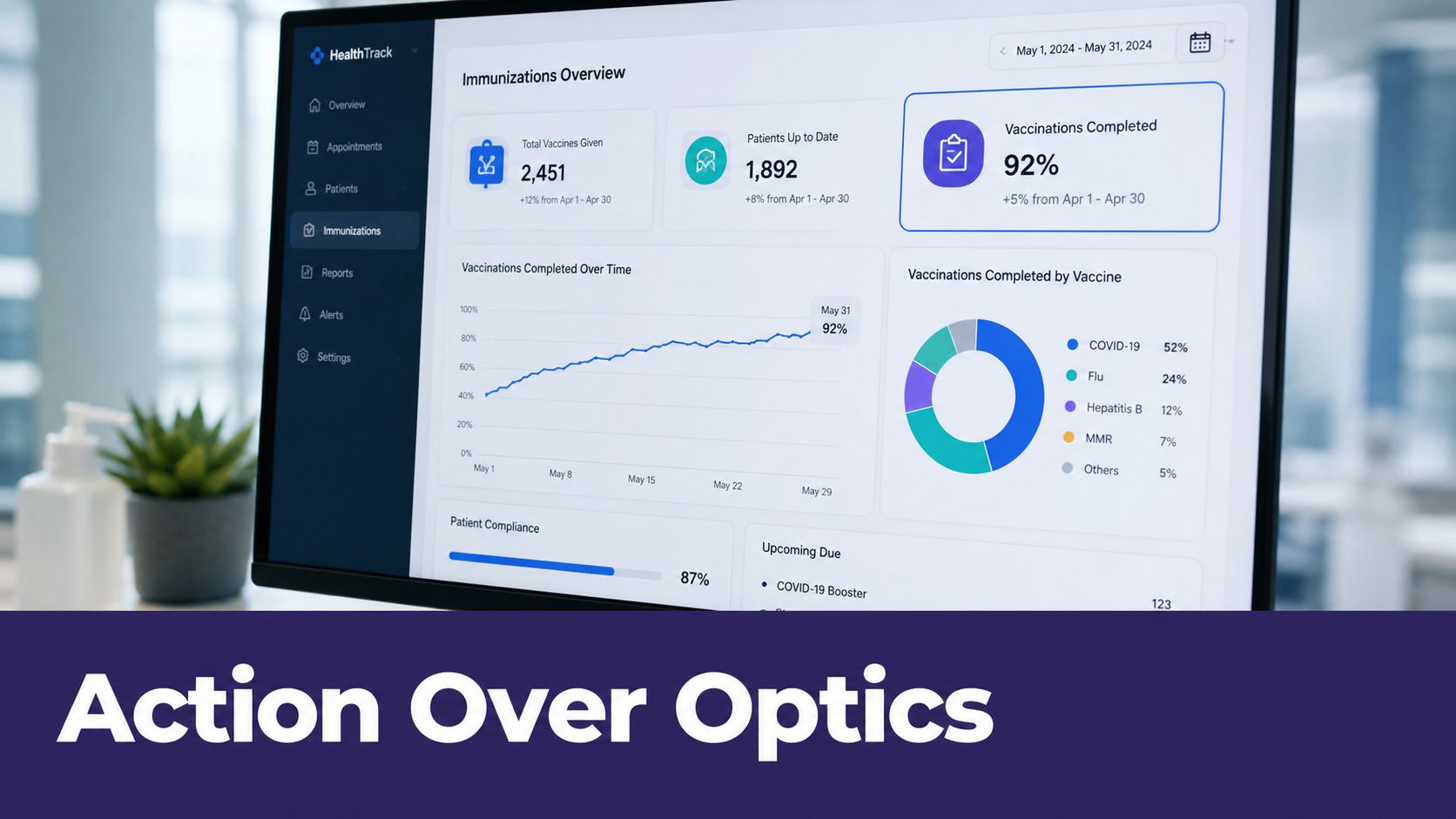
如果提醒活動沒有帶來更乾淨的資料,也沒有減少人工電話,那就不是 automation。那只是更多訊息而已。
If you're evaluating AI for your practice, you can see it in action at Simbie AI.