
The breaking point usually isn’t the paper form itself. It’s the pileup that follows. A patient arrives late because they had to hunt for insurance details in the parking lot. The front desk hands over a clipboard. Someone writes too fast, skips a field, or uses an old address. Your staff then retypes the whole thing into the EMR while the waiting room gets tense and the clinical team asks why the chart still isn’t ready.
That’s precisely why digital patient registration workflow automation matters. It’s not a software purchase. It’s a front-end operations project that changes how information enters the practice, who checks it, when problems get caught, and how much cleanup your team has to do later.
I’ve seen practices make the same mistake more than once. They buy a form tool, call the project “automated intake,” and then wonder why the phones still back up, why staff still chase missing insurance details, and why denials still show up for issues that should have been caught before the visit. The technology wasn’t the problem. The workflow was.
What a modern automated registration workflow actually looks like
The old process is familiar because most of us lived with it for years. A new patient calls during lunch. Nobody picks up. They call back later. A staff member takes partial details, asks them to arrive early, and hopes the insurance card at check-in matches what was said on the phone. At the desk, the patient fills out forms by hand, staff scan the paperwork, then someone re-enters everything into the EMR. That’s where delays, typos, and billing errors get introduced.
A modern workflow starts much earlier and has fewer handoffs.
The process starts before the patient walks in
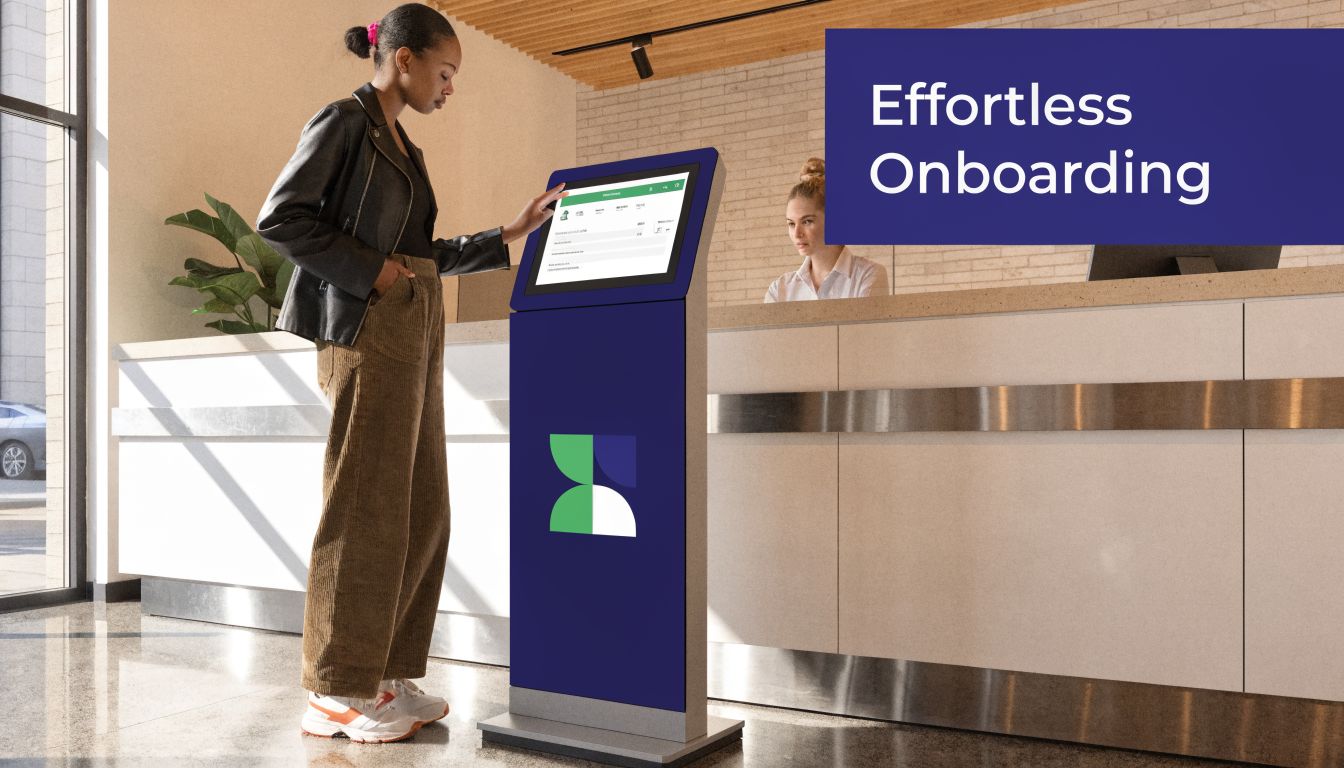
The cleanest setups begin the moment an appointment is booked. The patient gets a digital path to registration on their phone or computer. Demographics, consent forms, insurance details, medication lists, and visit reason get collected before arrival. Behind the scenes, the system checks for missing fields, duplicate entries, and eligibility issues before they become front-desk surprises.
That’s a different model from “we gave them an iPad in the waiting room.” A tablet at check-in is still a front-desk workflow. True digital patient registration workflow automation pushes work upstream so your staff can review exceptions instead of doing data entry from scratch.
For a broad look at how teams map and improve these kinds of operational flows, I like these practical workflow automation insights. The useful part isn’t the software list. It’s the way the examples force you to think in handoffs, triggers, and approvals.
What changes in day-to-day operations
When this is set up well, the front desk stops acting like a transcription team. Staff handle edge cases, not every case. Patients who complete registration ahead of time arrive ready to be seen. Patients who don’t can still finish digitally on-site, but the system keeps the same rules and field validation in place.
That shift matters because the front end affects much more than check-in speed. Automated intake systems cut check-in times from 20 to 30 minutes to under 90 seconds, and they also cut claim denials by 44%, while up to 50% of denials originate from simple intake errors like misspelled names and outdated addresses, according to this breakdown of automated registration results.
The biggest win isn’t “paperless.” It’s catching bad data before it spreads into scheduling, billing, and clinical documentation.
I also tell teams to look at workflow design examples inside healthcare, not just generic business automation. This overview of workflow automation in healthcare is useful for that reason. It shows how intake, scheduling, and follow-up work as one connected process rather than isolated tasks.
Your implementation roadmap from planning to go-live
Most failed projects start too late in the process. The team books demos before anyone has mapped the current workflow, which means the vendor ends up defining the problem for them. That’s backwards. You need your own blueprint first.

Map the current state in painful detail
Don’t settle for “patients fill out forms and staff enter them.” That summary hides the work. Sit with the front desk, billers, schedulers, and clinical staff. Write down every step, every handoff, every re-entry point, and every place where someone says, “We usually have to fix that later.”
I’d map at least these moments:
- Appointment creation. Who gathers the first patient details, and where do they go first?
- Pre-visit communication. How are forms sent, reminders triggered, and missing items chased down?
- Arrival and check-in. What still happens at the desk, and what causes the line to stall?
- Insurance and eligibility review. Who checks coverage, when they check it, and what happens if something doesn’t match.
- Data posting into the EMR. Which fields import cleanly, and which ones still need manual work.
You’re looking for friction, but also for ownership. If nobody owns a step, it usually breaks during rollout.
Define requirements before you talk pricing
A good requirement list is boring, specific, and hard to fake. That’s what you want. Ask your team what the new workflow must do, not what the vendor says is possible.
My planning sheet usually includes:
- Field-level data needs. Which demographics, insurance fields, consents, and clinical intake items must land in the chart.
- EMR behavior. Does your system support APIs, HL7, FHIR, or only flat imports? If a vendor gets vague here, slow down.
- Exception handling. How should the workflow respond to incomplete forms, mismatched insurance, duplicate patients, or language needs?
- On-site fallback. What happens for walk-ins, elderly patients, and people who arrive without finishing anything in advance?
Practical rule: Don’t automate a bad process. Remove duplicate steps first, then automate what remains.
If you need a practical reference for reducing intake bottlenecks before go-live, this guide on how to improve patient intake efficiency is a good checkpoint. Use it to compare your future-state process against your current one.
Build your compliance and testing plan early
HIPAA and security work can’t be a final-week checklist. They shape the whole project. You need to know where PHI enters, where it’s stored, who can edit it, how audit logs work, and what happens when a sync fails.
Before go-live, I’d insist on these basics:
- Role-based access so staff only see what they need.
- A staging environment for testing with sample records.
- Clear downtime procedures in case an integration breaks.
- A written escalation path for data errors, duplicate charts, and failed eligibility checks.
Run a soft launch before full rollout
A full switch on a busy Monday is how you create enemies. Start with one provider, one clinic, or one patient type. New patients are usually easier than trying to convert every returning patient at once. Watch the workflow live, listen to staff complaints carefully, and fix the points where the process creates extra clicks or confusion.
The hard lesson here is simple. Go-live doesn’t prove the system works. It only proves the vendor turned it on. Your workflow works when staff trust it enough to stop keeping parallel paper notes “just in case.”
Integrating the right technology stack for data capture
Digital intake tools all sound similar in sales calls. In practice, they solve different problems. The right choice depends on your patient population, your call volume, your staff capacity, and how cleanly the data needs to land in the EMR.
Forms, portals, and voice each solve a different problem
Here’s the simplest way I explain it to practice leaders:
| Method | Works well for | Usually breaks down when |
|---|---|---|
| Standalone digital forms | Practices that need a fast first step and have straightforward intake | Patients submit incomplete information or staff still have to re-enter data |
| Patient portals | Practices with strong portal habits and repeat patients | Patients forget passwords, ignore setup, or don’t trust the portal |
| Voice-based intake | High call volume, older populations, low digital literacy, after-hours demand | The workflow lacks good escalation and staff review for unusual cases |
Static digital forms are often the easiest starting point. They’re familiar, and they can cut a lot of paper handling. But they also create a false sense of progress if the output still lands in an inbox or PDF queue that staff must process by hand.
Patient portals can work well if your patient base already uses them. The issue is adoption. Some people will complete everything from home without trouble. Others will get stuck on login, skip the portal message, or give up before activation.
That’s where voice can make sense as part of the stack, not as a gimmick.
Voice works well when forms don’t match patient behavior
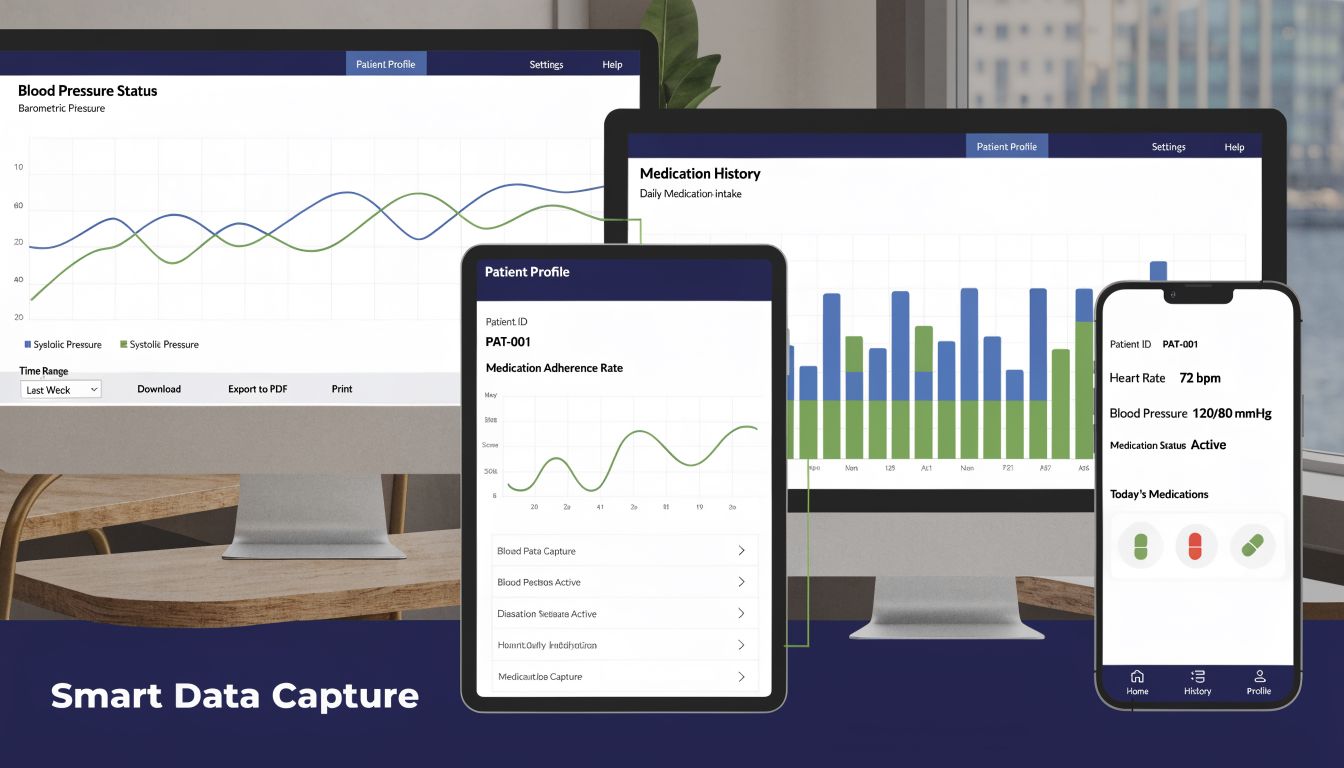
Advanced voice AI agents can answer inbound calls 24/7, capture intake with over 95% transcription accuracy, document it directly into the EMR, and reduce administrative overhead by up to 60%, according to this technical overview of voice-driven healthcare intake workflows. In plain terms, that means the phone stops being a dead end.
That’s useful for practices where patients still prefer to call, where staff miss calls during peak periods, or where language and literacy issues make forms a weak fit. Voice also helps after hours, which is where a lot of “new patient intent” gets lost in smaller practices.
One option in that category is Simbie AI, which uses voice agents for intake and pushes structured data into the EMR. That kind of setup is most useful when your phones are overloaded and your team spends too much time repeating the same administrative questions.
If a tool captures data but doesn’t put it in the right chart fields, you haven’t fixed intake. You’ve just moved the backlog.
Integration matters more than interface
Practices often spend too much time comparing patient-facing screens and too little time asking how data gets reconciled, reviewed, and posted. I care much more about field mapping, API stability, and staff review queues than whether the form design looks polished.
I’d ask every vendor:
- Where does each field go in my EMR?
- What happens when insurance data doesn’t match?
- How are duplicate patients flagged?
- Who reviews ambiguous entries before they hit the chart?
That last point matters because no capture method is perfect. Good systems route unclear cases to staff instead of pretending automation should handle everything without oversight.
If your registration process still depends on scanning IDs, insurance cards, referrals, and consent forms, it also helps to think beyond intake alone. This article on improving healthcare document workflows is worth reading because document handling is usually where “automated” projects tend to fall apart.
Managing the human side of workflow automation
Technology problems are usually visible. People problems are quieter, so they get ignored until adoption stalls. A team can nod through training and still resist the new process the moment the waiting room gets busy.
The first reaction I hear from front-desk staff is usually fear, not excitement. They hear “automation” and think job cuts, less control, or one more tool dumped on them by people who don’t work the desk. If you don’t address that directly, they’ll keep side spreadsheets, print backup forms, and route work around the system.
Staff resistance usually has a rational cause
Most resistance is a signal that your workflow design is incomplete. Staff know where the exceptions live. They know which patients need help, which providers want certain information collected a certain way, and which insurance plans create trouble. If they push back, don’t treat it as negativity. Treat it as operational feedback.
The message that works is simple. The new system should remove repeat admin work, not remove judgment. Staff should spend less time typing demographics and more time handling exceptions, calming patients, and solving real issues.
I’ve had better results training around scenarios than around features. Don’t say, “Click here to resend the form.” Say, “A new patient arrives without completing intake and doesn’t have portal access. Here’s exactly what you do.” People adopt workflows when they can see themselves using them under pressure.
Patient adoption isn’t equal across all groups
This is the part many vendor demos skip. Not every patient will use a portal or complete mobile forms with the same ease. A 2024 University of California study found that automated digital enrollment helped, but disparities remained. Patient portal activation was 72.5% for non-Hispanic White patients and 62.1% for Hispanic patients, with lower use also seen among non-English speakers, according to the University of California study on portal autoenrollment disparities.
That finding matches what many practices already see on the ground. Some patients need language support. Some don’t trust text links. Some share devices with family. Some prefer a phone conversation.
Don’t measure adoption as if every patient starts from the same place. They don’t.
Train for confidence, not just compliance
A decent rollout plan includes training for staff and support for patients. It doesn’t stop at a webinar and a PDF.
What tends to work:
- Name super-users on the front desk. Pick the people others already ask for help, then train them first.
- Use scripts for patient explanations. Patients respond better when staff have a short, clear explanation for why the process changed.
- Keep a fallback path. Some patients will still need in-person help, and that’s fine.
- Review failures weekly at first. Look at incomplete registrations, handoff errors, and places where staff reverted to manual work.
Bad change management usually sounds like this: “The system is live, so everyone has to use it.” Good change management sounds more like: “We know where this is awkward today, we’re fixing it, and here’s what to do in the meantime.”
Measuring success and proving the return on investment
If you only measure “staff likes it” or “patients seem happier,” you won’t keep budget support for long. You need operating metrics tied to revenue, workload, and patient flow.
Start with front-end revenue protection
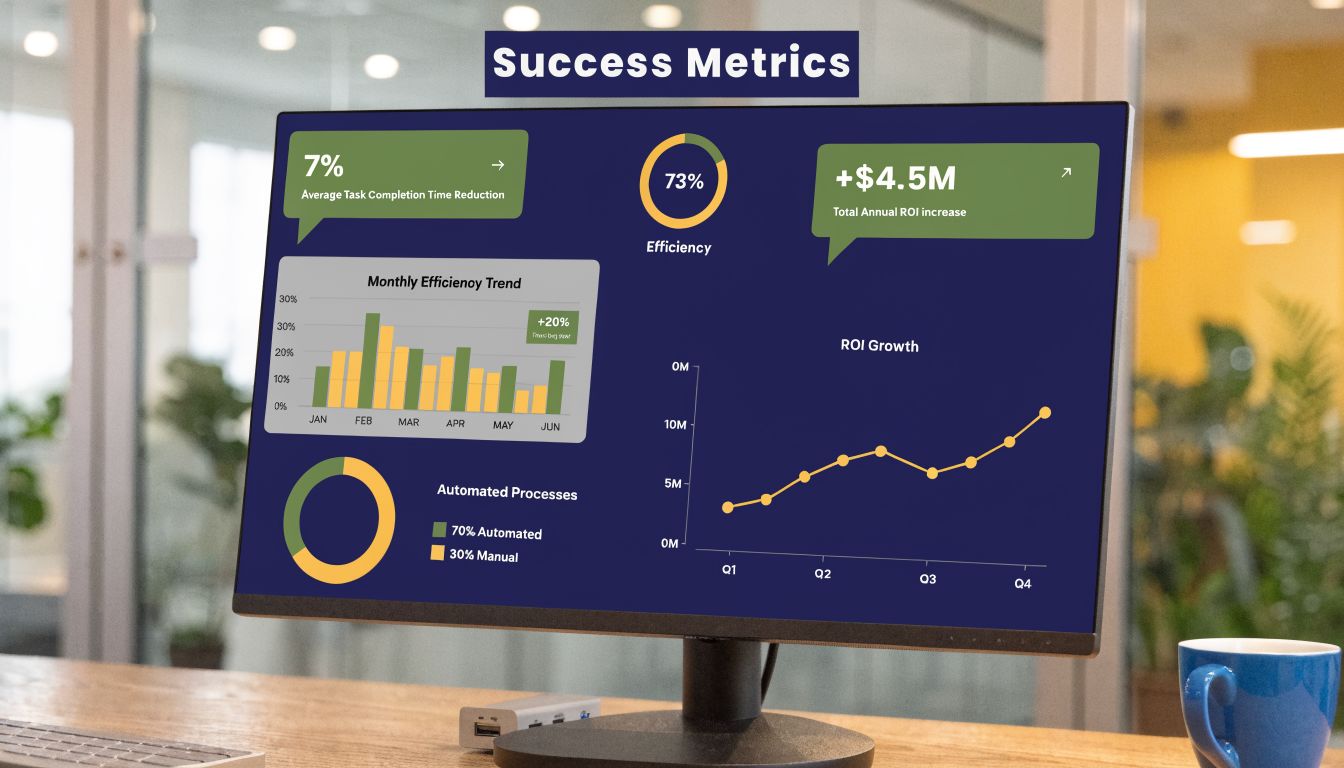
Registration errors are not just a front-desk problem. They hit the revenue cycle fast. More than 50% of claim denials originate from front-end registration failures, and centralized automation that standardizes intake and verifies eligibility in real time can cut these front-end denials by 20% to 30% and shorten A/R days, according to this analysis of patient access, denials, and centralization.
That’s why I tell practice managers to begin with three financial questions:
- What denial reasons can be traced back to registration?
- How long does it take to correct them and rebill?
- How often do staff find insurance problems on the day of service instead of before it?
If your current reporting doesn’t separate front-end denial causes, fix that first. Otherwise, you won’t be able to prove what improved.
Build a short operational scorecard
You don’t need an elaborate analytics program. You need a small scorecard that leadership can read quickly and staff can influence directly.
Track items like these:
- Check-in time before and after the new workflow
- Manual registration touches per patient
- Eligibility issues caught pre-visit versus day-of-visit
- Incomplete intake rate by channel
- Front-desk overtime and rework themes
A good KPI is one that changes behavior. If nobody can act on it, it’s just a report.
Watch the early payback window closely
The first few months matter because that’s when people decide whether the project was worth the pain. I’d review metrics weekly early on, then monthly once the process stabilizes. The point isn’t to admire dashboards. It’s to spot where the workflow still needs cleanup.
I also separate “software live” from “workflow stable.” Those are different milestones. You’ll often see one area improve fast, like check-in speed, while another lags because staff still manually review fields that should post automatically. That doesn’t mean the project failed. It means the workflow still has a bottleneck you can now see clearly.
How to choose the right automation partner
Most demos are built to make every platform look easy. The hard part shows up later, when your staff ask what happens if an eligibility check fails, a form submits incomplete data, or the EMR creates a duplicate chart. That’s where weak vendors start speaking in generalities.
I’d worry less about the slickness of the presentation and more about the quality of the answers. Good partners answer operational questions in detail because they’ve seen these situations before.
Ask questions that expose workflow maturity
Skip the generic “Do you integrate with EMRs?” question. Everybody says yes. Ask narrower questions that force a real answer.
Try these instead:
- Which EMR fields do you map directly, and which ones usually need custom handling?
- How do you handle failed syncs or partial writes into the chart?
- What does staff review look like for unclear entries or exceptions?
- How do you train front-desk teams after go-live, and what support exists after the first week?
- What happens when our workflow changes, not just your product?
A serious partner should also talk comfortably about BAAs, audit trails, permissions, and escalation paths. If they keep dragging the conversation back to features, they may not understand practice operations well enough.
Watch for red flags during evaluation
I get cautious when a vendor says their system works “out of the box” for every practice. Registration workflows vary too much for that to be true. Specialty, payer mix, language needs, call volume, and staff structure all change what good automation looks like.
Other warning signs:
- They can’t describe a rollback plan
- They treat training as a one-time event
- They avoid talking about exception handling
- They promise full automation without staff oversight
- They don’t ask how your team works today
The best partner usually asks uncomfortable questions early. They want to know where your denials come from, who owns the front desk workflow, how often staff re-enter data, and which patients struggle with digital tools. That’s a good sign because it means they’re thinking about operations, not just software.
Choose for fit, not for feature volume
A smaller practice may need simple intake forms, eligibility checks, and reliable EMR posting. A large multisite group may need multilingual phone intake, centralized review queues, and more complex routing rules. More features won’t help if they don’t match your actual failure points.
The right partner is the one that can explain, in plain language, how your future workflow will run on a bad day. Busy phones. Late patients. Missing insurance cards. Staff shortages. If they can answer that clearly, you’re getting closer.
If your practice is sorting through how to automate intake without making the front desk more complicated, Simbie AI is worth a look. It focuses on voice-based healthcare workflows, including patient registration, scheduling, and other routine admin tasks, with EMR integration built into the process. The useful test is simple. Ask how it would fit your real workflow, your staff, and your patient population before you ask for a demo.