
Most practices don’t notice how broken intake is because the chaos feels normal. The phones ring nonstop, patients arrive with half-finished paperwork, someone at the front desk is toggling between insurance questions and a blinking call queue, and clinicians are already behind before the first exam room turns over.
We’ve worked with enough practices to know this pattern isn’t a staffing problem alone. It’s a process problem. Teams build workarounds, tolerate duplicate entry, and accept delays that would never survive scrutiny in any other part of the business.
That’s why learning how to improve patient intake efficiency starts with one uncomfortable step. You have to stop calling the current system “busy” and call it what it is: unsustainable. Once you do that, the fixes become much clearer.
Your intake process is broken, even if it feels normal
The waiting room tells the truth faster than the dashboard does. If patients are filling out clipboards at check-in, staff are retyping handwritten data, and calls pile up while the front desk handles walk-ins, your intake process is already leaking time and attention.
We see the same trade-off again and again. Practices try to protect patient experience by having staff “just handle it manually.” That works for a while. Then volume rises, one staff member quits, and the whole system starts depending on heroics.
Normalized chaos is still waste
What makes intake hard to fix is that everyone adapts. Front-desk staff memorize payer quirks. Medical assistants chase missing histories. Practice managers spend their day resolving exceptions instead of improving the system that creates them.
That adaptation hides the cost.
A broken intake process produces the same symptoms:
- Patients wait for avoidable reasons. Not because clinical care is slow, but because forms, verification, and data entry happen at the worst possible moment.
- Staff work in duplicate. Information gets collected by phone, then on paper, then inside the EMR.
- Errors start small and spread. A wrong medication list or missing consent can create billing problems, refill delays, and more follow-up work later.
- Managers lose visibility. If no one measures intake consistently, every day feels bad but nothing is specific enough to fix.
Intake isn’t just a front-desk task. It shapes schedule flow, staff load, patient trust, and how much time clinicians get for care.
Start with measurement, not shopping
The first move isn’t buying another tool. It’s getting a clean picture of where time and rework go. We’ve seen practices buy digital forms, kiosks, texting tools, and scheduling software in the wrong order because they never measured the original process.
If you can’t say where the bottleneck lives, you can’t fix it. You can only rearrange it.
That’s why the baseline matters. Treat it the way you’d treat a diagnostic workup. Get the facts first, then decide whether you need better forms, better integration, better call handling, or all three.
First, establish your baseline with the right KPIs
Before changing anything, follow one patient from appointment booking to rooming. Not a hypothetical patient. A one. We often use a simple exercise with a fictional patient named Maria so the team can map the flow without getting lost in one-off exceptions.
Maria calls to book. She waits on hold. A staff member confirms demographics the practice already has, asks insurance questions, and tells her to arrive early for forms. On visit day, she arrives, fills out paperwork, hands it back, corrects one field, waits again, then a staff member types everything into the EMR while the next call rings.
That single journey usually reveals more than a month of team meetings.

The KPIs that matter first
You don’t need a big analytics project to get started. You need a short list of measures that tell you where time, waste, and errors sit.
Track these first:
- Patient wait time. Measure from arrival to rooming. This shows whether intake is slowing care before the visit even starts.
- Intake form completion time. Compare paper and digital if you use both. This often reveals forms that are too long or poorly designed.
- Staff time per intake. Count every minute spent on calls, manual entry, scanning, verification, and corrections.
- No-show rate. Missed visits often connect back to weak reminders, poor scheduling flow, or too much friction before the appointment.
- Data entry error rate. Track how often staff correct demographics, insurance, medication lists, or consent issues after the first submission.
- Form abandonment. If patients start digital intake but don’t finish, you need to know where they drop.
The benchmark data gives you a useful frame. Practices that implement digital pre-registration can see 60-80% efficiency gains, form abandonment can reach 20-30% with poor UX, and digital forms can cut wait times by over 50% while reducing data entry errors by 40%, according to NexHealth’s patient intake strategies guide.
How to collect the baseline without expensive tools
Most practices already have enough tools to do this. A spreadsheet, staff logs, timestamps from the practice management system, and a week of disciplined observation are enough.
We suggest a short audit window:
| Measure | How to capture it | What to watch for |
|---|---|---|
| Wait time | Front-desk arrival time and rooming time | Mid-morning pileups |
| Form completion | Start and finish timestamps | Long pauses or repeated questions |
| Staff effort | Manual tally by role | Hidden rework after check-in |
| No-shows | Scheduling report | Visit types with the most friction |
| Errors | Correction log inside the EMR | Repeat issues by payer or form |
If your team needs a simple framework for setting up the measurement side, Querio’s guide on how to measure key performance indicators is a useful reference because it keeps the focus on operational measures instead of vanity reporting.
What a good baseline changes
A baseline does two things. It tells you where to act first, and it gives you proof later that the change was worth the effort.
We’ve seen teams skip this step because they “already know intake is bad.” That’s not enough. If you don’t capture the before state, you won’t know whether a new form, a self-scheduling tool, or a call workflow fixed anything.
For practices thinking more broadly about operations, this same discipline is what turns improvement from guesswork into management. That’s the difference between adding technology and building healthcare operational efficiency.
Map the patient journey to find the bottlenecks
Metrics tell you what hurts. A process map tells you where it hurts.
The simplest way to do this is to walk the journey in order and write down every touchpoint. Start before the visit, not at the front desk. A lot of intake waste starts on the phone, in reminder workflows, or during insurance checks that happen too late.
Follow the patient, not the org chart
A patient journey map should include every handoff, even the ugly ones. In most practices, the path looks something like this:
- Appointment request. Phone call, website form, referral, or text.
- Scheduling step. Staff books the visit and gives instructions, often with inconsistent scripting.
- Pre-visit paperwork. Forms go out by portal, email, text, or paper fallback.
- Insurance and eligibility checks. Sometimes done before the visit, sometimes at check-in, sometimes both.
- Arrival and check-in. Front desk verifies identity, collects signatures, and fields last-minute questions.
- Data transfer into the EMR. Here, paper, PDFs, and weak integrations create rework.
- Clinical handoff. The MA or nurse starts the rooming process with whatever information made it through.
When teams map this, the bottleneck is rarely just one thing. It’s usually one weak point feeding the next.
Use PDCA instead of one big launch
A better intake process usually comes from small cycles, not a giant rollout. That’s why we like the Plan-Do-Check-Act approach. It forces the team to test a change, review it, and fix the parts that didn’t work.
That method has support in hospital operations too. A 2023 study in a 293-bed hospital found that Lean methods such as PDCA cycles and daily morning bed management huddles improved patient flow, reduced median time for elective admission, and improved coordination through real-time analytics and cross-team work, as reported in this study on Lean quality improvement in hospital bed management.
Small tests beat big promises. Change one part of intake, measure it, then move to the next bottleneck.
Where digital forms help, and where they fail
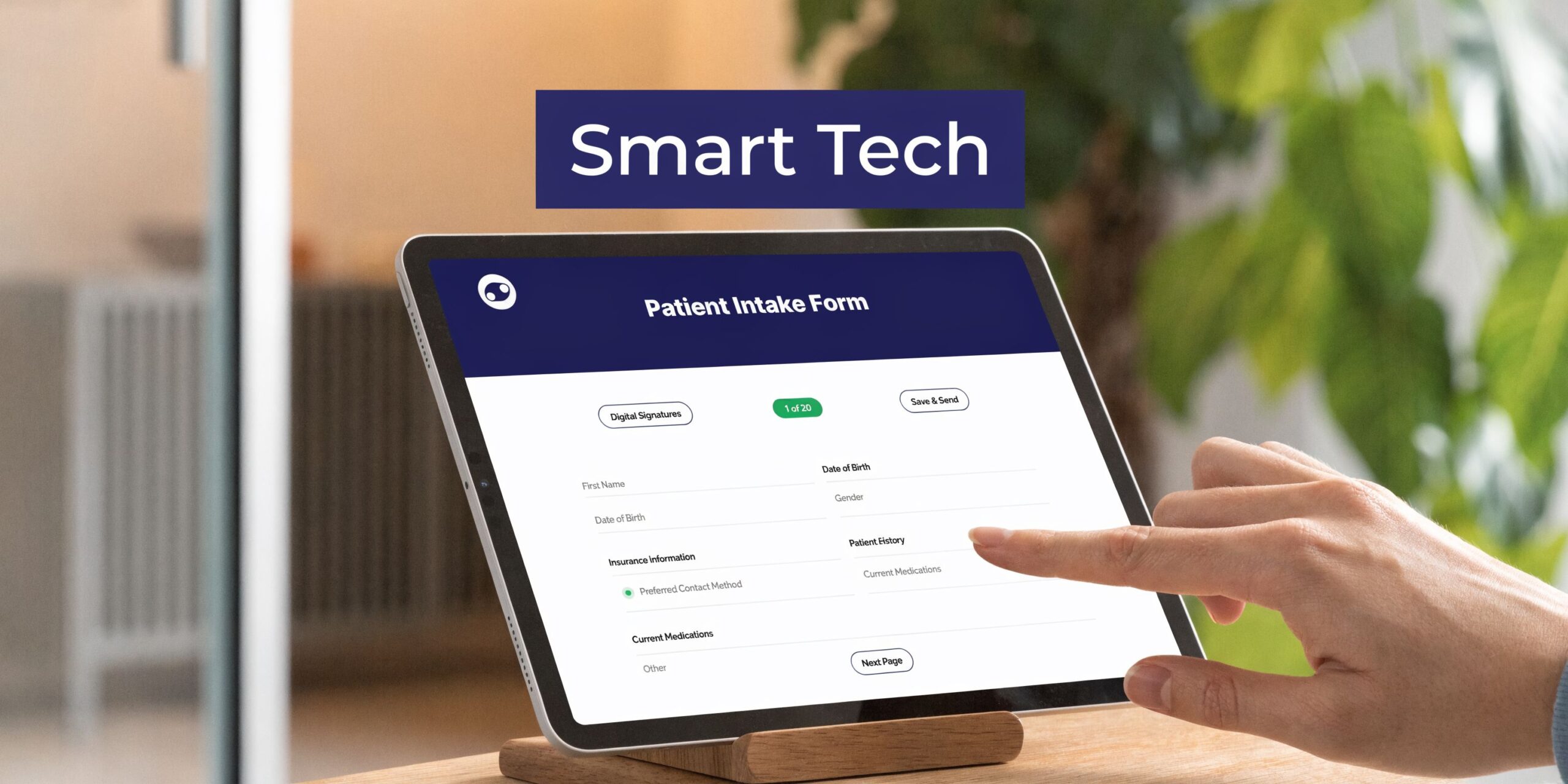
Digital forms are usually the first obvious fix, and often the right one. If patients can complete intake before arrival, staff spend less time handing out forms and correcting handwriting.
But digital forms fail in a predictable way. The data lands in a portal, inbox, or PDF instead of the EMR. Then someone still has to copy it over manually.
That’s why “going digital” isn’t enough. The question is whether the information lands where clinical and admin teams need it, without extra work.
Why voice can solve a different problem
Voice AI enters the picture when the intake burden isn’t forms. Many practices still rely heavily on calls for scheduling, symptom capture, medication questions, and pre-visit clarification. In those environments, a form-only strategy leaves the hardest part untouched.
A voice workflow can collect history, answer routine intake questions, and document the result directly into the record path the staff already use. That matters most in practices where legacy EMRs make clean API integrations hard, or where patients don’t reliably complete online forms.
Integrate technology that solves problems, not creates them
Most intake technology looks good in a demo because demos don’t include your oldest workstation, your busiest Monday morning, or your least flexible EMR template.
Many projects disappoint leadership at this point. A practice buys digital forms or a check-in tool expecting less work. The forms collect data well, but staff still retype half of it because the integration is partial, delayed, or unreliable. The office now has the old bottleneck plus a new one.

Start with the integration test
Before you choose any intake tool, ask a blunt question. “Show me exactly how this writes data into our EMR.”
Not “does it integrate.” Not “are you compatible.” Those answers are too loose to be useful.
Ask for specifics:
- Which fields write back automatically
- What still needs staff review
- How medication lists, allergies, and consent forms appear
- What happens when the patient record already exists
- How exceptions get flagged instead of buried
If the vendor can’t walk your team through the workflow, assume your staff will become the bridge.
The legacy EMR problem is bigger than vendors admit
Many intake articles skip this part. In smaller practices especially, the limiting factor often isn’t patient willingness or staff effort. It’s old infrastructure.
A 2025 HIMSS survey found that 68% of small practices using EMRs more than 10 years old report integration failures as their top barrier to efficiency, with up to 25% data loss during intake transfers and higher administrative costs, according to this Curogram analysis of clinic efficiency and staffing pressure.
That finding matches what we see on the ground. Teams don’t reject digital intake because they love paper. They reject it because they’ve tried “digital” before and ended up doing the same work twice.
Where voice AI fits better than forms alone
Voice AI is useful when your main intake friction lives in conversations, not fields. New patient registration, medication reconciliation, appointment requests, refill context, and symptom descriptions are all examples. Those are tasks staff often handle by phone, under pressure, while juggling walk-ins.
In those settings, a voice agent can gather information in a more natural way than a long form, then place it into the documentation workflow with less manual handling. The same Curogram source notes that voice AI platforms that sync directly with EMRs have cut errors by 40% in pilot clinics.
We mention this because many practices assume they need perfect API infrastructure before they can improve intake. In reality, a voice layer can sometimes bypass the weakest part of the process by collecting and documenting the information through the same operational pathways staff already trust.
If you want a more specific example of that model, AI patient intake tools can handle intake conversations, gather histories, and push documentation into existing workflows without asking the front desk to become full-time data processors.
If a new tool still leaves your staff copying and pasting, you didn’t fix intake. You changed the shape of the work.
Technology alone won’t save a bad workflow
Many teams get nervous at this point, and for good reason. The software works, but the role design stays the same. Front-desk staff are still judged by how fast they answer calls and clear forms, not by whether patients move through intake cleanly.
That’s a mistake.
When routine intake gets automated, the job should change. Staff should spend less time typing and more time handling exceptions, helping patients who need support, and protecting the accuracy of high-risk details.
That shift also helps with trust and compliance. If your team is evaluating AI tools for healthcare communication, it’s worth understanding the practical guardrails around privacy and deployment. SupportGPT’s overview of HIPAA Compliant ChatGPT is a useful primer on what secure use requires.
What to approve, what to reject
We’ve learned to sort intake technology into two buckets.
Approve tools that:
- Reduce handoffs instead of adding another dashboard
- Write cleanly into the EMR or a clearly managed review queue
- Handle both digital-first and phone-first patients
- Let staff manage exceptions without rebuilding the visit from scratch
Reject tools that:
- Depend on perfect patient behavior
- Create PDFs instead of usable chart data
- Force staff into duplicate verification
- Need heroic training to keep basic workflows alive
If you remember one thing, remember this. The right intake technology reduces cognitive load for staff and friction for patients. If it only looks efficient from the vendor side, keep looking.
Enable patients to manage tasks with clear communication and self-service
A better intake process only works if patients use it. That means the patient-facing side has to be simple, direct, and easier than the old way.
If the email is confusing, the portal login fails, or the form feels endless on a phone, patients will wait until they arrive. Then your front desk inherits the problem again.
Make the new path obviously easier
Patients adopt self-service when it saves them time and reduces uncertainty. They ignore it when it feels like unpaid admin work.
We tell practices to communicate the benefit in plain language:
- Complete your forms before you arrive
- Update insurance without waiting at the desk
- Use self-scheduling if you don’t want to call
- Reply to reminders instead of playing phone tag
This approach matters because digital patient engagement tools that support self-scheduling and automated reminders can reduce no-shows, which often average 20-30% in the industry, while analytics show potential administrative cost savings of up to 60%, according to Azalea Health’s write-up on analytics and patient volume.
A communication script that works better
Most rollout messages are too abstract. Patients don’t need to hear that the practice has “implemented a new intake solution.” They need to know what changes for them.
A message like this lands better:
“Before your visit, you’ll get a link by text or email to complete forms, confirm insurance, and review details from your phone or computer. Doing this before arrival shortens check-in and cuts down on paperwork in the office. If you’d rather complete it with us, we can still help at the front desk.”
That gives the patient a reason, a method, and a fallback.
Keep self-service broad, not rigid
The best patient-facing workflows offer more than one self-service action in the same channel. If patients can schedule, confirm, message, and complete intake from one flow, they’re much more likely to use it consistently.
What works well:
- Self-scheduling for routine visit types
- Automated reminders with clear action links
- Digital forms optimized for phones
- Secure messaging for clarification
- Simple online bill pay when appropriate
What tends to fail:
- Portal-first workflows with clunky login friction
- Forms that ask repeat questions every visit
- Reminder texts with no direct action path
- A “digital option” that still requires a phone call to finish
Design for hesitant patients too
Not every patient wants a fully digital experience. That’s fine. The goal isn’t to force everyone into one lane. The goal is to make the easiest lane the one you want most patients to take.
That means offering help without turning help into a second full workflow. Staff can assist patients with first-time setup, confirm receipt of forms, or complete intake over the phone when needed. What you don’t want is a hidden parallel process where digital intake exists on paper but the office still defaults to manual work.
Practices that get this right treat communication as part of intake design, not a last-minute announcement.
Measure your ROI and build a cycle of improvement
A calmer waiting room can fool a practice into thinking intake is fixed. We see this all the time. Staff feel less rushed for a week or two, then the old work shows up in a different place: chart prep takes longer, clinicians correct bad histories in the room, or the billing team spends more time cleaning up registration mistakes.
That is why post-launch measurement has to cover the full workflow, not just the front desk.
The questions a practice manager should ask
Start with operational questions tied to real labor and rework:
- Did wait times fall
- Did staff spend less time on manual intake
- Did no-shows change
- Did data errors decrease
- Are clinicians getting cleaner information at rooming
- Which visit types still create rework
The goal is not to prove the project worked. The goal is to find out where work moved.
In practices with legacy EMRs, that trade-off matters. A digital form may reduce clipboard use and still create more downstream work if staff have to re-enter data, reconcile mismatched fields, or hunt through scanned PDFs. Voice AI can help here because it can collect information in a patient-friendly format, then route structured outputs into the workflow you already run. That is often more practical than waiting for a full platform replacement.
Accuracy and compliance need their own review
Speed is only one part of intake performance. Medication lists, histories, consents, insurance details, and billing data all affect care and revenue. If automation captures the wrong information faster, the practice still loses.
We advise teams to review a sample of completed intakes every week during the first phase. Look for missing medications, duplicate demographics, bad insurance entries, unclear chief complaints, and any case that required staff follow-up. Then separate process problems from technology problems. Sometimes the tool is fine and the script is weak. Sometimes the script is fine and the EMR mapping is the issue.
This is also where role design matters. Front-desk staff should not spend their day acting as human middleware between patients and software. Their time is better used on exception handling, patient reassurance, and cases that need judgment. Clinicians should not be cleaning up intake failures in the exam room either. Many groups also pair intake changes with medical scribing services that shift focus from data entry to patient care so documentation burden does not erase the time they just saved upstream.
A simple ROI model
A short ROI model is enough for most practices:
| ROI area | What to compare |
|---|---|
| Labor time | Staff minutes per intake before and after |
| Capacity | Visits completed without adding admin load |
| Error cost | Corrections, callbacks, claim-related rework |
| Retention | Whether the front desk is less overloaded |
| Patient access | Fewer missed calls, faster scheduling, less drop-off |
Some gains show up fast. Less duplicate entry. Fewer calls to finish incomplete registrations. Shorter rooming delays.
Other gains take longer to notice, but they matter just as much. Lower staff turnover. Better handoffs to clinicians. Fewer small intake errors that later turn into denied claims, refill confusion, or extra chart correction work.
Practical rule: Audit accuracy and exception handling every week at first. Faster intake only helps if the output is usable.
Keep the PDCA cycle alive
The best-performing practices rarely get intake right in one redesign. They review friction points, change one part of the workflow, and measure again. A reminder script gets rewritten. A callback rule gets tightened. One visit type gets a different intake path. A failed integration gets replaced with a workaround that staff will use.
That last point is where many intake projects stall. Standard advice says to "go digital." Real operations work is harder than that. Legacy EMRs, partial interfaces, and staff who are already overloaded force trade-offs. In dozens of implementations, we have found that practices improve faster when they choose tools that fit the current environment and reduce manual work now, instead of waiting for a full platform replacement.
If your practice is dealing with missed calls, legacy EMR friction, or too much manual intake work, Simbie AI is one option to evaluate. It uses voice-based AI for healthcare admin tasks like intake, scheduling, refills, and documentation, which can help practices reduce front-desk overload without forcing a full workflow reset on day one.