
Manual chronic care follow-up breaks down fast in a small practice. A few phone calls turn into a callback list, then a spreadsheet, then a pile of half-documented EMR tasks that nobody fully trusts. Patients with diabetes, hypertension, COPD, CHF, or complex GI disease still need help between visits, but the work usually lands on already stretched front-desk staff, MAs, nurses, or a physician finishing charts after hours.
That's where chronic care management software earns its place. At its best, it doesn't feel like another app your team has to babysit. It becomes the operating system for work your clinic is already trying to do: enrollment, consent, care plans, outreach, medication follow-up, documentation, and billable time capture.
This isn't a niche category anymore. One market estimate places the chronic care management software market at $17.43 billion in 2026, projected to reach $27.48 billion by 2030 at a 12% CAGR, with North America as the largest market according to The Business Research Company's chronic care management software market report. For independent practices, that matters because it signals something practical. Vendors, payers, and clinics now treat CCM software as core infrastructure, not an experiment.
Introduction
The usual breaking point is simple. Your clinic wants to stay engaged with chronic patients between visits, but the workflow lives in too many places. Consent is in one note. Outreach is in someone's memory. Time tracking is inconsistent. The care plan exists, but nobody updates it reliably. Then billing becomes shaky, staff get frustrated, and the program stalls.
Small practices feel this faster than large systems because there's less room to hide inefficiency. If one MA leaves, the whole outreach process can wobble. If your front desk is buried in phones, chronic follow-up slips. If your physician has to audit every interaction manually, the service line won't last.
That's why the right CCM setup has to solve an operations problem first. It has to standardize recurring work, reduce handoffs, and make documentation easier than skipping it.
Practical rule: If a CCM platform depends on your team remembering what happened last week, it's not a real workflow. It's a liability.
Good software helps a clinic move from reactive care to structured longitudinal care. Not by replacing clinicians, but by organizing the administrative and clinical-support work that sits between visits. In an independent internal medicine, GI, or dermatology practice, that often means fewer dropped follow-ups, cleaner documentation, and less dependence on heroic staff effort.
What Chronic Care Management Software Actually Does
A lot of vendors describe CCM software like it's a feature bundle. That misses the point. Its core purpose is to help a clinic deliver care between visits in a way that is coordinated, documented, and sustainable.
A qualitative study identified five key components of chronic care management: whole-person assessment, patient-centered care planning, direct care to assist patients, care coordination, and longitudinal evaluation and monitoring, as described in this PMC study on chronic care management. That framework is useful because it reflects what the software should support in daily practice.

It organizes the patient story
Whole-person assessment sounds academic, but in clinic terms it means your team can see the full picture. Diagnoses, medication list, care goals, social barriers, recent interactions, and next steps need to live in one usable workflow.
Without that, staff call a patient and ask questions that were already answered last month. Patients notice. So do physicians.
It turns care plans into active workflows
A patient-centered care plan isn't helpful if it sits untouched in a note. The software should let the team update goals, assign follow-up tasks, and document barriers to adherence as they happen.
That matters because care plans in small practices often fail for boring reasons, not clinical ones. Nobody knows who owns the next step. Or the next step never makes it into the chart.
It supports direct assistance between visits
This is the part most practices already do informally. Medication questions. Symptom check-ins. Education after a lab result. Reminders to stay on track with treatment. The software's role is to capture and structure those touchpoints so they become part of a real program, not scattered effort.
A solid platform makes those interactions visible to the whole team.
It keeps coordination from falling apart
CCM work often crosses roles. Front desk handles calls. MA confirms information. Nurse reviews concerns. Physician signs off when needed. If the software can't keep those handoffs clear, it creates more confusion than it removes.
Here's what effective CCM software usually enables in practice:
- Shared task visibility so staff can see what has been done and what is still open
- Centralized communication history instead of separate phone logs, inboxes, and sticky notes
- Structured follow-up tracking tied to the patient record
- Ongoing monitoring workflows so a patient doesn't disappear until the next office visit
The real shift is from episodic memory-based care to visible, repeatable longitudinal care.
Core Features Your Practice Needs for CCM
Feature checklists are where a lot of buying decisions go wrong. Practices ask whether the platform can do something, but not whether it reduces work for the team that has to live in it every day. For a small clinic, that difference is everything.
Administrative features that prevent program drift
The first bucket is operational. If these basics are weak, your program won't scale cleanly.
- Enrollment and consent management. Staff need a simple way to identify eligible patients, document consent, and avoid repeat outreach that frustrates patients.
- Communication logging. Every call, message, and follow-up attempt should be easy to review without digging through multiple screens.
- Time capture for non-face-to-face work. If the platform makes staff enter time manually after the fact, accuracy drops.
- Task routing. Someone needs to know whether the next action belongs to front desk, MA, nurse, or physician.
Clinical features that make CCM feel real
The second bucket is clinical support. Within this category, software moves beyond billing and starts helping care teams.
A useful CCM platform should support:
| Practice need | What the software should handle |
|---|---|
| Care plans | Create, update, and track goals, interventions, and follow-up |
| Adherence work | Send education, reminders, and check-in prompts |
| Medication support | Record medication issues and route refill or review needs |
| Monitoring | Surface changes or missed follow-up that need attention |
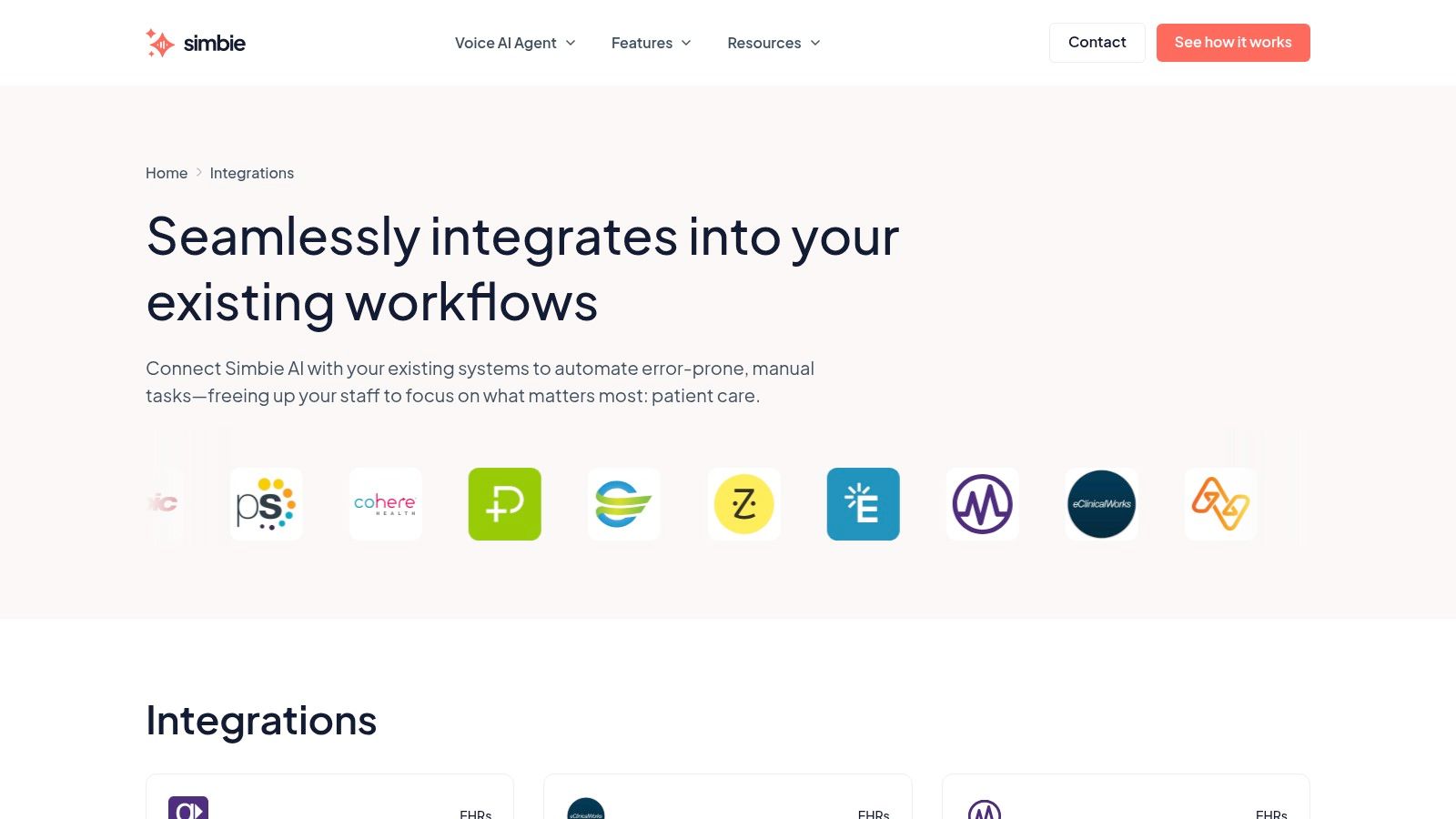
Integration is essential. True CCM platforms require interoperability with EHRs, often using HL7 and FHIR, so care plans, goals, and follow-up tasks can move inside the clinical record, as explained in this overview of CCM interoperability and EHR integration. If the system doesn't connect well with eClinicalWorks, gGastro, EMA ModMed, Athenahealth, Epic, or DrChrono, your team will end up documenting twice.
That's usually where enthusiasm dies.
Standalone tools create hidden labor
A lot of software demos look fine until implementation starts. Then staff realize they have to keep one screen open for outreach, another for chart review, and another for billing support. That's not efficiency. That's swivel-chair work.
Practices looking at broader automating clinic workflows often run into the same lesson. Automation only helps when the data lands where the team already works.
One option in this category is Simbie's EMR system integration, which is relevant for practices that want front-office communication and clinical-support workflows connected rather than split across separate tools. That matters in CCM because phone calls, refill requests, education, and follow-up outreach often overlap in the same patient journey.
Buy for workflow fit, not demo polish. If the product can't show how a chronic follow-up lands in the chart, gets routed, and gets billed, the feature list doesn't matter.
Mastering CCM Billing and Compliance
Most clinics don't struggle with the idea of CCM. They struggle with proving the work happened in a billable, compliant way. That's where software stops being optional and starts protecting the program.
To be compliant, CCM software needs to capture non-face-to-face service time, patient consent, and interaction history. A key threshold is documenting a minimum of 20 minutes of billable activity per month, and automated logs make that record auditable and defensible, according to this guide on CCM software documentation and compliance.
What must be captured every month
If your process depends on someone reconstructing activity at month end, you're setting up underbilling and audit risk. The software should record the work as it happens.
That usually includes:
- Consent documentation recorded once and easy to retrieve
- Communication history including calls, emails, and other patient interactions
- Medication-related work when staff review or address adherence and medication questions
- Accumulated service time tied to the patient and month of service
For practices billing CCM-related codes, the point isn't just getting claims out. It's being able to defend the claim if anyone asks for the trail behind it.
Compliance is an operations issue
Many clinics often underestimate the program. They think billing failure is a coding problem. Most of the time it's a workflow problem. Staff aren't sure what counts, where to document it, or when the patient crossed the monthly threshold.
A better system gives the billing team confidence because it creates evidence upstream.
For clinics tightening their broader security posture, a technical governance resource like this CISO's roadmap to HIPAA compliance can help frame the controls around patient communication systems and documentation handling. That matters when CCM activity spans phone, messaging, charting, and care coordination.
Practices also need to think about the handoff from documented care to claims processing. Here, workflow and reimbursement intersect. If outreach, documentation, coding support, and follow-up sit in separate silos, the service line leaks revenue. Clinics evaluating that side of the stack often look at healthcare revenue cycle optimization because sustainable CCM depends on both clean operations and clean billing.
The safest CCM program is not the one with the thickest policy binder. It's the one where staff can document the work correctly without stopping to think about the process every time.
Calculating the True ROI for Your Independent Practice
The wrong way to calculate ROI is to look only at reimbursement potential. The right way is to ask whether the platform lowers total labor per managed patient while making the work easier to document and sustain.
That distinction matters because a critical question for small practices is whether CCM software is viable without adding staff. Many tools promise automation but still leave enrollment, consent, outreach, and ongoing management on your internal team, as noted in this analysis of small-practice CCM software viability. If that happens, the software may just move work from paper to screens.

The labor test is the real test
Ask three plain questions:
- Who enrolls the patients
- Who performs the outreach every month
- Who cleans up the documentation when it's incomplete
If the answer to all three is “our existing staff,” you do not have an automated CCM model. You have purchased software and kept the labor.
That can still work in some clinics. It usually works best when the practice has a stable care team and a physician champion who will enforce the workflow. It fails when front-desk staff are already carrying phones, scheduling, referrals, refill messages, and prior auth status calls.
ROI includes front-office relief
Independent practices often miss the overlap between CCM and front-office burden. A chronic patient call may start as a scheduling issue, turn into a refill question, then become an adherence check-in. If your systems split those tasks apart, staff touch the same patient multiple times.
That's why practices increasingly look at tools that combine administrative and clinical-support communication. Simbie AI's model is “AI Medical Staff,” not just a phone layer, and that distinction matters in chronic care because it covers both front-office tasks and clinical-support workflows such as test result review, patient education, adherence check-ins, and chronic disease outreach. In the broader practice context, Simbie reports up to 60% reduction in front-office staff costs, 100% of inbound calls captured, and 24/7 availability with zero hold times. For a lean clinic, those operational gains affect whether CCM feels manageable or like one more project.
Soft ROI is still real
Not every return shows up as a line item. Some of the payoff is operational stability.
- Less dropped follow-up means fewer patients drifting until the next acute issue
- Cleaner communication history means fewer repeated calls and fewer internal clarifications
- More consistent patient access reduces the chaos caused by missed inbound calls
- Better staff retention pressure comes from making repetitive work less manual
For practices formalizing policies around PHI workflows, this guide to managing HIPAA compliance policies is a useful companion to software evaluation. A CCM program creates more communication touchpoints, which means your governance needs to keep pace with your operations.
How to Evaluate and Choose a CCM Vendor
Vendor demos are designed to make the product look easy. Your job is to make the vendor prove it works inside your clinic's constraints. Small practices need fewer promises and more specifics.
Ask questions that expose workflow reality
These are the questions that usually separate a useful vendor from a polished one:
- Show the audit trail for one patient from consent through monthly documented activity
- Explain implementation by role. What changes for front desk, MA, nurse, biller, and physician
- Demonstrate the actual integration with your system, whether that's Athenahealth, eClinicalWorks, gGastro, EMA ModMed, Epic, or DrChrono
- Clarify security posture including HIPAA compliance and SOC 2 Type 2 status
- Define support after go-live because most workflow failures happen after training, not during it
If the vendor answers with generalities, expect operational gaps later.
Separate software from service capacity
Some practices want a platform they run themselves. Others need a solution that takes work off the team. Those are different purchases.
Use this quick comparison during demos:
| Vendor trait | Usually works well for | Main risk |
|---|---|---|
| Software-first | Clinics with internal workflow discipline and staff capacity | Labor stays in-house |
| Service-supported | Lean teams that need help sustaining outreach and documentation | Weak integration can still create duplicate work |
| Communication plus clinical-support workflows | Practices where calls, scheduling, refill issues, and CCM outreach overlap | Requires careful implementation across roles |
A helpful reference for this conversation is this guide to EHR-integrated care coordination AI, especially for practices trying to avoid the common mistake of buying one tool for communication and another for chronic follow-up.
A good CCM vendor should be able to describe your staffing problem back to you in plain language. If they only talk about features, they probably haven’t implemented enough real clinics.
Implementation Steps for a Successful CCM Program
Buying software doesn’t create a CCM program. A repeatable workflow does. The clinics that succeed usually start smaller than they expected and standardize faster than they planned.

Start with one owner and one patient segment
Pick a clinical or operational owner. One person needs authority to resolve enrollment issues, documentation questions, and staff confusion. Then choose a manageable patient group instead of opening enrollment too broadly on day one.
That keeps early mistakes containable.
Build the workflow before volume arrives
Write the actual steps your team will follow. Who offers enrollment. Who documents consent. Who does monthly outreach. Who reviews unresolved issues. Who checks whether the activity is billable. Keep it simple enough that a new employee can follow it.
Use a short checklist:
- Enrollment script that staff can say naturally
- Documentation standard for every interaction
- Escalation path for clinical concerns
- Monthly review cadence so no patient is unintentionally dropped from the workflow
Measure what the team can act on
Track the basics first. Enrollment progress, time capture completeness, outreach consistency, and staff friction points are more useful early on than a bloated dashboard.
The long-term win is a practice that handles chronic follow-up proactively instead of chasing loose ends after the fact. That protects doctors’ time for doctoring and gives patients a more consistent experience between visits.
If you’re evaluating chronic care management workflows and want to see how Simbie AI handles both front-office communication and clinical-support outreach in one system, you can see it in action at book a demo.