
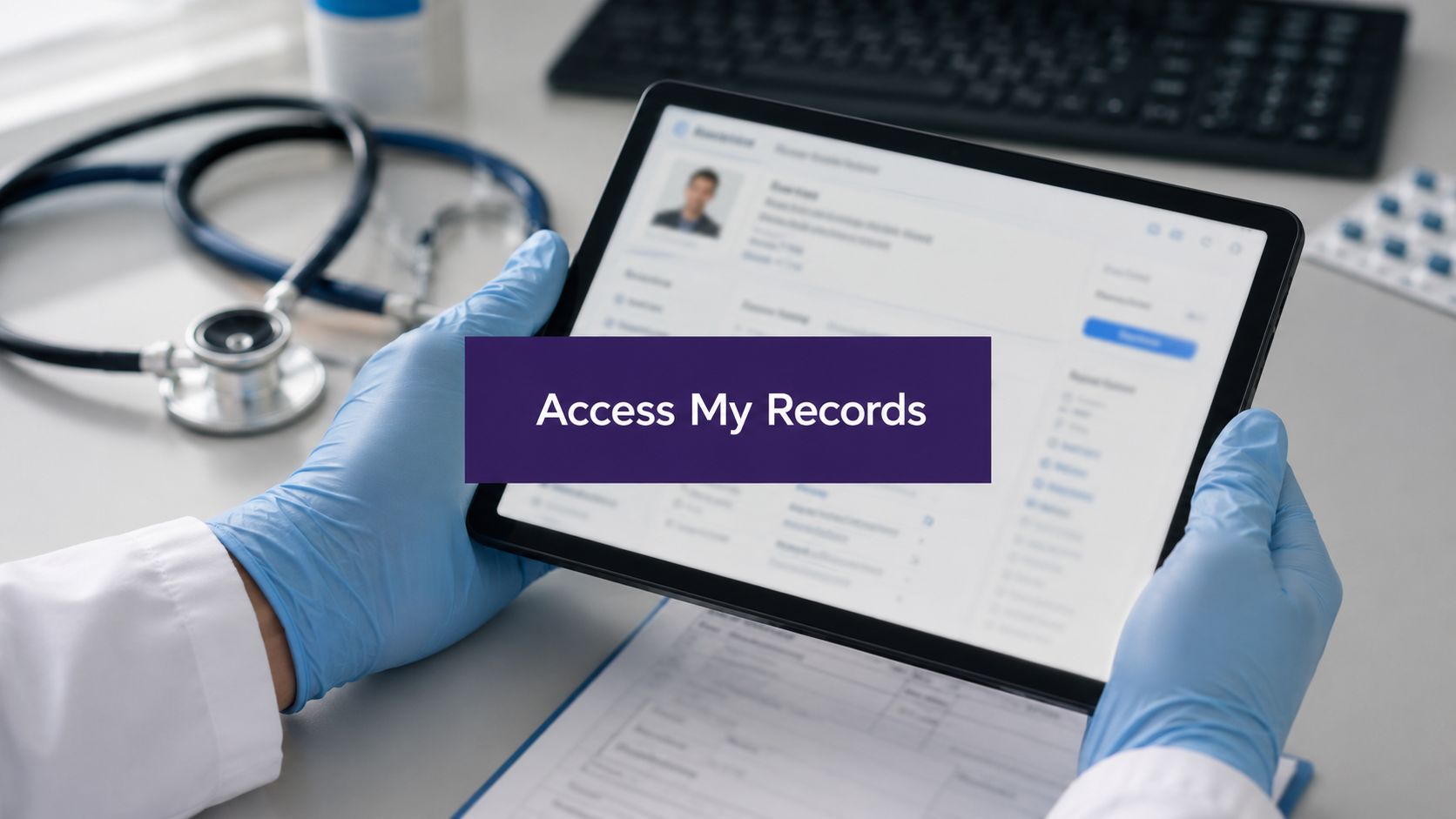
A doctor from another practice calls, the patient says they gave permission, and your front desk wants a quick answer. In that moment, can any doctor access my medical records stops being a legal theory and becomes a daily workflow problem for the practice manager who has to protect privacy, keep care moving, and avoid giving the wrong answer. The core issue is simple. A medical degree doesn't automatically open every chart.
For independent practices, especially dermatology, gastroenterology, and internal medicine groups, the confusion usually starts when patients assume every clinic can see the same information. That isn't how the system works. Access depends on who the clinician is, where they practice, what the relationship is, and what the EMR can exchange.
The Question Every Practice Faces About Record Access
A referring dermatologist calls your office about a mutual patient. Your MA can see the patient's last visit in EMA ModMed, but the caller practices across town and uses a different system. The patient insists, “My other doctor should already have everything.” Your team has to answer calmly, and correctly.
That's the operational reality behind can any doctor access my medical records. Patients often think the answer should be yes because records are digital now. But the U.S. has moved from partial access to broader portal use, not to universal doctor-to-doctor visibility. In 2013, only about 40% of non-federal acute care hospitals and roughly one-third of office-based physicians had EHR systems that let patients view records online, while by 2022 more than half of people nationally reported accessing health information through a provider or insurer app or portal, and 57% accessed those records at least once in the past year (ONC data).
That progress matters, but it doesn't mean every clinician can see every record everywhere. Interoperability still varies by provider and system. The practice manager's job is to know where legal access ends and technical access begins.
Practical rule: if the clinician is not involved in the patient's care, payment, or health care operations, access should not be assumed.
For a patient-facing explanation, keep it plain. “Your records can be available through portals and shared systems, but doctors at different organizations may not see the same chart automatically.” If you need a practical privacy checklist for internal use, the workflow guidance at Simbie's HIPAA compliance checklist is a useful place to start.

The Legal Framework HIPAA and the Need-to-Know Rule
HIPAA answers the title question by focusing on role and purpose, not professional title. A doctor can't access a chart just because they're a doctor. They need to be authorized, and the access has to fit a permitted purpose such as treatment, payment, or health care operations. HHS explains that providers must limit who can look at, receive, and share protected health information, apply the minimum necessary standard for most uses, and maintain administrative, technical, and physical safeguards (HHS HIPAA privacy and security guidance).
For a busy practice manager, that means three questions should govern every access decision. Is this person authorized in our system? Is the reason tied to TPO? And does this person need the full chart, or only the piece required to do the job? That last question matters because the minimum necessary rule is the difference between “I can open it” and “I should open only what I need.”
What TPO Means in real clinic work
Treatment covers the clinicians directly caring for the patient. If your GI physician is reviewing labs before a follow-up, that's normal access. Payment covers the work needed to bill and collect properly. Operations covers internal functions like quality review, documentation audits, and workflow management. A front-desk employee does not need the same chart access as a physician, and a physician does not need unrestricted access to every administrative note if it isn't relevant to treatment.
The most useful mental model is this. HIPAA permits access that supports care. It does not give blanket visibility.
Access for treatment can be broader than minimum necessary when clinically required, but that doesn't erase the need for role-based controls inside the practice.
For organizations trying to align policies with actual workflows, CloudOrbis has a helpful overview of PHIPA and PIPEDA protection steps that reinforces the same idea, access should be controlled, documented, and purposeful. If your team needs a broader view of how a privacy program fits into daily operations, the page at Simbie's healthcare compliance software shows how compliance lives inside workflows, not outside them.
Access Within Your EMR vs Across Different Health Systems
Inside one practice or health system, access is usually straightforward because everyone works in the same EMR instance. A physician in Epic, Athenahealth, or eClinicalWorks may be able to see the patient's chart quickly, but that still depends on role-based permissions. A receptionist shouldn't see the same content a physician sees, and a medical assistant shouldn't have the same editing rights as a billing lead.
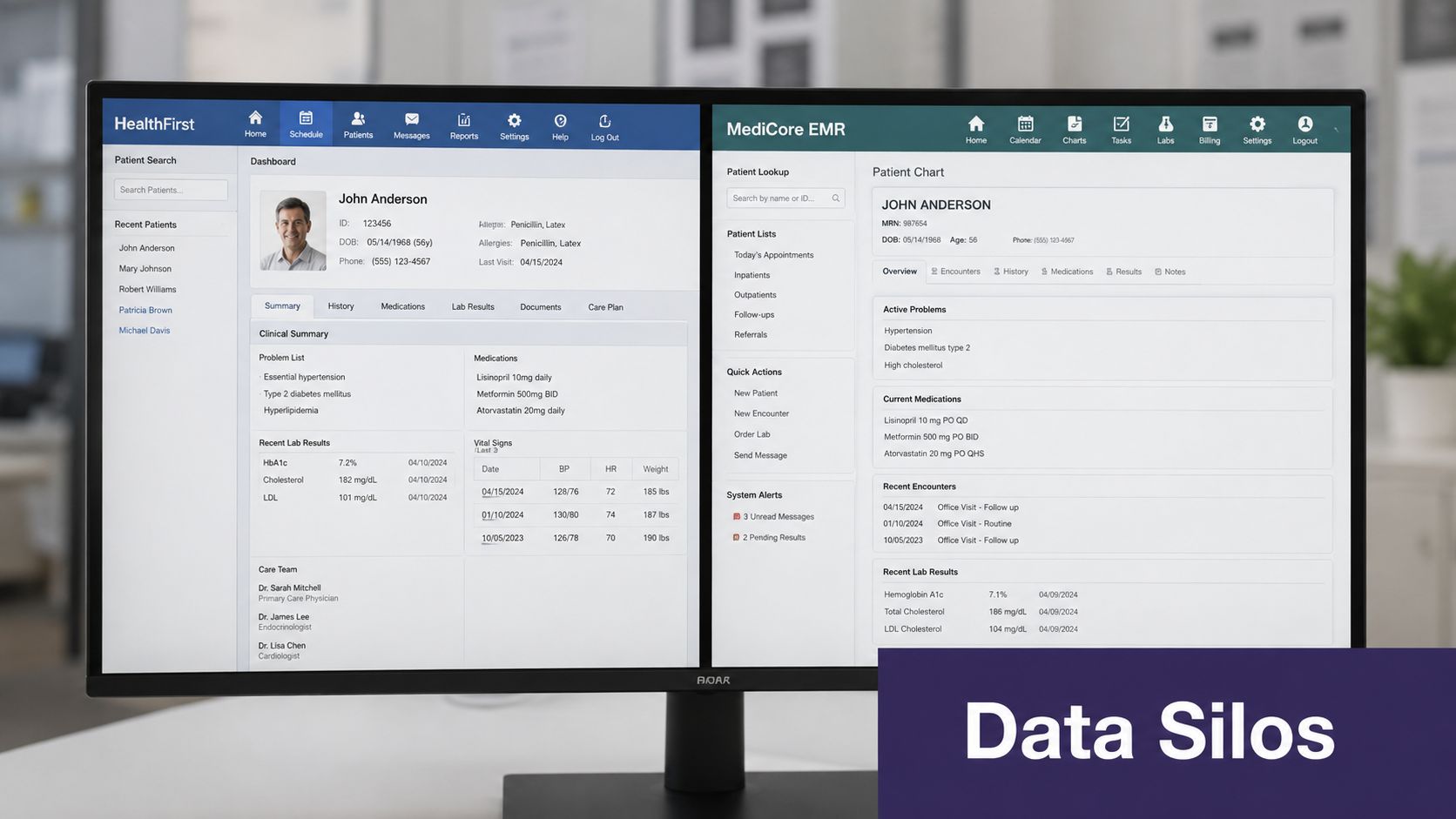
Across separate organizations, the picture changes. A doctor at an unaffiliated practice usually cannot just search for a patient and open every record from another clinic. Some information can move through Health Information Exchanges, and networks such as Carequality and CommonWell help connect systems, but those connections are not universal and they don't erase local permission settings. Different EMRs can also create practical friction. A patient seen in one gGastro workflow and another practice using a separate platform may have fragmented visibility even when both sides are acting appropriately.
Why interoperability feels broader than it is
Patients often hear that records are “electronic” and assume that means everything is instantly connected. In practice, electronic storage is not the same as shared access. One clinic can have a complete chart inside its own EMR and still have very limited visibility outside its network.
That's why the right operational answer is usually, “We can see what's in our system, and we can request or receive outside records when the network and permissions allow it.” If the patient wants a more direct explanation, the interoperability overview at Simbie's healthcare interoperability guide is a useful internal reference for staff training.
The most common failure point isn't the law, it's the assumption that two systems can see each other just because both are digital.
For independent practices, this matters when staff coordinate referrals, prep for procedures, or manage chronic care follow-up. Secure integrations help, but they still sit on top of the same legal rules. That's why a HIPAA-compliant workflow with auditable EMR access is more reliable than informal “just call and ask” habits, especially when the practice also uses tools that document interactions directly into the chart through systems like DrChrono or Athenahealth.

When Standard Access Rules Have Exceptions
There are times when the normal consent flow changes. Emergencies are the clearest example. If a provider needs information to treat an unconscious or unstable patient, the immediate care need can justify broader access. The point is not convenience. It's safe treatment.
Other exceptions are narrower and more procedural. Public health reporting can require disclosure of certain information to a health department. Legal demands such as a valid court order or subpoena can require response. Workers' compensation claims can also trigger disclosures tied to the claim process. In each case, the practice should disclose only what's required and document the basis for the release.
How to train staff for the exceptions
Front-desk teams and MAs do not need to memorize every legal nuance, but they do need a clear escalation path. A caller saying “I'm the spouse” is not the same as a clinician needing urgent records for treatment. A subpoena is not the same as a casual request from an attorney's office. The response should slow the process down, not speed it up.
That's especially important when a patient has sensitive information in the chart. Providers involved in care can usually access records without separate consent, but spouses, caregivers, and other third parties generally cannot without permission. For a practical overview of who can see records and when, many practices keep a simple internal reference tied to state and facility policy, since the details can vary by jurisdiction and care setting.
If the rule feels uncomfortable, that's usually a sign to escalate, not improvise. The safest clinic habit is to release less, verify more, and document the reason for every exception.
Understanding Patient Rights Over Their Medical Data
Patients have rights that practice staff need to handle consistently. The first is the right to inspect and obtain a copy of their records. HHS states that patients can request their records electronically and in a preferred format if the practice is technically able to provide it (HHS medical records guidance). That matters because the request is no longer just “Can I get my chart?” It's also “Can I get it in the form I need?”
The second right is the ability to request an amendment if they believe a record is wrong. That does not mean every correction request gets approved, but it does mean the practice has to process it properly and respond. The third is an accounting of disclosures, which is a list of certain outside shares of PHI that fall beyond routine TPO. Patients can also ask for restrictions and revoke prior authorizations, though the practice's obligations depend on the situation and the request itself.
What that means for the front office
Your staff should know where record requests go, who reviews them, and what timeline applies under your state rules. In New York, for example, a medical-record request must be made in writing, physicians and hospitals must keep records for at least six years from the patient's last visit, and a physician can deny access to certain parts of the record with an appeal process available if access is denied (New York Department of Health publication 1443).
Good process protects trust: patients are far more comfortable when they know someone is handling requests carefully and consistently.
Don't let staff improvise on the phone. If a patient wants records sent to another doctor, confirm the request method, check identity, verify the destination, and document the release. If a patient asks for only part of the chart, process that request according to your policy rather than assuming they want the whole record. Precision here reduces errors later.
Auditing and Controlling Record Access in Your Practice
The law is only half the job. The other half is making sure your EMR settings match your policy. Role-based access control should be the default, not an afterthought. A front-desk user should see what's needed for scheduling and registration. A clinical user should see what's needed for treatment. A billing team member should have access that supports claims work without opening unrelated clinical details.
Audit logs are just as important. They show who opened what, when they opened it, and whether the access looked appropriate. If someone browses charts out of curiosity, the log is the first place the problem shows up. Regular review turns access control from a policy into an active safeguard.
Using the tools you already have
Most EMRs can support tighter controls if someone owns the configuration. That includes setting permissions by role, reviewing dormant accounts, and checking whether staff changes triggered a permission update. In small practices, this work often gets missed because everyone assumes “the system handles it.” It doesn't, not without maintenance.
State retention rules also make good documentation habits more important. If records must be kept for years, you need clean controls over who can enter, edit, and retrieve them over time. For clinics looking at broader governance tooling, Simbie's healthcare compliance software is one example of how secure workflow support can sit alongside existing EMR controls instead of bypassing them.
Simbie AI is built to work as AI Medical Staff, not just a receptionist layer. It can support front-office tasks like scheduling, intake, calls, refills, and prescription renewals, and it can also help with clinical workflow support like test result review, patient education, adherence check-ins, and pre and post-op calls. Because it documents directly into systems such as eClinicalWorks, gGastro, EMA ModMed, Athenahealth, Epic, and DrChrono, the access trail stays tied to your existing EMR permissions rather than floating outside them.
Building Patient Trust Through Compliant Access Management
Practices earn trust when they can explain access rules without sounding evasive. Patients don't need a lecture on HIPAA. They need a clear answer about who can see their information, why, and how the practice protects it. That answer should always come back to the same core point, access is based on a legitimate role and purpose, not just a professional title.
For administrators, that means privacy policy can't live in a binder. It has to show up in staffing workflows, EMR permissions, audit review, and release handling. When those pieces line up, patients get better answers, staff make fewer mistakes, and clinicians spend less time cleaning up avoidable access problems.
Independent practices also have a practical advantage when they treat access control as part of daily operations. It reduces confusion at the front desk, supports safer handoffs, and makes record requests easier to fulfill. That's the kind of quiet operational discipline that keeps a practice steady.
If your team is sorting out record access, EMR permissions, and the front office burden that comes with both, Simbie AI can help by handling calls, intake, refills, documentation, and patient follow-up inside your workflow. If you're evaluating AI for your practice, you can see it in action at Simbie AI.