
If you're running an independent dermatology, gastroenterology, or internal medicine practice, the lab inbox probably feels less like a clinical tool and more like a second job. Results keep landing in eClinicalWorks, Athenahealth, gGastro, EMA ModMed, Epic, or DrChrono. Someone has to sort them, decide what needs physician review, document the next step, and make sure the patient hears back. An AI Lab Results Review Agent can help, but only if you look past the feature list and focus on governance, workflow fit, and patient safety.
The practical question isn't whether AI can read a result. It's whether it can support the actual work around that result without creating new risk. For smaller practices, that's where the decision lives.
Meta description: AI Lab Results Review Agent helps practices route normal and abnormal results faster, reduce admin burden, and improve patient follow-up safely.
What an AI Lab Results Review Agent Actually Does
An AI lab results review agent works best when you think of it as a smart clinical inbox filter, not a diagnostic engine. Its job is to review incoming results against rules your practice sets, separate routine findings from items that need a clinician's attention, and move the right work to the right person.
That sounds simple. In practice, it matters a lot.

In a typical office, the problem isn't one dangerous result getting missed in isolation. It's the constant accumulation of low-risk, repetitive review work around normal or expected results. Over time, that noise competes with the items that need physician judgment. A clinically aware agent reduces that noise by applying structured rules before the result ever becomes another manual task.
What it reads and how it sorts
The useful version of this tool doesn't just label a result "normal" or "abnormal" in the abstract. It looks at the result type, the practice protocol, and the routing logic attached to that result.
For example, it may review:
- Routine bloodwork: CBCs, CMPs, lipid panels, thyroid studies, A1c, and similar recurring labs common in internal medicine
- GI follow-up labs and pathology: results associated with ongoing gastroenterology care, including pathology workflows where routine communication and escalation rules differ
- Dermatology testing and biopsy-related reporting: cases where the wording, urgency, and handoff path need to follow specialty-specific expectations
A capable setup then puts those results into practical buckets:
Normal and ready for routine communication
The result fits preapproved practice parameters and can move toward a documented patient notification workflow.Abnormal but noncritical
The result needs clinician review, possibly with staff preparation, but doesn't need the same escalation path as a critical finding.Critical or urgent
The result triggers immediate physician awareness and a clearly defined escalation sequence.
Practical rule: If your physicians can't clearly describe which results are safe for standardized handling, your practice isn't ready to automate that category yet.
What it should not do
In such instances, skeptical administrators are usually right to push back. An AI lab results review agent should not be making independent diagnoses, changing a physician's medical decision, or sending sensitive interpretations without approved language and oversight.
Its role is narrower, and that narrowness is a strength.
It helps with triage, routing, queue reduction, templated communication, and documentation support. That's the same design principle behind many effective AI agents in healthcare operations. They work when the task is repetitive, rule-based, and auditable.
Why this matters in daily operations
Every result has hidden operational steps attached to it. Someone reviews it. Someone documents the disposition. Someone reaches the patient. Someone answers the follow-up call when that patient wants clarification. If those steps stay disconnected, the physician's inbox becomes a bottleneck and the front desk inherits clinical-adjacent work it wasn't designed to manage.
A well-implemented agent lowers the signal-to-noise ratio. The physician still owns the medical decision. The system just makes sure routine items don't consume the same attention as the exceptions.
Clinical and Operational Benefits for Your Practice
The clearest benefit is time. Not vague "efficiency." Actual physician attention returned to patient care.
According to an Annals of Internal Medicine study on physician administrative work, physicians spend an average of 15.6 hours per week on paperwork and administrative tasks, including managing EHR notifications and lab results. In a small practice, that burden doesn't disappear into a large support structure. It lands on the physician, the MA, the RN, or the office manager.
Clinical benefit means less cognitive clutter
When providers open a results queue filled with routine items, they still have to scan each one, decide if it's expected, and determine whether to message, call, or defer. That mental switching cost is easy to underestimate. It isn't just about minutes. It's about sustained attention.
An AI review layer helps by narrowing the queue to the items that warrant physician judgment. That changes the shape of the workday. Providers spend less time acting as traffic controllers and more time handling exceptions, treatment changes, and patient conversations that need real clinical nuance.
The safest automation removes repetitive review work first and leaves the ambiguous cases visible to the clinician.
That distinction matters in internal medicine, where recurring labs are common, and in GI or dermatology, where result communication can shift quickly from routine to sensitive based on the finding.
Operational benefit shows up in staff workflow
Most practices feel the downstream load before they formally measure it. Staff members call patients with normal results, leave voicemails, document contact attempts, answer return calls, route portal messages, and repeat information already available in the chart. None of that is trivial, but much of it is standardized.
When those routine result workflows are organized and partially automated, staff can focus on work that tends to fall through the cracks:
- Scheduling recovery: filling late cancellations and handling urgent access issues
- Medication coordination: managing refill queues and pharmacy follow-up
- Pre-visit readiness: completing intake, reminders, and chart prep before the patient arrives
- Clinical handoffs: escalating the abnormal and unclear cases with complete context
This is also where AI Medical Staff matters more than a single-purpose tool. Practices don't just need result review. They need connected workflows across calls, scheduling, intake, refills, prescription renewals, patient education, adherence check-ins, pre-op and post-op calls, and chronic disease outreach. If normal results can be cleared for communication but your phones still go unanswered, you've only automated one fragment of the problem.
The return isn't only financial
Yes, independent practices care about labor costs, and they should. Platforms in this category may promise up to 60% reduction in front-office staff costs, 100% of inbound calls captured, and 24/7 availability with zero hold times. Those claims are only meaningful if the clinical workflow around them stays safe and reviewable.
What tends to work is:
| Area | What works | What doesn't |
|---|---|---|
| Result routing | Practice-defined thresholds and escalation paths | Generic default rules with no physician sign-off |
| Patient notification | Approved scripts and documented outreach steps | Freeform AI explanations for nuanced findings |
| Staff adoption | Clear division between auto-handled and clinician-handled tasks | Dropping the tool into a messy process and hoping it cleans it up |
| Workflow value | Connecting result review to calls, messages, and documentation | Treating lab review as an isolated inbox trick |
If your goal is Protecting Doctors' Time for Doctoring, the operational design has to support the clinical one. Otherwise, the AI saves clicks in one place and creates confusion in three others.
Integrating an AI Agent with Your EMR and Workflow
The hard part isn't getting a demo to look polished. The hard part is getting the tool to behave correctly inside the systems your staff already uses every day.
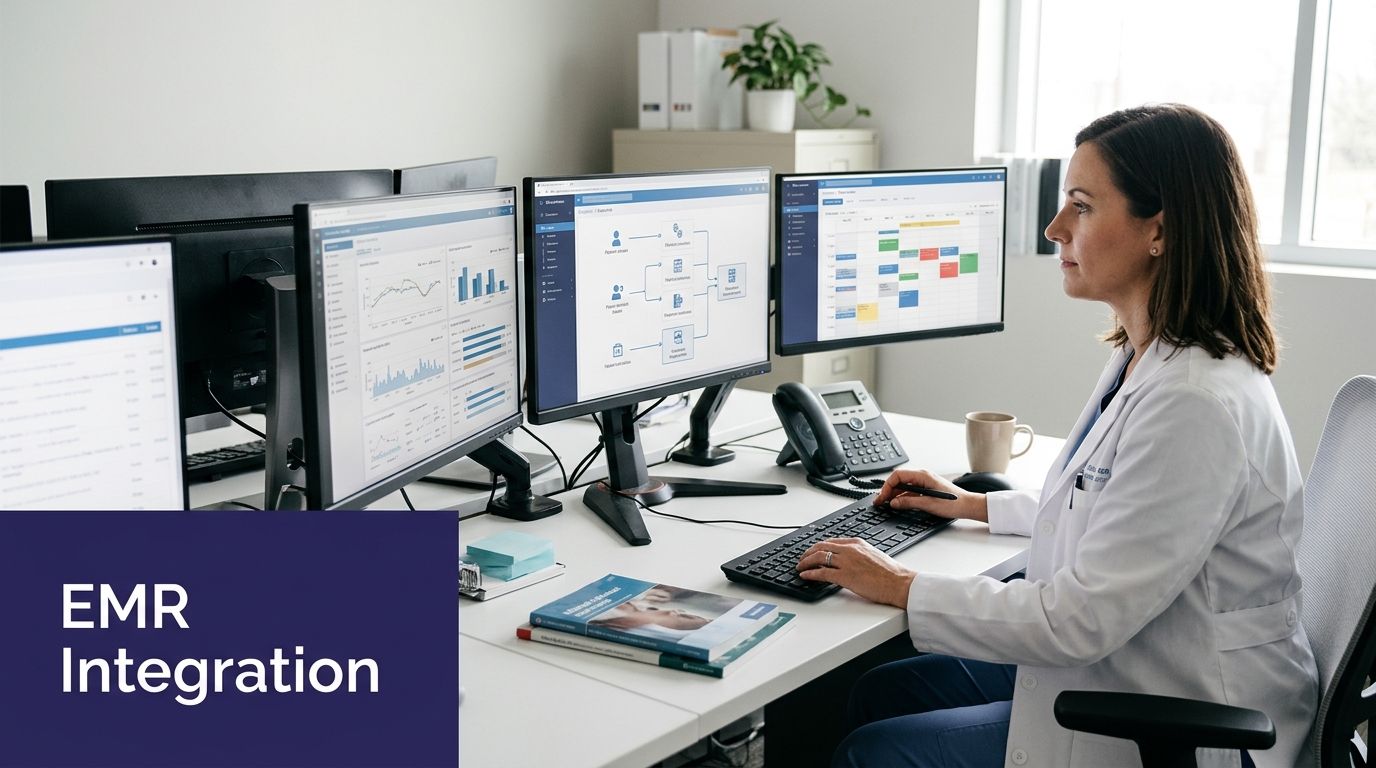
For an AI lab results review agent, integration quality matters more than interface quality. If it can't work directly with eClinicalWorks, gGastro, EMA ModMed, Athenahealth, Epic, or DrChrono, your staff ends up copy-pasting, rechecking, and documenting twice. That defeats the point.
What a real integration looks like
In a practical deployment, the agent should read structured data from the chart, apply the result handling logic your practice approved, and write the outcome back into the workflow in a way staff can audit.
That usually includes:
- pulling the result and patient context from the EMR
- checking the result against specialty-specific routing rules
- assigning a status such as routine communication, clinician review, or urgent escalation
- documenting the action or pending action in the chart
- triggering the next operational step without forcing staff to re-enter information
You can see the architecture at a higher level in this overview of EMR-integrated healthcare automation.
The workflow should stay inside the source of truth
Many implementations falter at this point. If the AI does its work in a separate dashboard that staff have to reconcile later, your practice now has two systems claiming to know what happened.
A safer design keeps the chart as the source of truth. The result enters the EMR. The review logic reads from there. The status, escalation note, or communication event is written back there. When someone audits the case later, they don't have to hunt across disconnected tools.
If your team needs a separate spreadsheet to confirm which results were handled, the workflow is not mature enough for clinical automation.
Integration gets stronger when front office and clinical support are connected
This is the part many vendors skip. Result review doesn't end with categorization. The actual value comes from closing the loop with the patient and documenting that closure.
If a normal result is approved for standardized communication, the next steps can be connected to broader AI Medical Staff functions such as:
- Voice outreach: a HIPAA-compliant voice agent can call the patient with approved messaging
- Follow-up handling: inbound patient questions can be routed, answered within guardrails, or transferred for staff review
- Documentation support: outreach status and patient response can be written back into the chart
- Scheduling logic: if the result triggers a follow-up visit, the workflow can move directly into appointment coordination
That connected model matters because smaller practices rarely have the luxury of separate teams for lab management, phone operations, and follow-up coordination. One workflow spills into the next.
Security and data integrity are part of integration, not separate from it
For healthcare administrators, this isn't a fine-print issue. If the integration introduces PHI exposure, weak audit trails, or uncontrolled access, the project should stop there.
A clinical support platform in this space should be HIPAA-compliant and SOC 2 Type 2 certified, with clear controls over access, logging, and data handling. It should also allow human oversight and staff takeover when an exception appears. The best systems are designed for clinician review, not for blind trust.
Simbie AI's broader positioning as AI Medical Staff reflects this integration reality. A practice doesn't need a lab bot floating on its own. It needs coordinated administrative and clinical support that can live inside the daily flow of the office.
Implementation Steps and Governance Framework
Most implementation failures aren't technical. They're governance failures disguised as technical problems.
The practice says it wants automation, but physicians haven't agreed on what counts as routine. Staff doesn't know who owns exceptions. The platform can send messages, but no one has approved the language. Then the first edge case appears, and confidence drops fast.
Start with physician-defined clinical boundaries
The safest rollout begins with a narrow set of result types and clear physician agreement on handling rules. Not broad ambition. Specific boundaries.
A simple governance worksheet usually needs to answer these questions:
- Which result categories are eligible first: routine CBCs, lipid panels, straightforward follow-up labs, or a limited pathology communication set
- What counts as routine: the exact parameters for auto-routing versus clinician review
- What language is approved: the message or script staff and automation can use for normal findings
- What always escalates: abnormal, unclear, sensitive, or urgent findings that require direct clinician involvement
Outside governance references can provide assistance. Teams that want a structured framework often borrow principles from broader DataLunix clinical governance solutions, then adapt them to practice-level workflow controls and escalation design.
Build human-in-the-loop oversight from day one
Human oversight isn't a backup plan. It's part of the operating model.
A good rollout includes an auditable review layer where physicians or delegated staff can see what the system did, confirm it followed protocol, and intervene when needed. That oversight should be especially visible in the early phase, when you're testing result categories and staff confidence is still forming.
Operational advice: Start with the categories your physicians already handle the same way every time. Leave the gray zones manual until the team trusts the process.
That usually means avoiding broad automation for newly diagnosed conditions, emotionally sensitive pathology discussions, or results that often generate treatment decisions.
Security review should happen before workflow expansion
Clinical enthusiasm can outrun compliance if no one slows the project down. Before scaling, verify that the platform's safeguards fit your environment.
Use a practical review list:
- Access controls: who can view result data, change routing rules, and approve message templates
- Audit trails: whether staff can see exactly what was reviewed, flagged, sent, or escalated
- Data handling: how PHI moves between the platform and systems like Athenahealth, ModMed, or eClinicalWorks
- Oversight tools: whether staff can pause, review, or manually take over a workflow
- Assurance posture: whether the vendor can document HIPAA compliance and SOC 2 Type 2 certification
For a baseline on what to verify in healthcare automation platforms, it's worth reviewing a guide to HIPAA-compliant AI for medical practices.
Roll out in phases, not all at once
A staged implementation usually holds up better than a broad launch.
| Phase | Focus | What you validate |
|---|---|---|
| Pilot | One or two routine result categories | Rule accuracy, chart documentation, patient communication quality |
| Limited expansion | One specialty workflow or one physician group | Escalation reliability and staff handoff behavior |
| Broader deployment | Cross-practice result handling and follow-up automation | Consistency, auditability, and exception management |
The goal isn't to automate everything. It's to automate the right things safely enough that clinicians keep trusting the system after the first month, not just the first demo.
Evaluating Performance and Sample Workflows
You don't judge this kind of tool by how impressive the dashboard looks. You judge it by whether the daily workflow gets tighter, clearer, and easier to supervise.
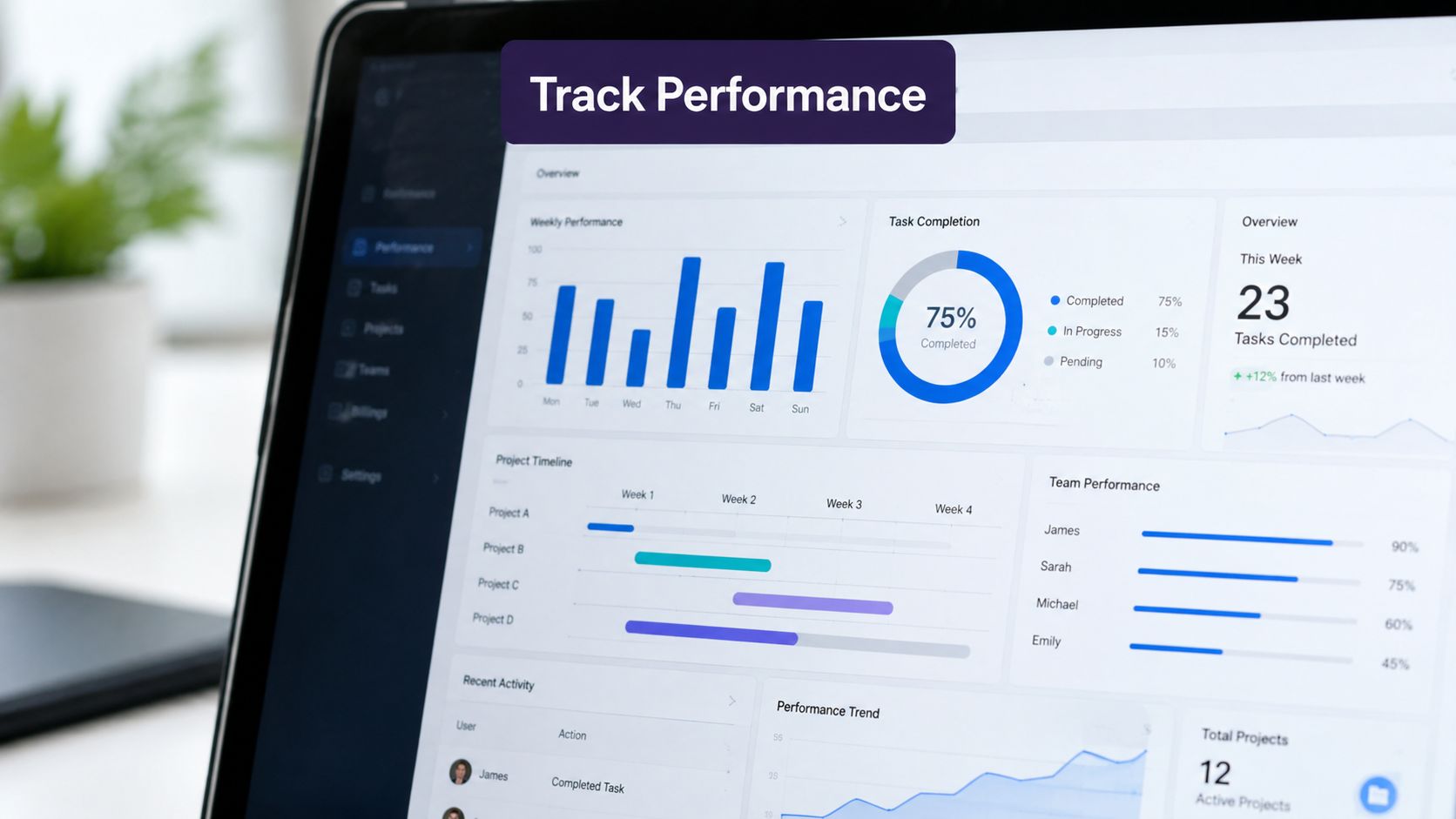
The most useful review starts with a few operational measures your team can inspect inside the practice:
- Time to patient notification: how quickly routine results move from receipt to documented patient communication
- Percentage of results auto-processed: which categories can be handled through approved workflows without manual rework
- Physician review queue reduction: whether clinicians are seeing fewer low-value routine items and more true exceptions
- Exception quality: whether the abnormal or ambiguous items are routed with enough context for fast review
Internal medicine workflow before and after
Before automation, a routine blood panel lands in the chart. A physician or MA reviews it, confirms it's unremarkable, forwards a note, calls the patient if needed, documents the contact attempt, then handles the return call when the patient misses the message or wants clarification. The result itself is simple. The workflow isn't.
After a well-governed rollout, those same routine panels can move through a tighter path. The agent identifies that the result meets the practice's approved criteria for standardized handling, queues the communication workflow, and documents the status for staff oversight. The physician sees the exceptions, not every routine item.
That changes the day for internal medicine because recurring lab work is common and repetitive. The gain isn't dramatic in one isolated result. It's cumulative across the inbox.
Gastroenterology workflow with pathology communication
GI clinics often deal with a different communication burden. A normal pathology result after a procedure may still require careful wording, chart documentation, and patient outreach. Staff can spend a surprising amount of time making contact, repeating approved language, and routing follow-up scheduling.
With a defined workflow, the result can be screened against approved categories, routed into the right communication path, and tracked through completion. If the patient responds with a scheduling need or a question outside the approved script, the case can move back to staff or the clinician.
Good automation doesn't erase handoffs. It makes the handoffs visible, timely, and easier to audit.
What to watch for during evaluation
The most revealing problems usually show up in edge handling, not in routine cases. Ask your team to review examples where:
- the result was technically noncritical but clinically nuanced
- the patient asked a follow-up question that needed context
- the chart documentation was incomplete or hard to find
- staff had to step in and weren't sure what the system had already done
If those cases are easy to inspect and correct, the workflow is probably on solid ground. If they create confusion, your issue isn't just model performance. It's workflow design.
A Practice Manager's Checklist for AI Adoption
By the time you're comparing vendors, the right move is to stop listening for polished promises and start asking operational questions your team can verify.
Use this checklist in the meeting. If the answers stay vague, that's useful information.
Questions worth asking before you buy
- EMR fit: Does it integrate directly with the systems we currently use, such as eClinicalWorks, gGastro, EMA ModMed, Athenahealth, Epic, or DrChrono, or will staff need to work in a separate dashboard?
- Clinical control: Can our physicians define the exact review protocols, escalation rules, and approved communication language?
- Human oversight: Can staff review activity, interrupt workflows, and manually take over exceptions at any point?
- Security posture: Is the platform HIPAA-compliant and SOC 2 Type 2 certified, with clear audit trails and role-based access?
- Workflow scope: Can it support both front-office operations and clinical support, including intake, scheduling, calls, refills, prescription renewals, test result review, patient education, adherence check-ins, and pre-op or post-op outreach?
- Operational resilience: Can it provide 24/7 availability, zero hold times, and 100% of inbound calls captured as part of the larger practice workflow, not as a disconnected phone tool?
- Practice economics: If the vendor discusses staffing impact, can they explain how claims such as up to 60% reduction in front-office staff costs are tied to workflow redesign rather than simple call handling?
- Clinical credibility: Was the product built with real clinical workflow knowledge? In Simbie AI's case, that includes physician founders from Stanford, Yale, Columbia, and Princeton.
The strongest signal to look for
The best solution will sound a little less magical than the others.
It will acknowledge trade-offs. It will tell you where automation should stop. It will describe implementation in terms of protocols, auditability, and exception handling, not just AI capability. That's the language of a tool built for actual medical operations.
If you're evaluating AI for your practice, you can see how these principles work in action at simbie.ai/book-a-demo.
If you're looking at this category seriously, Simbie AI is worth evaluating as a broader AI Medical Staff platform, especially if your practice wants both front-office automation and clinically grounded workflow support in one system. You can see it in action at Simbie AI book a demo.