
Your phones may be “covered” overnight, but actual work often starts at 7:30 a.m. when someone at the front desk opens a pile of messages that don't map cleanly to appointments, refills, symptoms, or anything else in the chart. That's the trap with a lot of after hours call answering for medical practice. It sounds like access. In reality, it can be deferred clerical work dumped onto the morning shift.
For independent dermatology, GI, and internal medicine practices, the issue isn't just who answers the phone after close. It's whether the overnight workflow helps the practice run better the next day, or makes staff sort, re-enter, and clean up fragmented information before they can even start seeing patients.
The Problem with Traditional After-Hours Coverage
By the time the first patient checks in, the front office may already be behind. An overnight answering service sends over a batch of emails, portal messages, and faxed notes. Some are clear. Many aren't. A refill request is mixed in with a rash call. A scheduling message is missing the callback number. A “please advise” note sits there with no chart context and no documented disposition.
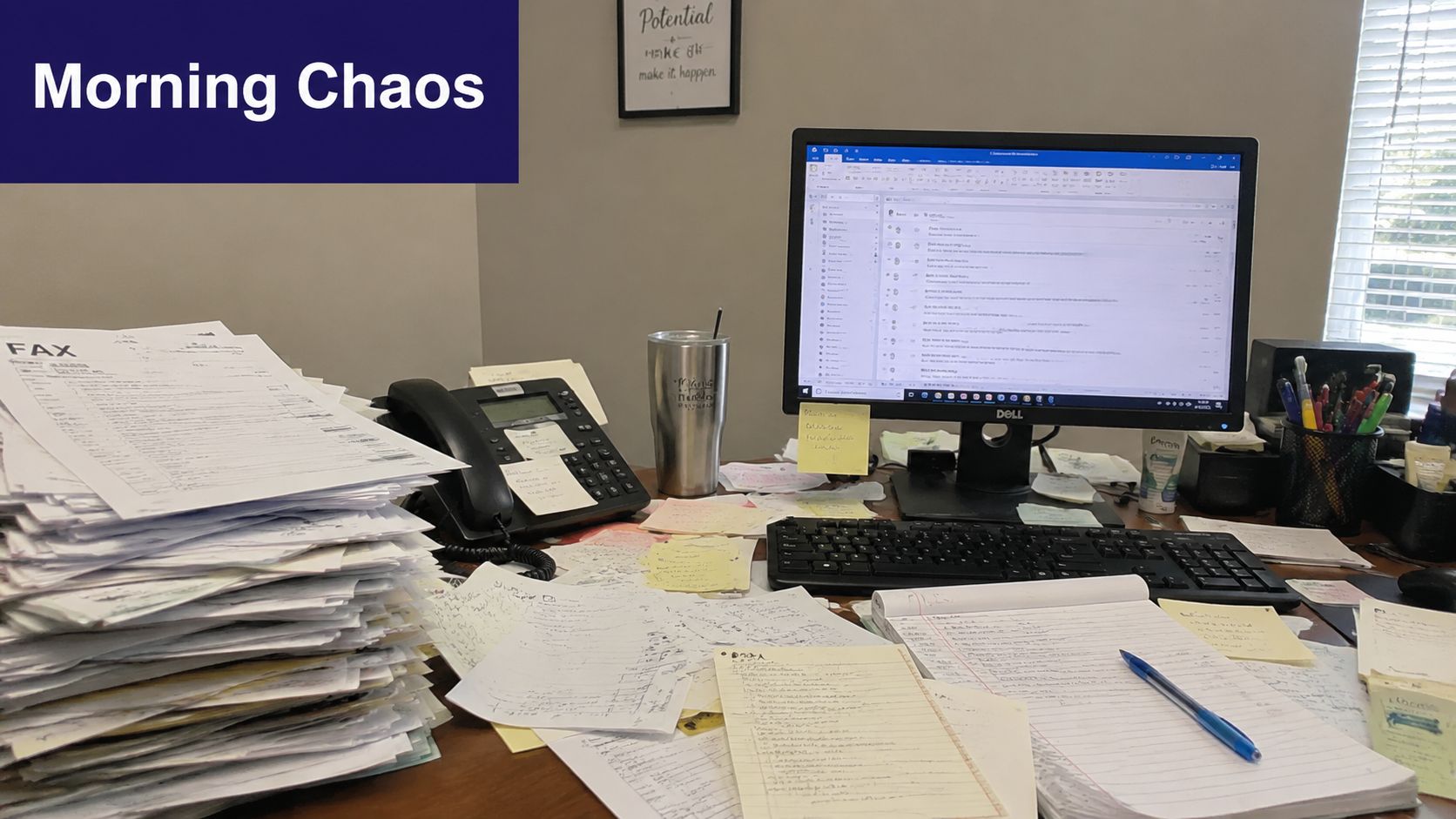
That's not after-hours support. It's delayed data entry.
Where the morning gets lost
Traditional coverage usually solves one narrow problem, someone picked up the phone. It often creates another one. Staff still have to translate raw notes into action. They open eClinicalWorks, Athenahealth, EMA ModMed, DrChrono, or Epic, hunt for the patient, decide where the message belongs, then send it to the right queue or clinician.
Practical rule: If your overnight system creates a morning inbox cleanup project, it isn't reducing workload. It's moving workload.
Patient behavior is unforgiving. One analysis found that abandoned calls could represent up to $11.5 million in lost annual revenue for a busy practice, and over 60% of patients will abandon a call if they wait longer than one minute, according to Dialog Health's healthcare call center statistics. The missed call is only the first loss. The second loss happens when the next morning is so clogged that callbacks get pushed further down the list.
Coverage is not the same as workflow
A good setup should leave your team with decisions, not transcription. That's especially true in smaller specialty groups where one office manager, one refill nurse, and a few front-desk staff carry the whole operation. If the overnight process still requires manual sorting, duplicate entry, and chart cleanup, the practice hasn't fixed access. It has just hidden the bottleneck.
The better operational standard is simple. Overnight calls should arrive already organized, properly routed, and tied to the chart in a way the team can act on quickly. If your current process isn't doing that, it's worth looking at practical fixes for reducing missed calls in a medical practice and reviewing current medical practice management guidance from MGMA.
The True Costs of an After-Hours Communication Gap
The obvious cost of poor after-hours coverage is the missed appointment. The less obvious cost is the chain reaction it sets off across patient trust, on-call burden, and next-day staff capacity.
Patients and clinicians don't rank urgency the same way
After-hours calls are messy because urgency is subjective to the caller and clinical to the practice. In a classic study of after-hours primary care calls, patients rated 29% of their problems as highest-severity, while physicians assigned only 8% of those same calls to the highest severity, as reported in this PubMed study on after-hours telephone care. That same source also found that Saturday and Sunday calls account for nearly a quarter of weekly call volume in practices using after-hours messaging or answering support.
Those two facts belong together. A lot of demand shows up when your office is closed, and a meaningful share of those callers believe the issue is highly urgent.
What breaks when the system is weak
If the overnight process is just “take a message and send it later,” several things go wrong at once:
- Patients wait too long for clarity, especially when they expected a live response and got a generic callback later.
- On-call physicians get interrupted for the wrong reasons because there's no disciplined separation between urgent clinical issues and administrative requests.
- Staff inherit incomplete messages and spend the first hour tracking down details that should have been collected once.
- The chart becomes unreliable because the overnight interaction may never make it into structured documentation.
A weak after-hours process doesn't only miss calls. It also creates ambiguity, and ambiguity is expensive in healthcare operations.
For independent groups, that ambiguity has a retention effect. Patients rarely describe it as “your triage workflow failed.” They describe it as, “I couldn't reach anyone,” or “nobody got back to me.” That shows up later as churn, complaints, and online reviews that front-desk teams then have to absorb.
Burnout often starts before the clinic opens
Practices usually talk about burnout in clinical terms, but after-hours communication is part of it. Front-office staff start the day reacting instead of running the day. Refill queues swell. Physicians get messages stripped of context. Schedulers call patients back with half the story. In GI and internal medicine, where symptoms and medication questions can blur into something more serious, that's a bad handoff. In dermatology, even “simple” calls can involve postoperative questions, prescription issues, or worsening symptoms that need clean routing and documentation.
The fix is not more noise. It's better intake, better escalation, and less rework.
Comparing After-Hours Coverage Models
Most practices choose among three models. They either rotate in-house staff, hire a traditional answering service, or use an AI layer that acts more like medical staff than a switchboard. Each option solves a different part of the problem.
In-house coverage works until it doesn't
Using your own staff after hours gives you familiarity. They know your providers, your scheduling rules, and how your office operates. That can work for a very small group with low call volume and a stable team.
The trade-off is predictable. Staff burnout rises fast, coverage gets inconsistent, and handoffs depend on whoever happened to be on duty. Even when the call is handled well, someone still has to document it cleanly in eClinicalWorks, gGastro, Athenahealth, or another system.
Traditional answering services help with availability, not always with follow-through
A standard answering service usually gives the practice something important, someone answers the call. That's better than voicemail. But it often stops there.
The common gap is workflow. Messages come over as free text. Clinical urgency may be captured inconsistently. Administrative requests still need to be re-keyed into the chart or task queue the next morning. The practice gets call coverage, but not necessarily operational relief.
For practices comparing vendors and models, it helps to review a broader look at the medical call center options for healthcare practices.
AI medical staff changes the handoff
A stronger model uses protocol-driven automation that can separate urgent from non-urgent requests and place the outcome directly into the practice workflow. Effective after-hours triage requires urgent clinical issues to be escalated to the on-call provider within 3 to 5 rings, while non-urgent requests can be logged for next-day follow-up, according to CallMyDoc's overview of after-hours answering workflows.
That matters because the practice isn't buying “someone to answer.” It's buying a reliable disposition process.
| Feature | In-House Staff | Traditional Answering Service | AI Medical Staff (e.g., Simbie) |
|---|---|---|---|
| Coverage outside office hours | Possible, but depends on staffing | Usually available | Continuous availability with automated intake |
| Familiarity with practice rules | High when staff are well trained | Varies by operator and script quality | Can follow practice-specific scheduling and routing rules consistently |
| Urgent call escalation | Depends on who is covering | Often message-based, sometimes escalated | Protocol-driven escalation for urgent calls |
| EMR documentation | Manual | Usually manual or sent as notes | Can document directly into workflow when integrated |
| Administrative burden next morning | High | Moderate to high | Lower when calls are structured and charted |
| Provider interruptions | Can be excessive | Varies by script and operator judgment | Better controlled when urgent and non-urgent paths are separated |
| Scalability during spikes | Limited | Better than in-house | Strong, especially for concurrent call handling |
What usually works in real practices
For small and midsize specialty groups, the right answer is rarely “just hire more front-desk people.” Hiring helps daytime operations, but it doesn’t solve weekends, evenings, or documentation continuity. In-house coverage can still make sense for a narrow set of workflows. Traditional services can be acceptable if the practice only needs simple message capture.
If the practice needs true after-hours support, the deciding factor isn’t whether calls are answered. It’s whether the result lands in the right place with enough context to act.
That’s where many practices shift from thinking about phone coverage to thinking about workflow design.
AI Medical Staff Is More Than an Answering Service
The biggest mistake in this category is treating the phone as the whole problem. It isn’t. The phone is just the front door. The actual issue is what happens after the conversation.
The real gap is charting and task creation
Most legacy services still hand over unstructured notes. Staff then convert those notes into refill tasks, scheduling actions, callback lists, or provider messages. That’s why the downstream burden stays so high. The core gap in many after-hours solutions is the lack of real-time EMR documentation. AI can handle 70-80% of routine calls, but legacy services still create unstructured notes that require manual staff work, as outlined in OhMD’s review of medical answering service alternatives.
For a practice, that changes the buying criteria. You’re not only evaluating call handling quality. You’re evaluating whether the system can create structured work inside eClinicalWorks, gGastro, EMA ModMed, Athenahealth, Epic, or DrChrono without asking staff to retype everything later.
Administrative and clinical support have to live together
This is why AI Medical Staff is a better framing than “AI answering service.” A real operational solution spans both layers:
- Front-office work such as scheduling, registration, cancellations, intake, refill requests, and prescription renewals
- Clinical support workflows such as test result follow-up, patient education, adherence check-ins, pre-op and post-op calls, and chronic disease outreach
When these functions are disconnected, practices create handoff errors. A refill request becomes a voicemail. A post-procedure concern gets routed as a generic message. A medication question sits outside the chart. Integrated systems reduce that fragmentation because the intake, routing, and documentation happen in one path.
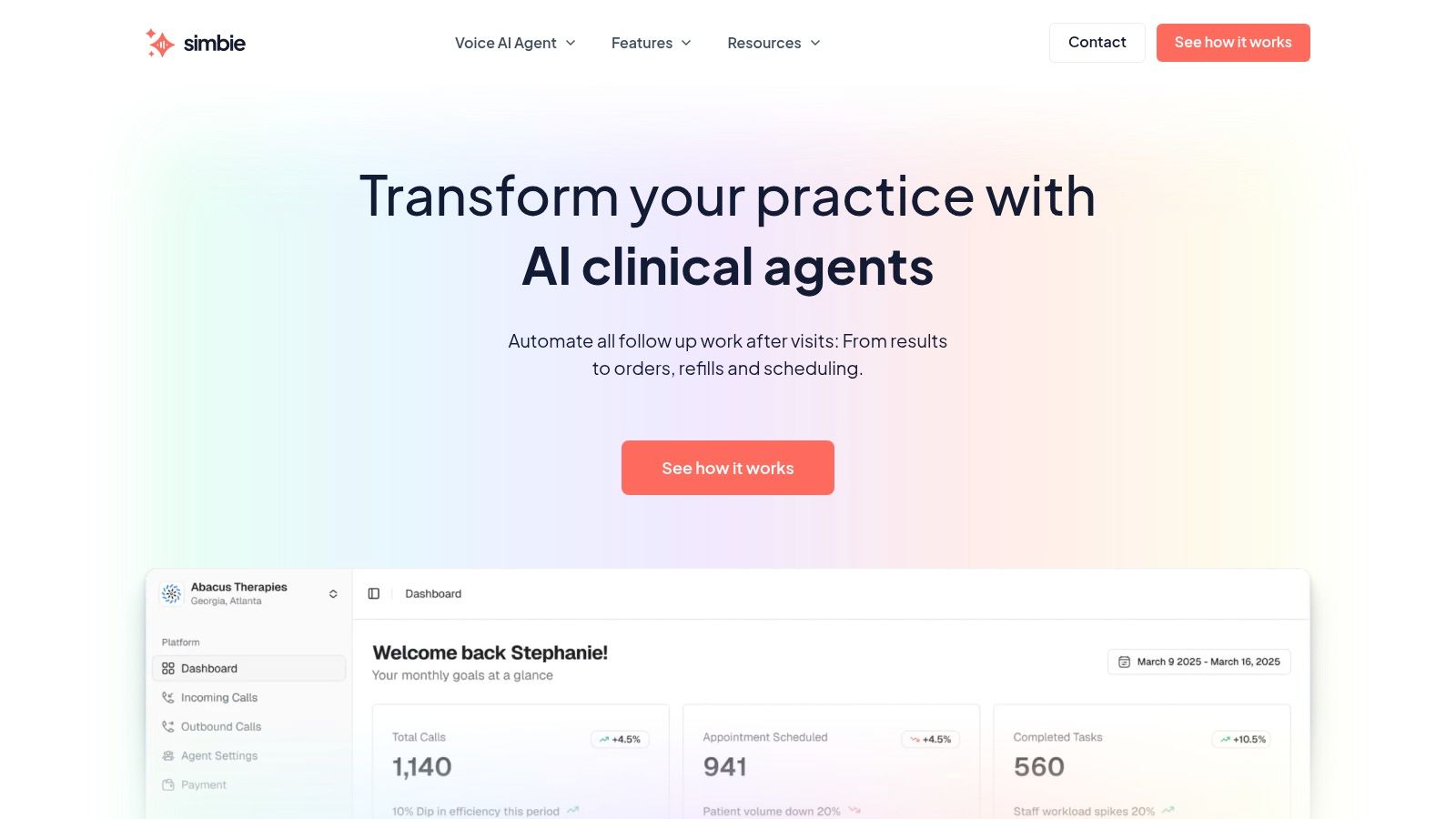
One example is Simbie AI’s voice AI agent for medical practices, which is designed as AI medical staff rather than a basic receptionist layer. It handles inbound and outbound workflows, supports chart documentation, captures 100% of inbound calls, offers 24/7 availability with zero hold times, is HIPAA-compliant and SOC 2 Type 2 certified, and can reduce front-office staff costs by up to 60%. The product approach reflects the company’s clinical roots. It was built by physicians from Stanford, Yale, Columbia, and Princeton, with the practical goal of Protecting Doctors’ Time for Doctoring.
Better after-hours operations come from fewer handoffs, not more message taking.
If you’re evaluating how speech systems fit into documentation-heavy workflows, this 2026 guide for medical voice recognition is useful background because it explains where voice capture helps and where structured clinical workflow still matters.
Integration is the line between helpful and disruptive
A tool that answers beautifully but doesn’t integrate can still make the office busier. The implementation question is straightforward. Does it write back into the places your team already works? That means appointment workflows, refill queues, and chart documentation, not just transcripts in a side dashboard. Practices should look closely at actual healthcare integrations with core EMR systems before they treat any after-hours product as operationally complete.
An Implementation Checklist for Your Practice
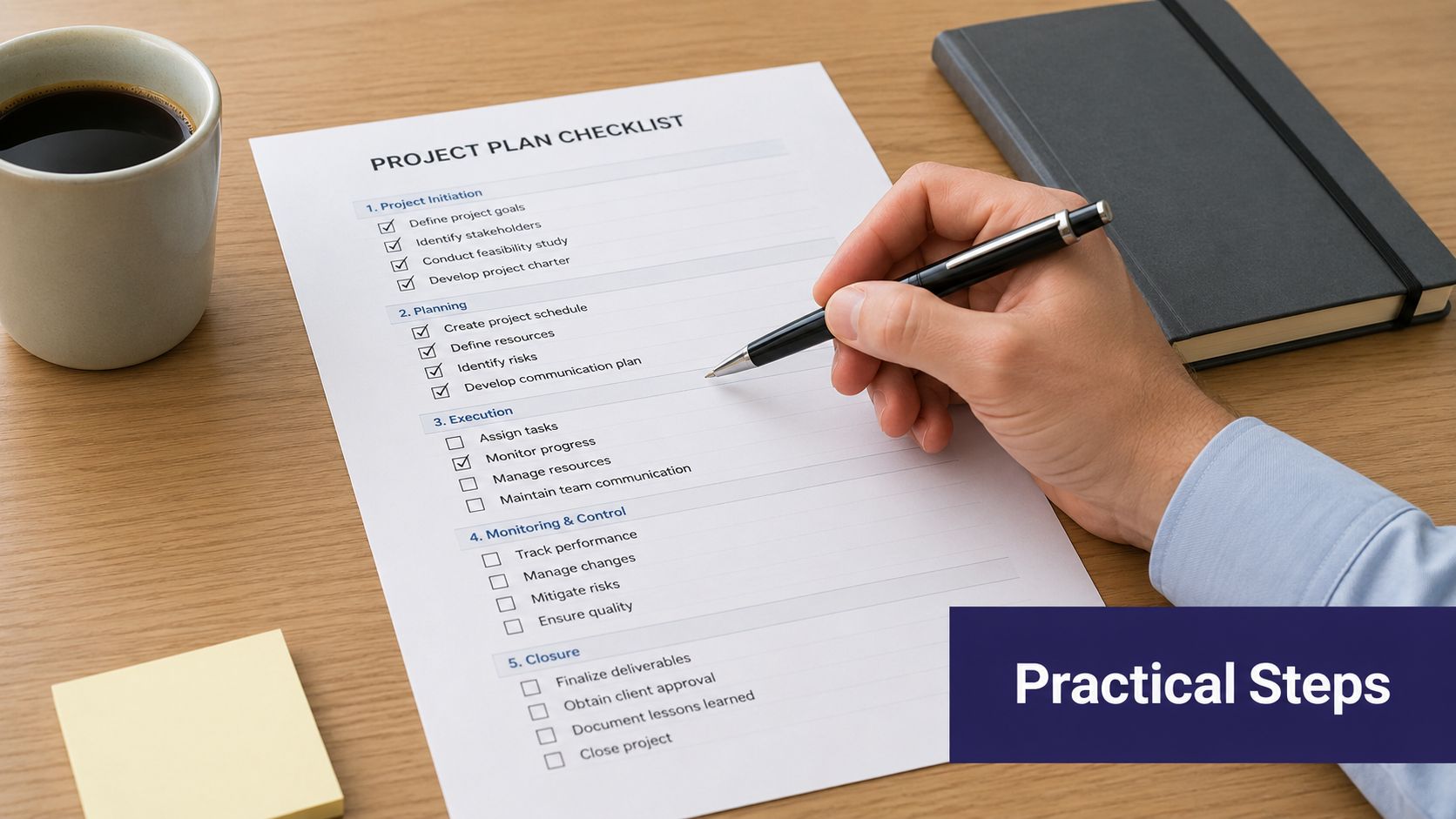
Switching after-hours coverage can feel bigger than it is. Most failures happen because practices buy a service before they define the workflow they want. Start there.
Start with the pain, not the product
Write down the actual failure points in your current setup. Don’t make this abstract. Use examples from the last two weeks.
-
List what shows up broken in the morning
Missing callback numbers, refill requests without pharmacy details, symptom calls without disposition, duplicate notes, and undocumented weekend calls all belong on the list. -
Separate administrative from clinical workflows
Scheduling and directions should not move through the same path as new symptoms, medication reactions, or postoperative concerns. -
Identify where charting fails
If staff are manually re-entering overnight notes into Athenahealth, DrChrono, or EMA ModMed, that’s a workflow defect, not a training issue.
Build a vendor scorecard your team will actually use
A short scorecard is better than a glossy demo. Ask direct questions and insist on direct answers.
-
Compliance first
Confirm HIPAA controls and ask whether the vendor is SOC 2 Type 2 certified. Security is table stakes when calls involve protected health information. -
Integration depth
Ask which systems they actively support. Be specific. eClinicalWorks, gGastro, Athenahealth, Epic, DrChrono, and EMA ModMed all have different workflow realities. -
Documentation method
Ask whether the system creates structured chart activity or just sends transcripts and notes. -
Escalation logic
Ask how urgent calls are routed, who gets alerted, and how staff can intervene when needed.
A vendor that says “we integrate with your system” but can’t describe the actual charting workflow is usually describing message delivery, not operational integration.
Roll it out in a controlled way
Don’t switch everything on at once. Start with a contained workflow and build confidence.
A practical sequence looks like this:
- Pilot one call type first, such as refill requests or after-hours scheduling
- Keep staff in the loop, with monitoring and manual takeover available
- Review real call outcomes weekly, not just platform dashboards
- Tighten scripts and routing rules based on what your physicians and office manager see in practice
For clinics that need a clearer picture of what round-the-clock intake can look like operationally, this overview of a 24/7 AI receptionist for clinics is a useful reference point.
Measuring Success and Protecting Clinical Time
A new after-hours system is working when the first hour of the day feels quieter, cleaner, and more controlled. Not because demand disappeared, but because the handoffs improved.
Track what your staff can feel and what your practice can verify
Start with the operational basics:
-
Call capture rate
The target is simple. Miss fewer calls and move toward complete capture. -
Urgent request handling
Review how quickly serious issues reach the on-call path and whether messages arrive with enough context. -
Manual re-entry time
Ask front-desk staff how much time they still spend converting overnight notes into tasks or chart entries. -
Provider interruption quality
Not every interruption is bad. The goal is fewer low-value interruptions and better information on the calls that truly need escalation.
The outcome that matters most
The deeper metric is clinical time. If physicians are reading cleaner charts, getting fewer avoidable wake-up calls, and spending less time untangling message chains, the system is doing its job. If schedulers and MAs start the day from a workable queue instead of an overnight mess, the practice has fixed something real.
Protecting clinical time is not a soft benefit. It’s an operating principle for sustainable independent practice.
The strongest after-hours setup doesn’t just answer the phone. It protects access, preserves staff attention, and turns overnight demand into organized work the team can move through.
If you’re evaluating AI for your practice, you can see how it works in a live demo from Simbie AI.