
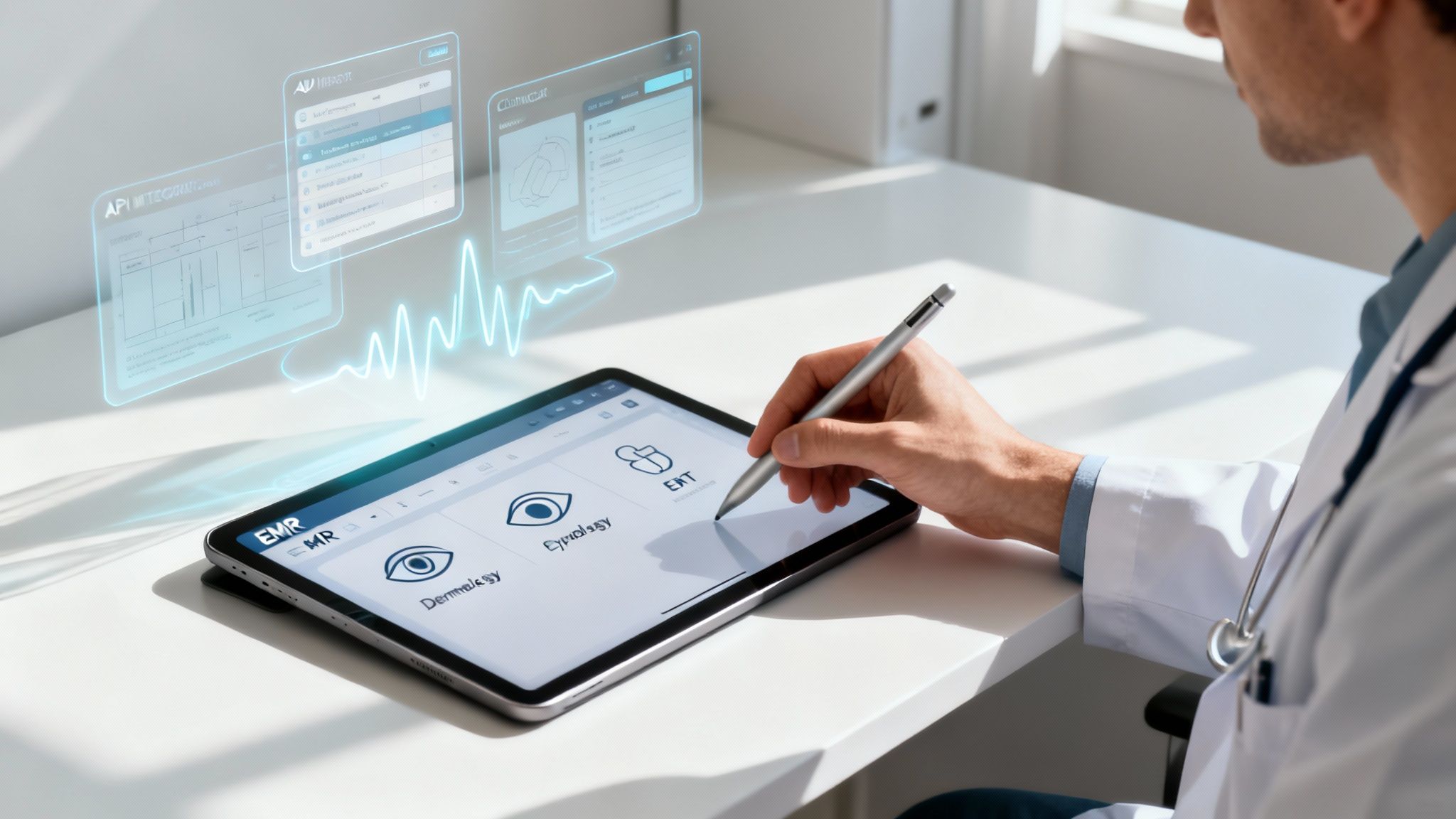
ModMed EMR isn't just another digital filing cabinet for patient charts. It's a comprehensive, cloud-based platform built from the ground up for medical specialists. Think of it less as a one-size-fits-all EMR and more as a highly specialized toolkit for fields like dermatology, ophthalmology, and plastic surgery. The whole point is to give specialists the specific workflows and features they actually need, cutting out the noise, reducing administrative burdens, and ultimately boosting clinical efficiency. This guide will provide an exhaustive look into its features, benefits, and practical considerations for specialty practices.
What Exactly Is the ModMed EMR Platform?
Choosing an EMR system today can feel like a monumental task for any medical practice. The global market for electronic medical records is already massive, valued at around USD 35.1 billion, and it's projected to expand significantly, hitting an estimated USD 51.6 billion by 2033. In this crowded and often confusing marketplace, ModMed carves out its niche by deliberately not trying to be everything to everyone. It has built its reputation on depth, not breadth.
Instead of offering a generic system that forces a dermatologist to use the same interface and templates as a family doctor, ModMed EMR operates more like a custom-built cockpit designed for a specialist pilot. Every control, display, and workflow is laid out intuitively for their specific job, from specialized charting tools and anatomical diagrams to pre-loaded billing codes relevant to their procedures. It’s this unwavering focus on specialty-specific design that truly defines its value proposition. Before diving deep into the specifics of ModMed, getting a handle on the fundamentals of EMR software development can provide some helpful context on how these complex systems are built and what differentiates them.
To get a clearer picture of its architecture, here’s a quick overview of what makes up the complete ModMed system.
ModMed EMR At a Glance
| Attribute | Description |
|---|---|
| Platform Type | Cloud-based, all-in-one EMR and Practice Management suite. |
| Primary Focus | Designed for medical specialties (e.g., dermatology, ophthalmology, orthopedics, gastroenterology). |
| Core EMR | Electronic Medical Assistant (EMA™) with adaptive learning and specialty-specific clinical content. |
| Practice Management | Integrated scheduling, billing, claims management, and comprehensive revenue cycle management. |
| Patient Tools | Includes a secure patient portal, integrated telehealth capabilities, and automated communication tools. |
| Unique Feature | Built-in MIPS reporting, AI-powered ambient listening scribe, and deep integration with diagnostic devices. |
This table illustrates how the different components of the ModMed ecosystem come together to create a single, cohesive system for running a modern specialty practice, eliminating the need for disparate, poorly integrated software solutions.
The Core Components of ModMed
ModMed isn't a single application but an entire ecosystem of interconnected tools, meticulously designed to handle every facet of a practice's operations. It’s built to manage the entire patient journey, from the moment a new patient schedules their first appointment to when the final claim is processed and paid.
The entire platform really rests on three key pillars that work in concert:
- Electronic Medical Assistant (EMA): This is the clinical heart of the system. It’s where physicians and clinical staff will find all patient charts, manage documentation, create treatment plans, and order prescriptions or labs. A standout feature is its adaptive learning engine, which intelligently observes and learns a physician's charting habits over time, eventually anticipating their needs to speed up documentation.
- Practice Management (PM): This is the robust business engine that powers the administrative and financial side of the practice. It takes care of the operational heavy lifting—things like complex provider scheduling, insurance eligibility verification, claims submission, denial management, and managing the overall revenue cycle to ensure financial health.
- Patient Engagement Tools: These features are all about creating a more modern, convenient, and connected experience for patients. This suite includes a secure patient portal for accessing medical records and communicating with the office, integrated telehealth for conducting virtual visits, and automated appointment reminders to reduce no-shows.
The dashboard below gives you a sense of how ModMed organizes critical information into a clean, easy-to-scan layout, a stark contrast to the cluttered interfaces of many older EMR systems.

This kind of visual clarity and intuitive design is central to ModMed’s philosophy. By presenting complex clinical and financial data in an accessible, actionable way, it helps clinicians and administrators get the information they need without getting bogged down in menus and clicks. As we go through this guide, we’ll explore each of these components in much more detail to see how they function in the demanding environment of a real-world specialty clinic.
How ModMed Is Built for Specialty Practices
A significant number of EMR systems on the market try to be a jack-of-all-trades. They offer a generic platform that technically works for any medical practice, but this one-size-fits-all approach often forces specialists to shoehorn their unique, complex workflows into rigid, clunky software that wasn't designed for them. This creates friction, slows down patient encounters, and contributes to physician burnout. ModMed completely rejects that model, building its entire reputation and product strategy on deep, deliberate specialization.
Instead of starting with a universal template and adding a few custom fields, ModMed develops its software from the ground up for individual medical fields. Think of it like this: you could use an adjustable wrench for every job around the house, but a custom-fabricated tool designed for one specific task will always perform that task faster, more precisely, and with significantly less hassle. This focused strategy is what sets ModMed apart from its generalist competitors and is the real secret behind its sustained market leadership in several key specialties.
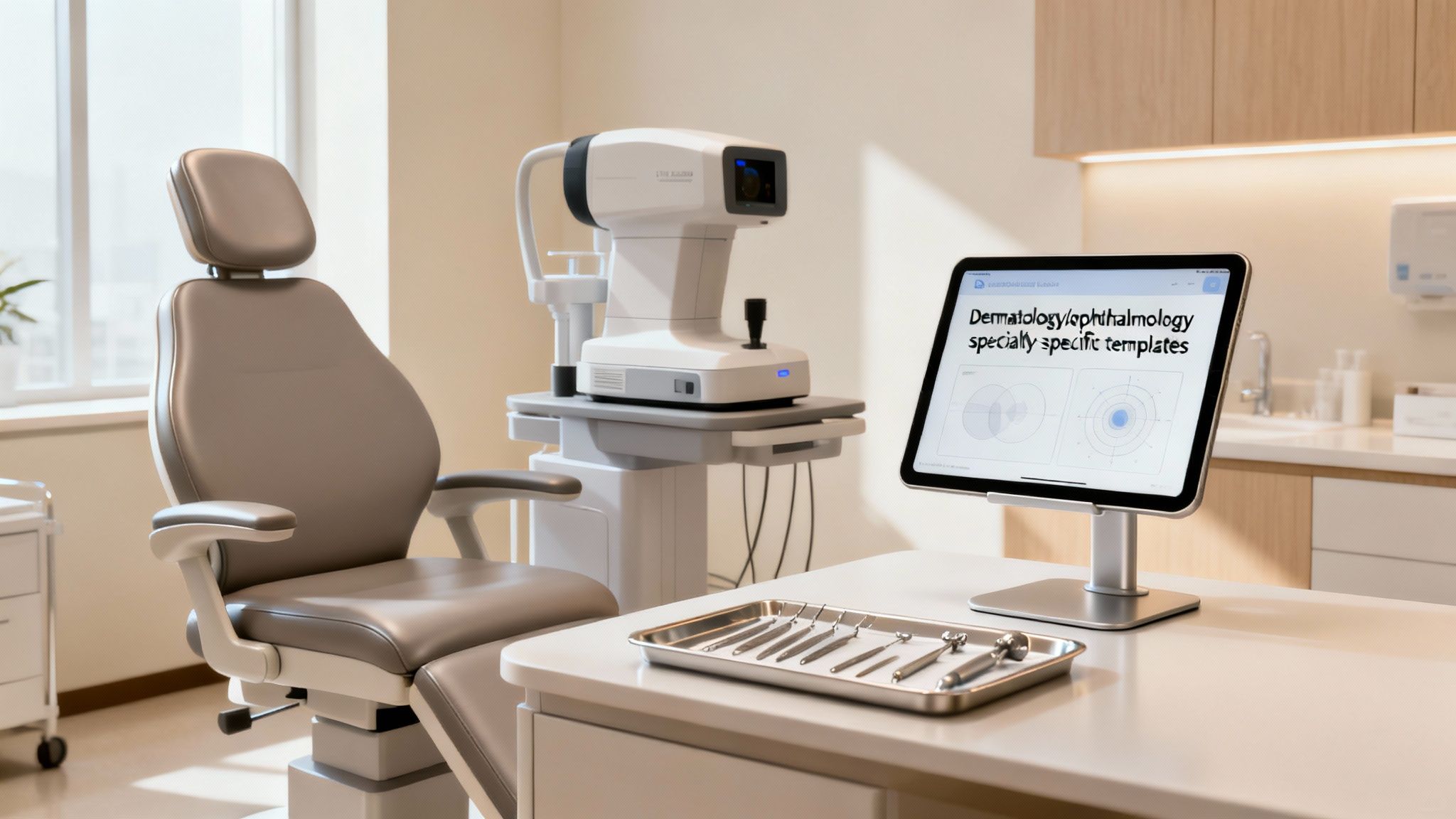
Why a Specialty-First Design Matters
When using a generic EMR, a dermatologist might have to click through irrelevant OB/GYN or cardiology-related fields just to document a simple mole check. Similarly, an ophthalmologist might get stuck navigating menus and templates built for orthopedics. This inherent friction isn't just a minor annoyance; it actively slows down documentation, encourages clinicians to create inefficient workarounds, and raises the risk of documentation errors. ModMed gets rid of these roadblocks by building specialty-specific knowledge right into the software’s DNA.
This means the system actually anticipates what a clinician needs based on their specialty and the context of the patient visit. For instance, the ModMed EMR for dermatology comes with detailed, interactive anatomical diagrams of skin, nails, and hair, letting a doctor simply tap on a body model to chart the location, size, and characteristics of a lesion. It’s a world away from the cumbersome process of typing long, tedious descriptions into a blank text box, which is the reality in many other systems.
The real power of a specialty-specific EMR is its ability to mirror a clinician's thought process. When the software "thinks" like you do, it stops being a mere documentation tool and becomes a genuine clinical assistant, boosting both the efficiency of the practice and the quality of patient care.
The end result is a clinical workflow that feels natural, intuitive, and supportive, cutting down on the administrative busywork that is a primary driver of physician burnout. When you're evaluating systems, especially for a smaller, focused clinic, it’s critical to see how well it aligns with your day-to-day reality. For a wider look at the market, check out our guide on the best EHR systems for small practices.
Real-World Examples of Specialization
The practical benefits of ModMed’s focused approach really shine when you look at its specific features for different medical fields. These aren’t just minor cosmetic tweaks or superficial template changes; they are foundational elements designed from the start to solve real-world, specialty-specific clinical and administrative problems.
Here’s how this targeted design pays off in practice:
- Dermatology: The platform has a built-in dermatopathology module that connects directly with labs. This allows physicians to electronically order biopsies, track specimens, review results, and document everything in one unified interface, ensuring they aren't constantly switching between different systems and risking data loss.
- Ophthalmology: ModMed’s EMA for ophthalmology features integrated drawing tools for retinal diagrams and connects seamlessly with a vast array of diagnostic equipment like OCTs, topographers, and fundus cameras. All images and measurement data flow directly into the patient's chart, building a complete visual and quantitative history automatically.
- Gastroenterology: The gGastro EHR comes with specialized endoscopy report writers (ERW) and workflows tailored for procedures like colonoscopies and EGDs. It also helps automate the management of recall protocols for follow-up screenings—an absolutely critical component of preventative GI care.
- Orthopedics: Clinicians get access to orthopedic-specific physical exam templates, interactive anatomical diagrams for marking injuries and surgical plans, and deeply integrated workflows for ordering and reviewing imaging studies from PACS systems.
- Otolaryngology (ENT): The software is equipped with ENT-specific templates for audiology results, allergy testing protocols, and sinus procedures, making documentation for complex head and neck exams significantly faster and more thorough.
This deep specialization is consistently recognized by independent experts and, more importantly, by its users. In the 2025 Black Book Physician Practice & Ambulatory Solutions survey, ModMed ranked #1 for all 11 of its specialty-specific EHRs for the second consecutive year. This includes topping the list for gastroenterology for an incredible 15 consecutive years and dermatology for 12 years, cementing its status as a definitive market leader. By focusing so intently on the distinct clinical and operational needs of each specialty, ModMed delivers a system that helps practices not just document care, but actively improve its delivery and efficiency.
Exploring Core Features and Clinical Workflow
To really understand what ModMed is all about, you have to look past the marketing bullet points and feature lists. The real story is how all its individual pieces fit together and function in the controlled chaos of a busy specialty clinic. Think of it as a complete operating system for your practice, not just another piece of software. It’s built to create a smooth, predictable, and efficient rhythm for your entire team, from the moment a patient walks in the door to the day their final payment is posted.
This whole system rests on three main pillars that are deeply integrated: the Electronic Medical Assistant (EMA) for all things clinical, the Practice Management (PM) system for the business side of the house, and a suite of modern tools to keep patients informed and engaged. When they all work together seamlessly, a specialty practice just runs better, with less friction and fewer administrative headaches.
The Clinical Core: EMA
At the heart of the ModMed platform is the Electronic Medical Assistant, or EMA. This isn't just another digital filing cabinet for storing patient data. It's a smart, dynamic system designed to actually learn how you practice medicine. Its most impressive and impactful trick is its proprietary adaptive learning technology.
Picture a highly efficient assistant who's constantly looking over your shoulder (in a good way). The EMA observes your charting patterns, the terminology you use, your go-to diagnoses for specific presentations, and your standard treatment plans for common conditions. Over time, the EMA starts to think ahead, intelligently suggesting the notes, orders, and actions you use most often in similar clinical scenarios. This smart pre-filling dramatically cuts down on the endless clicking and typing that plagues so many EMR users, helping you finalize comprehensive notes faster than you thought possible.
This functionality directly tackles one of the biggest complaints physicians have with EMRs: they often turn highly trained doctors into data entry clerks. Instead of boxing you into rigid, inflexible templates, the EMA actually bends and adapts to your personal workflow. Those precious few minutes saved on every single patient encounter add up incredibly fast, giving you back hours each week to focus on what matters most: listening to and treating the people who have entrusted you with their care.
The Administrative Engine: Practice Management
While the EMA is busy supporting clinical work, ModMed’s Practice Management (PM) system is the powerful engine that keeps the entire business running smoothly. This is where your staff will handle everything from patient scheduling and registration to billing, claims submission, and managing the entire financial lifecycle of a patient visit. The magic here is that the PM system is baked right into the EMA, not just bolted on as an afterthought.
This deep integration means that when a doctor finalizes their notes in the EMA, the correct CPT and ICD-10 codes are automatically generated based on the documentation and sent straight over to the PM system for billing. This critical link gets rid of that clunky, error-prone manual handoff between the clinical team and the billing office—a common failure point where mistakes, delays, and revenue loss love to hide.
The PM system gives your administrative team some powerful tools to work with:
- Intelligent Scheduling: A sophisticated scheduling module helps the front desk juggle complicated multi-provider calendars, view resource availability at a glance, and get patients checked in quickly and efficiently.
- Automated Billing and Claims: The system builds claims directly from the physician’s notes and runs them through an integrated "scrubber" to catch common coding and formatting errors before they are sent to the insurance company. This proactive error checking means fewer claim denials, faster payments, and a healthier cash flow.
- Revenue Cycle Management: Clear, easy-to-read dashboards provide practice managers with a live, comprehensive look at their financial health, tracking key performance indicators from aging claims and denial rates to patient balances and collection efforts.
By tying clinical documentation directly to the billing process, the ModMed EMR helps ensure that you get paid accurately and promptly for the work you actually do. This seamless connection is fundamental to keeping a modern medical practice financially healthy and running efficiently.
Enhancing the Patient Journey
The final piece of this interconnected puzzle is how ModMed engages patients throughout their care journey. These features are all designed to make the patient's experience better and more convenient while simultaneously taking a significant administrative load off your front-desk staff. The core idea is to make healthcare feel a little more modern, accessible, and patient-centric.
A few key patient-facing features stand out as particularly impactful:
- A Secure Patient Portal: This portal serves as the patient's digital home base. They can log in from any device to view their medical records, check lab results, request prescription refills, pay bills, and send secure messages to your office staff, reducing phone call volume.
- Integrated Telehealth: Your practice can schedule and launch secure, HIPAA-compliant virtual appointments right from the ModMed platform. All the notes, orders, and billing details from the telehealth visit drop directly into the patient's chart, just like an in-person visit.
- Automated Reminders: The system automatically sends out appointment reminders via text or email based on patient preferences. This simple, automated function has been shown time and again to dramatically slash costly no-show rates.
These tools empower patients by giving them more control and involvement in their own healthcare, all while automating the routine, time-consuming tasks that used to eat up your staff's entire day. It's a true win-win: patients feel more connected and cared for, and your practice operates with a lot less friction and administrative waste.
How ModMed Connects Your Practice with AI and Other Tools
A modern specialty practice is not an island. It’s a busy hub that is constantly communicating and exchanging data with a wide network of external partners, including labs, pharmacies, hospitals, imaging centers, and other software systems. For an EMR like ModMed to be the true heart of your practice, it has to be able to talk to all these other systems seamlessly and without a hitch. This interoperability is a cornerstone of modern healthcare delivery.
ModMed makes this happen using APIs (Application Programming Interfaces). You can think of an API as a secure, standardized universal translator that lets different software programs understand each other and exchange data automatically. When a doctor in your practice orders a lab test or sends a prescription electronically, the API ensures the request is securely sent, correctly processed, and that the results land right back in the appropriate patient's chart—all without requiring any manual data entry from your staff.
Why Seamless Integrations Matter
This direct, automated connection is more than just a nice-to-have convenience; it's absolutely essential for ensuring patient safety and keeping your practice running smoothly and efficiently. When you eliminate manual data entry, you dramatically reduce the risk of human error, such as transcribing a lab value incorrectly or assigning results to the wrong patient. It also frees up your valuable clinical and administrative staff from the endless, soul-crushing cycle of faxing, calling, scanning, and uploading documents.
For a busy specialty clinic, the payoff from robust integrations is immediate, clear, and multifaceted:
- Quicker Lab Results: Diagnostic and pathology results populate directly into the patient's chart almost as soon as they're finalized by the lab, allowing you to make faster, more informed clinical decisions.
- Effortless e-Prescribing: Prescriptions are transmitted electronically and securely straight to the patient’s pharmacy of choice, which makes the refill process easier for both the patient and your staff and helps improve medication adherence.
- A Single, Unified Chart: The EMR acts as a central repository, pulling together all relevant information from different places into one complete, chronological patient record. This gives you the full, comprehensive picture of their health history at a glance.
These integrations form the foundational layer of connectivity, but ModMed is also pushing the envelope by weaving cutting-edge artificial intelligence directly into the day-to-day clinical workflow.
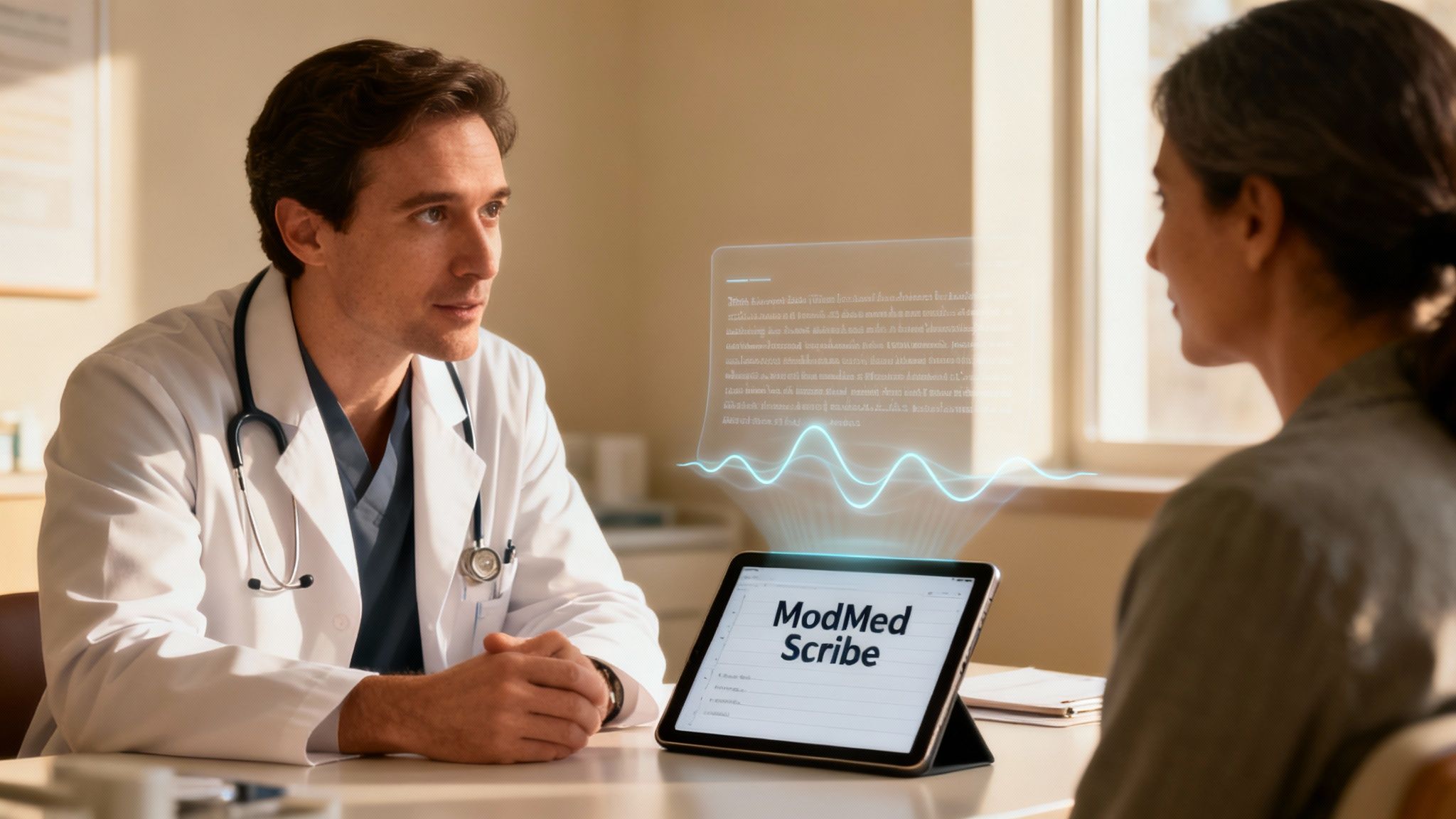
Meet ModMed Scribe
One of the biggest and most persistent complaints from physicians today is "pajama time"—all the extra hours spent at home after a long day of seeing patients, just to catch up on charting and close out encounters. ModMed Scribe is an innovative AI tool built to tackle this problem head-on using ambient listening technology.
Here’s how it works in a real clinical setting: a doctor walks into an exam room, activates the tool, and simply talks to the patient as they normally would. There is no more need to turn away to type on a computer or tap on a tablet. The conversation flows naturally while ModMed Scribe listens securely in the background, transcribing the entire dialogue and intelligently organizing the clinically relevant information into a structured SOAP note.
It’s like having a virtual medical scribe who is always on, perfectly accurate, and never needs a coffee break. The AI is sophisticated enough to pull out the clinically important details from casual chitchat and draft a comprehensive note for you, ready for a quick review and signature.
This isn't just a simple dictation tool that turns speech to text; it’s about genuine clinical understanding. In fact, ModMed's platform recently earned ONC certification for this AI-powered technology, a clear, independent validation that it’s effective at helping providers automate the heavy lifting of clinical documentation and meet regulatory requirements.
The Real-World Impact of AI in Your Clinic
A tool like ModMed Scribe offers profound benefits that go way beyond saving a few minutes here and there on charting. By taking the primary burden of documentation off the physician's shoulders during the patient encounter, it frees them up to focus completely on the person in front of them, making eye contact and engaging in active listening. This leads to better doctor-patient relationships and, ultimately, more accurate diagnoses and better care. Getting these advanced systems to work for you is a core part of effective electronic health record optimization.
The positive effects of this technology ripple across the entire practice:
- Less Physician Burnout: It directly and significantly cuts down on after-hours administrative work, which is consistently cited as a huge contributor to physician burnout and job dissatisfaction.
- More Accurate and Detailed Notes: The AI captures the nuances of the conversation as it happens, so important details that might be forgotten or misremembered hours later are preserved.
- Faster Charting and Billing Cycles: Clinical notes are drafted and ready for a quick review and sign-off just moments after the patient visit ends. This accelerates the entire process, allowing for faster claim submission and quicker reimbursement.
By combining a foundation of solid, reliable integrations with smart, forward-thinking AI tools, the ModMed EMR is designed to let the technology fade into the background. This allows clinicians to get back to what they were trained to do and what they do best: practicing medicine and caring for patients.
A Practical Look at Implementation and Onboarding
Bringing a new EMR into your practice is a significant undertaking, but it doesn't have to be a painful or chaotic one. A well-structured, collaborative implementation plan can turn what feels like a monumental task into a series of clear, manageable steps. ModMed has a refined, phased approach designed to get your practice migrated over to their system with minimal disruption to your daily operations. The overarching goal is to make the switch feel less like a frantic, risky jump and more like a well-organized and supported relocation.
This isn't an overnight flip of a switch. It's a true partnership between your practice's team and ModMed's implementation specialists to make sure everyone is trained, confident, and ready before the system officially goes live.

Key Milestones in the Implementation Timeline
The journey from your old, legacy EMR to the new ModMed EMR is carefully mapped out by a dedicated project management team. While the exact timing can shift depending on the size and complexity of your practice, the core stages of the process are highly consistent and proven. Think of it like building a house—you pour the concrete foundation and frame the structure long before you start hanging drywall and painting the walls.
The entire implementation process is generally broken down into a few key phases, each with a clear purpose and set of deliverables.
| Phase | Key Activities | Typical Duration |
|---|---|---|
| 1: Discovery & Planning | Deep dive into your practice's current workflows, system configuration and customization, and creating a detailed, milestone-based project plan. | 2–4 weeks |
| 2: Data Migration | Securely and accurately extracting and transferring patient demographics, clinical histories, appointments, and billing data from the old system to ModMed. | 4–8 weeks |
| 3: Staff Training | Comprehensive, role-based training for all users, from front desk staff and billers to physicians, PAs, and administrators, using a "train the trainer" model. | 2–3 weeks |
| 4: Go-Live & Support | The official launch day with on-site or dedicated remote support from ModMed specialists to handle immediate questions, troubleshoot issues, and ensure a smooth transition. | 1–2 weeks |
This structured timeline ensures that no critical steps are missed and helps set clear, realistic expectations for your entire team throughout the transition period.
Navigating the Data Migration Process
Let's be honest: the thought of moving years, or even decades, of patient data is often the most nerve-wracking part of any EMR switch. A meticulous, secure, and validated data transfer is absolutely critical to continuity of care and business operations. ModMed’s process is focused on moving the essential clinical and financial information cleanly, so you don’t miss a beat with patient care or your revenue cycle. This process typically includes migrating patient demographics, insurance information, future appointments, and key clinical data like allergies, medications, and problem lists.
It’s a good idea to work closely with the ModMed implementation team to perform a data audit and decide exactly what data needs to come over. This transition is actually a great opportunity to clean house and archive old, irrelevant, or "dirty" data, ensuring you don't bring outdated or clunky information into your new, streamlined system. Getting this crucial step right is a cornerstone of any successful EMR system integration, as it lays the digital groundwork for everything that follows.
Pro Tip: Before you begin, appoint an internal project lead—someone in your practice who can be the main point of contact for ModMed and champion the change internally. This person can help keep the project on track, facilitate communication, and ensure that key decisions are made in a timely manner.
Setting Your Team Up for Success
A powerful new tool is only as good as the people who use it, which is why getting enthusiastic buy-in from your entire team is non-negotiable for a successful launch. Be proactive and transparent about the "why" behind the move, consistently highlighting the long-term benefits for everyone, such as less tedious paperwork, quicker charting, fewer administrative errors, and ultimately, more time to focus on high-value, patient-facing activities.
Training should never be one-size-fits-all. ModMed's approach is to tailor the training to each person's specific role. Your physicians and clinical staff will dive deep into the clinical charting workflows and features of the EMA, while your front-office and billing teams will master the scheduling, registration, and billing modules in the Practice Management (PM) system. When everyone on your team feels confident and competent with the new tools before go-live day, you can sidestep a lot of the stress, frustration, and productivity dips that typically come with such a significant operational change.
Weighing the Pros and Cons of ModMed EMR
Picking a new EMR is a huge, long-term commitment for any medical practice. It’s a foundational decision that will shape your practice's day-to-day efficiency, financial profitability, and even the quality of patient care for years to come. The ModMed EMR makes a very strong and compelling argument, especially for practices operating within its targeted specialties, but it's absolutely critical to look at the whole picture—including potential downsides—before you sign on the dotted line.
Let's break down its most significant strengths and potential weaknesses in a balanced way, so you can make an informed decision about whether it truly lines up with how your practice works, what your strategic goals are, and what you can realistically afford.
The Clear Advantages of ModMed
The single biggest and most compelling advantage of ModMed is its laser focus on medical specialties. Generic, one-size-fits-all systems often force your staff into awkward, inefficient workarounds and compromises. ModMed, on the other hand, was built from the ground up by physicians for their own fields, with workflows that reflect the real-world needs of specialists.
What does that actually mean in a practical sense? It means the software already "knows" what you need to document for a specific condition. It anticipates your next move, whether it's offering ophthalmology-specific drawing tools for a retinal exam or dermatology-focused anatomical diagrams right when you need them during a skin check.
This specialized design leads directly to happier, less frustrated doctors and a more efficient clinic overall. The system was also born on the iPad, giving it a tactile, intuitive, touch-based feel that many clinicians find much more natural and faster than clicking around a clunky, outdated desktop interface. Tapping, swiping, and pinching your way through a patient encounter is just plain faster and more engaging for many users.
Finally, the value of having everything under one roof cannot be overstated. ModMed bundles the EMR, practice management, billing, analytics, and patient portals into a single, cohesive system. This integrated approach saves you the immense headache of juggling different software vendors, managing multiple support contracts, and trying to fix buggy third-party integrations that just won't talk to each other properly.
Key benefits include:
- Deep Specialization: The software comes pre-loaded with highly specific templates, workflows, and clinical knowledge for your field, which means less time spent on customization and more accurate, complete notes from day one.
- Intuitive, Modern Interface: The iPad-native design receives a lot of praise for being clean, modern, and easy to pick up, which can help your staff get up to speed quickly and reduce the training burden.
- Truly Integrated Platform: A single source of truth for both clinical and administrative tasks simplifies everything from reporting to daily operations and gives you a much clearer, real-time view of your practice's overall health.
Potential Drawbacks to Consider
Of course, no EMR platform is perfect for every practice, and ModMed has its own set of trade-offs that prospective buyers must consider carefully. The most common hurdle for many practices is the price tag. As a top-tier, premium, specialty-specific solution, ModMed represents a serious financial investment. All those tailored features, dedicated support, and ongoing innovation come at a cost that might be a tough pill to swallow for smaller, newer, or more budget-conscious practices.
While you can certainly make a strong business case for the long-term ROI that comes from efficiency gains, increased patient throughput, and improved billing, the significant upfront costs and ongoing monthly subscription fees demand some serious financial planning and analysis. You have to carefully weigh the higher price against the potential for seeing more patients and cutting down on administrative waste.
Another point to keep in mind is the learning curve. Yes, the interface is widely considered intuitive, but switching EMRs is always a big change management project. Staff who are deeply ingrained in the workflows of another system will need adequate time and high-quality training to get comfortable with ModMed’s specific way of doing things. If this transition is not managed well, it can cause a temporary, and sometimes painful, dip in productivity and staff morale.
Lastly, it’s important to recognize that the system’s greatest strength—its deep specialization—is also its biggest limitation. ModMed is a fantastic, market-leading choice for the specialties it’s built for, but it’s completely the wrong choice for general or family medicine. A primary care physician would find the focused toolsets and templates to be restrictive and ill-suited for the broad, diverse range of conditions they manage. If your practice is not in one of their core supported specialties, this simply isn't the EMR for you.
Your Top Questions About ModMed Answered
Even with all the details covered in this guide, you probably still have a few practical, bottom-line questions. Let's tackle some of the most common things that medical practices ask when they're seriously considering an investment in the ModMed EMR.
How Does ModMed's Pricing Actually Work?
ModMed operates on a SaaS (Software-as-a-Service) subscription model, so you’ll typically see a per provider, per month fee structure. The final number on your quote can swing quite a bit based on a few key factors: your specific medical specialty, the total number of providers on your team, and which specific modules and services you decide to bundle together.
Think of it as choosing between the core EMR on its own or going for the complete, all-in-one package that includes the Practice Management system, Revenue Cycle Management services, and advanced analytics. It’s definitely positioned as a premium clinical tool, so be sure to budget for the one-time implementation and data migration fees on top of the ongoing monthly subscription cost. You'll need to speak directly with their sales team to get a custom quote tailored to your practice's unique needs, as there is no public, one-size-fits-all price list.
Is ModMed a Good Choice for a Small or Solo Practice?
Absolutely, as long as your specialty is one of the ones they cater to. For smaller teams and solo practitioners, the all-in-one, fully integrated platform is a huge strategic plus. You get your clinical, administrative, and patient engagement tools all from one vendor and under one support contract, which means far fewer headaches trying to make different, cheaper systems talk to each other.
The main factor to think about for a small practice is the budget. ModMed is a bigger financial investment than many of the generic, jack-of-all-trades EMRs that are on the market. A solo doctor or a small practice needs to look hard at the numbers and conduct a thorough ROI analysis to decide if the significant boost in efficiency, reduced administrative burden, and specialty-specific features is worth the higher price tag compared to less expensive alternatives.
What’s the Deal with Training and Support?
ModMed doesn't just hand you the software and walk away, leaving you to figure it out on your own. They have a pretty thorough and well-regarded onboarding process to make sure your entire team is trained and ready before the system officially goes live. As part of the implementation, you get a dedicated project manager who acts as your guide and single point of contact to hold your hand through the entire setup and migration process.
Here’s what their training and support structure typically looks like:
- Custom, Role-Based Training: They don't believe in generic, one-size-fits-all training. Your front desk staff, physicians, billers, and administrators all receive separate training sessions that are tailored to their specific roles and daily workflows within the ModMed system.
- An Online Knowledge Base: After the initial training, you’ll have ongoing access to a large, searchable library of video tutorials, how-to guides, release notes, and detailed articles that you can look up anytime you have a question.
- Ongoing Help When You Need It: Once you're up and running on the platform, you can reach their U.S.-based support team by phone, email, or through a dedicated client portal. This is your lifeline for troubleshooting any technical glitches, asking workflow questions, or resolving any day-to-day issues that pop up.
By automating routine administrative tasks, Simbie AI allows your practice to focus on what matters most—patient care. Our clinically-trained voice agents handle scheduling, intake, and refills around the clock, integrating directly with your EMR to reduce staff workload and enhance patient satisfaction. Discover how you can lower administrative costs by up to 60% by visiting https://www.simbie.ai.