
At its core, medical appointment scheduling software is the digital system that lets healthcare practices manage patient bookings, reminders, and their overall schedule automatically. It’s designed to replace old-school, paper-based methods with a smarter platform that cuts down on administrative busywork and makes life easier for both staff and patients. This guide will walk you through everything you need to know, from the fundamental benefits to the advanced features that drive real growth in a modern healthcare setting.
Moving Beyond Clipboards and Phone Tag
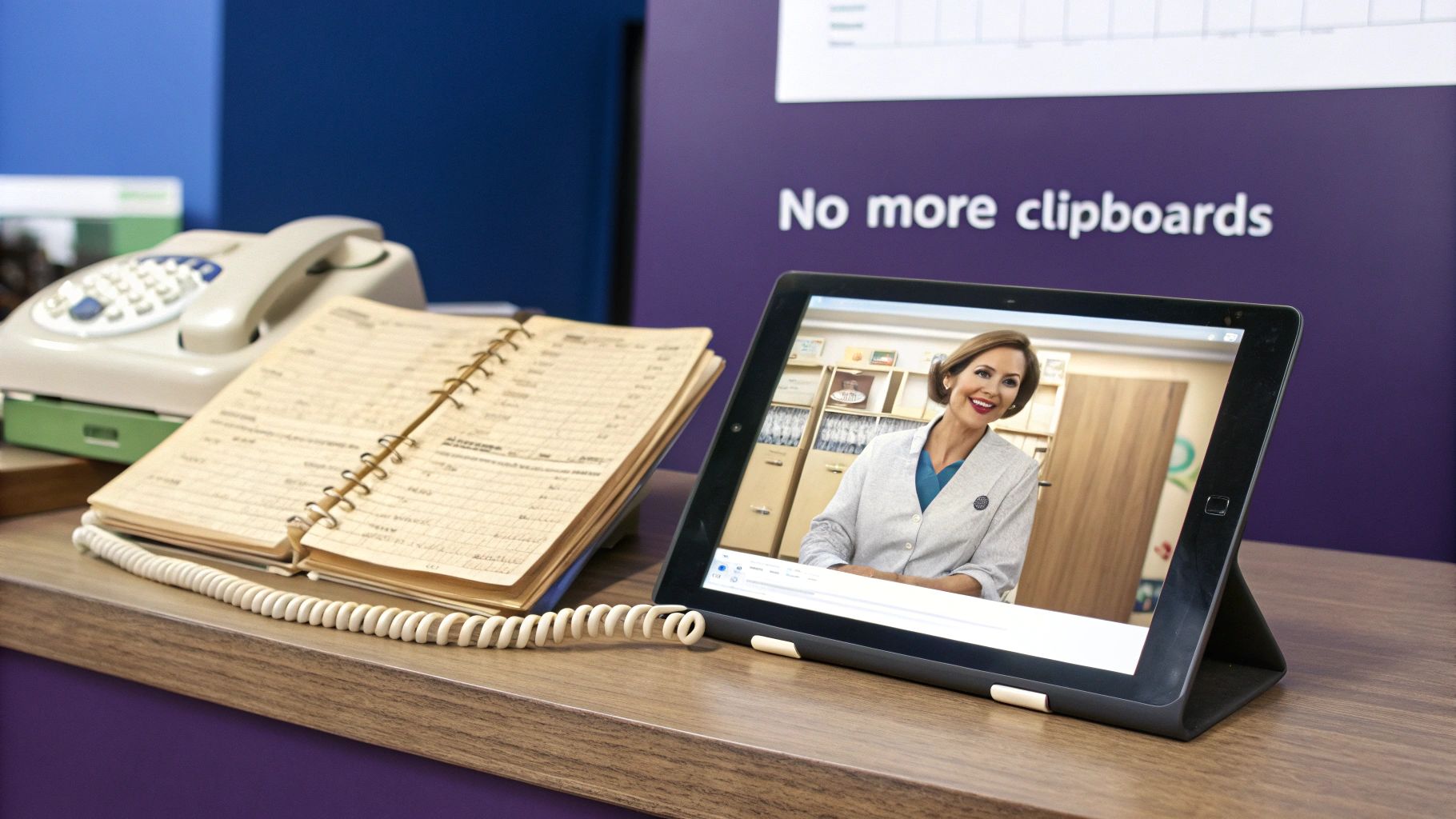
For a long time, medical scheduling relied on three things: the clipboard, a giant appointment book, and endless games of phone tag. This manual approach is a lot like an old-fashioned telephone switchboard. Sure, it gets the job done, but it's slow, full of potential for human error, and creates frustrating bottlenecks for everyone involved. The entire system is reactive, placing a heavy burden on administrative staff to manually coordinate every single patient interaction.
Every incoming call meant a staff member had to drop what they were doing, hunt for an open slot in a physical ledger, and manually pencil a patient in. Throw in a few cancellations, reschedules, and follow-up calls, and the whole system quickly becomes a chaotic juggling act. This method is not only inefficient but also susceptible to costly mistakes like double-bookings or illegible handwriting, which can disrupt the entire day's schedule.
This isn't just inefficient; it's a huge drain on your team's morale and productivity. Staff spend precious hours tied to the phone handling routine scheduling tasks instead of focusing on higher-value activities like helping patients who are right there in the office, managing complex billing inquiries, or coordinating care. It's a classic recipe for administrative burnout. At the same time, patients are stuck on hold, waiting for a call back, or forced to call during a narrow window of business hours, starting their healthcare experience with a dose of unnecessary frustration.
The Modern Communications Hub for Healthcare
Think of medical appointment scheduling software as a smart, automated communications hub for your practice. It directs the flow of patients effortlessly, without a human operator having to manage every single connection manually. The scheduling process is transformed from a major operational roadblock into a smooth, self-service experience that puts both patients and staff in control. It's a proactive system that anticipates needs and automates responses.
This isn’t just another piece of software to learn; it's a fundamental upgrade to how your practice operates. By automating the core administrative function of scheduling, it shifts the front office from a source of constant stress to a model of streamlined efficiency. That single change has a powerful ripple effect on everything, from the front desk's atmosphere and employee morale to your practice's overall financial health and patient satisfaction scores.
By automating routine booking tasks, practices can free up their staff to handle more complex patient needs, improve data accuracy, and create a more welcoming, less chaotic environment for everyone who walks through the door.
A Growing Need for Smarter Solutions
The rapid shift to these digital tools is no accident—it's a clear and accelerating industry trend driven by the need for greater efficiency and better patient engagement. The global medical scheduling software market is booming. As of 2025, it was valued at around USD 467.4 million, and forecasts predict it could soar to over USD 1.5 billion by 2032. This reflects a widespread recognition that manual systems are no longer sustainable in a competitive healthcare landscape.
That incredible jump, representing a compound annual growth rate of up to 15.7%, underscores just how much practices of all sizes need smarter, more efficient ways to manage their operations and meet modern patient expectations. You can dig deeper into these figures in this comprehensive analysis of medical scheduling software trends.
This powerful move toward automation and digital transformation really sets the stage for understanding how these platforms can directly and tangibly benefit your practice, from boosting revenue and reducing operational costs to making patient care more accessible and satisfactory.
What You Actually Gain from Automated Scheduling
Switching to a dedicated scheduling system isn't just about getting a new piece of tech; it's about seeing real, tangible changes in how your practice runs day-to-day. We're talking measurable improvements in operational efficiency, your financial stability, and how happy your patients are with their experience. When you automate the tedious, repetitive, and often error-prone manual work of booking and managing appointments, you unlock a tremendous amount of hidden value within your practice.
These benefits really fall into three main buckets: operational relief for your staff, financial strengthening for your practice, and an elevated experience for your patients. Each one solves a major headache that most healthcare administrators and practice managers know all too well.

Give Your Staff Room to Breathe
Picture your typical front desk: the phone is ringing off the hook with scheduling requests, a line of patients is waiting to check in, and a staff member is trying to decipher a messy paper schedule to handle a reschedule. It's a high-pressure environment and a recipe for stress, mistakes, and eventual employee burnout. An automated scheduler acts like the perfect administrative assistant, quietly and efficiently handling all the repetitive work in the background 24/7.
Once a good system is running, the constant deluge of phone calls for scheduling, confirming, and canceling appointments just melts away. That single, profound change frees up your team to focus on what really matters—providing excellent service to the patients right in front of them, tackling tricky billing questions, coordinating with clinical staff, and making the check-in process feel welcoming and personal instead of rushed and transactional. It transforms a chaotic front office into a calm, organized, and more effective one.
Strengthen Your Bottom Line
An empty slot on the calendar isn't just a break in the day; it's lost income that you can never recover. Patient no-shows are one of the biggest and most persistent financial leaks for any healthcare practice, directly impacting revenue and provider productivity. This is where automated scheduling really shines, using a simple but incredibly effective tool: automated appointment reminders.
By automatically sending out timely reminders via text messages, emails, or even automated voice messages, the software makes it much harder for a patient to simply forget their appointment. A solid system can slash your no-show rate dramatically, often by 30% or more. Even better, when a patient does need to cancel, especially at the last minute, an automated waitlist feature can instantly ping the next person in line to offer them the newly available spot. This powerful feature actively recovers revenue you would have otherwise completely lost. You can explore more strategies to reduce patient no-shows in our detailed guide.
It's simple math: fewer no-shows and a consistently packed schedule mean a healthier, more predictable bottom line. That's money you can put back into better patient care, new equipment, or well-deserved staff training and bonuses.
Create a Better Patient Experience
Let's be honest, we all live in an on-demand world and expect convenience in every aspect of our lives. Patients today want booking a doctor's visit to be as easy and accessible as ordering a pizza or booking a flight. Making them call during a tight 9-to-5 window, sit on hold, and play phone tag just to get on the calendar feels outdated, inefficient, and frustrating. It creates a negative first impression before they even step foot in your office.
Medical appointment scheduling software gets rid of that friction completely. It empowers patients by giving them the power to book, change, or cancel their own appointments 24/7 from the convenience of their smartphone or computer. They can do it late at night after work, on the weekend, or whenever is most convenient for them, without ever having to speak to someone.
This level of control and profound respect for their time makes a huge difference in how patients perceive your practice, right from the very first interaction. It communicates that you understand their busy lives and shows you value their time as much as you value your providers'. This builds loyalty and satisfaction from the outset.
A Practice Manager's Perspective: Before and After
-
Before: "My team was glued to the phones all day, every day. We were constantly dealing with frustrating double-bookings from manual errors, and our no-show rate was pushing 20%, which was a huge hit to our revenue. You could feel the stress in the office. Patients were fed up with the hold times, and frankly, so were we."
-
After: "It's a complete night-and-day difference. Patients book themselves online, and the phones are quiet, so my staff can actually help the people in our waiting room and focus on more important tasks. The automated reminders dropped our no-shows to just 5% within the first quarter, and the automated waitlist fills almost every single last-minute cancellation. Our entire workflow is smoother, our revenue is way up, and my team is so much happier."
What to Look For: 8 Features That Actually Drive Practice Growth
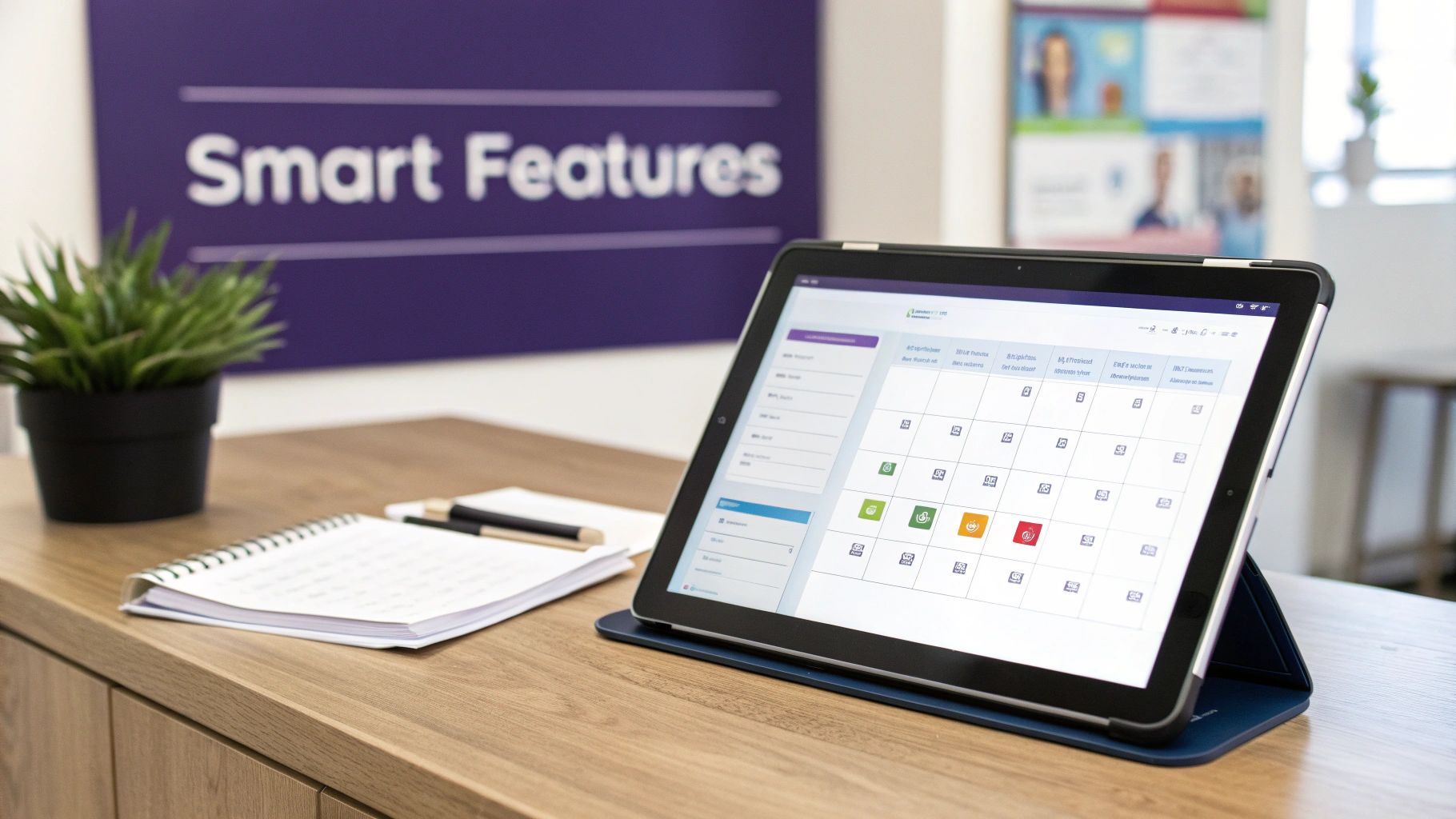
Not all medical scheduling software is created equal. The best platforms do more than just digitize your calendar—they become the central engine that helps your practice run smoother, more efficiently, and grow faster. Instead of just listing a bunch of technical specs, let's look at the specific features that solve real-world problems for your patients, your administrative team, and your practice's leadership.
Think of it in three key areas: features that empower your patients with convenience and control, tools that give your staff a serious efficiency boost by automating tedious work, and the non-negotiable foundational elements that keep everything secure, compliant, and connected. Knowing what to look for helps you evaluate the software not just as an operational expense, but as a strategic investment in your practice's future.
Features That Empower Your Patients
The easiest and most effective way to create a better patient experience is to give people more control and flexibility. The following features do just that, swapping out the frustrating old model of phone tag and long hold times for modern, self-service convenience that patients have come to expect.
1. 24/7 Online Booking Portal
This is a secure, user-friendly, web-based portal that lets patients see real-time provider availability and book their own appointments directly. They can access it from their phone, tablet, or computer, anytime, anywhere. It’s a true game-changer because patients are no longer restricted to calling during busy office hours. They can schedule a crucial visit at 10 PM after the kids are in bed or early on a Sunday morning, which is a massive win for patient satisfaction right from the start.
2. Automated Appointment Reminders
This one is simple in concept but incredibly powerful in practice. The software automatically sends out appointment reminders via SMS text, email, or even a pre-recorded voice call at configurable intervals before the visit. This single feature drastically cuts down on costly no-shows, which are a massive drain on revenue for any practice. It also gives patients an easy, one-click way to confirm, cancel, or request to reschedule, helping you keep the calendar full and accurate with zero manual effort from your staff.
3. Digital Patient Intake Forms
Instead of handing patients a clipboard with a stack of papers and a pen when they arrive—a process that creates delays and data entry work—this feature lets them securely fill out all their necessary medical history and registration paperwork online before their visit. Their information flows directly and accurately into their patient record, which means less time spent in the waiting room for them and significantly less manual data entry (and fewer typos) for your staff. It’s a smoother, more professional, and more efficient experience for everyone involved.
Tools That Boost Staff Efficiency
While patients get more convenience and control, your staff gets back its most precious and non-renewable resource: time. These tools automate the repetitive, administrative tasks that bog down the front desk, freeing up your team to focus on higher-value activities and, most importantly, on caring for patients.
4. Centralized, Drag-and-Drop Calendar
Imagine a single, color-coded, visual command center for your entire practice's schedule. That’s what a good visual calendar provides. Staff can see every provider's availability across multiple locations at a single glance, drag and drop appointments to new time slots in seconds, and easily block off time for meetings, lunch breaks, or procedures. It makes the complex puzzle of managing multiple providers, rooms, and equipment feel simple and intuitive, which virtually eliminates the risk of frustrating and costly double-bookings.
5. Automated Waitlist Management
This is one of the most underrated and high-impact features you can find in modern scheduling software. When a cancellation pops up, the system doesn’t just leave an empty, revenue-losing gap in your schedule. It automatically contacts the next patient on the waitlist via text or email and offers them the open slot, allowing them to accept it with a simple click.
An automated waitlist is more than just a passive list of names. It's an active revenue recovery tool. It intelligently turns a potential financial loss from a last-minute cancellation into a filled appointment and a happy patient, all without your staff lifting a finger.
This not only delights patients who get to be seen sooner than expected but also protects your practice's bottom line from the unpredictability of daily schedule changes.
Foundational Must-Haves: Integration and Compliance
Finally, for any of this to work effectively and safely, the software has to play nice with your other critical systems and meet the healthcare industry’s strict security and privacy standards. These features aren’t just nice to have; they are absolutely essential for any modern practice.
6. Seamless EMR/EHR Integration
This is a critical, non-negotiable feature. The scheduling software must be able to "talk" to your Electronic Medical Records (EMR) or Electronic Health Records (EHR) system in real-time. When a new patient books an appointment online, the scheduler should automatically create a new patient chart in the EMR, populating it with their demographic info. This two-way street eliminates a tremendous amount of manual data entry, which saves staff time and, more importantly, cuts down on costly data entry errors.
7. Robust HIPAA Compliance
There’s absolutely no room for compromise here. The software must be fully HIPAA compliant, meaning all protected health information (PHI) is encrypted both in transit and at rest and handled according to the strict privacy and security rules of the Health Insurance Portability and Accountability Act. This protects your patients’ most sensitive information from breaches and shields your practice from staggering legal, financial, and reputational penalties.
8. Customizable Reporting and Analytics
Great software doesn't just manage your schedule; it gives you the insights you need to manage your business better. Look for a system with a powerful, user-friendly reporting dashboard that lets you track key performance indicators (KPIs) like no-show rates by provider, peak booking times, provider utilization rates, and patient acquisition sources. This data is gold, helping you make smarter, data-driven business decisions to optimize your operations, identify growth opportunities, and run a more profitable practice.
To make it easier to see how these features connect to your practice's goals, here’s a quick breakdown.
Essential Features of Medical Scheduling Software
This table organizes the key software features by the direct benefit they provide, helping you prioritize what matters most for your practice.
| Feature Category | Key Functionalities | Primary Impact on the Practice |
|---|---|---|
| Patient-Facing Tools | 24/7 online booking, automated reminders, digital intake forms | Increases patient satisfaction, reduces no-shows by over 30%, and cuts down on wait times. |
| Administrative Efficiency | Centralized drag-and-drop calendar, automated waitlist, recurring appointment management | Frees up staff time, minimizes booking errors, and maximizes schedule optimization. |
| System Integration | EMR/EHR sync, API access for third-party apps | Eliminates double-data entry, ensures data accuracy, and creates a unified tech ecosystem. |
| Compliance & Security | HIPAA-compliant data storage and transmission, secure user access controls | Protects patient privacy, prevents data breaches, and avoids costly legal penalties. |
| Business Intelligence | Customizable dashboards, reports on no-show rates, provider productivity, patient demographics | Provides actionable data to improve operations, track growth, and make informed decisions. |
Ultimately, the right features work together in harmony to create a system that helps your patients feel more connected and empowered, and your staff feel more supported and effective. It’s about finding a comprehensive tool that addresses your biggest daily headaches and opens up new opportunities for sustainable growth.
Cloud vs. On-Premise: Where Should Your Software Live?
When you’re ready to bring in a medical appointment scheduling software, one of your first big technical decisions is where it will actually be hosted. Think of it like deciding whether to buy a house or rent a fully serviced apartment—both get you a place to live, but the ownership model, cost structure, and maintenance responsibilities are worlds apart.
Your choice boils down to two main options: on-premise solutions and cloud-based systems (also known as Software-as-a-Service, or SaaS).
The On-Premise Model: Owning the House
An on-premise system is just like owning your own house. You buy the software license upfront in a large, one-time capital expenditure, and you install it on your own servers, located right there in your facility. This model gives you total, granular control over every little detail, from how you configure the hardware and store data to your specific security protocols and update schedules. It’s your system, on your hardware, under your roof.
With this setup, your internal IT team is on the hook for absolutely everything: ongoing maintenance, performing software updates, patching security vulnerabilities, and ensuring data backups are successful. This approach can work well for large hospital networks or enterprise-level healthcare systems that already have a robust, in-house IT department and need to meet very specific, often complex, legacy compliance requirements. They have the people, the budget, and the infrastructure to handle it all in-house.
But for the vast majority of small to mid-sized practices, that’s a very heavy lift. The initial investment in powerful servers and expensive software licenses can be extremely steep, and that’s just the beginning. The ongoing operational costs for maintenance, security monitoring, staff time, and eventual hardware upgrades can really add up over time. It’s a serious long-term commitment of both money and skilled personnel.
The Cloud-Based Model: Renting the Apartment
A cloud-based solution, on the other hand, is like that fully serviced apartment. You pay a predictable subscription fee—usually monthly or annually—to a vendor who hosts the software for you on their own secure, powerful, and professionally managed servers. They take care of all the complex behind-the-scenes work like cybersecurity, applying software updates, performing routine maintenance, and managing data backups. You and your staff just log in through a web browser and use it.
There's a clear reason this model has become the go-to choice for so many modern clinics and practices. The upfront cost is much, much lower because you don't have to buy any expensive server hardware or perpetual software licenses. It’s also incredibly flexible and scalable. As your practice grows, you can simply adjust your subscription plan to add more staff users, providers, or new features without having to worry about a massive and expensive IT overhaul.
The real beauty of the cloud is its simplicity and accessibility. It gives your practice access to powerful, enterprise-grade technology without needing an enterprise-grade IT budget or a dedicated team to run and maintain it.
This isn’t just a small trend; it’s a massive and definitive shift in the healthcare technology landscape. In fact, cloud-based systems are expected to make up between 60.6% and 69.2% of the entire medical scheduling software market by 2025. This shows that practices clearly value the cost-effectiveness, ease of use, and expert management that the cloud offers. That said, on-premise solutions still have their niche, especially for large organizations that are deeply tied to older, legacy IT systems. You can discover more insights about medical scheduling software trends to see where the industry is heading.
What About Security in the Cloud?
It’s a fair and important question: is sensitive patient data truly secure if it isn't stored on a physical server you can see and touch in your office? With today’s advanced, HIPAA-compliant platforms, the answer is a firm and resounding yes.
Think about it this way: reputable cloud software providers invest millions of dollars into their security infrastructure—far more than any single private practice ever could. They have entire teams of dedicated cybersecurity experts working around the clock, using sophisticated multi-layered encryption, multiple firewalls, intrusion detection systems, and constant monitoring to protect your data from ever-evolving threats.
For most practices, moving to a secure, vetted, and compliant cloud provider isn’t a security risk; it’s a major security upgrade from managing an on-site server.
How Seamless Integration Unlocks True Efficiency
A standalone scheduling tool is a good start, but it's only when you connect it to your other essential software systems that you really unlock its full potential and see transformative efficiency gains. This is where a good system becomes a great one.
Think of your practice's technology stack like a central nervous system. Your Electronic Medical Record (EMR) system is the brain, holding all the critical clinical and demographic patient data. The scheduling software is a vital pathway, making sure that information flows smoothly, instantly, and accurately between different parts of your operation without manual intervention.
Without that seamless connection, your staff is stuck doing double the work. They book a patient in the scheduler, then have to jump over to the EMR to manually create or update a patient chart. This tedious back-and-forth process is a huge time-waster and a recipe for human error, like typos in a patient's name, miskeyed date of birth, or incorrect insurance information.
Connecting the Dots for a Smarter Workflow
Real, game-changing efficiency comes from your systems talking to each other automatically in real-time. When a patient books an appointment online through the scheduling portal, their information should flow directly into your EMR without a staff member ever having to touch a keyboard. This creates a single, unified, and automated workflow that saves an incredible amount of time and ensures your patient data is always accurate and up-to-date across all platforms.
The most critical connections that turn a simple digital calendar into a powerhouse operational tool are:
- Patient Demographics Sync: When a new patient books online, a new patient chart is automatically created for them in the EMR. For existing patients, the system recognizes them and links the appointment to their chart.
- Appointment Status Updates: When a patient checks in for their visit, the scheduler instantly updates their status in the EMR, letting the clinical staff know they've arrived and are ready to be seen.
- Billing System Connection: Confirmed appointments and completed visits are automatically pushed to the billing software or practice management system to get the claims process started immediately and accurately.
The Power of API Integration
This seamless communication is all made possible thanks to a technology called an Application Programming Interface, or API. You can think of an API as a secure, standardized bridge that allows different software systems to talk to each other in a common language, exchanging data automatically according to a set of predefined rules. Seamless integration is crucial; understanding what is API integration provides key insights into how these vital connections unlock true efficiency.
For a healthcare practice, a solid API means your scheduling tool can instantly and securely share data with your EMR, billing platform, telehealth services, and even patient communication tools. This creates a connected, intelligent ecosystem where information is always current and available right where you need it, when you need it. For practices looking to build this kind of robust, interconnected system, exploring your options for EMR integration at https://www.simbie.ai/integration-with-emr/ is a critical first step in the evaluation process.
An integrated system doesn't just save a few clicks here and there. It fundamentally changes your entire workflow by ensuring data consistency, drastically reducing administrative burden, and allowing every piece of your software to work together as a cohesive, intelligent unit.
A Real-World Example of Peak Efficiency
Let's walk through what this looks like in a real-world scenario. A patient, Sarah, needs to book a follow-up appointment for her chronic condition.
- Initial Booking: Sarah uses your online portal from her phone to book an appointment. The medical appointment scheduling software instantly syncs this with the EMR, which recognizes her as an existing patient and links the appointment to her chart.
- Automated Intake: Two days before her visit, the system automatically sends Sarah a secure digital intake form via text message to update her current symptoms and medication list.
- Intelligent Chart Update: The moment she submits the form from her home, the platform's integration automatically updates the relevant sections of her patient chart in the EMR. No manual copying and pasting is needed from staff.
- Effortless Check-In: When Sarah arrives at the office, she checks in on a tablet in the waiting room. Her status is instantly updated from "Confirmed" to "Checked-In" in both the scheduler and the EMR, and her physician gets a notification that she's ready in the exam room.
In this entire seamless process, the administrative staff did zero manual data entry related to scheduling or intake. Sarah got a convenient, modern, and efficient experience, and her crucial clinical information was perfectly updated and ready for the physician before she even stepped into the exam room. That’s the kind of next-level operational efficiency that seamless integration delivers.
Looking Ahead: AI and Automation in Your Practice
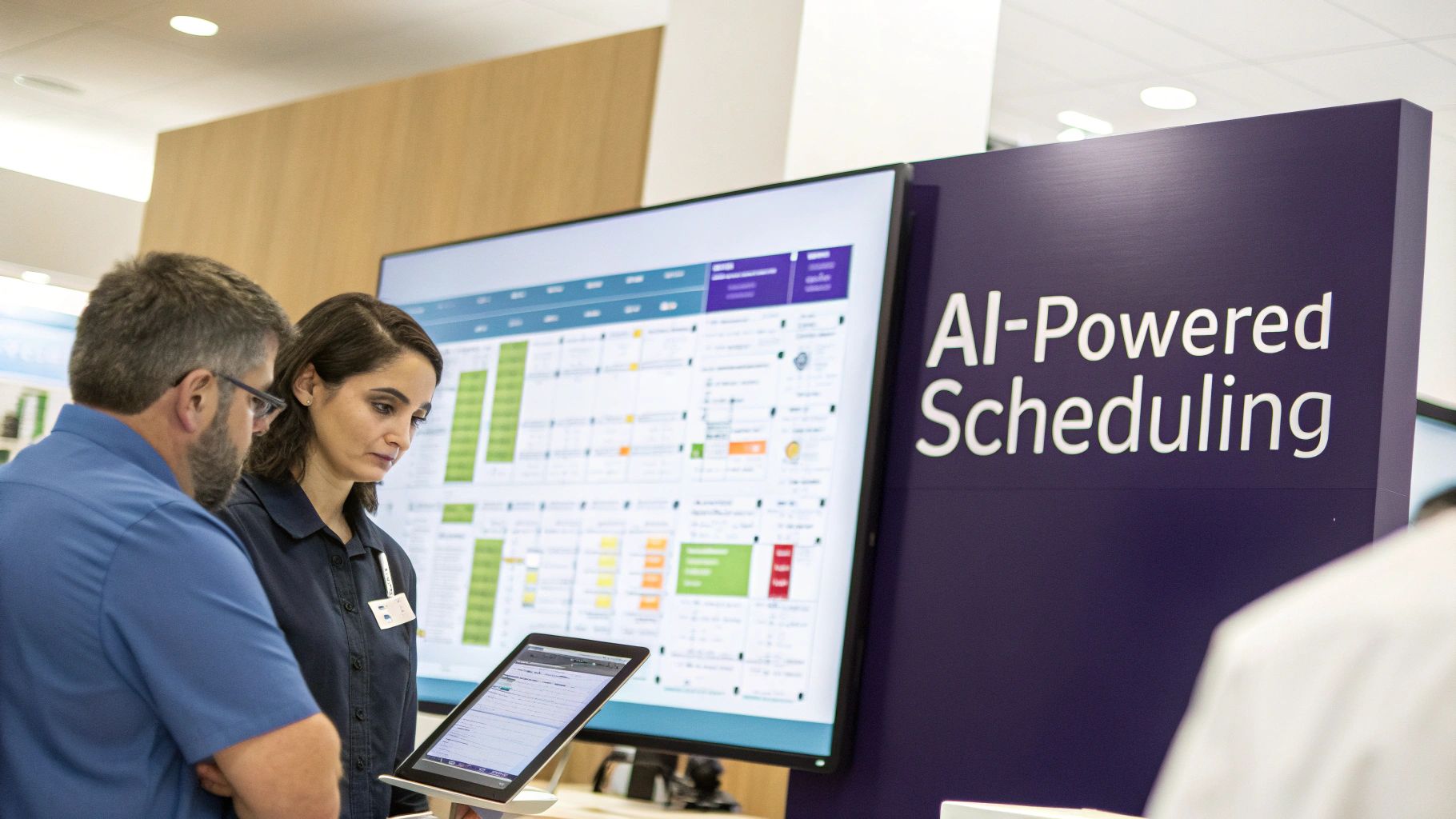
Choosing a medical appointment scheduling software today isn't just about fixing today's headaches like phone tag and no-shows. It's about setting your practice up for the future of healthcare administration. And what's next is already here: a new generation of smart scheduling tools powered by artificial intelligence (AI) and intelligent automation that do so much more than just book appointments. These advanced tools are changing the very fabric of practice management by making it predictive and proactive.
Imagine a system that learns from your practice's data. Instead of just blocking off a standard 15-minute slot for a follow-up, an AI-powered system can analyze thousands of past appointments to predict that a specific patient with a complex history will likely need 25 minutes, while another patient for a simple check-up only needs 10. This creates a hyper-accurate, optimized schedule that drastically reduces provider downtime and wait times, leading to a much smoother and less stressful day for your entire team and a better experience for patients.
How Smart Automation Really Works
The ultimate goal here isn't to replace your valuable staff—it's to give them superpowers. It’s about intelligently handing off the repetitive, predictable, and draining administrative tasks that cause burnout, freeing up your skilled team to focus on what they do best: providing compassionate, high-touch patient care and handling complex problems that require a human touch.
Take the notoriously painful process of prior authorizations, for example. We all know they can be a huge administrative burden and a major source of delays in care. A smart, integrated system can kick off that process automatically the moment an appointment requiring authorization is booked. It can gather the required clinical information from the EMR, submit the initial request, and only flag the exceptions that need a human to review, turning a frustrating manual chore into a simple, supervised workflow.
The bottom line is this: AI and intelligent automation are your most powerful assistants. They take on the tedious, rule-based work at scale, so your team can focus on the high-value, human-centric tasks that matter most to patient outcomes and satisfaction.
Taking Small Steps Toward a Smarter Practice
The good news is that you don't have to rip and replace everything all at once to start benefiting from these advancements. Many modern, cloud-based platforms are already building these smart features right into their software. By picking a forward-thinking medical appointment scheduling software now, you're making it easy to turn on new AI-driven features and automations as they become available, future-proofing your practice's operations.
Here are a few of the more advanced features powered by AI and automation to keep an eye out for when evaluating software:
- Predictive Scheduling: The system uses historical data and machine learning to suggest the most efficient appointment times and durations, intelligently optimizing the day's flow for each provider.
- Automated Triage: An AI-powered chatbot or intake form can ask initial screening questions to help direct patients to the right appointment type—like telehealth versus in-person—or the correct provider based on their stated symptoms.
- Smart Communication: The platform can automatically send out complex, multi-part instructions for things like pre-operative preparation or detailed post-visit follow-up care, ensuring patients get the right information at the right time without any manual intervention needed.
If you want to dig deeper into how these intelligent tools can completely transform your front desk operations, our guide on scheduling patient appointments has some great insights and practical examples. Think of this technology not as an expense, but as a strategic investment in a more efficient, patient-friendly, and resilient practice for years to come.
Still Have Questions? Here Are Some Common Ones
Thinking about switching to a new scheduling system always brings up a few important questions. It's a big decision that impacts your staff and patients, after all. Here are some straightforward answers to what we hear most often from practice managers and physicians who are exploring medical appointment scheduling software.
How Long Will This Take to Set Up?
The truth is, it varies depending on the size and complexity of your practice. A good rule of thumb is anywhere from a few weeks to a couple of months for a full implementation. If you’re a smaller, single-location clinic with straightforward needs, you’ll likely be on the faster end of that range. For larger, multi-provider or multi-location practices that need to connect the software to other complex systems like a legacy EMR, it will naturally take a bit longer to ensure everything is perfect.
Three main things will shape your implementation timeline:
- Data Migration: Moving all your existing patient files, demographics, and historical appointment data over from your old system is usually the biggest piece of the puzzle.
- EMR Integration: How smoothly and deeply the new scheduler "talks" to your current Electronic Medical Record (EMR) system is a major factor that requires careful planning and testing.
- Staff Training: You need to budget adequate time for your team to get truly comfortable and confident with the new tools and workflows. A smooth rollout depends on everyone feeling supported and well-trained on the new platform.
Is Our Patient Data Really Secure in the Cloud?
Absolutely. This is probably the most important question a practice can ask, and for good reason. Reputable, modern cloud-based software platforms are built from the ground up with security at their core. In fact, top-tier vendors provide security measures and protocols that are far more robust and sophisticated than what a single private practice could ever manage or afford on its own.
Protecting patient information isn’t just a feature; it's the foundation of their entire business. Leading software providers are fully HIPAA compliant. They use advanced, end-to-end data encryption for information whether it's being sent (in transit) or just sitting on a server (at rest), and they house it in highly secure, redundant data centers with 24/7/365 monitoring to prevent any unauthorized access.
When you partner with a vetted, HIPAA-compliant cloud provider, you're not just getting a new scheduler—you're getting a significant security upgrade for your practice's and your patients' most sensitive data.
Can This Software Actually Help with No-Shows?
Yes, and the results can be dramatic and immediate. The most powerful weapon against no-shows is simple, consistent, and convenient communication, and that’s exactly where this software shines. By automatically sending customized reminders via text, email, and sometimes even automated voice calls, you connect with patients on the platforms they use every day.
The data overwhelmingly backs this up. Numerous studies consistently find that implementing automated appointment reminders can cut patient no-show rates by 30% or more, sometimes much higher. It works because it makes it incredibly easy for patients to remember their appointment and to either confirm they're coming or easily reschedule if they can't make it, often with a single click. This keeps your schedule full, protects your bottom line, and frees your valuable staff from having to make hundreds of manual, time-consuming reminder calls each week.
Ready to see how intelligent automation can free up your staff and delight your patients? Simbie AI offers a clinically-trained voice AI that handles scheduling, intake, and more, 24/7. Discover a smarter way to manage your practice at https://www.simbie.ai.