

Finding the right Electronic Health Record (EHR) system is one of the most critical decisions a medical practice can make. It impacts everything from clinical efficiency and patient safety to administrative workload and financial health. With hundreds of options on the market, creating a shortlist can be overwhelming, making a comprehensive list of EHR software an essential starting point.
This guide provides a curated look at the top platforms, directories, and research tools available today. We'll analyze key features, ideal practice fits, and crucial integration capabilities. A special focus will be placed on compatibility with emerging technologies like AI voice agents from Simbie AI, which can automate tasks like patient intake and scheduling directly within your chosen EHR.
A critical part of establishing your practice's digital backbone with an EHR system involves ensuring the secure handling and eventual HIPAA compliant data destruction of all electronic protected health information. Properly managing this lifecycle is as important as the initial software selection.
Our goal is to move beyond marketing claims and provide practical insights. Each entry in our list includes screenshots, direct links, and an honest assessment of its pros and cons. Use this resource to navigate the complex landscape and select a system that not only meets today's needs but also scales for the future. We've structured this long-form guide to be your definitive resource, offering the depth required for such a significant investment.
1. ONC Certified Health IT Product List (CHPL)
The ONC Certified Health IT Product List (CHPL) isn't a vendor, but it's the most critical starting point in any serious search for a list of EHR software. Maintained by the U.S. government, this free online database is the official, authoritative source for verifying which EHR systems meet federal certification standards. Think of it as a mandatory first step for due diligence, ensuring any system you consider is compliant with national requirements for security, interoperability, and patient data management. Its primary value is providing objective, verifiable data directly from the source, cutting through marketing claims to give you the facts.
The user experience is functional rather than flashy, designed for information retrieval. While the technical interface can feel a bit complex for those new to health IT, its powerful filters are invaluable. You can search by vendor name, product version, and specific certification criteria. This allows you to confirm if an EHR supports required quality reporting measures or specific data exchange standards before you even schedule a demo. For practices focused on maximizing reimbursements and avoiding penalties, this verification is non-negotiable.
Key Details & Use Case
- Best For: All U.S.-based healthcare practices, from solo practitioners to large hospital systems, for initial compliance verification. It's a foundational resource, not a shopping platform.
- Pricing: Completely free to access and use.
- Why It's Essential: It’s the only way to officially confirm a product's ONC certification status. Relying solely on a vendor's claims can be risky.
- Practical Tip: Use the "Certification Criteria" filter to find products that meet specific requirements for programs like Promoting Interoperability. When evaluating a potential system, always check its CHPL ID number to ensure you are looking at the correct, certified version.
Pros:
- The definitive, most authoritative source for U.S. EHR certification.
- Free to use with no account or login required.
- Details specific software versions and necessary add-ons.
Cons:
- Not a marketplace; provides no pricing, reviews, or usability ratings.
- The interface and technical jargon can be intimidating for non-technical users.
Using CHPL helps ensure your chosen system is technically sound, a key factor in successful electronic health record optimization.
Website: healthit.gov/chpl
2. G2 – EHR Category
After verifying compliance on CHPL, G2 is the logical next stop for any practice building a list of EHR software. As a massive B2B software marketplace, G2 provides a real-world perspective through verified user reviews, category rankings, and detailed comparison grids. It helps you move from a long list of compliant systems to a manageable shortlist based on recent user sentiment and satisfaction. Its strength lies in aggregating user feedback, allowing you to see how different EHRs perform in practices similar to your own.
The user experience is modern and intuitive, designed to facilitate quick comparisons. G2’s platform allows you to filter EHR vendors by practice size, specialty, and user satisfaction ratings, making it easy to identify top contenders. Unlike purely technical databases, G2 highlights user-praised features and common frustrations, offering a qualitative layer to your research. The side-by-side vendor comparisons are particularly useful for evaluating core functionalities and user-reported ease of use before committing to a demo.
Key Details & Use Case
- Best For: Small to large practices looking to create a shortlist of potential EHR vendors based on peer reviews and user satisfaction data.
- Pricing: Free to browse reviews and vendor profiles.
- Why It's Essential: It provides social proof and unvarnished user feedback that you won't find in a vendor's marketing materials.
- Practical Tip: Look beyond the overall rating and read the most recent reviews, filtering for users from practices of a similar size and specialty. Pay attention to comments on customer support and implementation, as these are critical for a smooth transition.
Pros:
- Timely, review-driven insights that help shortlist options.
- Direct links to vendor sites and demo/contact paths.
- Powerful filters and comparison grids for detailed analysis.
Cons:
- Sponsored placements can appear above organic results.
- Some niche specialties may be lightly covered with fewer reviews.
This review-driven approach helps you assess how well a system will actually integrate into daily workflows, a key part of successful EHR integrations.
Website: https://www.g2.com/categories/ehr
3. Capterra – Electronic Medical Records (EMR) Directory
Capterra serves as a vast digital marketplace and a practical starting point for practices building a list of EHR software candidates. Unlike the government-run CHPL, Capterra is a commercial directory that aggregates hundreds of vendors, complete with user reviews, feature filters, and pricing cues. Its primary strength lies in its user-friendly interface that allows for broad exploration and quick comparison. You can easily scan numerous options, get a feel for the market landscape, and identify vendors that align with your practice size, specialty, and budget before diving into deeper research.
The user experience is designed for efficient browsing, similar to a consumer review site. Filters for features like telemedicine, patient portals, and billing, alongside deployment options (cloud vs. on-premise), help narrow down a massive list into a manageable one. While some vendor placements may be influenced by advertising, the sheer volume of verified user reviews provides valuable, real-world insights into usability, customer support, and overall satisfaction that you won't find on a compliance-focused site.
Key Details & Use Case
- Best For: Small to mid-sized practices looking to quickly create a shortlist of potential EHR vendors based on features, user ratings, and general price points.
- Pricing: Free to browse and use all comparison tools.
- Why It's Essential: It provides an unmatched breadth of options and user-generated feedback in one place, helping you discover vendors you might otherwise miss.
- Practical Tip: Use the comparison tool to select up to four products side-by-side. Pay close attention to the number of reviews and the distribution of ratings, as a high volume of recent, positive reviews is often a good indicator of user satisfaction.
Pros:
- Easy to scan and compare a large number of vendors quickly.
- Often includes published starting prices or general price ranges.
- Verified user reviews offer insights into real-world performance.
Cons:
- Terminology often mixes EMR and EHR, which can be confusing.
- Vendor rankings can be influenced by paid placements.
Website: capterra.com/electronic-medical-records-software
4. Software Advice – EMR/EHR Listings and Guides
Software Advice, a Gartner-owned company, serves as a guided marketplace for practices navigating the complex list of EHR software. It stands out by combining extensive product listings with personalized human assistance. Instead of just presenting a directory, the platform offers free phone consultations with advisors who help practices define their needs and then match them with a shortlist of suitable vendors. This approach is particularly valuable for first-time buyers or those who feel overwhelmed by the sheer number of options and technical specifications in the market.
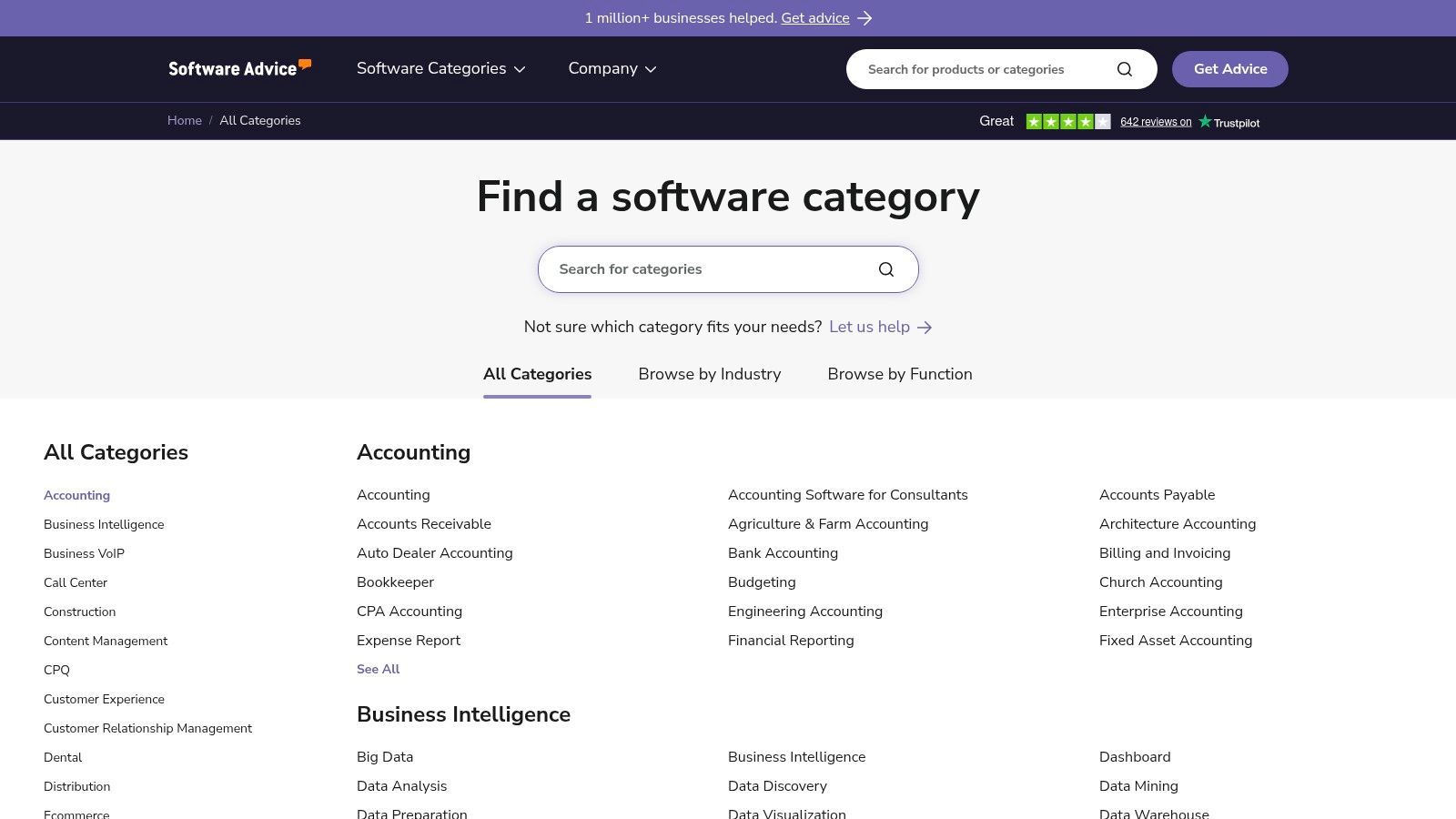
The user experience is designed to funnel users toward this advisor service, though you can browse listings, reviews, and comparisons independently. The site provides a wealth of educational content, including step-by-step selection guides and checklists that help organize the evaluation process. While this guidance is extremely helpful, it's important to understand the business model; Software Advice is a lead-generation service. Submitting your information for a consultation means you consent to being contacted by the vendors they recommend.
Key Details & Use Case
- Best For: Small to mid-sized practices, particularly those buying an EHR for the first time or lacking dedicated IT staff to lead a search.
- Pricing: The service is free for healthcare providers; Software Advice is compensated by software vendors.
- Why It's Essential: It bridges the gap between independent research and direct vendor engagement by providing a curated, human-guided shortlisting service.
- Practical Tip: Use their checklists and buyer guides to organize your own requirements before you speak with an advisor. This ensures you lead the conversation with your specific needs rather than being guided solely by the advisor's suggestions.
Pros:
- Free, personalized matching service with human advisors.
- Helpful educational content and practical selection checklists.
- Features user reviews and detailed product comparisons.
Cons:
- It’s a lead-generation model, so expect follow-up calls from vendors.
- Pricing information is often unavailable and requires direct vendor contact.
Website: www.softwareadvice.com/medical/
5. KLAS Research
While not a direct marketplace, KLAS Research is an indispensable resource for any practice conducting serious due diligence for a list of EHR software. This independent research firm specializes in benchmarking healthcare IT vendor performance, providing unbiased insights that go far beyond marketing materials. Their annual "Best in KLAS" awards and detailed performance reports are trusted by healthcare leaders to understand how different EHR systems truly perform in real-world clinical settings. KLAS offers a crucial layer of qualitative analysis, focusing on user satisfaction, vendor support, and promised outcomes.
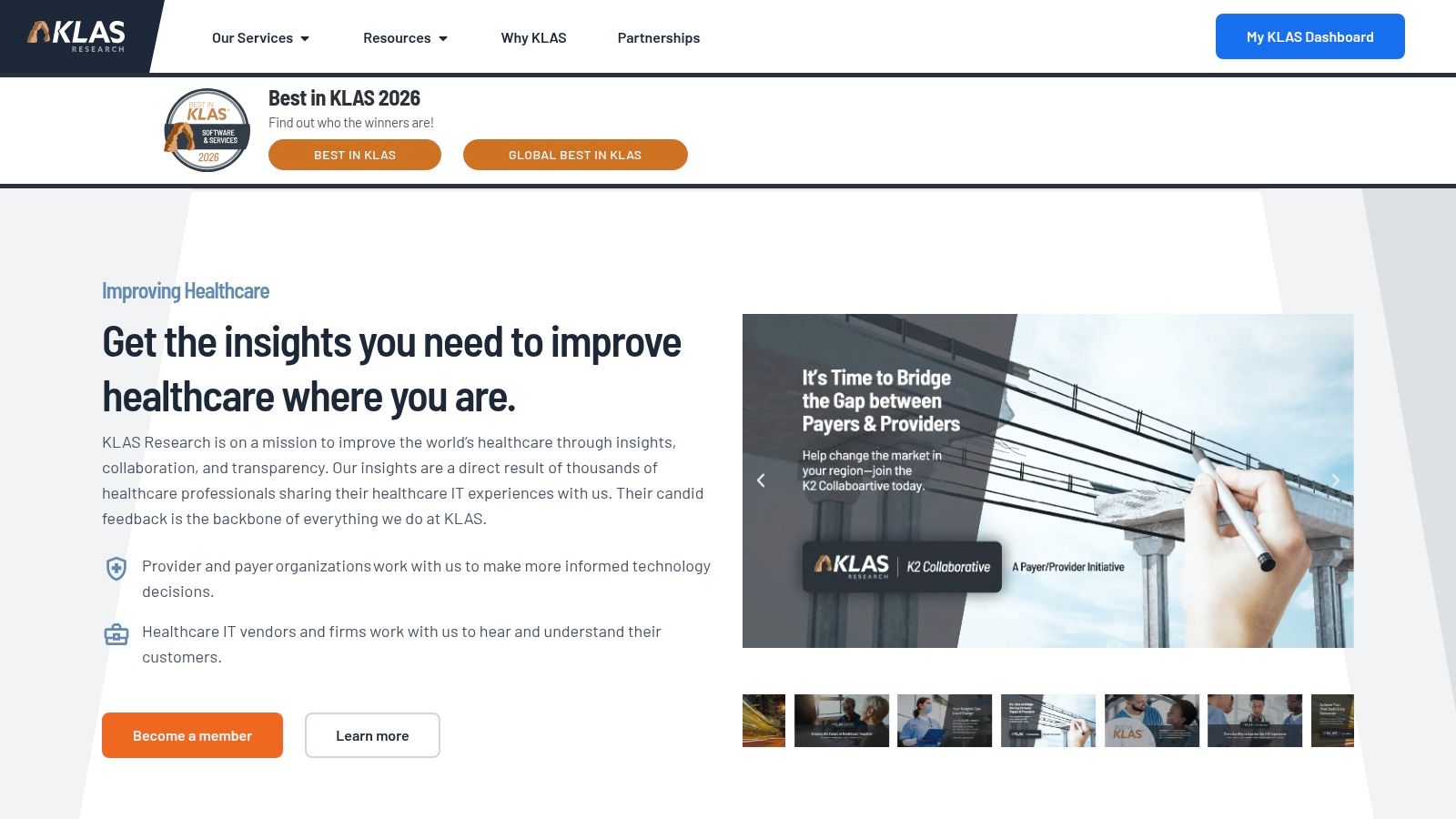
The platform provides deep, data-driven reports, vendor scorecards, and market trend analysis. This allows decision-makers to compare how vendors deliver on promises, handle implementation, and provide ongoing customer support. While much of the most detailed content requires a paid subscription, the free reports and high-level summaries still offer significant value. The site is geared more toward the analytical needs of medium to large organizations but provides a level of objective, peer-reviewed data that is difficult to find elsewhere.
Key Details & Use Case
- Best For: Medium and large healthcare systems, hospitals, and group practices needing in-depth, unbiased vendor performance data for strategic decision-making.
- Pricing: Access to full, detailed reports and scorecards requires a paid subscription. Some high-level summaries and reports are available for free.
- Why It's Essential: It provides peer-reviewed, data-backed insights into user satisfaction and vendor performance, highlighting strengths and weaknesses that vendor websites won't mention.
- Practical Tip: Look for the annual "Best in KLAS" report to quickly identify top-performing vendors in specific market segments. Even without a subscription, these public announcements can help narrow down your initial list of potential EHR partners.
Pros:
- Trusted, unbiased source for vendor benchmarking and selection.
- Highlights real-world performance beyond marketing claims.
- In-depth analysis of usability, support, and customer satisfaction.
Cons:
- Much of the most valuable content is gated or requires a subscription.
- Primarily geared toward medium-to-large organizations, not solo or small practices.
Website: klasresearch.com
6. Epic Systems
Epic Systems is a dominant force in the enterprise health IT space, providing a comprehensive, integrated suite of software for large hospitals and health systems. Unlike many other vendors in this list of EHR software, Epic is almost exclusively focused on the enterprise market, offering a deeply interconnected platform that spans inpatient (EpicCare Inpatient) and outpatient (EpicCare Ambulatory) settings. Its ecosystem includes the renowned MyChart patient portal, which has become a household name for millions of patients, and powerful analytics tools like Cogito. Epic's value proposition is its unified, single-database approach, ensuring seamless data flow across an entire health organization.
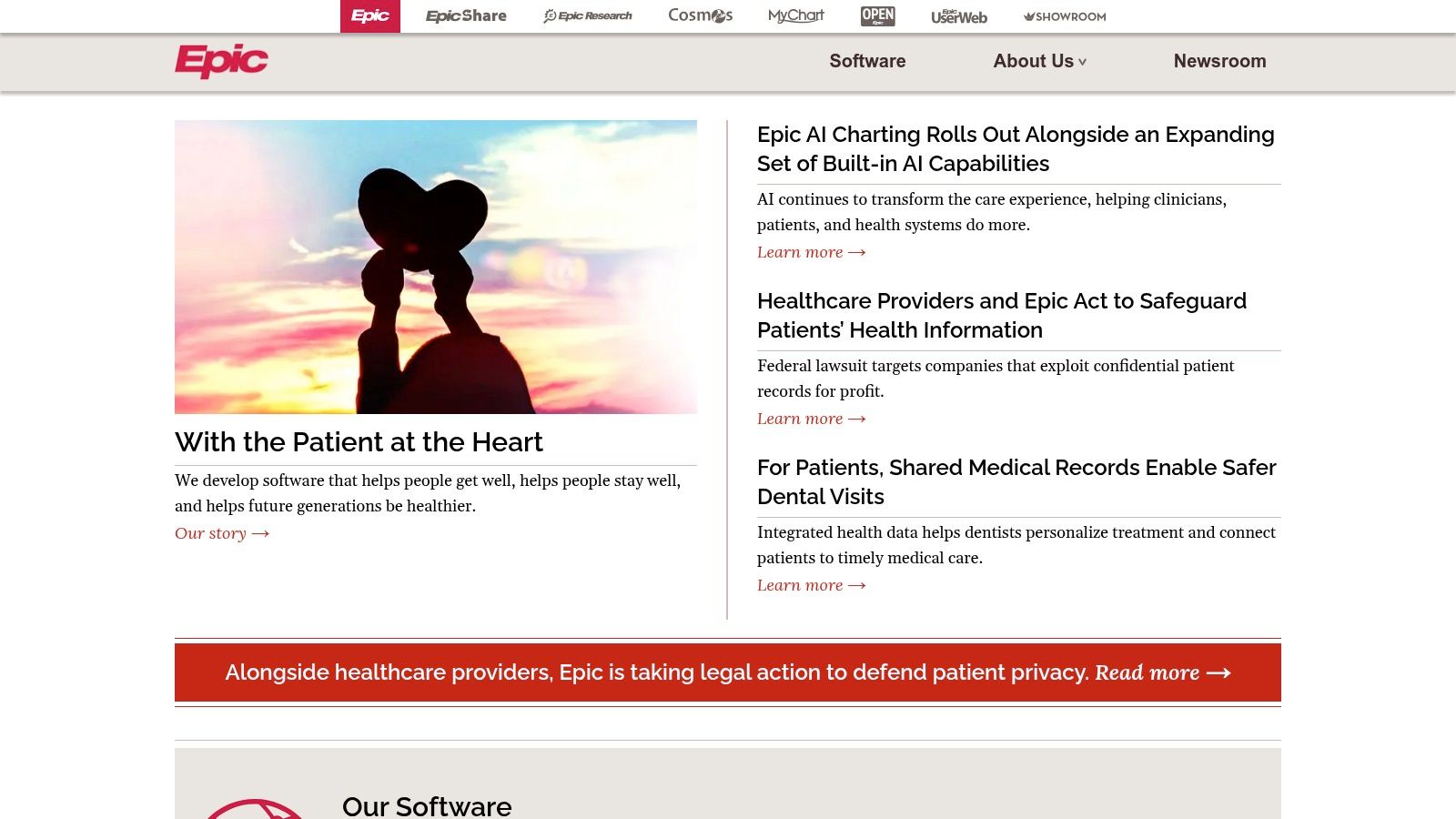
The platform is known for its immense configurability and a robust feature set that can be tailored to the complex workflows of academic medical centers and multi-state health networks. While the user experience is often described as complex due to its sheer scale, it is highly functional and supported by a vast community of implementation partners and a large third-party application marketplace. Procurement is a significant undertaking, involving a direct, sales-led process with pricing that is not publicly available, reflecting its high-end, enterprise positioning. A deeper comparison of eClinicalWorks vs. Epic can highlight the differences between a mid-market and enterprise solution.
Key Details & Use Case
- Best For: Large, integrated health systems, academic medical centers, and multi-hospital networks requiring a single, unified EHR platform.
- Pricing: Not publicly listed. Pricing is enterprise-level and requires a direct sales engagement.
- Why It's Essential: It is the market leader for large U.S. hospitals, setting the standard for enterprise-scale interoperability and patient data management.
- Practical Tip: Leverage the App Market (formerly App Orchard) to find certified third-party applications that can extend Epic’s core functionality to meet niche specialty or operational needs.
Pros:
- Extensive, all-encompassing functionality and a deep feature set.
- Strong interoperability within its network and through Care Everywhere.
- Large implementation community and a robust partner ecosystem.
Cons:
- High cost and complexity make it unsuitable for small or mid-sized practices.
- Lengthy and resource-intensive implementation process.
Website: https://www.epic.com/
7. Oracle Health EHR (formerly Cerner)
Acquired by a technology titan, Oracle Health EHR (formerly Cerner) represents a major shift in the list of EHR software, targeting large-scale healthcare systems with a modernized, cloud-first platform. This system is positioned not just as a clinical tool but as an enterprise data platform, leveraging Oracle's deep expertise in cloud infrastructure and data management. It stands out by integrating AI and voice-first workflows directly into the clinical experience, aiming to reduce administrative burden and streamline data entry for providers in high-volume settings like hospitals and large ambulatory networks.
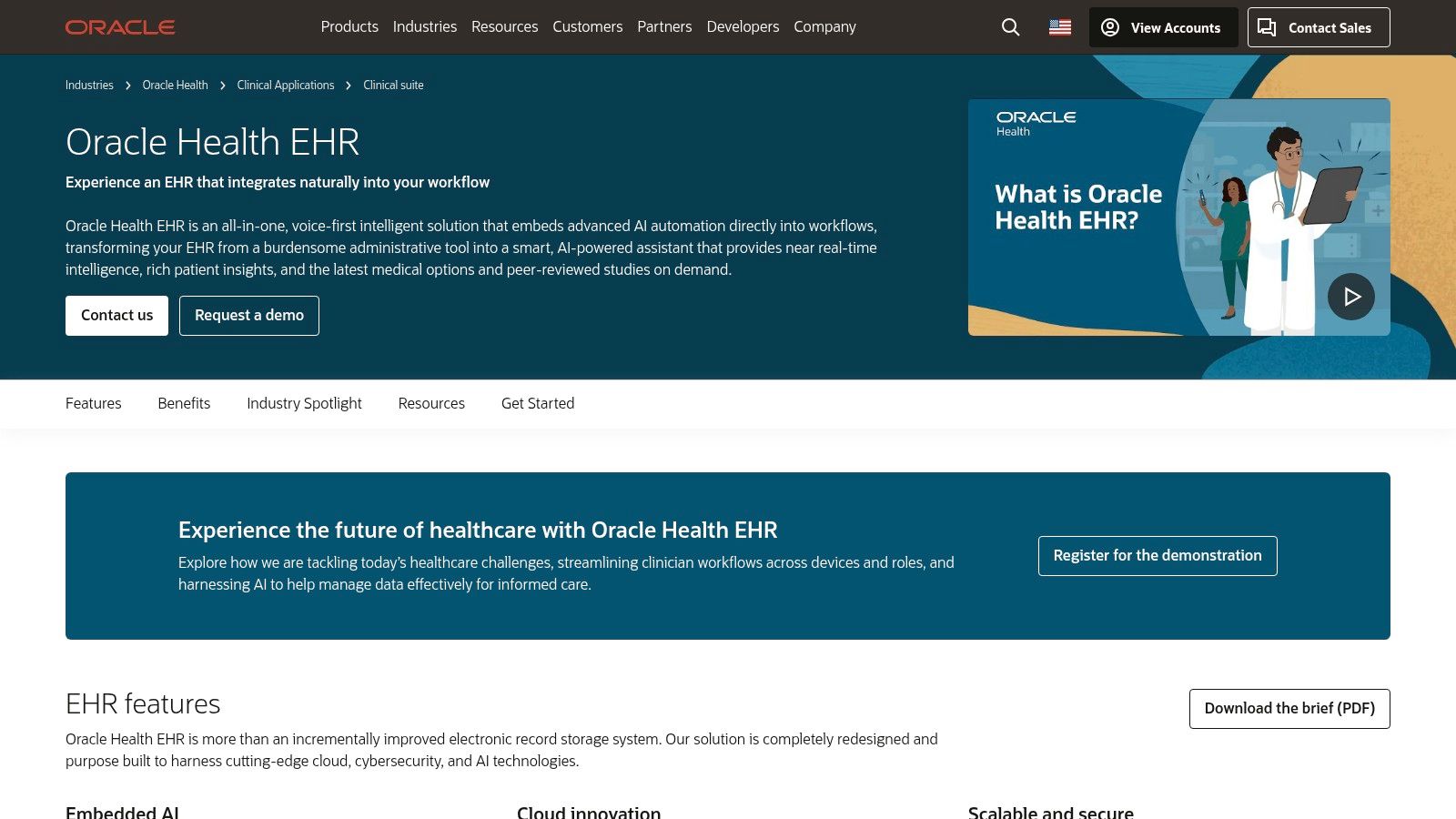
The user experience is designed to be cleaner and more intuitive than its legacy predecessor, emphasizing workflows that can be controlled via voice commands. While it is ONC Certified and supports critical functions like EPCS, its primary appeal is to organizations seeking a powerful, scalable infrastructure to unify vast amounts of clinical and operational data. The platform’s value lies in its potential for deep data analytics and integration with Oracle's broader suite of enterprise applications, promising a more holistic view of healthcare operations.
Key Details & Use Case
- Best For: Large hospital systems, enterprise-level healthcare organizations, and multi-specialty clinics requiring a robust, scalable, and cloud-native EHR infrastructure.
- Pricing: Not publicly available. Pricing is determined through an enterprise sales process and is customized based on the organization's size and needs.
- Why It's Essential: It represents the future direction of enterprise EHRs, backed by one of the world's largest software companies committed to a cloud and AI-driven healthcare ecosystem.
- Practical Tip: Organizations considering this platform should focus on their long-term data strategy. The migration from a legacy system will be a significant undertaking, so it’s crucial to evaluate not just the EHR’s features but also its integration capabilities with existing enterprise systems.
Pros:
- Modernized, cloud-based design with the backing of Oracle’s powerful infrastructure.
- Focus on next-generation features like embedded AI and voice-first workflows.
- Backed by Oracle’s extensive ecosystem and enterprise-grade support.
Cons:
- Pricing is opaque and tailored for enterprise-level procurement.
- Migrating from legacy Cerner installs or other systems can require significant planning and resources.
Website: oracle.com/health/clinical-suite/electronic-health-record/
8. NextGen Healthcare
NextGen Healthcare provides an ambulatory-focused EHR and practice management platform that cleverly bifurcates its offerings to serve different scales of medical practice. This strategic approach makes it a notable contender in any list of EHR software. It offers "NextGen Office," a cloud-based solution tailored for small, independent practices, and "NextGen Enterprise," a more comprehensive, server-based system designed for larger multi-specialty groups and health systems. This dual-platform model ensures that the features, workflow, and complexity align with the specific operational needs and resources of the practice, rather than forcing a one-size-fits-all solution.
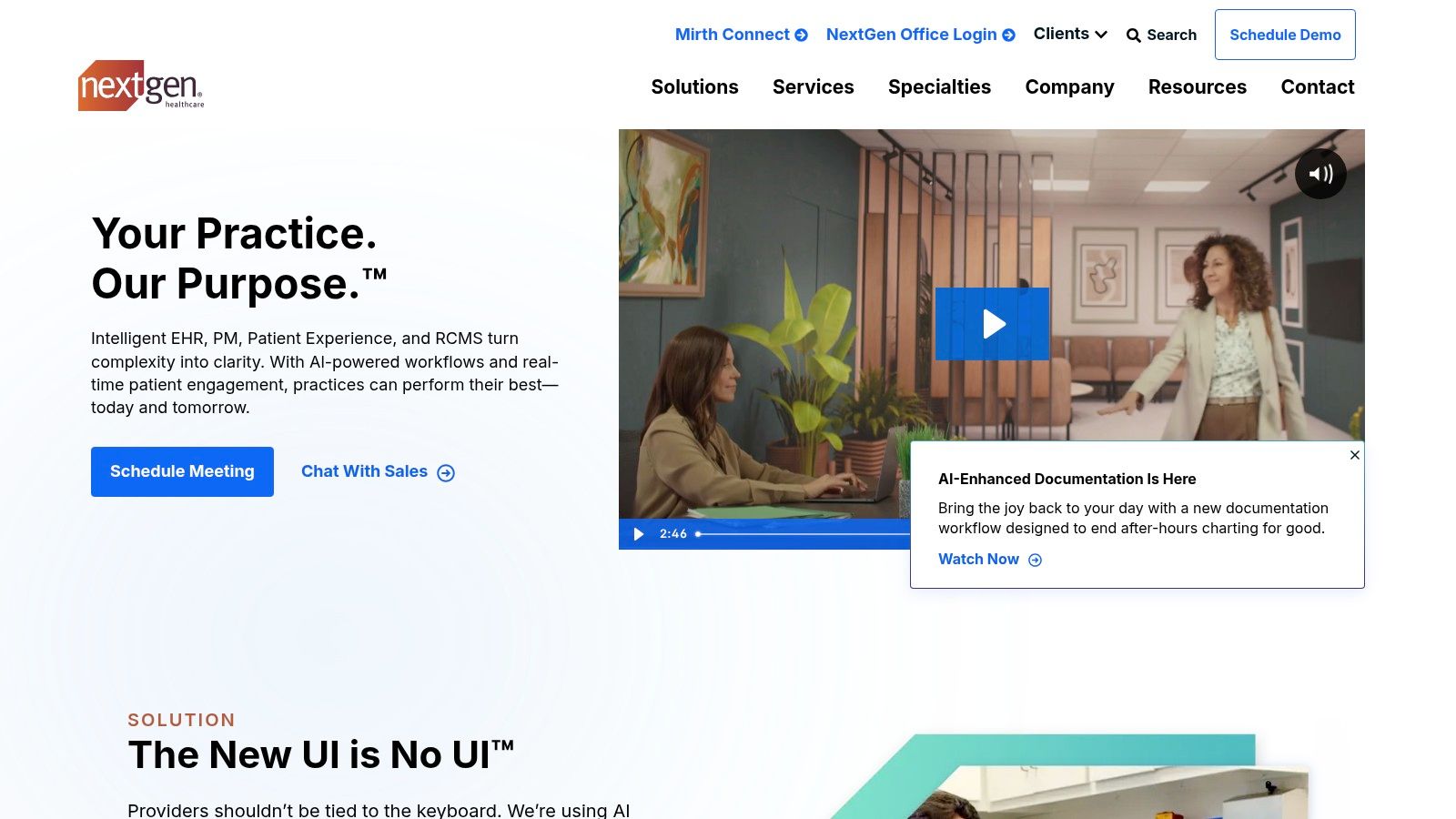
The user experience varies between the two products, with NextGen Office being more intuitive and streamlined for faster adoption. In contrast, NextGen Enterprise offers deep customization and robust functionality that requires more dedicated training to leverage fully. The company is actively investing in AI-driven tools, such as ambient listening for documentation, signaling a commitment to reducing administrative burdens. This focus on specialty-specific templates, patient engagement tools, and integrated revenue cycle management makes it a powerful, end-to-end solution for ambulatory care.
Key Details & Use Case
- Best For: Small to mid-sized practices (NextGen Office) and large, multi-specialty ambulatory groups (NextGen Enterprise) needing a tailored system.
- Pricing: Custom quote-based pricing; not publicly listed.
- Why It's a Strong Contender: Its two-pronged product strategy effectively addresses the distinct needs of different practice sizes, a rare and valuable approach.
- Practical Tip: Clearly define your practice size, specialty, and top 3-5 workflow priorities before contacting sales. This will help them guide you to the correct platform (Office vs. Enterprise) and provide a more accurate initial quote.
Pros:
- Tailored solutions for both small and large ambulatory practices.
- Strong specialty-specific templates and content.
- Active development in AI-driven documentation and ambient clinical voice.
Cons:
- Pricing is only available via a direct quote, making initial comparison difficult.
- The more powerful Enterprise version has a steeper learning curve.
Website: https://www.nextgen.com/
9. eClinicalWorks
eClinicalWorks is a widely recognized name in the ambulatory care space, offering a unified, cloud-based solution that combines an EHR with practice management (PM) capabilities. It stands out in the crowded list of EHR software by publicly publishing its per-provider subscription pricing, a level of transparency that simplifies budgeting for small to medium-sized practices. The platform integrates core clinical charting with scheduling, billing, telehealth, a patient portal, and mobile apps, aiming to provide a comprehensive operational backbone for a clinic.
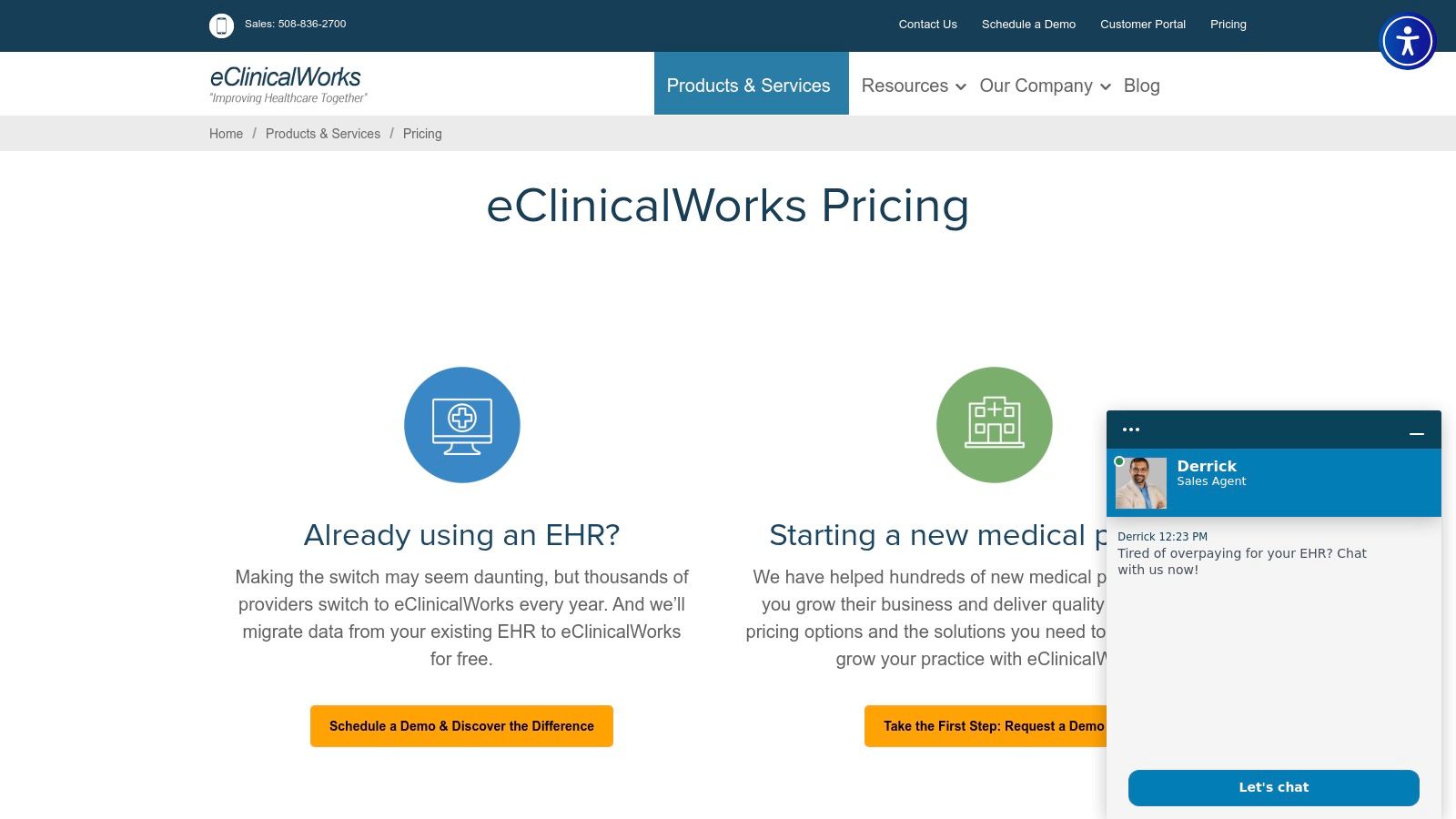
The user experience is feature-rich, which can be both a strength and a challenge. While it offers deep functionality, new users may face a notable learning curve, requiring dedicated training to leverage its full potential. However, its large user base means there is a substantial ecosystem of third-party partners and a wealth of community knowledge to draw from. This makes it a scalable choice for growing practices that need a system that can evolve with their needs, from basic charting to complex revenue cycle management (RCM) services.
Key Details & Use Case
- Best For: Small to mid-sized ambulatory practices looking for a transparently priced, all-in-one EHR/PM suite with integrated telehealth and patient engagement tools.
- Pricing: Publicly lists its per-provider, per-month subscription fees, with different bundles for EHR-only or integrated EHR/PM solutions.
- Why It's Essential: Its transparent pricing model and comprehensive feature set make it a strong contender for practices that want to avoid hidden costs and vendor lock-in for core functionalities.
- Practical Tip: Evaluate which service bundle aligns with your practice's needs. Be sure to clarify which services, like patient messaging or statement processing, are included versus which are add-ons that carry extra fees.
Pros:
- Transparent, publicly available pricing and scalable bundles.
- Broad ambulatory install base and a large partner ecosystem.
- Comprehensive, integrated suite covering clinical and administrative tasks.
Cons:
- Requires significant training and change management to realize full value.
- Optional services can add unexpected costs if not carefully reviewed.
Website: https://www.eclinicalworks.com/products-services/maketheswitch/
10. AdvancedMD
AdvancedMD offers a comprehensive, cloud-based platform combining EHR, practice management (PM), and revenue cycle management (RCM) services tailored for independent practices. It stands out in the list of EHR software with its exceptional flexibility, allowing practices to build a custom software bundle that precisely fits their needs. This modular approach, combined with specialty-specific templates, prevents practices from paying for features they don't use, making it a highly adaptable solution for various medical disciplines.
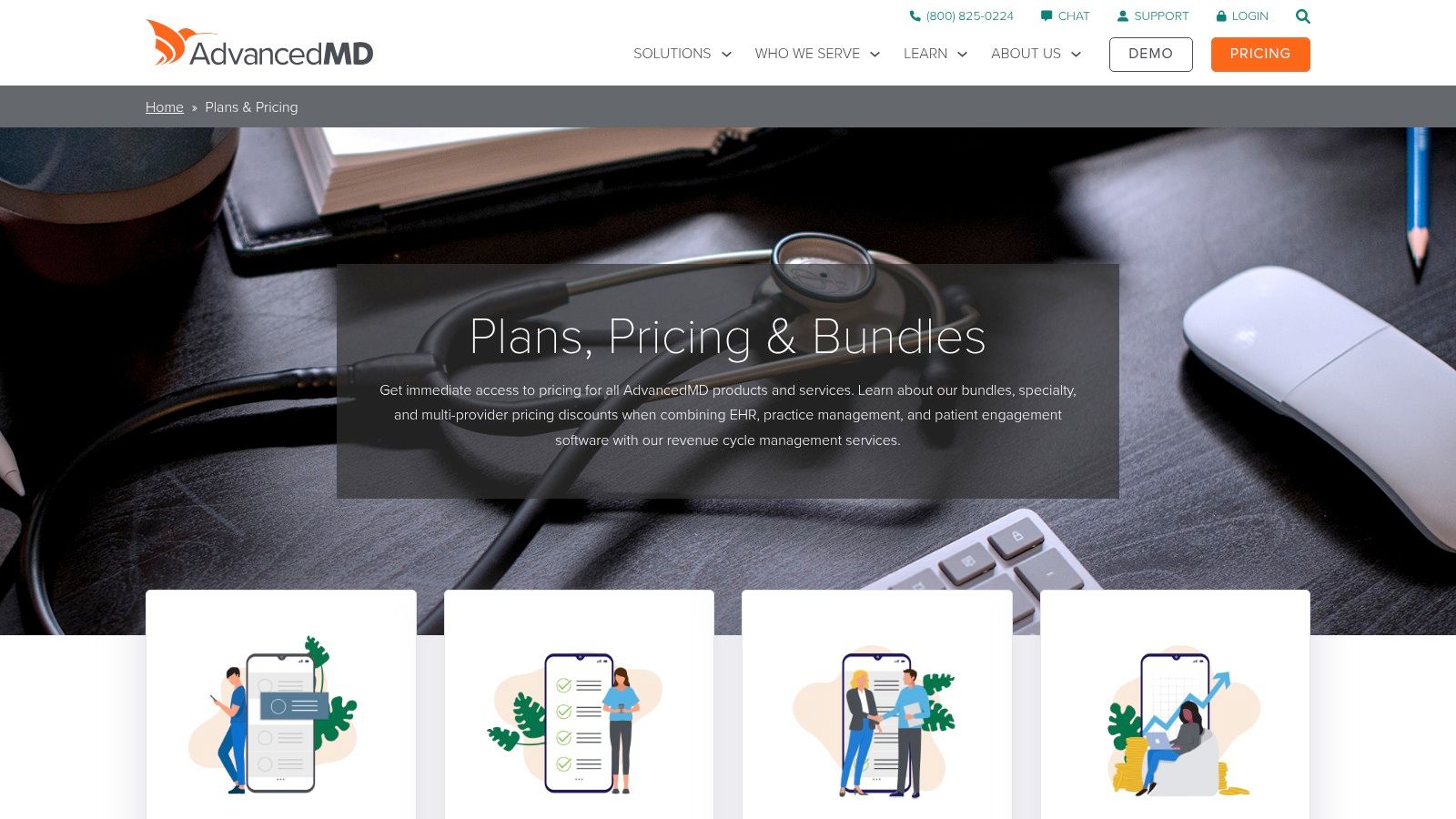
The platform’s most significant differentiator is its pricing model. Practices can choose a traditional per-provider subscription or a unique per-encounter model, which is ideal for lower-volume or start-up clinics that need to manage cash flow carefully. While the user interface is robust, the sheer number of features and add-ons means new users may face a learning curve. However, the system's scalability ensures it can grow with a practice, from a solo practitioner to a multi-specialty group.
Key Details & Use Case
- Best For: Independent medical practices, specialty clinics, and billing companies looking for a highly customizable, all-in-one solution that can scale with their patient volume.
- Pricing: Custom-quoted based on the selected bundle. Offers both unlimited and per-encounter pricing models, but all add-ons and services will increase the final cost.
- Why It's Essential: It provides a unified workflow for clinical and financial operations, supported by flexible pricing that accommodates different practice sizes and volumes.
- Practical Tip: Use the "build-a-bundle" quoting tool on their website to get a preliminary idea of costs. Be specific about your specialty and workflow needs during the demo to ensure the quoted package includes all necessary modules without unnecessary extras.
Pros:
- Flexible pricing models (unlimited vs. per-encounter) match practice needs.
- Wide range of add-ons, specialty templates, and learning resources.
- Fully integrated EHR, PM, and RCM creates a seamless workflow.
Cons:
- Exact pricing requires a vendor quote and can vary significantly by bundle.
- The cost of necessary add-ons and services can increase the total cost of ownership.
Website: https://www.advancedmd.com/software-pricing/
11. DrChrono
DrChrono distinguishes itself in the list of EHR software with its mobile-first design, built from the ground up for Apple devices. As an official Apple Mobility Partner, its native iPad and iPhone applications offer a seamless and intuitive experience for clinicians who value portability and on-the-go access. This platform is more than just an EHR; it integrates practice management, medical billing, and a patient portal into a unified system, making it a comprehensive solution for ambulatory practices. Its modern interface is particularly appealing to startups and smaller, tech-savvy clinics looking to avoid clunky, desktop-bound legacy systems.
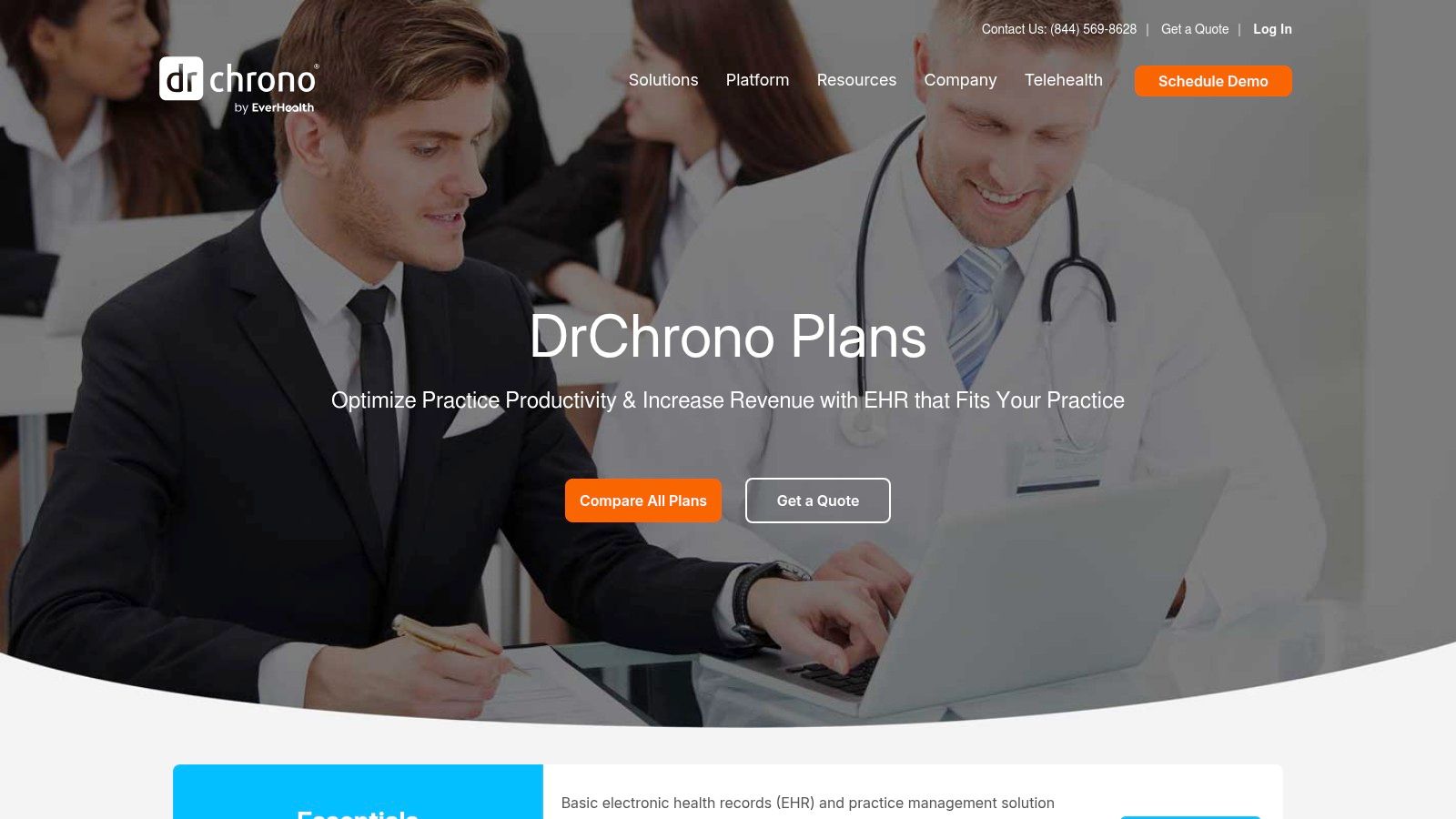
The user experience is centered around its award-winning iOS apps, allowing physicians to manage patient charts, prescribe medications (including EPCS), and handle billing tasks directly from their mobile devices. DrChrono’s developer-friendly API also opens the door for extensive customization and integration with other health-tech tools, which is a significant advantage for practices with unique workflow needs. This focus on mobility and flexibility makes it an excellent choice for providers who operate in multiple locations or frequently work outside the traditional office setting.
Key Details & Use Case
- Best For: Small to mid-sized ambulatory practices, solo practitioners, and specialty clinics (like chiropractic or physical therapy) that prioritize a mobile-first workflow.
- Pricing: Tiered plans (Essentials, Advanced, Pro, Elite) are available, but specific pricing is provided via a custom quote. Optional RCM services are also offered.
- Why It's Essential: It offers one of the most robust and polished mobile EHR experiences available, making it a leader for practices that depend on tablets and smartphones.
- Practical Tip: Leverage the native iOS features like the Apple Pencil for annotating diagrams and the iPhone camera for uploading images directly to patient charts. Before committing, clarify which features are included in each pricing tier to avoid unexpected costs.
Pros:
- Excellent native iPad and iPhone apps provide superior mobility.
- Integrated solution combines EHR, practice management, and billing.
- Tiered plans allow practices to start with a basic package and scale up.
Cons:
- Pricing is not transparent and requires a direct sales quote.
- Some advanced features and necessary functionalities may require higher-priced tiers or add-ons.
Website: https://www.drchrono.com/plans-and-pricing/
12. RXNT
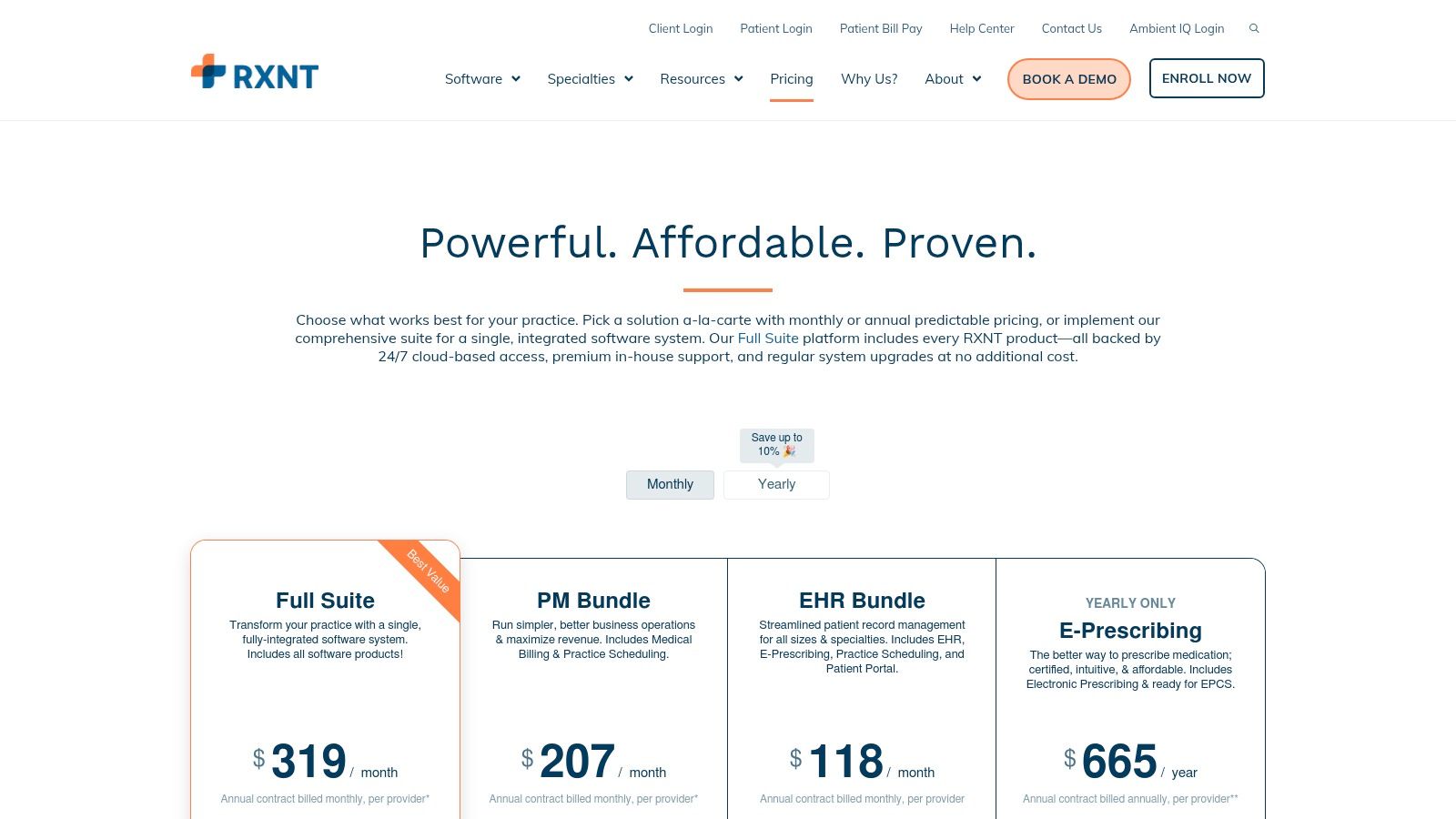
RXNT provides a budget-friendly, integrated suite that combines an EHR with practice management, e-prescribing, and billing solutions. What sets RXNT apart in the crowded list of EHR software is its transparent, predictable pricing model, which is particularly appealing to small and midsize practices needing to manage costs closely. The platform offers its modules a-la-carte or as a full suite, giving practices the flexibility to choose only the services they need. All plans include training, onboarding, and ongoing support, which helps reduce the hidden costs and implementation headaches often associated with adopting new systems.
The user experience is designed for straightforward clinical workflows, with both cloud-based and mobile access to ensure physicians can manage patient care from anywhere. While it may not have the deep, niche-specific content of enterprise-level vendors, it covers the core functionalities required by most primary care and specialty practices efficiently. The clear pricing grid on their website allows practices to calculate their expected monthly costs without having to sit through a sales call first, a refreshing approach in the EHR market.
Key Details & Use Case
- Best For: Small to midsize independent practices, particularly those in primary care or specialties that require solid core EHR and PM functionality without a high price tag.
- Pricing: Transparent, subscription-based plans starting from around $65 per provider per month for standalone e-prescribing, with full suite options available. Some add-ons, like EPCS identity proofing, may have small, one-time fees.
- Why It's Essential: It provides an affordable, all-in-one solution with predictable costs, removing financial uncertainty for budget-conscious clinics.
- Practical Tip: Before committing, identify all necessary functions. While the base price is low, be sure to account for any small add-on fees for services like EPCS or patient engagement tools to get a complete picture of your total investment.
Pros:
- Transparent and comparatively low starting prices.
- Predictable subscription costs are ideal for financial planning.
- Includes training, implementation, and support in standard plans.
Cons:
- May lack the deep specialty-specific templates of more expensive systems.
- Some essential functions, like identity proofing for EPCS, can incur extra fees.
Website: https://www.rxnt.com/pricing/
Top 12 EHR Software Comparison
| Product | Core features | Quality & Trust (★) | Pricing / Value (💰) | Target audience (👥) | Unique selling points (✨🏆) |
|---|---|---|---|---|---|
| ONC Certified Health IT Product List (CHPL) | ONC‑certified listings, filters, certification IDs | ★★★★ — authoritative | 💰 Free | 👥 IT buyers, implementers, compliance teams | ✨ Official certification registry; 🏆 government authority |
| G2 – EHR Category | User reviews, rankings, side‑by‑side comparisons | ★★★★ — peer sentiment | 💰 Free (marketplace; sponsored results) | 👥 Practice buyers, procurement, shortlist builders | ✨ Live reviews & grids; 🏆 peer‑driven insights |
| Capterra – EMR Directory | 500+ vendor listings, filters, buyer guides | ★★★★ — broad coverage | 💰 Free (often shows starting prices) | 👥 Small/mid practices researching options | ✨ Wide catalog + price cues |
| Software Advice – EMR/EHR | Product profiles, selection checklists, advisor calls | ★★★ — educational & guided | 💰 Free (lead‑gen; pricing on request) | 👥 First‑time buyers, small practices | ✨ Free advisor matching & step‑by‑step guides |
| KLAS Research | Vendor scorecards, performance benchmarking | ★★★★★ — trusted by systems | 💰 Subscription / gated (paid) | 👥 Health systems, enterprise decision‑makers | ✨ In‑depth benchmarking; 🏆 Best‑in‑KLAS recognition |
| Epic Systems | Enterprise EHR, patient portal, analytics & HIE | ★★★★★ — enterprise‑grade | 💰💰💰 Sales‑led (enterprise pricing) | 👥 Large health systems | ✨ Deep functionality & partner ecosystem; 🏆 widely adopted |
| Oracle Health EHR (formerly Cerner) | Cloud EHR, voice‑first workflows, embedded AI | ★★★★ — modernized enterprise | 💰💰💰 Sales‑led (enterprise) | 👥 Hospitals & large systems | ✨ AI/voice workflows; 🏆 Oracle infrastructure |
| NextGen Healthcare | Ambulatory EHR/PM, specialty templates, AI doc | ★★★★ — ambulatory focus | 💰💰 Quote‑based (office vs enterprise) | 👥 Small → mid groups, specialty practices | ✨ Practice‑size editions & specialty templates |
| eClinicalWorks | Cloud EHR/PM/telehealth, RCM, published per‑provider pricing | ★★★★ — broad ambulatory base | 💰💰 Published per‑provider bundles | 👥 Ambulatory practices scaling | ✨ Transparent pricing & scalable bundles |
| AdvancedMD | Cloud EHR/PM/RCM, build‑a‑bundle quoting, per‑encounter option | ★★★★ — flexible billing models | 💰💰 Flexible (per‑encounter or unlimited) | 👥 Independent practices with variable volume | ✨ Build‑a‑bundle pricing flexibility |
| DrChrono | Mobile‑first iPad/iPhone EHR, tiered plans, API | ★★★★ — mobile‑centric | 💰 Tiered plans (quote) | 👥 Small/mid practices & startups prioritizing mobility | ✨ Native Apple apps; quick setup |
| RXNT | Integrated EHR/PM/eRx, clear pricing grid & onboarding | ★★★ — budget‑friendly | 💰 Budget‑friendly, transparent | 👥 Small & midsize cost‑conscious practices | ✨ Low starting cost + included training |
Making Your Final Decision and Planning for the Future
Navigating the extensive list of EHR software can feel overwhelming, but by now, you have a solid framework for making an informed choice. We've explored everything from comprehensive directories like the ONC Certified Health IT Product List (CHPL) and Capterra to industry giants like Epic and Oracle Health, and nimble, specialty-focused solutions like DrChrono and RXNT. The goal was never to find a single "best" EHR, but to find the one that is best for you.
The right system is a strategic asset that aligns with your practice's unique size, specialty, budget, and technological vision. A small, independent practice will have vastly different needs and implementation capabilities than a multi-state hospital system. The key takeaway is that the software must adapt to your workflow, not the other way around.
From Shortlist to Selection
Your journey doesn't end with a shortlist. The next phase is critical for ensuring a successful transition and long-term satisfaction. Here are the actionable steps to take as you move toward a final decision:
- Schedule Targeted Demos: Move beyond generic sales pitches. Request live demonstrations of your top two or three contenders, focused on your specific, day-to-day clinical scenarios. Have your physicians, nurses, and administrative staff participate to provide feedback from their unique perspectives.
- Ask Tough Questions: This is your opportunity to dig deep. Inquire about implementation timelines, the specifics of data migration from your current system, and the structure of their training and support programs. Ask for references from practices similar to yours in size and specialty.
- Evaluate Total Cost of Ownership (TCO): Look beyond the initial subscription or license fee. Factor in costs for implementation, data migration, staff training, ongoing support, hardware upgrades, and potential add-on modules you may need in the future. A transparent pricing model is a sign of a trustworthy vendor.
Planning for Implementation and Beyond
Choosing from a list of EHR software is just the beginning; implementation is where the real work begins. A successful rollout requires careful planning and a forward-thinking strategy. Consider how your chosen EHR will function not just as a repository for patient data, but as the central hub of your practice's technological ecosystem.
Think about interoperability. How easily will the EHR integrate with your existing lab services, billing software, and patient portal? More importantly, how will it support future innovations? The ability to connect with third-party applications and APIs is no longer a luxury, it's a necessity for a future-proof practice. Adopting AI-powered tools, for instance, can dramatically reduce the administrative burden that leads to physician burnout.
Your long-term strategy must also include a plan for the entire lifecycle of your IT assets. As you upgrade hardware to support a new EHR, you'll need a secure process for retiring old equipment. Properly managing this process is a critical aspect of compliance, and understanding the nuances of HIPAA requirements for IT equipment disposal is paramount to safeguarding patient privacy and avoiding significant penalties.
Ultimately, the best EHR is one that empowers your team to deliver exceptional patient care more efficiently. It should reduce clicks, automate routine tasks, and provide clear, actionable insights at the point of care. By focusing on your specific needs, conducting thorough due diligence, and planning for the future, you can select a system that will serve as a valuable partner in your practice's growth and success for years to come.
Ready to supercharge your new EHR and eliminate administrative overhead? Discover how Simbie AI seamlessly integrates with your chosen system to automate tasks like scheduling, referrals, and patient communication. See how Simbie AI can give your staff back valuable time to focus on what matters most: your patients.