
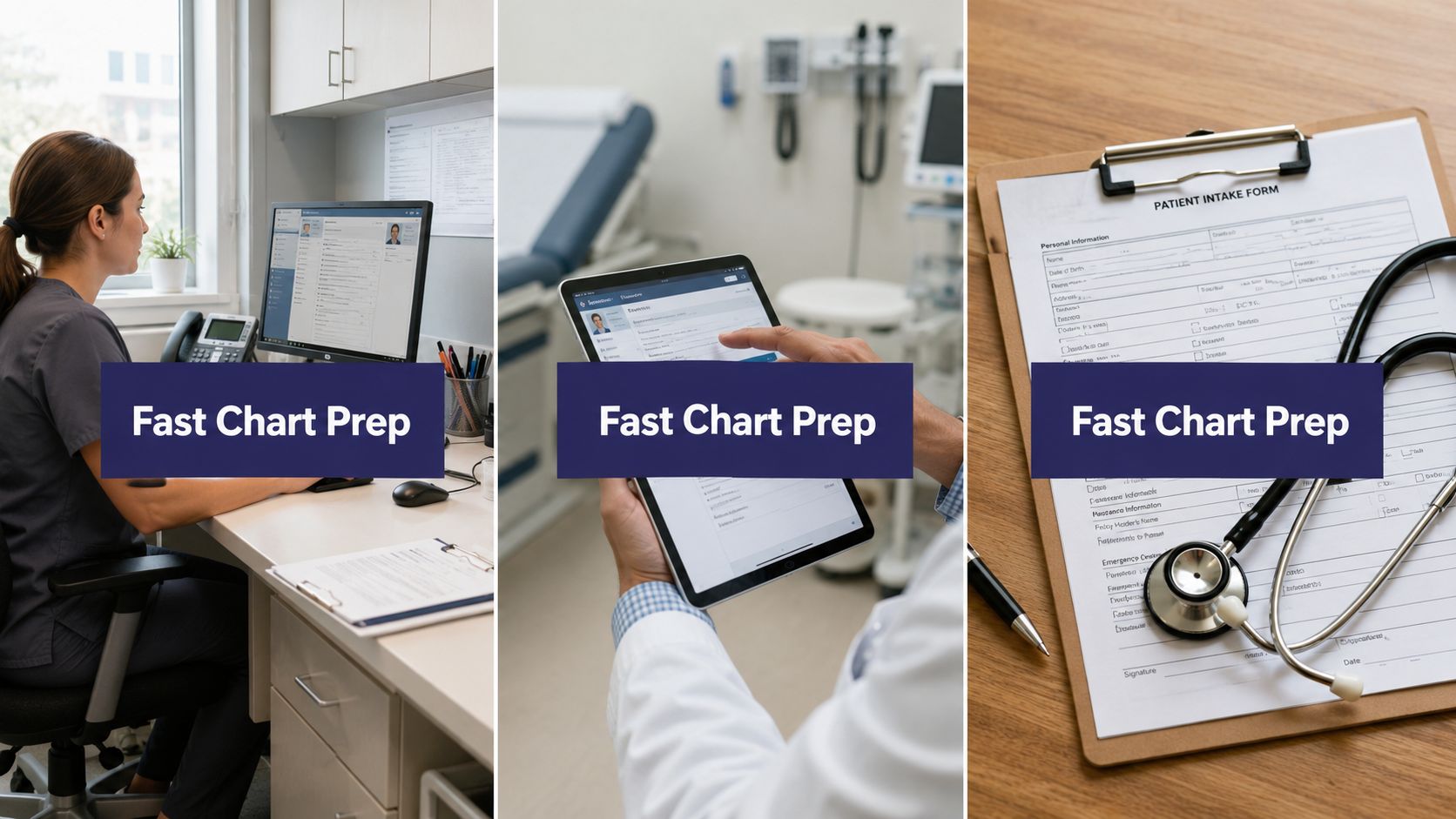
Pulling charts 48 hours before the clinic opens can slice through the morning scramble. It saves clinicians focused minutes on every visit and keeps documentation from spilling into the evening. For independent practices, this is one of the quickest operational wins you can implement.
Why Pre-Visit Chart Prep Is the Fastest Win in Your Day
Too many teams open charts in the hallway, hoping the HPI is already there. That habit eats up time, pushes notes into the evening, and drives burnout in smaller practices. Setting a scheduled 48-hour pre-pull window completely changes this dynamic.
Standardize What Gets Pulled During the Scrub
- Active problem list, reconciled medications, recent labs and imaging, specialist notes, and overdue screenings
- Confirmed patient HPI and allergies routed directly from intake tools or AI medical staff
Operational Gains You Should Expect
- 3–7 minutes saved per visit when charts arrive pre-populated
- Fewer after-hours charting hours per provider each week
- Higher same-day visit readiness and fewer delayed starts
Consider a three-provider dermatology clinic. If they save just 5 minutes on 24 visits a day, they reclaim 120 clinician minutes daily. Over a week, that adds up to hours of focused patient time and a noticeable drop in the documentation backlog.
Practices that treat pre-visit prep as a scheduled duty see predictable, repeatable improvements rather than relying on occasional lucky days.
To baseline your practice, compare manual scrubbing with a systemized workflow. Manual workflows often take 8–15 minutes per chart, carry higher error rates, and increase the after-hours load. A structured 48-hour workflow cuts that down to 2–6 minutes and boosts clinician readiness.
Manual Versus Systemized Pre-Visit Chart Prep
| Approach | Time Per Visit | After-Hours Load | Clinician Readiness |
|---|---|---|---|
| Manual Chart Scrubbing | 8–15 minutes | High | Low to Moderate |
| 48-Hour Structured Workflow | 2–6 minutes | Low | High |
Seeing the numbers side-by-side makes the case clearly. Shifting to a structured workflow reclaims time and reduces the daily strain on your providers.
Getting Started
Assign a standing scrub window exactly 48 hours before appointments. Use intake forms and EMR integrations with platforms like eClinicalWorks, Athenahealth, EMA ModMed, or Epic to push patient-confirmed data directly into the notes. Finally, track the minutes saved per visit and the percentage of charts scrubbed to prove the impact.

Build a Repeatable 48-Hour Pre-Visit Workflow
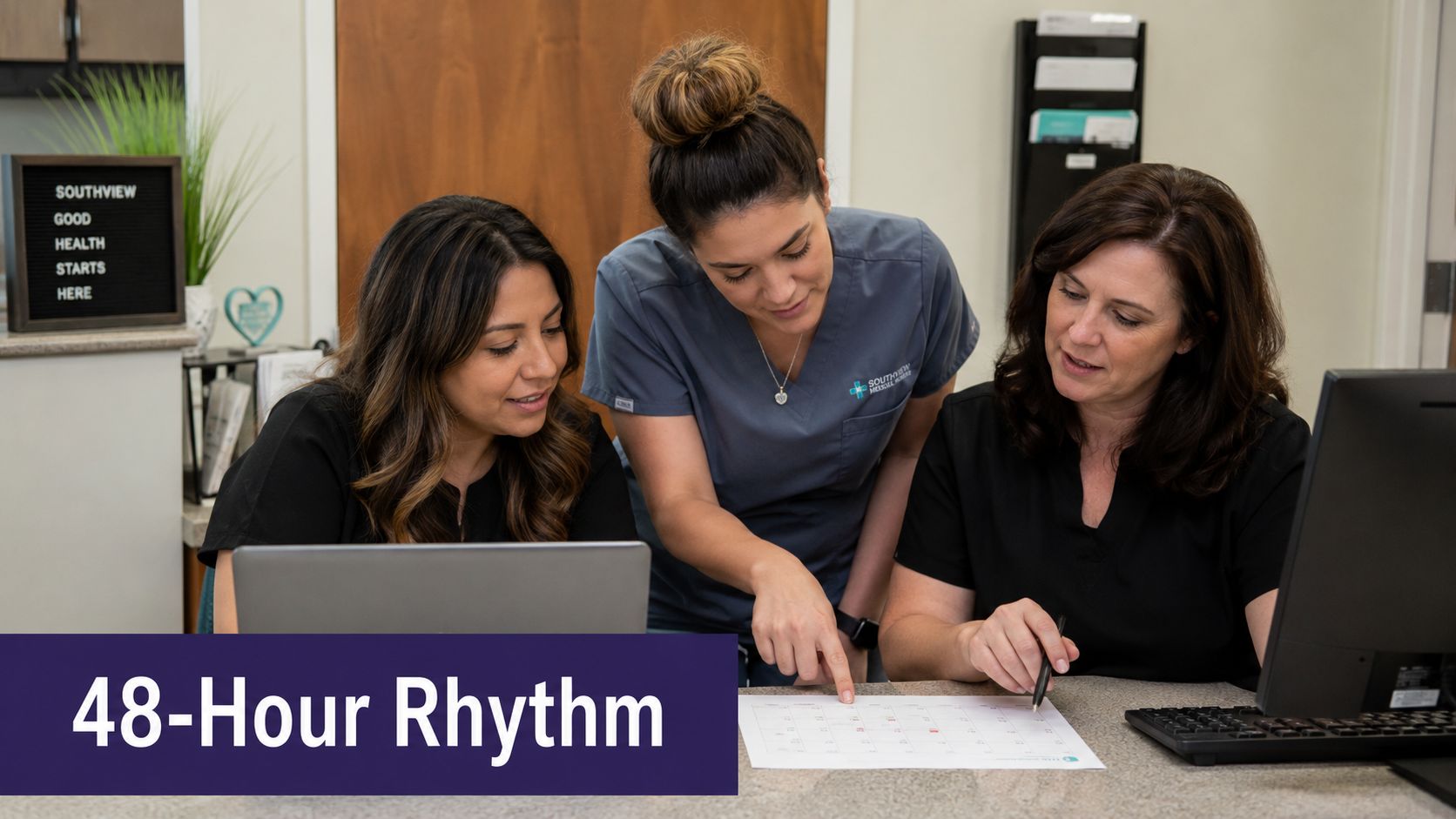
Block out a protected scrub window 48 to 24 hours before clinic. Make it a standing duty on the schedule, not something squeezed in when the day fills up. That rhythm is what makes every later step faster.
Assign clear owners for each task. The front desk confirms demographic and insurance details and triggers intake forms. Medical assistants reconcile meds, pull outside records, and queue abnormal labs. Clinicians do a quick clinical review and sign off on problem lists before the slot opens.
Standardized Pre-Visit Checklist
- Patient confirmed HPI and allergies, routed from portal or automated calls and written into the chart
- Reconciled medication list with sources and last-fill dates for each drug
- Recent labs and imaging attached, flagged if pending or abnormal
- ER or hospital summaries imported and summarized for clinician review
- Preventive care gaps noted and linked to order sets
Set up EMR agent workflows that pre-fill templates in eClinicalWorks, Athenahealth, EMA ModMed, Epic, or DrChrono. For example, send a one-week-ahead lab order for routine panels so most results arrive before the 48-hour scrub. Use smart macros to surface active problems and overdue screenings in the same order every time.
Practices that schedule pre-charting as a role see faster clinic starts and less after-hours documentation.
Handoffs and Exceptions
Define escalation rules for missing outside records and abnormal results. If a PDF from a specialist is missing, the front desk tries one call, the MA flags it, and the clinician decides if the visit proceeds or is rescheduled. Train staff to treat exceptions as high-priority tasks, not routine interruptions.
Track a few simple KPIs to keep the workflow honest: percentage of charts scrubbed 48 hours prior, average minutes spent per chart during the scrub, and after-hours charting per provider. Map your current process to this template, then target the two slowest steps for standardization or automation.
If you're evaluating AI medical staff for pre-visit coverage, see how Simbie AI integrates with existing EMRs and manages intake, med rec, and documentation.
Automate Intake and HPI Collection Before the Patient Arrives

Patient intake is where most chart prep time quietly disappears. When you shift this work earlier and automate the tasks that don't require a human, you save minutes per visit and cut down on after-hours documentation. The method is simple. Send pre-visit questionnaires via text or portal, confirm medications and allergies, and route those structured responses directly into the chart. The clinician then opens a chart with a patient-confirmed HPI already in place.
Use Short Pre-Visit Questionnaires with EMR Mapping
Build a concise HPI form that maps directly to your EMR fields for the history of present illness, review of systems, and social history. If you run eClinicalWorks, Athenahealth, EMA ModMed, or Epic, you can wire the answers straight into your template fields. The data populates the note automatically, which cuts out copy-pasting and reduces transcription errors. The result is faster chart sign-off.
- Keep questions simple, single-tasked, and easy to read on a phone.
- Ask patients to confirm every medication, dose, and last-fill date.
- Add a section for allergy confirmation and smoking or alcohol status.
Clinician-ready intake means patient-confirmed data that lowers the transcription burden and boosts accuracy.
Add Conversational Intake Calls for Complex Cases
Standard questionnaires work well, but they can fall short for complex cases. This is where AI medical staff can step in to handle conversational intake calls. The agent gathers the HPI, clarifies any vague answers, and writes structured data back to the chart. You get rid of endless voicemail loops, and your medical assistants spend their time on clinical exceptions instead of routine phone tag.
- AI agents log 100% of inbound responses and send reminders around the clock.
- Your staff only reviews flagged exceptions instead of listening to every single call.
Operational Tips and Time Management Resources
Set a 48-hour pre-visit window to trigger these intake workflows automatically. Keep an eye on completion rates and track the minutes saved per chart to prove the ROI. Sometimes it helps to look outside your EMR for team productivity tactics. For instance, check out Voice Control Pro's time management guide to find ways to free up staff hours for higher-value tasks.
You can also read our practical guide on integrating intake with EMRs and agent workflows at How To Build Effective AI Pre-Visit Questionnaires.
If you are currently evaluating AI medical staff to handle intake and medication reconciliation, take a look at how Simbie AI writes structured intake directly into your EMR so your clinicians can focus on patient care.
Templated Notes and Smart Macros That Cut Documentation in Half
Templates and smart phrases are the real difference between a chart that opens in three minutes and one that takes thirty. For anyone figuring out how to speed up chart prep before visits, smart macros, dot phrases, and structured templates move repeated work out of the clinician's head and into the EMR. It's about working with the system, not around it.
Start with specialty-focused templates that surface the few data points you always need. Dermatology lesion follow-ups should pull recent photos, lesion location, and prior pathology. GI templates should surface procedure dates, bowel prep quality, and pending pathology. Internal medicine templates should pre-load problem lists, meds, and chronic monitoring values. This means clinicians walk in already seeing the right context.
Smart Macro Examples
- Create a dermatology macro that inserts lesion size, photo link, and last biopsy date, then prompts for interval change.
- Build a GI recall macro that lists the last scope, pathology status, and recommended surveillance interval with quick order buttons.
- Make an internal medicine chronic-care macro that shows A1c, BP trend, lipid panel, and a medication reconciliation snapshot.
Keep macros short and editable so clinicians can personalize without creating copy-paste artifacts.
Standardize the section order across all templates so the same clinician always looks in the same place for HPI, meds, allergies, tests, and plan. That reduces cognitive switching and missed items.
Template hygiene rules matter. Review macros quarterly, retire phrases that no longer match current practice, and flag any template that increases addendum rates. Track time saved per visit and the percent of charts with a templated note to measure the impact.
Read our practical set of progress note templates to jumpstart your library at 12 Best Progress Note Templates for 2026.
If you want to protect clinician time, focus on repeatable templates, quarterly reviews, and EMR agent workflows that write structured data into eClinicalWorks, Athenahealth, EMA ModMed, Epic, or DrChrono.
Common Pre-Visit Template Elements by Specialty
Different specialties have distinct data needs when preparing for patient visits. Below is a summary of the most critical fields and macro applications for three common practice types.
| Specialty | Pre-Load Fields | Smart Macro Use Case |
|---|---|---|
| Dermatology | Recent lesion photos, anatomical location, prior biopsy results and dates, current topicals | Dermatology recall macro with image links and interval change prompt |
| Gastroenterology | Last scope dates, bowel prep quality, pending pathology, surveillance intervals | GI recall macro listing procedures, pathology status, and order buttons |
| Internal Medicine | Active problem list, current medications, A1c, BP trends, lipid panels, vaccination status | Chronic-care macro with labs, meds, and reconciliation snapshot |
Implementing these specialty-specific templates ensures that the information clinicians need most is always front and center, reducing search time and improving note consistency.
Define Staff Roles And Train For Exceptions, Not Repetition
Mornings in a busy clinic can get chaotic fast. The fix is to assign every pre-visit task to one specific person so nothing falls through cracks or gets done twice.
Here's how this typically breaks down:
- Front desk handles demographics, insurance verification, and sending out the intake questionnaire.
- Medical assistants take ownership of medication reconciliation, pulling outside records, and flagging abnormal results.
- Clinicians focus on the final clinical review and sign-off that confirms a chart is truly visit-ready.
When everyone knows exactly what's theirs, you stop wasting MA time on tasks that don't require clinical training.
Train For What Goes Wrong, Not What Goes Right
Most staff can handle a routine day. The real test is what happens when something breaks the normal flow. Train your team on exception handling, like missing records, abnormal labs, or incomplete HPIs, rather than drilling them on repetitive tasks they already know.
Build a simple escalation path:
- The front desk makes one attempt to reach the patient for missing information.
- AI medical staff logs the outreach attempt and attaches a transcript to the chart.
- The MA triages any clinical red flags that surface.
- The clinician makes the final call to proceed with the visit or reschedule.
This structure keeps routine follow-up from eating into your clinicians' day. A phone call about a missing form shouldn't land on a provider's desk.
Let AI Handle The Phone Work
Repetitive outbound calls are where AI medical staff genuinely earns its place. AI agents can manage intake calls, medication confirmations, and refill coordination, then write structured data directly back into eClinicalWorks, Athenahealth, EMA ModMed, Epic, or DrChrono for an MA to review.
Your MAs stop getting interrupted every ten minutes. They get their time back for the work that actually requires human judgment.
Cross-Train To Cover Gaps
People call out sick. Lunch breaks happen. Rotate front-desk staff through basic chart scrubbing so they can step in when needed. Build a one-page checklist for new hires that covers the most common red flags and exactly who to escalate to.
Keep it short. Update it quarterly. Save it as a template right inside your EMR so it's always within reach.
Key Insight: Small independent practices see the biggest prep-time gains when every task has a named owner and exceptions follow a practiced, no-guesswork path.
Example Workflow In Practice
- The front desk confirms intake is complete and triggers the AI call.
- AI medical staff collects the HPI and writes structured intake notes to the chart.
- The MA reconciles medications and flags any anomalies to the clinician.
You can also read our guide on clinical scribing and documentation workflows at Practical Medical Scribing Services for Faster Clinics.
Track the KPIs That Prove Chart Prep Is Working

Forget gut feelings. The only way to know if your chart prep process is actually improving is to measure minutes per encounter. Pull this from audit logs in eClinicalWorks, Athenahealth, EMA ModMed, Epic, or DrChrono and average the scrub time across providers to establish your baseline.
Then look at the percentage of charts scrubbed at least 48 hours before visits. This simple readiness metric tells you a lot. It correlates directly with on-time starts and fewer after-hours notes piling up.
After-hours documentation hours per provider per week is another number worth watching. It's one of the clearest burnout signals you'll find. Practices that successfully move prep earlier typically see these hours drop measurably.
A same-day visit readiness score can tie everything together. Combine chart completeness, pending lab status, and med rec reconciliation into one metric. Set a 90-day target, something like raising 48-hour scrubs to 80% and cutting after-hours documentation by 30%.
How To Pull Numbers And Act
- Export encounter timestamps and note sign-off times from your EMR.
- Compare the baseline to 30, 60, and 90-day results.
- Identify the slowest step and standardize or automate it.
Monthly reviews. Small tests. Repeat the ones that work.
Tie improvements to access and satisfaction and use the data to justify automation or staff changes. If you're evaluating AI medical staff, you can see it in action at Simbie AI Book A Demo.
Frequently Asked Questions About Pre-Visit Chart Prep
How far in advance should chart prep happen for the biggest time savings?
Most practices find that a 48-hour pre-pull window hits the sweet spot. It gives enough time for labs and outside records to trickle in, and your team can chase down anything missing without throwing the clinic day into chaos. The payoff is fewer hallway huddles and a lot less after-hours charting.
Can AI tools safely write to the EMR under HIPAA?
Yes, they can, but only if the system checks the right boxes. You're looking for HIPAA compliance, SOC 2 Type 2 certification, and human-in-the-loop controls that keep a person in the decision chain. For example, Simbie AI writes structured intake and medication reconciliation data back into platforms like eClinicalWorks, Athenahealth, EMA ModMed, Epic, and DrChrono, all while logging every action for staff review.
How do you roll out a new pre-visit workflow without disrupting clinic days?
Start small. Pilot the new workflow with one provider block for two weeks. Stick to the 48-hour scrub cadence, track how many minutes you save per chart, and then expand from there. Cross-train one front-desk staff member and one medical assistant as backups so you're not dependent on a single person. Make sure everyone knows the escalation rules for missing records, clinicians should only step in for true exceptions, not routine gaps.
What should you do when outside records arrive late the day before a visit?
Triage based on clinical impact. If those records would actually change how you manage the patient, it's better to reschedule or convert the visit to a televisit. If they're just providing context, attach a short summary in the chart and flag it for the clinician. Templated summaries are a lifesaver here since they cut review time dramatically.
Protecting Doctors' Time for Doctoring.
If you're evaluating AI for your practice, you can see it in action at book a demo.
A Practical Starting Point for Faster Chart Prep
Getting pre-visit chart prep right gives you back minutes with every single visit. It takes off when you mix standardization, delegation, and automation. The best place to start is setting a dependable 48-hour scrub window so your team can pull intake forms, medication lists, labs, and outside records before the clinic opens.
From there, gather the history efficiently. Send short, patient-facing HPI forms or use conversational AI calls to confirm histories and medication lists. Push that structured data directly into your EMR, whether you use eClinicalWorks, Athenahealth, EMA ModMed, Epic, or DrChrono, and pair it with specialty smart macros for dermatology, GI, or internal medicine. This way, your notes need very little editing.
Your staff should focus on handling the exceptions rather than routine data entry. Track KPIs like minutes saved per chart and the percentage of charts scrubbed 48 hours before the appointment. Adding AI medical staff from a HIPAA-compliant and SOC 2 Type 2 certified partner can extend that pre-visit window around the clock, letting your clinicians focus on the patient.
If you're evaluating AI medical staff to support your team, you can see how Simbie works by scheduling a demo at Simbie AI.