

Getting lab results out the door sounds simple until your phones light up at 4:55 p.m., a patient sees a flagged value in the portal before anyone has reviewed it, and your nurse is trying to document three callbacks while rooming the next patient. That's where most practices get stuck. How to communicate lab results to patients is not just a scripting problem. It's an operations problem, a compliance problem, and a patient trust problem. For independent dermatology, gastroenterology, and internal medicine groups, the fix is a repeatable system that starts before the specimen is collected and ends only when receipt and follow-up are documented.
Meta description: Learn how to communicate lab results to patients with a workflow that improves clarity, documentation, and safe follow-up in busy medical practices.
Laying the Groundwork Before Results Arrive
Most confusion starts before the lab ever posts a result. If staff collect blood, hand the patient a portal login, and move on, the practice has already created avoidable work for itself.
Set expectations before the test
Patients need a short explanation of why the test is being ordered, what question it helps answer, and what it cannot tell them on its own. That prevents the common scenario where someone sees one out-of-range value and assumes they have a diagnosis.
Providers should also explain that reference ranges are based on results from a group of healthy people, and that being outside the range does not always mean a patient is sick, while being inside the range does not guarantee they are healthy, as outlined in CommunicateHealth's guidance on talking about test results.
A simple pre-test script works well:
We're ordering this test to help answer a specific clinical question. The numbers need to be interpreted in the context of your symptoms, medications, history, and prior results. A value can be outside the standard range without meaning something serious, and a value inside the range doesn't always mean everything is fine.
That one explanation cuts down on panic later.
Confirm contact preferences up front
Practices also need a documented communication preference before results come back. Don't wait until a critical callback is needed to find out the mobile number on file is wrong, the patient never checks portal messages, or they don't want detailed voicemail content.
Build that into intake. A structured workflow using tools like this patient intake form template helps staff capture preferred channel, backup channel, consent details, and who may receive messages on the patient's behalf when appropriate.
Use a short checklist at intake:
- Primary method: Portal, phone call, text prompting portal review, or another approved method.
- Backup method: What the team should use if the first attempt fails.
- Timing expectation: Tell the patient when they should expect communication and what to do if they haven't heard from the office.
- Urgent escalation rule: Explain that some results may require direct outreach rather than passive portal release.
Create a standing internal policy
The biggest operational mistake is leaving result communication to individual style. One MA portals everything. One nurse calls everyone. One physician wants to review every result personally. That inconsistency creates gaps.
Write a policy that answers three things: who reviews first, who communicates what, and what gets escalated. If you use eClinicalWorks, Athenahealth, Epic, DrChrono, EMA ModMed, or gGastro, map the policy to the exact inbox and task workflow your team uses every day.
Choosing the Right Channel and Timing for Delivery
A normal lipid panel and a concerning biopsy result should not travel through the same communication path. Practices that use one default channel for everything usually create either unnecessary physician work or unnecessary patient distress.

Match the channel to the clinical situation
The cleanest approach is to sort results by urgency, complexity, and emotional weight. Those are not the same thing.
A routine normal CBC with no change in plan may be appropriate for a portal message or a clinical staff call. A result that is technically normal but still requires medication adherence, repeat testing, or lifestyle change usually needs more context. A materially abnormal result, or anything likely to trigger fear, should move to direct clinician review and a real conversation.
Here's a practical framework:
| Result type | Best channel | Typical owner |
|---|---|---|
| Straightforward, no action needed | Portal message or staff call | Clinical staff under protocol |
| Mild variation, needs explanation | Phone call or structured portal note | Nurse, MA, or clinician depending on protocol |
| Significant abnormality or sensitive finding | Direct phone call | Ordering clinician |
| Critical value or failed first contact | Escalation workflow with documented attempts | Clinician plus designated staff |
Timing matters as much as wording
Instant release without context creates avoidable after-hours chaos. Patients often interpret portal notifications as urgent even when they are not. They also tend to assume “normal” means “nothing else to do,” which can derail follow-up.
Practical rule: Don't let the portal become your practice's default closer on a clinical issue that still needs human interpretation.
That means deciding in advance which results can be released with standard language, which should wait for clinician review, and which require a callback before the patient sees a raw number. Your policy should also tell on-call staff how to respond when patients call after hours looking for interpretation rather than urgent triage.
Standardization protects your team
Without a channel matrix, front-office staff get dragged into clinical gray zones and physicians get interrupted for matters a protocol could have handled. With a matrix, staff know what they can say, what they can schedule, and when they need to escalate.
Practices often discover that “send everything through the portal” is not efficient at all. It shifts work downstream into callback volume, duplicate messages, and anxious patient voicemails.
Translating Lab Data into Patient Understanding
The handoff fails when the practice communicates numbers but not meaning. That happens a lot. Approximately 80% to 90% of patients report that they do not understand the medical jargon or reference ranges used when their laboratory results are communicated, which is why plain language and a direct takeaway matter so much, according to this review on communicating laboratory results.
Use a three-part script every time
Staff do better when the script is simple enough to use under pressure. A reliable format is:
- State the result clearly
- Explain what it means in this patient's situation
- Tell the patient exactly what happens next
Bad version: “Your CMP was mostly normal except ALT was borderline high. We'll monitor.”
Better version: “Your liver test was a little above the standard lab range. By itself, that doesn't tell us you have liver disease. In your case, Dr. Patel wants to repeat it and review your medications. Our office will schedule that follow-up.”
That answer gives the patient the only things they really want to know. Is this bad, and what do I do now?
Don't let normal become misleading
A common miss is the normalcy paradox. Patients see “normal” in the portal and conclude there is no action required, even when the clinician still wants diet changes, repeat labs, or monitoring.
That's especially relevant in internal medicine and GI, where a result can sit within the reference range yet still be unhelpful for that individual patient's goals or trend. Staff should be trained to say, “This result is within the standard range, but your care plan still matters because we're tracking your symptoms, your history, and how this changes over time.”
A normal result is not always the end of the conversation. Sometimes it is the start of the plan.
Use visuals and summaries when the topic is hard
Some patients understand spoken explanations. Others need a chart, timeline, or annotated summary. If your practice creates educational handouts, it helps to understand what a medical illustrator is and why good visual communication can make complex anatomy or testing concepts easier to grasp.

A short written recap also reduces repeat calls. That's where a centralized set of patient education resources can help the team send consistent follow-up language instead of rewriting the same explanation all week.
Give staff wording they can actually use
Try examples like these:
- For mildly abnormal results: “This was outside the standard range, but it is not being treated as an emergency. The doctor reviewed it and wants you to repeat the test in two weeks.”
- For stable chronic disease monitoring: “The result fits the overall pattern we've been tracking. Your plan stays the same, and the next step is staying on your medication and keeping your follow-up.”
- For normal results with action needed: “This is within the standard range, but the doctor still wants you to continue the diet changes and recheck later because the goal is based on your history, not only this single value.”
If you want better adherence, don't end with “Any questions?” End with “Tell me what you understand the plan to be.” That's the teach-back moment where confusion surfaces before the call ends.
Documenting Every Communication Flawlessly in the EMR
Result communication that is not documented is a liability issue first and an operations issue second. The note has to be good enough that another clinician can see what was communicated, how it was delivered, and whether the patient received it.
Document the three required elements
Federal regulations and safe practice recommendations require documentation of how the communication was made, when it occurred, and confirmation that the patient received the results, with verification of receipt explicitly documented, as described in this clinical test result communication guidance.
That means a chart note should not say only, “Patient notified.” It should say what happened in a way another team member can trust.
A concise template works:
- Method: Phone call, portal message, secure message, letter, or other approved method
- Date and time: Exact timestamp
- Receipt verification: Spoke directly with patient, patient replied in portal, authorized contact confirmed receipt, or escalation initiated because receipt was not confirmed
- Result discussed: Short clinical summary
- Understanding and plan: What the patient repeated back, agreed to, or scheduled
Build templates in the EMR you already use
In eClinicalWorks, Athenahealth, DrChrono, Epic, gGastro, and EMA ModMed, create smart phrases or macros for routine result workflows. The goal is speed without vagueness.
“Phone call completed. Result reviewed with patient. Patient verbalized understanding of next steps” is better than nothing, but it still misses receipt detail, timestamp clarity, and plan specificity.
A stronger note is brief and complete: result, method, timestamp, confirmed receipt, next action. That protects continuity when a covering clinician opens the chart later.
Keep the automation standards as high as the clinical ones
If your team uses AI or messaging tools in the workflow, security and auditability matter. For teams evaluating vendors or internal processes, this guide for product and security teams is a useful plain-English reference for thinking through HIPAA-aligned AI design and operational controls.
A practical addition is to pair result documentation with a standardized after-visit summary template so the patient's next steps match what is in the chart. When the spoken message, written summary, and EMR note all line up, callbacks drop and handoffs get cleaner.
Automating Your Lab Result Workflow Safely
The volume problem is real. A good process still breaks if it depends on one nurse remembering every callback and one physician clearing every inbox after clinic.
Automation helps when it is used for routing, scripting, documentation, and follow-up, not for replacing clinical judgment. There is real evidence behind the timeliness piece. Automated notification systems for communicating critical laboratory values significantly improve timeliness, with analysis showing a standard difference in means of 0.42 compared to non-automated methods, according to the CDC Laboratory Medicine Best Practices summary.
What should be automated and what should not
Good automation handles repeatable work:
- Routine outreach: Notify patients that results are available, share approved next-step instructions, and prompt scheduling when a protocol allows.
- After-hours containment: When a patient calls at night after seeing a portal result, provide a scripted response that validates concern, avoids premature interpretation, and routes urgent symptoms correctly.
- Documentation support: Write communication details back into the chart so staff are not retyping every interaction.
- Escalation logic: Flag failed contact attempts, critical pathways, and cases that require clinician review.
What should stay with clinicians is equally clear. New diagnoses, emotionally sensitive findings, clinical ambiguity, and treatment decisions need a licensed human at the center.
Use AI Medical Staff as a layer in the workflow
A tool must do more than answer phones. Independent practices need support on both the administrative and clinical sides of the workflow. That includes inbound call capture, scheduling, intake, refill coordination, and result-related follow-up.
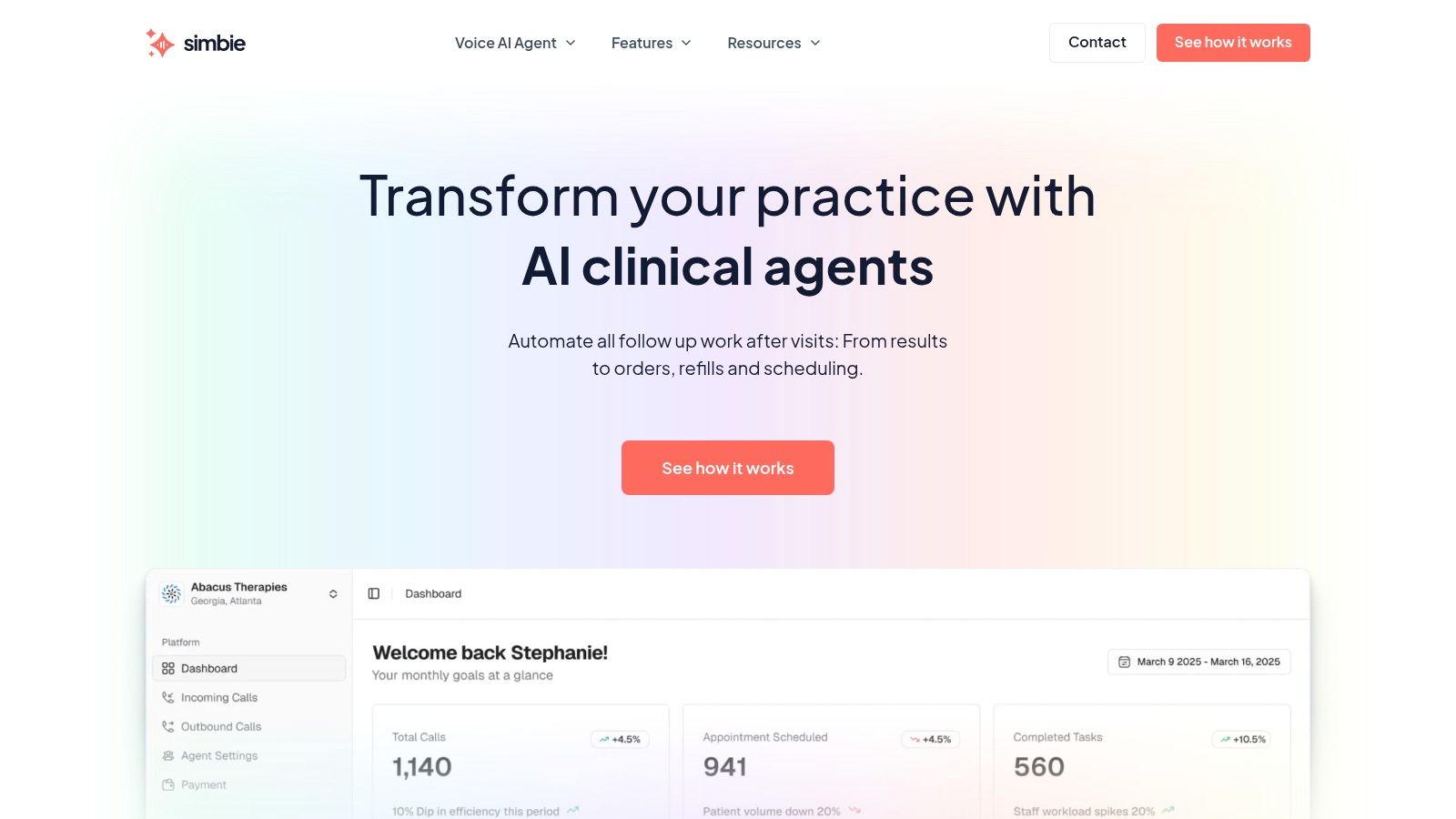
Simbie AI fits that model as AI Medical Staff, not just an answering layer. It supports front-office functions and clinical communication tasks, works with systems such as eClinicalWorks, gGastro, EMA ModMed, Athenahealth, Epic, and DrChrono, and operates with HIPAA-compliant controls and SOC 2 Type 2 certification. It was built by physicians from Stanford, Yale, Columbia, and Princeton, which shows up less in marketing language and more in how workflows are structured. It can help practices capture 100% of inbound calls, stay available 24/7 with zero hold times, and reduce front-office staff costs by up to 60% while supporting callbacks, education, refill workflows, and chart documentation. For practices comparing models, it's useful to look at both a dedicated voice AI agent for healthcare and the quality of the vendor's EMR integrations.
The trade-off to manage
Automation can save staff time, but only if the scripts are clinically bounded. If the tool starts “interpreting” instead of educating and routing, it creates risk. If it only sends generic alerts and does not document receipt or escalate failed outreach, it creates busywork.
The right setup protects doctors' time for doctoring. It gives MAs and nurses room to handle exceptions instead of drowning in routine callbacks. It also closes the gap between portal release and human follow-up, which is where a lot of patient anxiety starts.
Building a Reliable and Reassuring System
A solid lab communication process feels calm from the patient side because it is disciplined on the practice side. Expectations are set before testing. Delivery channel matches the result. Explanations are plain. Documentation is complete. Automation handles repeatable tasks without stepping into diagnosis.
Even details like secure email fallback deserve attention. If your team still uses email in limited, approved scenarios, this plain-language note on mailX on email encryption and deliverability is a helpful reminder that privacy and message delivery are separate issues, and both matter.
The goal is not to make result communication fancy. It is to make it dependable.
If you're evaluating AI for your practice, you can see Simbie AI in action at book a demo.