

Staff frustration with swivel-chair work frequently leads to healthcare system integration projects. The front desk copies demographics from one screen to another. Nurses hunt for discharge notes in a portal that doesn't talk to the EMR. Billing fixes claim issues caused by data that changed upstream but never made it downstream. Everyone says the same thing: “We need the systems connected.”
They're right, but that sentence masks the underlying problem. The interface is usually not the hardest part. The hard part is getting people, workflows, data definitions, and accountability lined up well enough that the connection does something useful instead of just moving bad data faster.
We've managed enough EMR and system integrations to know the pattern. Projects rarely fail because a vendor lacks an API. They fail because nobody agreed on what success looked like, nobody owned the data rules, and clinical teams were asked to adapt to a new process they didn't help design.
Why most healthcare integration projects go off the rails
A lot of teams still treat healthcare system integration like a wiring job. Connect system A to system B, map a few fields, test a few messages, and call it done. That's the story on paper. In practice, the minute you connect two weak workflows, you get one bigger weak workflow.
The demand is real. One market projection cited by Avizva says the healthcare data integration market will grow from USD 23.48 billion in 2025 to USD 43.66 billion by 2034, with a 7.13% CAGR, and the same source notes that 60% of health systems receive duplicate, incomplete, and junk data while 69% of health organizations receive incomplete data (Avizva on healthcare data integration). That lines up with what operations teams see every day. Bad source data turns every downstream workflow into cleanup work.
The software connection is often the easy part
We've seen teams buy an integration engine, assign a technical lead, and assume the rest will sort itself out. It doesn't. If registration staff use free-text shortcuts, if providers document the same concept in different places, or if scheduling rules vary by location, the interface will carry those inconsistencies across more systems.
That's why a basic understanding of healthcare interoperability concepts matters early. Interoperability is not just data exchange. It's whether the receiving system can use that data correctly inside a real workflow, with real users under time pressure.
Most failed integrations we've seen were approved as IT projects and then suffered from operations problems.
Where projects start slipping
The warning signs usually show up before any build starts:
- Unclear business aim: “Integrate the EMR” is not a project goal. “Reduce duplicate intake entry” is.
- No clinical ownership: If physicians, nurses, or MAs only appear at training time, the design is already weak.
- Loose data definitions: One team's “active patient” or “completed visit” may not match another team's.
- No escalation path: When billing, IT, and operations disagree on a data rule, somebody needs final say.
- Too much faith in the vendor demo: Demos show happy-path records. Real clinics run on exceptions.
A lot of leaders learn this late. They assume that because standards exist, the workflow fit will also exist. It won't, unless someone does the hard work of deciding who enters what, who verifies it, what happens on exception, and how errors get corrected.
The hidden cost of partial integration
Partial integration is often worse than no integration. Staff stop double-checking because they trust the feed, but the feed only covers some encounters, some fields, or some departments. That's how you get quiet failures. The chart looks complete until someone notices a missing allergy update or a referral note that landed as an unread document.
If a project feels stuck, don't ask only whether systems can connect. Ask who owns the workflow, who owns the data, and what the staff member at 4:45 p.m. on a Friday is meant to do when the message fails.
Building your integration blueprint and governance
The strongest projects start with a blueprint that is plain enough for operations staff to use and strict enough for IT to build from. We don't start with interfaces. We start with decisions.

A review of successful health system integrations found six shared features: patient-centered design, strong leadership, performance-accountability metrics, cross-system information sharing, services delivered across the care continuum, and a primary-care focus (review of health system integration models). That finding matches our experience. Governance is not overhead. It is the project.
Start with a narrow problem, not a broad ambition
The fastest way to lose control of scope is to say, “We want a unified patient record.” That sounds sensible, but it's too big to guide design. Start with one operational pain point that matters enough to measure.
A better set of opening questions looks like this:
| Question | Good answer | Bad answer |
|---|---|---|
| What problem are we fixing first? | Referral status disappears between systems | Better efficiency |
| Who feels the pain now? | Referral coordinators, specialists, patients | Everyone |
| What data must move? | Order details, appointment status, visit outcome | Everything |
| What happens if the feed fails? | Workqueue alert within the day | We'll figure it out |
That level of clarity changes the whole project. It lets you reject nice-to-have requests that belong in a later phase.
Put the right people in the room
Healthcare system integration always crosses department lines, so the governance group has to do the same. We usually want a small working group with authority, not a giant committee with opinions.
Include these roles early:
- Clinical lead: Someone who understands how staff operate in practice, not just what the policy says.
- Operations owner: Usually a manager who can change workflows and enforce them.
- IT integration lead: The person who knows source systems, interfaces, and vendor limits.
- Revenue cycle voice: Even clinical projects spill into claims, eligibility, or coding.
- Compliance or privacy contact: Not to slow the project down, but to catch preventable mistakes.
Practical rule: If the person who handles the exception work isn't in design sessions, you're designing the wrong process.
Define KPIs before build starts
Teams often wait until go-live to decide what success means. That's backward. If you can't name the KPI now, you probably don't understand the workflow well enough to automate it.
We prefer measures that a practice manager would care about, such as:
- Manual touches per patient event: Count handoffs and re-entry points.
- Queue aging: Track how long referrals, refill requests, or auth tasks sit.
- Data correction volume: Watch how often staff fix inbound records.
- Staff time spent chasing records: This is often where frustration shows up first.
Keep the list short. A project with too many metrics usually ends up with none that matter.
Write down ownership in plain language
Every integration needs a one-page operating agreement. Not legal language. Operational language.
That document should name the system of record, the owner of each key data element, expected timing, downtime procedure, and escalation path. If the address differs between the PM system and the EMR, which one wins? If an inbound lab result can't match a patient, who works that queue? If the external partner changes a field format, who gets alerted?
Without that discipline, governance becomes a slogan. With it, teams can make decisions quickly because the hard calls were already assigned.
Decoding the alphabet soup of standards and APIs
Most practice managers don't need a standards lecture. They need to know why one integration takes two weeks to sketch and six months to make reliable. The answer is usually buried in the stack of formats, transport methods, and vendor-specific rules hiding behind simple words like “interface.”

One practical integration guide recommends a clear sequence: assess needs, involve clinicians, IT, and administrators early, choose tools that fit the use case, standardize formats, and then implement standards such as HL7 and FHIR. It also points to common failure points like incompatible formats, fragmented sources, duplicate or missing records, and lack of real-time access that forces manual workarounds (Iron Bridge on healthcare data integration strategies).
What the common standards are really doing
You don't need to memorize every acronym, but you do need to know the role each one plays.
- HL7 v2: This is still common in hospitals and legacy clinical systems. It's good at event messages such as admissions, discharges, transfers, orders, and results.
- FHIR: This is the modern API model many teams want for apps and near real-time access. It works better for web-style integrations and modular data retrieval.
- CCDA: This is document-based exchange. It's often useful when you need a summary of care, not just a single data point.
- DICOM: This handles imaging and related metadata, which is its own world operationally.
If you're connecting a lab feed into a mature hospital interface engine, HL7 v2 may be the practical choice. If you're building a patient-facing tool or a point solution that needs modern API access, FHIR is usually the cleaner fit. The mistake is assuming newer always means easier. Sometimes the target system only exposes part of what you need through FHIR, so you end up using a mix.
Why APIs matter, and why they don't solve everything
An API is just a defined way for software to ask for or send information. In healthcare, that sounds clean until you run into permissions, rate limits, missing write-back support, custom fields, or a vendor that documents one behavior and delivers another.
That's why we tell teams to read beyond the API brochure. If you're evaluating a vendor connection, ask questions such as:
| Area | What to verify |
|---|---|
| Read access | Can you get the needed data, or only a subset? |
| Write-back | Can your app create, update, or only read records? |
| Timing | Is it real-time, delayed, or batch behind the scenes? |
| Error handling | Where do failed transactions go, and who sees them? |
For teams dealing with Epic environments, this matters a lot because API access often depends on the exact workflow and module involved. Simbie has a useful overview of Epic systems API patterns and constraints that reflects the kinds of questions implementation teams should ask before they commit.
If your integration design assumes real-time behavior but the source system updates in batches, staff will invent manual workarounds within a week.
Modern architecture beats one-off interfaces
The older model was point-to-point everything. One custom interface for scheduling. Another for labs. Another for claims status. That works until one source changes, then you spend your time fixing brittle connections.
The better pattern is API-driven exchange with middleware, explicit data contracts, retries, logging, and monitoring. Not because it's fashionable. Because healthcare operations generate enough exceptions that you need structure around every handoff.
That also means accepting a trade-off. More architecture up front can feel slower. But if you skip it, you pay later in outages, silent failures, and staff distrust.
The practitioner's guide to EMR integration
EMR integration is where good project plans meet messy reality. This is the part that looks straightforward in procurement decks and gets complicated the moment you ask for a real workflow with read access, write-back, status updates, auditability, and support for old records.
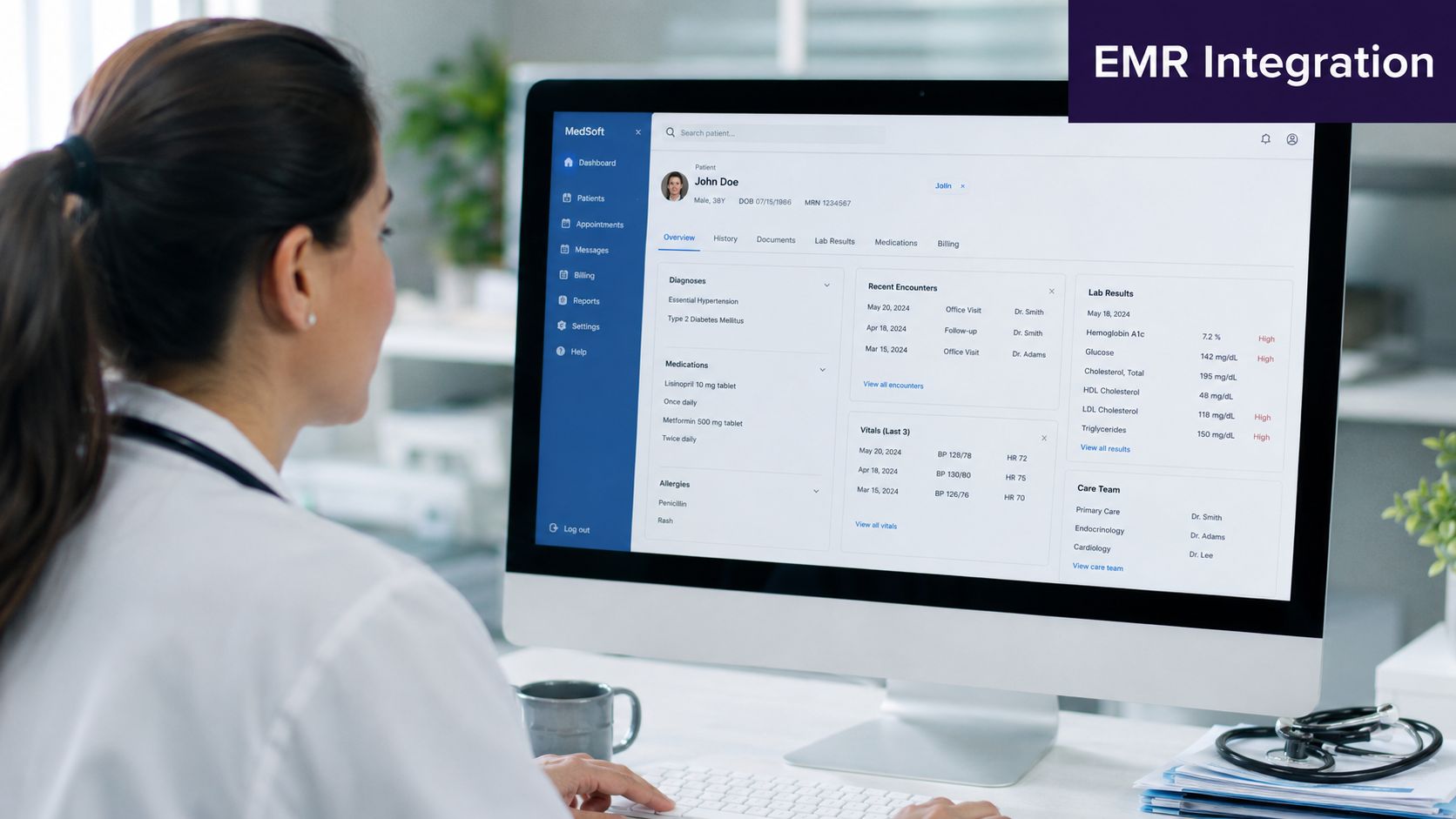
The scale of the demand is obvious. According to the American Medical Group Association, the share of physician practices owned by hospitals and health systems has nearly tripled over the past decade and is now over 60%, which is a major driver of large EMR integration work as acquired practices get folded into shared workflows and records (AMGA on system integration and practice ownership).
The first surprise is usually access
Teams often assume they can “just connect” to Epic, Oracle Health, athenahealth, eClinicalWorks, or another major platform. In reality, access depends on contracts, environment setup, app registration, endpoint availability, approved use cases, and internal security review. Even when the API exists, your client may not have turned on the pieces you need.
Timelines often slip, not because engineers can't map fields, but because the organization hasn't sorted out governance with the EMR owner, and no one budgeted for the internal work needed to approve write-back.
Data mapping is where projects live or die
A working connection is not the same thing as usable data. The hard part is mapping local reality into a structure the EMR can accept without confusing staff.
We've run into problems like these on almost every multi-site project:
- Medication mismatches: The same medication can show up with different local naming habits, units, or refill workflows.
- Custom fields everywhere: One clinic uses a free-text note for referral reason. Another has a structured field. A third tracks it in the scheduler.
- Provider identity problems: Rendering provider, supervising provider, and scheduling resource don't always map cleanly.
- Status values that don't match: “Arrived,” “checked in,” “roomed,” and “ready” may trigger different downstream actions.
The worst version of this is dirty source data mixed with local workarounds. If one office has spent years stuffing key details into comments because the original build didn't fit the workflow, your integration team now has to decide whether to preserve that habit or force cleanup.
A practical reconciliation checklist
Before go-live, we want every EMR integration team to review records the way end users will experience them.
- Field-by-field review: Don't stop at demographics. Check allergies, meds, orders, location, provider, and encounter context.
- Exception-path testing: Test duplicate patients, missing subscriber details, merged charts, canceled visits, and corrected results.
- Write-back confirmation: Verify not only that data writes, but where it lands in the chart and who can see it.
- User validation: Ask front desk staff, nurses, and billers to inspect the record, not just analysts.
- Downtime handling: Know what happens when the target system is up but the integration is not.
A vendor may tell you the integration is “successful” because messages are processed. We don't accept that definition. Success is when the right person sees the right data in the right place and can act on it without guessing.
One option teams use for operational workflows is Simbie AI, which connects voice-based administrative tasks such as intake, scheduling, refills, and documentation into existing EMR workflows. The point isn't that every practice needs that exact tool. The point is that any application writing into the chart has to be judged by the same standard: clean mapping, clear ownership, and low-friction exception handling.
Fortifying your integration with security and testing
Security and testing are where rushed projects expose themselves. Teams that were careful about architecture sometimes get impatient here because leadership wants the launch date protected. That's a mistake. A healthcare integration that moves data but can't be trusted is not finished.
There's also a patient care issue that many teams miss. Integration doesn't help everyone equally by default. A neutral review notes that benefits depend heavily on implementation, and poorly tested integrations can make equity worse if they only work for “standard” patient cases (AJMC discussion of integration and uneven effects). We've seen this risk in smaller ways. The workflow works for a routine adult follow-up but breaks on pediatric consent, blended families, multilingual intake, rural referral patterns, or complex insurance situations.
Security has to follow the data path
A basic HIPAA checklist is not enough if no one has mapped where data is created, transmitted, transformed, stored, retried, and audited. Every handoff matters.
For a useful baseline, teams should review access control, encryption, logging, vendor responsibilities, and incident response. If you want a practical starting point, this HIPAA compliance checklist for healthcare teams is the kind of operational resource we like because it forces the conversation into specific controls and owners. For a broader view of common challenges in health care information security, Vulnsy's overview is also worth a read, especially for teams stitching together older systems with newer cloud tools.
Test workflows, not just transactions
A lot of technical teams stop after message validation. The payload arrives. The API returns success. The interface engine logs a pass. None of that proves the workflow is safe.
You need at least two kinds of testing:
| Testing type | What it answers |
|---|---|
| Integration testing | Did the system send and receive the data correctly? |
| User acceptance testing | Can staff use the result correctly in real work? |
Those are not interchangeable. We've had integrations pass technical testing and still fail in clinic because the note landed under the wrong encounter, the refill queue skipped the nurse review step, or the appointment status updated too late to help check-in staff.
Test with messy records on purpose. The happy path proves almost nothing in healthcare.
Use diverse records and real staff in UAT
When we run user acceptance testing, we don't want polished sample charts only. We want old records, partial records, duplicate records, weird payer situations, proxy access, merged patients, and edge-case scheduling patterns. We also want the people who live with those exceptions every day.
Good UAT usually includes:
- Front desk and scheduling staff: They catch identity and registration problems fast.
- Clinical users: They notice chart placement, timing, and context issues.
- Billing and auth teams: They spot broken downstream consequences.
- Privacy and compliance reviewers: They ask whether the right people can see the right data at the right time.
Security and testing don't slow the project down. They protect the organization from launching something that creates unforeseen risk, rework, and unequal care.
After go-live monitoring, measuring ROI, and what comes next
Go-live is where the project starts in earnest. The build team may want to move on, but operations now has to live with the design every day. That means your first job after launch is not celebration. It's observation.
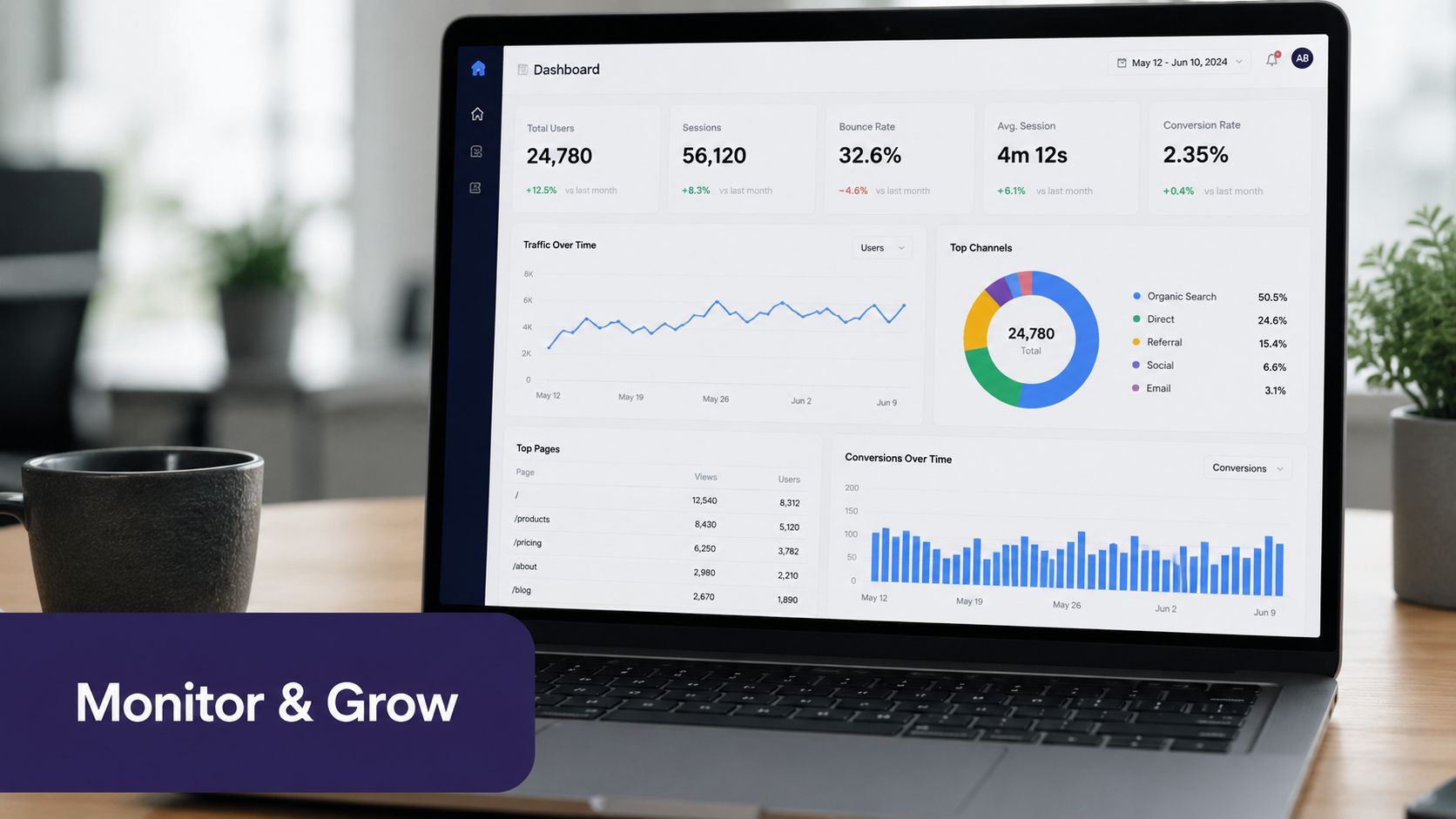
What to watch in the first stretch after launch
We usually set up a tight review rhythm with operations, IT, and the workflow owner. Not endless meetings. Short reviews with live issue logs.
Focus on signals such as:
- Error queues and failed transactions: Not just volume, but repeat patterns.
- Latency: Data that arrives late can be as damaging as data that never arrives.
- Manual fallback activity: If staff start keeping shadow spreadsheets, something is off.
- User complaints by role: Front desk pain and nurse pain usually point to different root causes.
- Correction work: Watch who is fixing records and how often.
A small issue log tells you more than a polished dashboard in the early days. If the same exception appears every afternoon, there's probably a workflow or timing problem behind it.
Measure ROI where the work changed
A lot of organizations look for hard-dollar return too early and miss the operational gains right in front of them. In healthcare system integration, a better starting point is to measure the work that changed.
That can include time saved during intake, fewer duplicate entries, lower correction effort, faster referral closure, cleaner scheduling handoffs, or less staff time chasing missing data. If the integration reduced interruptions and cleanup work, that matters even if finance takes longer to show it in a budget line.
A good integration pays twice. First in staff time and error reduction, then later in cleaner reporting and better automation options.
What comes next after the basics are stable
Once a practice or health system has dependable data movement, clear ownership, and monitoring in place, other tools become more practical. AI documentation, voice intake, automated refill handling, prior auth support, patient outreach, and analytics all work better when they aren't built on fragmented records and silent interface failures.
The next step is simple. Pick one workflow that still depends too much on manual effort, trace the data path end to end, and decide whether you have enough trust in your current integration layer to automate it safely. If the answer is no, fix that first. If the answer is yes, you're finally building on solid ground.
If your team is trying to reduce manual intake, scheduling friction, refill backlogs, or charting overhead, Simbie AI is one option to evaluate. It connects voice-based administrative workflows with existing EMR systems, which can help practices automate routine patient interactions without adding another disconnected tool.