
Simbie AI voice agents integrate with the eClinicalWorks instance the practice already runs, and call-driven work lands directly in eClinicalWorks without human rekeying. eClinicalWorks has a mature exchange layer, so the platform’s ability to move data is rarely the constraint. The constraint is whether the workflow gets finished inside the chart or gets handed back to staff as another ticket.
Practice managers usually know the pattern already. Calls get missed, voicemail piles up, and front-desk staff end up retyping the same information into the EHR after the fact. This article cuts straight to the practical question for an eClinicalWorks buyer: what connects, what lands in the system of record, and where human handoff still belongs.
What eClinicalWorks Integration Means for Your Practice
For a practice already running eClinicalWorks, eClinicalWorks integration should mean more than data passing through an interface. It should mean the work from a phone call finishes where staff already work, inside the chart, the schedule, or the task queue. That is the standard a practice manager should use when evaluating any AI front desk.
Simbie is built for that operational layer. It answers calls, handles common front-desk work, and then completes the resulting tasks in eClinicalWorks rather than handing them back as a loose ticket. That matters most in busy practices where missed calls, after-hours coverage, and repetitive registration work keep piling onto the front desk.
A good way to think about the difference is to separate exchange from completion. eClinicalWorks has strong exchange infrastructure, including APIs as the gateway for outside systems and support for clinical data elements like lab orders, results, and pharmacy data. A broader operational tool has to go further and finish the work, not just move data around.
How eClinicalWorks Integration Differs From Basic Data Exchange
A lot of buyers use “integration” too loosely. They hear that a system can exchange clinical data and assume scheduling, chart creation, and task routing are all included. They usually aren’t.
eClinicalWorks has spent years building interoperability. Its certified EHR technology page describes APIs as the gateway for outside systems, and its interoperability pages describe exchange of items like lab orders, results, and pharmacy data. Publicly, that shows a mature exchange layer, not a closed system.
Exchange is not the same as workflow completion
Clinical data exchange moves information. Operational integration finishes a job. Those are different problems. A lab result arriving in the chart is useful, but a missed call about a new patient still leaves staff to capture demographics, create the chart, and sort the appointment.
Practical rule: if the vendor can’t say where the work ends up in eClinicalWorks, assume staff will still have to clean it up.
That is why the better buying question is narrow. Which workflows are native, which require custom interface work, and which still end up manual? For eClinicalWorks buyers, that distinction matters more than a general promise that “it integrates.”
Inbound Call Work Simbie Handles With eClinicalWorks
Inbound calls are where front desks get buried. Simbie is designed to answer those calls 24/7, introduce itself as AI, and take over routine work that would otherwise land on staff during the busiest part of the day. It handles unlimited simultaneous calls, which means one surge doesn’t become ten voicemails and a long callback list.
The practical jobs are straightforward. It can schedule, reschedule, and cancel appointments, capture new patient intake and registration, collect insurance details during the call, take refill requests, and answer practice FAQs. If the call goes beyond the practice’s transfer threshold, the agent hands off. That keeps it aligned with a highly capable medical assistant, not an all-knowing operator.
A front desk lead does not want more raw call transcripts. The team wants fewer interruptions and cleaner entries. With eClinicalWorks in the loop, the goal is for the call outcome to become a real chart or schedule action, not a note to be copied later.
Virtual assistants in healthcare are only useful when they remove work from the queue, and that only happens if the result reaches the EHR.
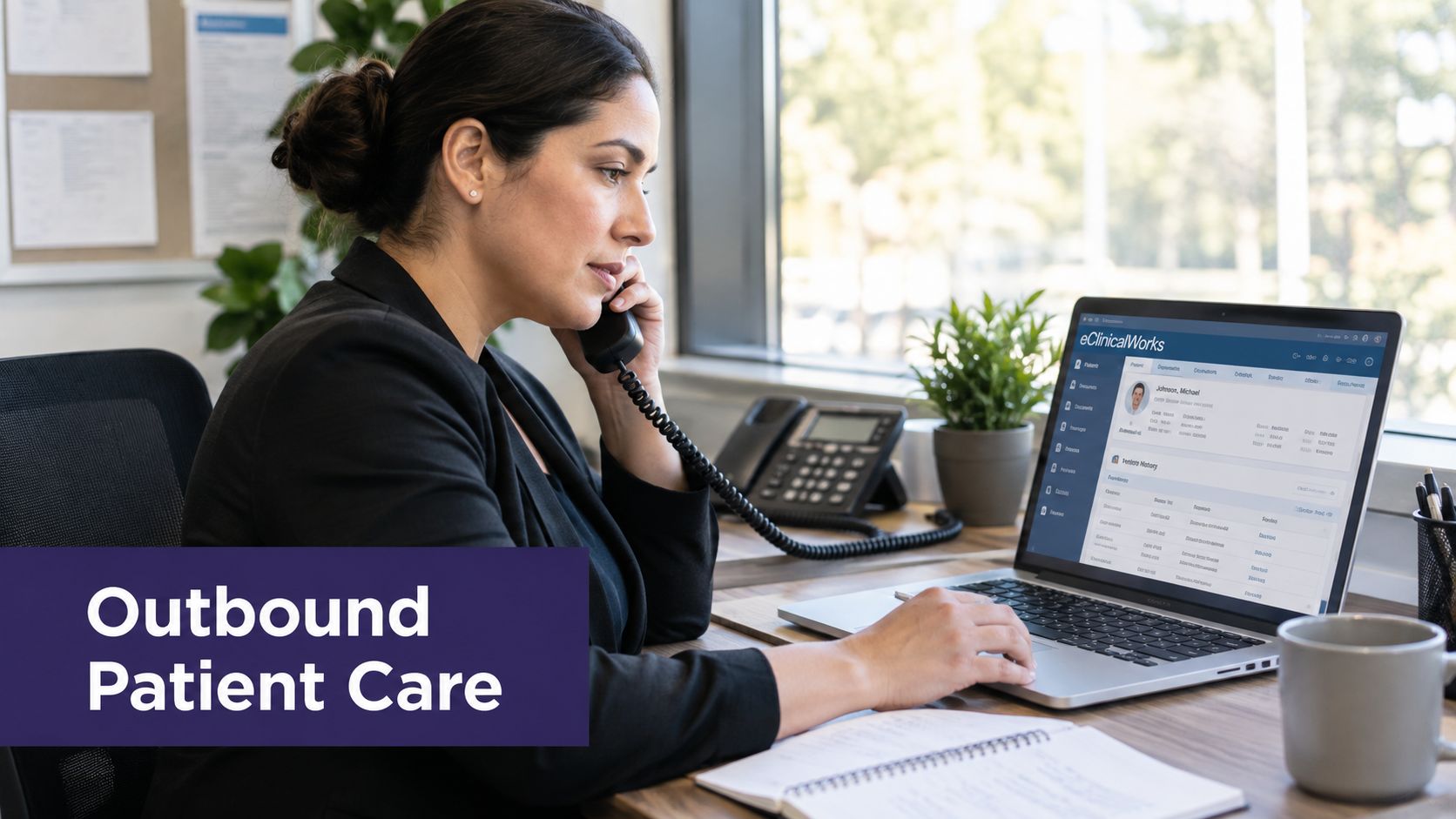
Outbound Call Work Simbie Handles With eClinicalWorks
Outbound work is where understaffed practices usually fall behind first. The calls still matter, but they are harder to fit into a packed day. Simbie handles these touchpoints as structured outreach, then routes the outcome back into the workflow instead of leaving staff to reconstruct what happened.
It can support test results review with patient education, medication reconciliation, pre-visit history intake, pre and post-operative check-ins, medication adherence reminders, and care coordination follow-up. Those are the kinds of calls that get delayed when the front desk is drowning in inbound traffic. They are also the kinds of calls that should be documented, not remembered from a sticky note or a half-finished spreadsheet.
Why this matters for operations
Outbound work is not glamorous, but it closes gaps in communication. A practice manager who only looks at inbound call handling is missing half the picture. If a workflow never reaches the chart, the staff still has to clean it up later.
That is where eClinicalWorks matters again. The outcome needs to live in the system of record, whether that means a task, a chart note, or a follow-up entry. Otherwise the practice is just adding another touchpoint without reducing the administrative burden.
How Call Outcomes Land Directly in eClinicalWorks
This is the piece most buyers care about, because it’s the difference between automation and more busywork. When Simbie finishes a call, the outcome is completed directly in eClinicalWorks. A scheduling request becomes an appointment update. A new patient intake becomes a chart entry. A refill request is queued for clinician review and e-prescribe. A note becomes a phone note in the chart.
That matters because staff no longer have to rekey the call into a separate ticket system and then push it back into the EHR. The work starts on the phone and ends in the practice’s system of record. The front desk sees the result where it belongs.
The right test is simple. If the call is answered, who owns the next click, and where does the final action land?
Every EMR Simbie connects to is held to the same standard: the handoff has to be clean, and the result has to be visible inside the chart.
| Task From Call | Destination in eClinicalWorks | Staff Action Removed |
|---|---|---|
| Appointment request | Schedule update | Manual re-entry into the calendar |
| New patient intake | New chart and registration details | Duplicate data entry |
| Insurance details captured on the call | Patient record fields | Re-keying demographics |
| Refill request | Queue for clinician review | Writing a separate request ticket |
| Call summary | Phone note to the chart | Transcribing the conversation later |
Data Flow Security and API Access for eClinicalWorks
eClinicalWorks has a modern API story, and that matters for any practice evaluating automation. Its current integration guidance says it supports FHIR R4 APIs, SMART on FHIR OAuth 2.0, and HL7 v2 interfaces for common clinical events. It also says the certified FHIR APIs align with the ONC Health IT Certification Program's § 170.315(g)(10) criterion and are available to third-party developers and customers at no cost at the time of publication. That does not mean every workflow is exposed through one universal endpoint. It means access is structured and practice-scoped.
A separate implementation guide describes client ID, client secret, and a tenant-specific FHIR base URL, which is the right way to think about production access. One practice's connection is not another practice's connection. That is normal in healthcare interoperability.
Access control, auditability, and scope discipline matter as much as the connection itself. Simbie is SOC 2 Type 2 certified and HIPAA compliant, and supports English and Spanish only.
Implementation Checklist and Stakeholder Responsibilities
A clean rollout starts with ownership, not software. The practice manager should own the business rules, the physician owner should sign off on refill review and transfer thresholds, the front desk lead should define the call flows, and the IT or eClinicalWorks admin should handle app registration and connectivity.
The checklist is practical:
-
EHR access and app registration: IT or eClinicalWorks admin.
-
Scheduling rules and resources: practice manager and front desk lead.
-
Intake and registration fields: front desk lead.
-
Refill queue and clinician review path: physician owner.
-
Phone note templates and task assignment: practice manager.
-
Transfer thresholds: physician owner with front desk input.
-
Go-live validation: all four roles should verify the same workflows.
A practice doesn't need a giant implementation plan. It needs agreement on who approves each workflow and what counts as done inside eClinicalWorks. That keeps the rollout from turning into a string of partial connections.

Limitations and What Simbie Does Not Do
Simbie does not do prior authorization. It does not call payers to verify benefits. It does not do medical coding, billing, or revenue cycle management. It does not modify existing prescriptions, it queues prescriptions for clinician review, and the clinician still reviews and e-prescribes.
It also does not act as a phone provider or IVR, read non-EHR third-party systems, prescribe, replace clinical judgment, or handle payment or card information. That boundary is important. The tool is for front-desk and follow-up work that can be completed inside the EHR, with human oversight where the practice requires it.
Common Questions About eClinicalWorks Integration
Which AI integrates with eClinicalWorks?
Simbie AI voice agents work with the eClinicalWorks instance the practice already runs, and they complete call-driven tasks directly in eClinicalWorks.
Does eClinicalWorks have an API?
Yes. eClinicalWorks supports certified FHIR R4 APIs with SMART on FHIR OAuth 2.0, plus HL7 v2 interfaces for common clinical events.
What languages does Simbie support?
English and Spanish only.
Is the connection practice-scoped?
Yes. Production access uses practice-specific credentials and a tenant-specific FHIR base URL.
If the practice is trying to reduce front-desk drag without turning the EHR into a project of its own, Simbie AI is built for that lane. It handles inbound calls, outbound follow-up, and EHR task completion inside eClinicalWorks, which is the part most teams need. To see how that fits a real workflow, visit Simbie AI or go straight to book a demo.