
A privacy failure in a clinic rarely starts with malice. It starts with speed. A chart stays open at the front desk because the phone rings. A medical assistant repeats a diagnosis a little too loudly in a hallway because three rooms are waiting. A telehealth visit begins before anyone confirms who is on the other end.
I've helped roll out privacy programs in small practices and larger multi-site groups, and the pattern is always the same. Many teams know the rule. Fewer know how to make the rule hold up at 8:15 on a Monday when the waiting room is full, the EHR is lagging, and everyone is trying to keep care moving.
That gap is where confidentiality in patient care usually breaks. Not in policy binders. In everyday work.
More than a rulebook, confidentiality is your reputation
The fastest way to understand confidentiality is to stop treating it as a legal memo and start treating it as a promise. Patients don't care whether your policy manual is polished if they can hear another patient's lab result at check-in or see a chart sitting in public view.
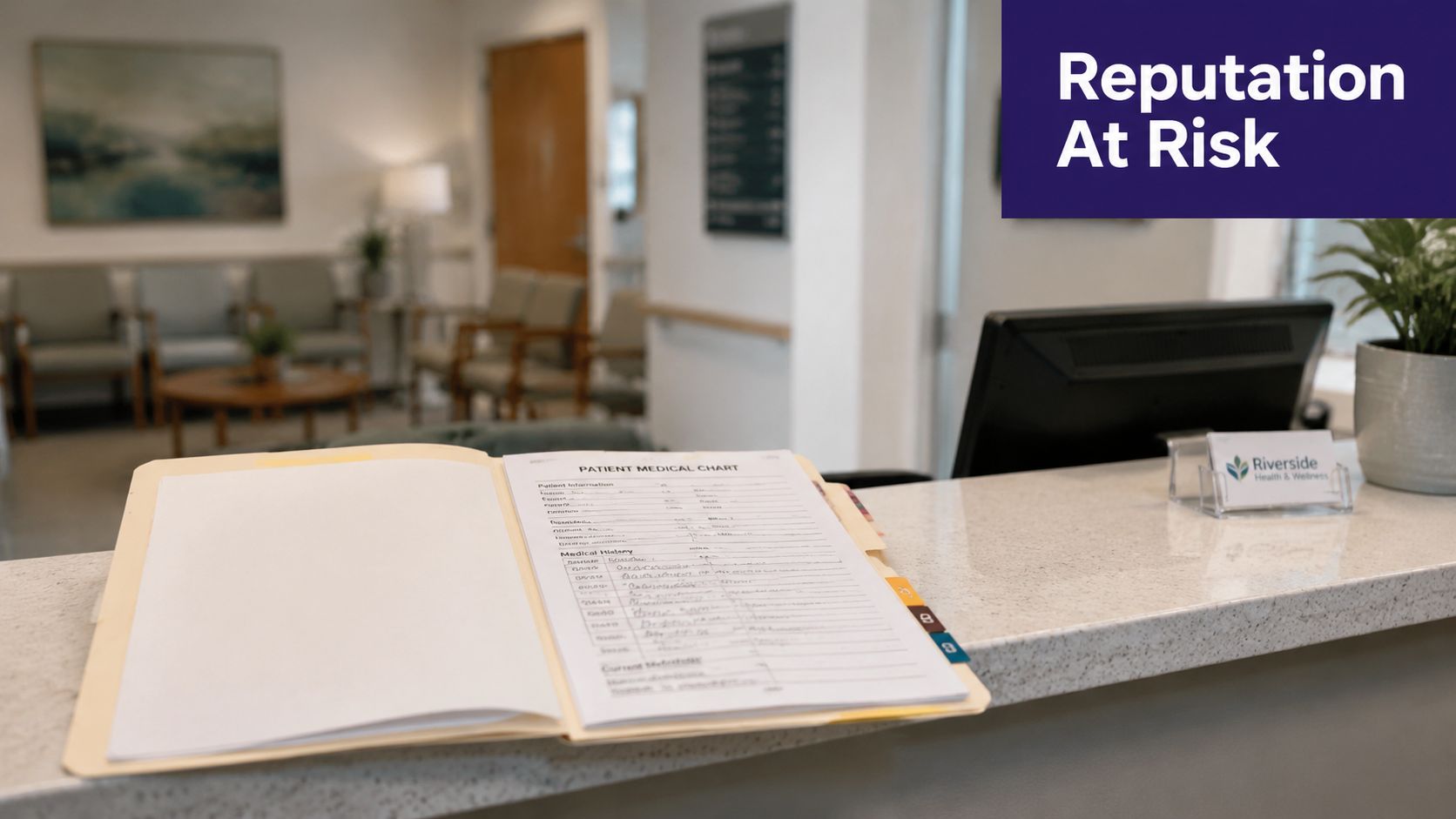
In practice, the hardest part isn't defining privacy. It's keeping it intact while care stays fast, team-based, and digital. The front desk needs enough information to register the patient. Billing needs enough to send a clean claim. Clinical staff need enough to treat safely. Patients assume you can do all of that without exposing details that don't belong in the open.
That assumption is reasonable. It's also fragile.
Recent patient survey data shows why this still matters. 94% of patients want companies held legally accountable for uses of their health data, and fewer than 10% reported withholding information from their provider due to privacy concerns, which shows improvement but not a solved problem, according to the AMA's patient survey on health data privacy.
Why trust drops faster than it returns
A privacy near-miss has a long tail. Even when no formal breach is reportable, patients remember the feeling that their information wasn't handled carefully. Once that happens, every later interaction gets filtered through doubt.
I've seen practices spend months improving access, reminders, and follow-up only to undo goodwill with small privacy mistakes that felt careless. Not malicious. Careless. Patients notice the difference between a clinic that talks about confidentiality and one that has built it into the way people answer phones, position monitors, and speak in shared spaces.
Practical rule: If a patient can see it, hear it, or infer it by accident, your workflow is carrying more information than it should.
What works and what usually fails
What works is boring. Quiet check-in language. Screen positioning. Clear scripting for phone calls. Tight role permissions. Short, repeated reminders to staff that privacy isn't a once-a-year module.
What fails is relying on intent alone. Good people still overshare when the process invites it. If your workflow depends on every employee making the perfect judgment call every time, it isn't a strong workflow.
Confidentiality in patient care is part ethics, part operations, and part habit. If you want patients to speak candidly, your practice has to show them that their information is safe in ordinary moments, not just in policy statements.
Navigating the legal landscape beyond the acronyms
Most privacy breakdowns happen because teams hear legal terms but never get a practical translation. They know HIPAA matters. They don't know how it should shape a reminder call, an internal message, or a billing question.
The legal baseline still starts with HIPAA, enacted in 1996, which established national privacy protections for protected health information. It allows disclosure without written patient authorization for treatment, payment, and healthcare operations, but requires sharing only the minimum necessary information, as explained in the NCBI overview of HIPAA confidentiality protections.
What treatment, payment, and operations actually mean day to day
Teams often overcorrect here. They think every use of patient information requires fresh written consent. It doesn't.
If a nurse shares relevant information with a physician for care, that's treatment. If billing sends the information needed to process a claim, that's payment. If staff review records for scheduling, quality review, or routine administrative work inside the practice, that usually falls under healthcare operations. The legal permission exists, but it isn't unlimited. The fact that you may share information doesn't mean you should share all of it.
That's the operational meaning of “minimum necessary.” It isn't abstract. It asks a simple question before every disclosure: what is the least amount of information this person needs to do this task correctly?
Where practices get tripped up
The common errors look small:
- Front desk oversharing: A scheduler reads detailed clinical notes when only appointment details are needed.
- Billing overflow: A claim note includes more identifying or clinical detail than the task requires.
- Reminder call drift: Staff confirm sensitive information in voicemail or with someone other than the patient.
- Policy confusion: Teams use “HIPAA” as a reason to refuse ordinary coordination, then ignore it during rushed moments.
I usually tell managers to translate law into role-based instructions. “Billing can see X, not Y.” “Voicemail can include this, not that.” “Referral staff can send the order and necessary clinical detail, not the whole chart.” That's far easier to follow than a long policy full of legal language.
The best privacy policy is the one a busy employee can still apply without calling a supervisor every hour.
For external policy language, teams often compare their internal standards with public-facing documents to make sure patient expectations match actual practice. A straightforward example is ProMed Certifications' privacy, which shows the kind of plain-language disclosure structure patients are used to seeing. For internal implementation, a practical reference point is a HIPAA compliance checklist from Simbie AI, especially if your team needs to turn broad requirements into task-level controls.
Building your practice's confidentiality framework
If confidentiality lives only in orientation slides, it won't last a week. It has to exist in permissions, room setup, scripts, records handling, and supervision. The simplest framework I've used has three parts. Administrative controls, technical controls, and workflow controls. If one is weak, the others carry too much weight.
A useful operating principle is the minimum-necessary standard. Only the smallest amount of patient information needed for a specific task should be disclosed, and practices should use de-identified information whenever feasible, as outlined in this documentation privacy guidance from Innovaccer.

Administrative controls that make privacy real
This is the part many practices rush because it doesn't feel urgent until something goes wrong. It matters more than people think.
Start with access by job function, not by convenience. New staff often inherit broad permissions because no one wants onboarding delayed. That shortcut stays in place for years. I've seen reception roles with access to detailed notes they never need, only because “that's how the template user was set up.”
You also need plain rules for non-digital records and spaces. Paper still causes problems. So do printers, fax trays, sign-in sheets, and unsecured offices where records can be viewed after hours.
A good administrative baseline includes:
- Signed confidentiality expectations: Staff should acknowledge privacy duties in language they can understand, not just in legal forms buried in onboarding.
- Role maps: Each role should have a clear statement of what it may access, what it may share, and where escalation is required.
- Vendor review: Anyone touching patient data, from billing support to software providers, needs review before access is granted.
- Physical controls: Lockable storage, controlled disposal, badge access where needed, and a rule against leaving records or labels in open view.
Technical controls that reduce avoidable exposure
Technology can either enforce your privacy standard or undermine it. Usually it does both at once.
Role-based access is the first line of defense. Your EHR should not treat all staff as interchangeable. If a scheduler can open psychotherapy notes, your system is doing the opposite of what your policy says. Automatic screen locks also matter, because open workstations are still one of the most common privacy failures I see during site reviews.
A short audit table helps teams spot where controls are weak:
| Area | Good practice | Weak practice |
|---|---|---|
| User access | Permissions match the employee's actual role | Shared logins or broad default access |
| Workstations | Screens lock quickly when idle | Monitors remain open in public or semi-public areas |
| Messaging | Secure channels for patient communication | Staff use personal devices or informal workarounds |
| Data use | De-identified data used when possible | Full identifiers included by habit |
If your EHR permissions are too broad, training won't save you. People can only follow the minimum-necessary rule if the system enforces it.
Workflow controls where breaches usually start
This is the section most practices skip, even though it's where daily mistakes happen.
Think about the path of information through an ordinary day. A patient checks in. A call comes from a spouse. Lab results need follow-up. A referral is sent. Someone leaves a voicemail. Each step needs a script and a boundary.
The strongest workflows usually have these features:
- Front desk language that stays neutral: Ask for verification without naming conditions or test results within earshot of others.
- Phone protocols: Verify identity before discussing care. If identity can't be confirmed, limit the conversation.
- Secure messaging rules: Decide what can go through the portal, what needs a call, and what needs direct clinician review.
- Huddle discipline: Team conversations should happen in the right space, not in hallways or near waiting patients.
- Clean handoffs: Staff pass only what the next person needs, rather than forwarding the whole chart “just in case.”
What doesn't work is telling staff to “be careful.” That sounds reasonable and produces inconsistent judgment. Better to write the exact steps, test them in the clinic, and revise where people get stuck.
The technology tightrope with EHRs, telehealth, and AI
New tools don't remove confidentiality risk. They move it. Sometimes they reduce one weak point and create another. A portal can reduce voicemail exposure but increase risk if account access is poorly managed. Telehealth can expand access but create new questions about identity, location, and who is in the room off camera.
EHR access should follow the job, not the software default
Most EHRs can support role-based permissions. Many practices still don't tune them well. That's partly because configuration takes time and partly because broad access feels easier during implementation.
It isn't easier later. It creates confusion, increases incidental exposure, and makes audit findings harder to explain. I prefer to start from the narrowest sensible access level and open more only when a real workflow requires it. Teams often resist this at first, then settle down once they see that privacy and efficiency can coexist if the build is thoughtful.
Telehealth needs a script, not just a platform
A secure platform matters, but the platform alone won't protect privacy. Staff need a routine at the start of every remote visit. Confirm the patient's identity. Confirm location. Ask whether anyone else is present. Make clear whether the visit is being documented in the same way as in-person care.
Where practices struggle is edge cases. A parent answers from a moving car. A patient joins from work with coworkers nearby. A video connection drops and the clinician calls back on speakerphone without verifying who picked up. None of that is unusual. All of it changes confidentiality risk.
A simple decision grid helps:
| Scenario | Safe default |
|---|---|
| Identity is unclear | Pause and verify before discussing care |
| Others may be in the room | Ask the patient who is present and whether they want to continue |
| Connection fails | Reconfirm identity on the callback |
| Multi-state or unclear location issue | Escalate for legal review if disclosure questions arise |
AI tools can help, but only if governance comes first
AI scribes, voice agents, and intake tools touch the same privacy obligations as any other system handling patient information. The mistake I see is buying on convenience and asking privacy questions later.
That's backwards. Start with data handling. Ask what is captured, where it is stored, who can access it, how retention works, and how the output enters the chart. If the answer is vague, stop there.
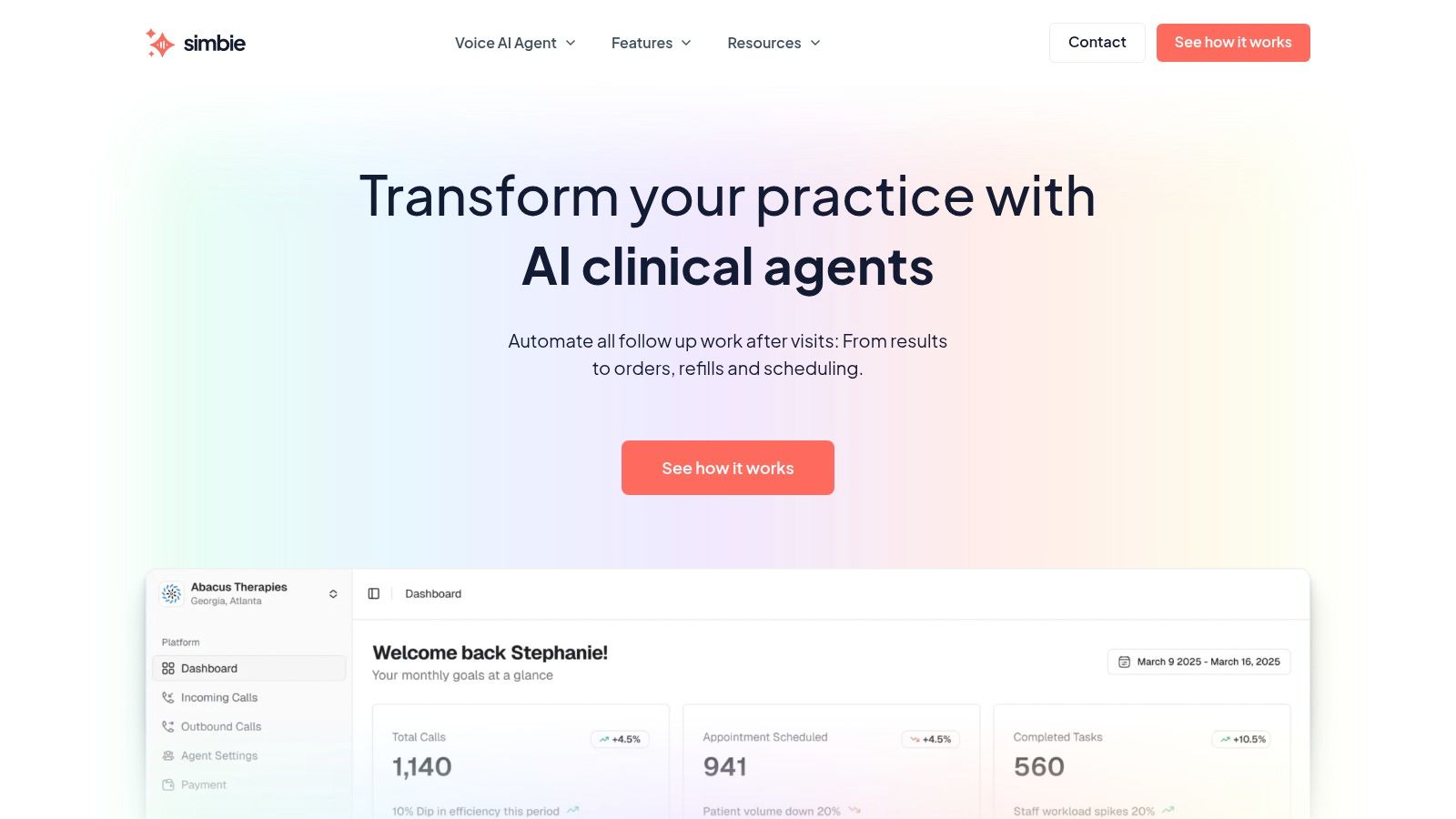
For practices evaluating healthcare-specific tools, HIPAA-compliant AI guidance from Simbie AI gives a useful example of the questions to ask around encryption, storage, and access controls. If you use AI scribes or voice agents at all, make them part of your existing privacy program. Don't let them become a side system no one owns.
Training your team and watching for weak points
A privacy policy that sits untouched after onboarding is mostly theater. People don't learn confidentiality by signing a form once. They learn it by repetition, correction, and seeing that leaders care about the details.
Practical guidance for team-based care says information should be shared on a need-to-know basis, and that ordinary tasks like phone calls and visible computer screens create incidental disclosure risks that require safeguards and staff training, according to the MDU guidance on confidentiality.
Train for the moments that actually happen
Annual modules have their place, but they don't prepare staff for the questions that cause hesitation:
- Phone requests from family members: What can staff say before identity and authority are clear?
- Hallway conversations: Where should clinical updates happen instead?
- Shared work areas: What should be on-screen, and when should screens be locked?
- Patient messages: Which issues stay in the portal, and which move to a private call?
- Suspicious emails or attachments: Who reports them, and how fast?
I prefer short scenario drills over long lectures. Give staff a realistic case. Ask what they would say, what they would document, and where they would escalate. People remember decisions they've practiced.
Staff rarely break privacy rules because they dislike privacy. They break them because the real-life version arrived faster and messier than the training did.
Build a reporting culture that doesn't punish honesty
If employees think every near-miss will become a disciplinary event, they'll hide the small mistakes that would have taught you something. That's a serious loss.
You still need accountability. But you also need a way for someone to say, “I almost disclosed this to the wrong caller,” or “patients can read the monitor from chair three,” without panic. Near-miss reporting gives you usable information before an actual breach lands on your desk.
Audit lightly, but do it often
Auditing doesn't need to be dramatic. Quiet, regular checks work better.
Try rotating through a few small reviews:
- Access log checks: Look for users opening records outside their role or pattern.
- Front desk observation: Stand where a patient stands and see what can be heard or viewed.
- Voicemail review: Check whether staff messages reveal more than intended.
- Template review: Remove unnecessary identifiers from forms, messages, and internal notes.
What works is consistency. What fails is the once-a-year privacy scramble right before someone expects an inspection.
Your practical plan for when a breach happens
Even well-run practices have incidents. The difference between a contained event and a damaging one is usually the first hour. Panic causes delay. A simple playbook keeps people moving.
The first step is containment. Disable the compromised account. Retrieve the misdirected fax if possible. Stop the message chain. Secure the device. Preserve logs and screenshots before anyone starts “fixing” things and erasing evidence.
A calm response sequence
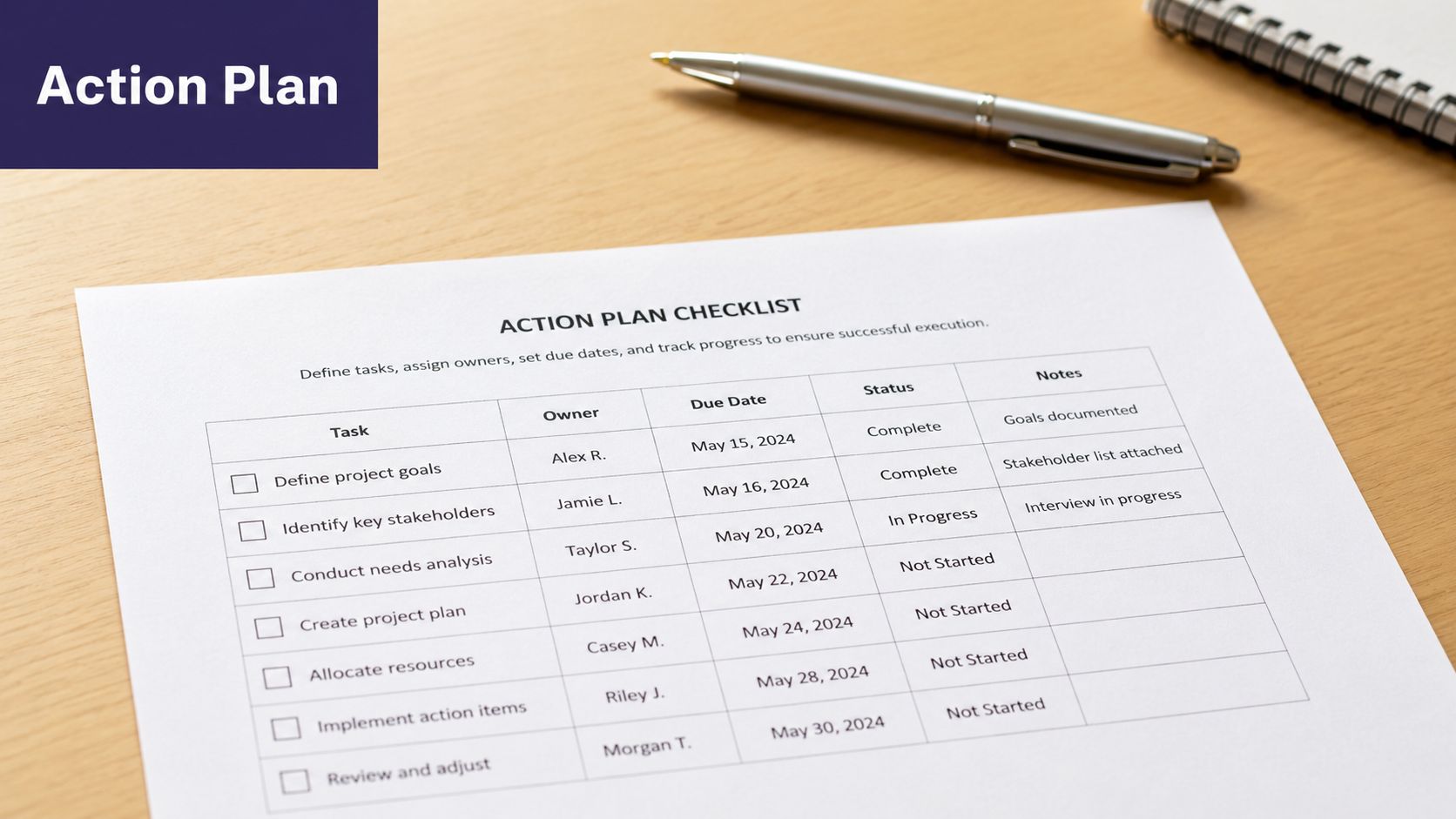
Use a fixed order:
- Contain the exposure: End access, isolate the device, or stop the disclosure.
- Assess scope: Identify whose information was involved, what data was exposed, and who received it.
- Preserve evidence: Keep emails, logs, screenshots, and staff statements.
- Escalate quickly: Notify your privacy lead, compliance contact, and legal counsel as needed.
- Decide next steps: Determine whether notice, remediation, retraining, or technical fixes are required.
Be careful with exceptions and judgment calls
Some disclosures can be justified in rare cases involving serious threats or emergencies, but those decisions are subjective, and clinicians should seek legal advice before disclosure, especially in telehealth cases where identity and jurisdiction may be unclear, as explained in the University of Washington ethics guidance on confidentiality exceptions.
That matters during incident response because teams under pressure sometimes assume an exception covers them when it may not. Slow that part down. Get the facts. Get counsel involved early.
If your practice is tightening its incident response process, a focused review of patient data security planning can help turn a vague “we'll handle it” stance into an actual response path.
The best next step is simple. Pull one common workflow this week, check who can see what, and fix the smallest weak point first. Privacy programs improve the same way practices improve anything else. One real process at a time.
If your practice is reviewing how automation fits into confidentiality controls, Simbie AI is one healthcare-focused option for handling administrative workflows such as intake, scheduling, and documentation support within a HIPAA-aware setup. The useful question isn't whether to add more technology. It's whether the tools you choose can fit cleanly into the privacy rules, access controls, and audit habits your team already uses.