
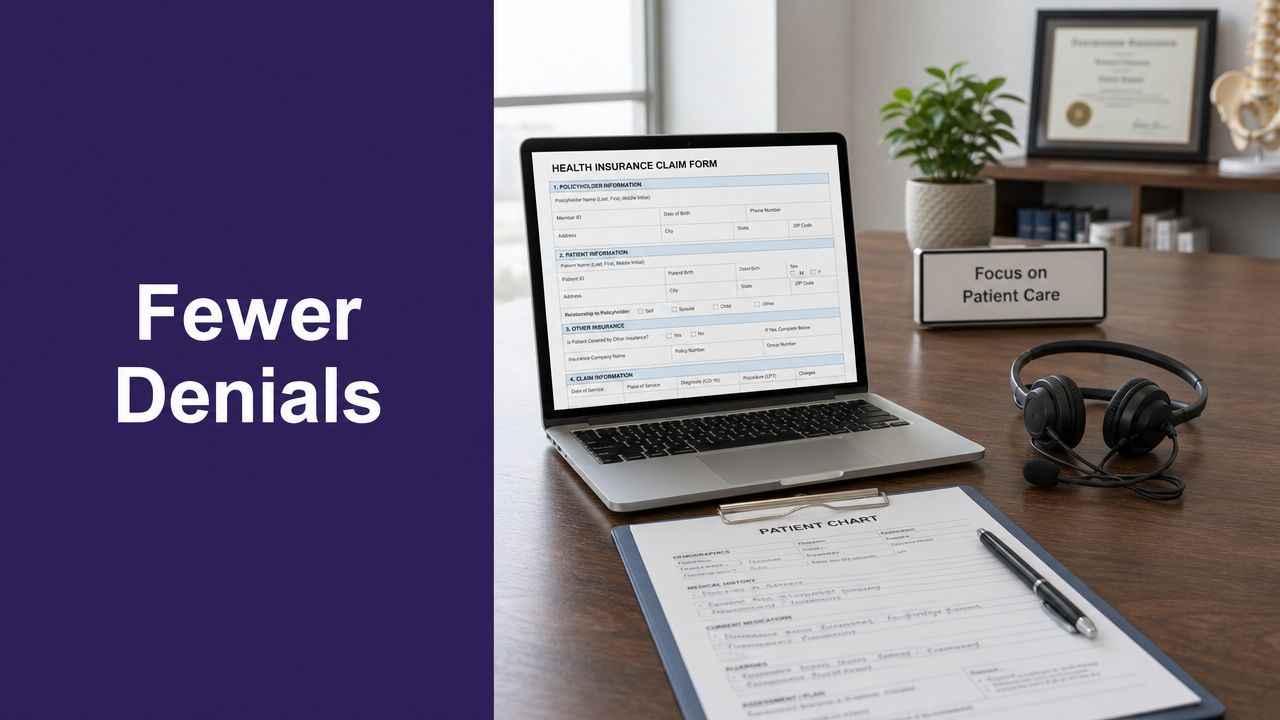
A lot of claim problems start before the patient is even roomed. The phone rings, insurance changes, a referral expires, a staff member is covering two desks at once, and by the time the visit is documented, the claim submission process is already set up to fail. If you run a small or mid-sized dermatology, GI, or internal medicine practice, such circumstances result in revenue leakage.
This guide is for practices that want fewer denials without adding more billing chaos. The fix usually isn't another billing tool by itself. It's a tighter claim submission process from intake through denial recovery, with cleaner front-desk workflows and less rework across the whole revenue cycle.
Meta description: Improve your claim submission process with practical steps to prevent denials, tighten intake, and speed reimbursement in your practice.
The Full Journey of a Medical Claim
A claim's path starts before the visit and ends after the money is posted, matched, and worked correctly. In practice, that means the revenue cycle begins at scheduling and registration, passes through documentation, coding, and submission, and stays active until payment, patient balance, or follow-up work is resolved.

The Six Core Stages of a Claim
A practical way to map the process is to break it into six stages: registration and eligibility, charge capture, coding, claim creation and scrubbing, submission, and adjudication with payment posting.
That sequence helps teams see where work gets handed off and where errors hide. A wrong date of birth at registration can survive all the way to payer review. A missing modifier can delay payment even when the clinical note is solid. By the time the billing office sees the rejection, the easiest fix was often missed days earlier.
The submission step still demands precision. Professional claims are commonly sent on the CMS-1500 data set, and facility claims use the UB-04 structure. Those claims need accurate demographics, insurance details, diagnosis codes, procedure codes, and payer-specific edits before they go out electronically through a clearinghouse. The mechanics are familiar. The hard part is keeping bad information from entering the system upstream.
That is the part many practices underbuild.
A healthy revenue cycle depends less on buying one more billing tool and more on tightening the workflow before submission and after denial. Front desk staff, coders, billers, and follow-up teams all touch the same claim at different moments. If those handoffs are disconnected, clean submission rates drop and rework climbs. If you are reviewing those handoffs across the full process, this overview of healthcare revenue cycle optimization is a useful reference.
One habit I recommend to new managers is simple. Trace every denied or delayed claim back to its first preventable miss. Do that for a month and patterns show up fast. You usually find intake gaps, referral misses, or documentation timing problems long before you find a software problem.
Teams that are cleaning up reporting, workflow logic, or claim status visibility across systems may also find this guide for healthcare data engineers useful. It is especially relevant for practices trying to connect scheduling, coding, billing, and collections into one accountable process.
Why Most Claim Denials Start at the Front Desk
Monday starts with a full waiting room, two staff callouts, and a patient who swears their plan has not changed. The card in the chart is old, the referral was never attached, and the authorization status is still unclear at check-in. By the time the claim denies, the billing team is working a problem the front office created under pressure.
That pattern is common in real practice operations. Denials tied to eligibility, authorization, coordination of benefits, demographic mismatches, and referral requirements usually begin before the encounter is coded or sent out. Practices that focus only on billing software miss the actual failure point. The revenue cycle gets healthier when front-office verification, intake follow-up, and denial prevention are built into one process.
The pre-submission gap is operational, not theoretical
Front-desk work looks routine until you measure rework. One wrong member ID, an inactive PCP assignment, or a missed plan restriction can turn a visit into a denied claim, a delayed patient statement, and extra staff time on the phone. None of that is fixed by a scrubber after the fact.
I tell new managers to review denials by origin, not by department. If the root cause sits in scheduling, registration, insurance verification, or unanswered patient messages, the solution belongs there too.
Integrated support helps. Practices using AI support for medical coding workflows still need the front office to hand over accurate insurance, referral, and encounter details. Better coding improves claim quality, but it cannot repair bad intake data that entered the system three days earlier.
What front-desk teams need to verify every time
The checklist is simple. The discipline is harder.
- Coverage for the date of service: Confirm the policy is active on the actual visit date.
- Member and subscriber details: Match name, date of birth, member ID, and subscriber information exactly to payer records.
- Plan rules: Confirm the service is covered under the current benefit design.
- Authorization and referral status: Verify prior auth, referral, ordering, and PCP requirements before the patient arrives.
- Network alignment: Check that the rendering provider, location, and any related services fit the patient's plan.
Small mistakes create expensive follow-up. A rushed registration can lead to claim rework, patient frustration, and delayed cash for weeks.
What actually improves this part of the workflow
Training matters, but scripts and accountability matter more. Strong teams use payer-specific checklists for high-risk visits, flag unresolved issues before check-in, and give staff a clear escalation path when coverage or authorization cannot be confirmed. They also close the loop on missed calls and portal messages, because a patient trying to update insurance after hours is still part of claim prevention.
This is one place where compliance discipline matters too. Staff are handling protected health information while collecting cards, confirming benefits, and sharing documentation across systems. Teams reviewing those handoffs can use Cyber Command's HIPAA compliance insights as a practical reference for tightening privacy and security around intake.
What does not work is assuming the clearinghouse will catch every problem. It will catch formatting and some edits. It will not catch every plan rule, every referral miss, or every front-desk shortcut that turns into a denial later.
Clean Claims Through Smart Coding and Submission
A lot of claim trouble starts before the claim ever leaves your system. By the time billing sees the account, the front desk may have entered the wrong subscriber ID, the clinician may have picked a vague diagnosis, and the charge may be sitting in a queue waiting for someone to clean it up. If a practice wants a higher clean-claim rate, this is the handoff to tighten.

Coding has to match the chart and survive payer edits
Charge capture works best close to the date of service. Once charges age, details get lost. That hits procedural specialties hard, but I see the same problem in busy primary care groups where a missed modifier or undocumented supply can hold up payment just as easily as a major coding error.
Coders and billers have to do more than assign CPT, ICD-10, and HCPCS codes. They have to test whether the documentation supports medical necessity, whether modifiers are justified, and whether the payer is likely to reject the combination before adjudication. That is why clean claims are built through coordination, not speed alone.
The systems matter too. In independent practices, that usually means Athenahealth, gGastro, EMA ModMed, eClinicalWorks, Epic, or DrChrono. Sloppy templates, overused diagnosis pick-lists, and inconsistent charge entry create bad claims long before anyone runs a scrubber.
Submission quality depends on what happens before the scrubber
Electronic submission through the EDI 837 format is standard for a reason. It gives the practice a structured claim file, faster transmission, and a chance to catch formatting and code issues before the payer reviews the claim. Paper processes and manual workarounds still create avoidable delays, especially when staff have to rekey data from one system into another.
A practical workflow usually looks like this:
- Capture every billable service from the note, procedure log, supplies, and any ancillary work.
- Match codes to documentation so the diagnosis supports the service and the chart can stand behind the claim.
- Build the claim file correctly in the practice management system, including modifiers, units, rendering details, and place of service.
- Run edits before release to catch missing fields, invalid combinations, and common payer rules.
- Submit on a steady cadence so claims do not sit in work queues while A/R ages.
A scrubber helps, but it only catches part of the problem. It will flag missing data and known edits. It will not fix weak charting, bad intake data, or charge capture habits that leave money on the table.
That gap is why practices keep buying billing tools and still struggle. The solution lies in connecting front-office accuracy, coding logic, and claim submission in one workflow. Teams exploring that approach should review how AI in medical coding fits into chart review, code support, and pre-submission checks without adding another disconnected step.
Compliance needs the same discipline. Staff are moving protected health information through intake, coding, claim creation, and follow-up, often across several systems and inboxes. Cyber Command's HIPAA compliance insights are a useful reference for tightening those handoffs while the workflow becomes more automated.
Through the Clearinghouse and Payer Adjudication
Clicking submit is not the end of the work. It's the moment your claim enters two systems you don't control, the clearinghouse and the payer.
What the clearinghouse actually does
A clearinghouse acts like a routing and validation layer. It checks format, required fields, and selected edits, then forwards the claim to the right payer in the right structure. If there's a rejection, that report usually comes back quickly, and your staff needs to work those rejections fast instead of waiting for aging reports to expose the problem.
Discipline beats effort. Practices that review clearinghouse rejections daily usually recover faster than practices that batch the work and let small issues age into bigger A/R problems.
Adjudication is where the payer decides what your work is worth
After the clearinghouse passes the claim along, the payer adjudicates it. That means the payer reviews accuracy, coverage rules, contract terms, and compliance requirements, then decides whether to pay, deny, pend, or adjust. The result returns in an ERA or appears on the EOB, and your posting team has to reconcile that response correctly.
The hidden cost here is not trivial. Rivet Health notes that the administrative burden of claims processing accounts for 3% to 6% of revenues for providers, and it also emphasizes that eligibility verification and claim scrubbing improve the clean claim rate, which is one of the clearest indicators of front-end and billing health in a practice's claim submission process.
A few operational signals tell you whether adjudication is going your way:
| Workflow signal | What it tells you |
|---|---|
| Frequent clearinghouse rejections | Your claim build process is inconsistent |
| Payer denials for eligibility or auth | Front-end verification is still weak |
| Underpayments on paid claims | Contract loading or payment posting needs review |
| High clean claim rate | Intake, coding, and submission are working together |
If your team only measures collections, you'll miss the process failures that created the collection problem.
A System for Managing Denials and Appeals
A denial rarely starts in the billing office. It usually shows up there after a bad insurance capture, a missed authorization, weak documentation, or an incomplete handoff sat untouched for days. By the time the ERA posts, the preventable mistake has already turned into rework.

Denial recovery needs ownership
Well-run practices still get denials. The difference is that strong teams treat them as a managed workflow with deadlines, documentation standards, and clear ownership.
I have seen the same failure pattern over and over. An EOB gets printed, someone says they will check it, the claim waits for notes or eligibility proof, and the payer's filing limit closes before anyone resubmits. That is how small front-office misses turn into write-offs.
The fix is operational, not cosmetic. A denial should move through the office the same way any other revenue-critical task moves: assigned, tracked, time-bound, and visible to the people who can prevent the next one.
A denial workflow that holds up under pressure
Small practices do not need a large appeals department. They need a repeatable process that separates recoverable work from wasted motion.
- Sort denials by root cause: Break them into eligibility, authorization, coding, medical necessity, timely filing, and documentation. If every denial lands in one generic work queue, recurring errors stay hidden.
- Assign one owner per claim: Every denied claim needs a named staff member, a next action, and a due date.
- Keep payer rules inside the workflow: Filing limits, appeal levels, required forms, and submission addresses should live in the team's system, not in a binder or one employee's memory.
- Match the response to the denial: Some claims need a corrected claim. Others need records, a reconsideration letter, or a formal appeal packet.
- Send findings back upstream: If the same denial reason appears every week, billing alone cannot fix it. Scheduling, registration, prior auth, and clinical documentation all need the feedback.
Integrated tools matter more than another isolated billing dashboard. Practices get better results when denial patterns flow back to the front office fast enough to change behavior on the next patient, not at month-end after the loss is already booked. Teams using AI medical staff tools for intake and follow-up can reduce the handoff gaps that create many denials in the first place.
What smaller practices often miss
High-dollar denials get attention first. Low-dollar repeat denials often do more damage because they drain staff time every day and point to a broken intake or documentation habit.
Review denials weekly with three questions:
- Why was it denied?
- Who owns the fix?
- What process change prevents the next one?
That third question matters most. Denial management is a feedback system for the whole practice. If repeated denials never change front-desk scripts, authorization workflows, call handling, or chart completion, the office keeps paying to fix the same mistake twice.
Some groups handle this by adding targeted AI staff augmentation for revenue cycle and front-office support, especially when internal teams are stretched thin. That approach works best when the added capacity is tied to process discipline, not just faster claim chasing.
Integrating AI Medical Staff into Your Revenue Cycle
If the weak points are intake, missed calls, inconsistent follow-up, and incomplete handoffs, adding one more isolated billing product rarely fixes the root issue. The stronger move is to stabilize the workflows that feed the claim in the first place.
Access and intake are revenue cycle work
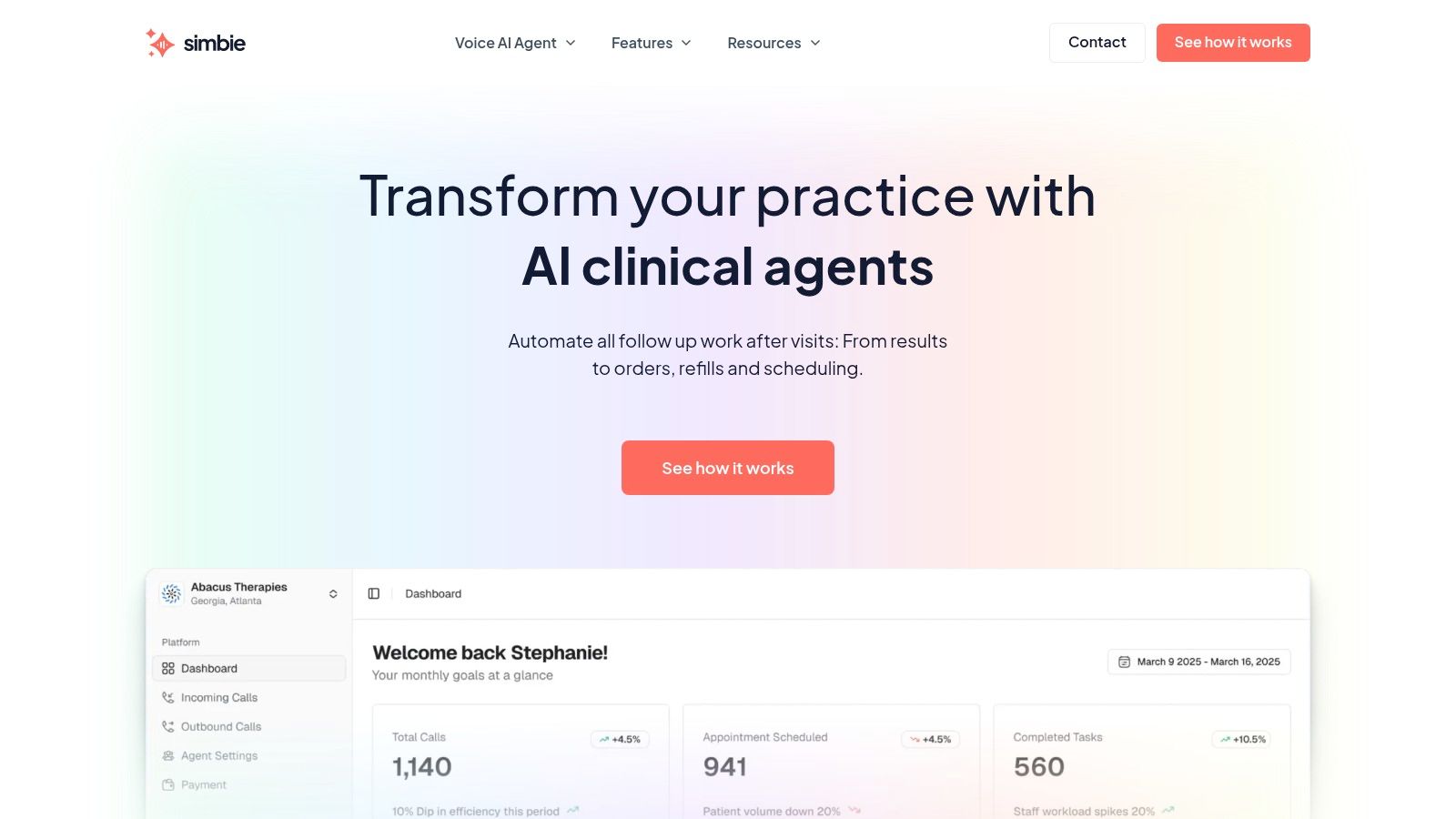
AI Medical Staff proves more useful than a narrow answering tool. In practice, that means handling front-office work such as scheduling, intake, calls, refills, and prescription renewals, while also supporting clinical workflows like test result review, patient education, adherence check-ins, pre-op and post-op calls, and chronic disease management outreach.
That broader model matters because claim quality depends on the data and follow-through generated before and after the visit. If the intake is wrong, the claim is wrong. If the patient can't reach the office to update insurance or ask about authorization, your team is already behind.
The contact center benchmark is clear. WebMD Ignite notes that the industry standard for patient hold time is 30 to 60 seconds, and abandonment rises when waits exceed that range, as explained in its review of healthcare contact center metrics. Practices that use concurrent AI call handling can eliminate hold times, improve access, and capture demand that would otherwise be lost.
Where this fits in a real practice
For independent groups, the operational value is straightforward:
- Capture every inbound call: No more lost insurance updates, refill requests, or scheduling changes because the line was busy.
- Standardize intake: Demographics, insurance details, and visit context are collected the same way every time.
- Push cleaner data into systems: Workflows can connect with eClinicalWorks, gGastro, EMA ModMed, Athenahealth, Epic, and DrChrono.
- Reduce staff strain: Simbie AI, one example of AI Medical Staff, is built for both administrative and clinical support, operates with 24/7 availability, zero hold times, and 100% of inbound calls captured, and is HIPAA-compliant and SOC 2 Type 2 certified. It was built by physicians from Stanford, Yale, Columbia, and Princeton, and practices use it to cut front-office staffing costs by up to 60% while keeping staff focused on higher-complexity work.
This isn't about replacing physicians. It's about protecting clinicians and core staff from preventable administrative drag. Protecting Doctors' Time for Doctoring.
For administrators thinking through staffing models more broadly, the concept is similar to AI staff augmentation, where automation covers repetitive operational load while human teams stay focused on exceptions and judgment-heavy work.
The practices that improve collections most reliably usually don't start by asking for faster claims. They start by asking for fewer front-end mistakes, fewer missed patient contacts, and cleaner follow-through from scheduling to adjudication.
If you're evaluating AI for your practice, you can see Simbie AI in action at book a demo.