
Independent practices are stuck with a real problem. Your EHR may be certified on paper, but that doesn't automatically mean it works cleanly with the tools you need to keep phones answered, intake moving, refills handled, and charting under control. If you run a dermatology, GI, or internal medicine practice, this guide breaks down what Certified EHR Technology means, where it helps, where it falls short, and how to judge whether your system is ready for modern workflow automation without creating more work for staff.
Meta description: Certified EHR Technology helps practices stay compliant, protect reimbursement, and choose tools that work with daily workflows.
What Certified EHR Technology Actually Means
Most practice owners hear "certified" and assume it means "good." That's not what it means. Certified EHR Technology means the system has been tested against federal requirements for functionality, security, and interoperability, not that it's easy to use or easy to integrate.
As of 2024, 91% of U.S. office-based physicians had adopted a Certified EHR system, and HHS defines that certification around specific technological, functional, and security requirements, including storing data in structured formats so it can move across health systems through interoperable workflows, according to HealthIT.gov's physician EHR adoption data.
Certified doesn't mean every workflow is solved
A non-certified system can still store charts. It can still look modern. It may even work fine for a small office that never needs outside connectivity. The difference is that certified systems have to meet a recognized standard.
A useful way to think about it is a standardized shipping container. If every container uses a known size and structure, ports, trucks, and cranes can move it. If every EHR stores data in its own odd format, outside systems have to guess what each field means, if they can access it at all.
Practical rule: Certification matters because structured data is what lets one system safely exchange medications, problem lists, notes, and patient information with another.
That matters in daily operations more than most vendors admit. If your front desk is manually re-entering intake into eClinicalWorks, if a nurse is copying refill information from a phone message into Athenahealth, or if a provider is chasing down chart details across disconnected tools, the issue often starts with how data is structured and whether the system supports standardized exchange.
Why independent practices should care
For an independent practice, this isn't abstract policy. It's staffing, reimbursement, and workflow stability. Certified systems became the default operating layer for modern ambulatory care because they support the basics practices now depend on, including e-prescribing, results review, and patient-facing access tools.
If you're sorting out the terminology between records platforms, this quick guide on EHR vs. EMR is useful because vendors still use those terms loosely, and the difference affects how people think about interoperability.
What certified EHR technology is not is just as important. It is not a promise of fast implementation. It is not proof your staff will like the interface. It is not proof that a new tool will write directly into the right field in DrChrono, gGastro, EMA ModMed, or Epic without extra work.
That's the first practical takeaway. Certification gives you a standards-based foundation. It does not guarantee a finished workflow.
The Rules Behind Certification ONC CMS and Your Practice
A practice can buy a certified system, sign the contract, and still end up with missed measures, broken workflows, and staff doing manual work to keep billing on track. That happens because ONC certification and CMS program use are related, but they are not the same decision.
ONC sets the certification criteria
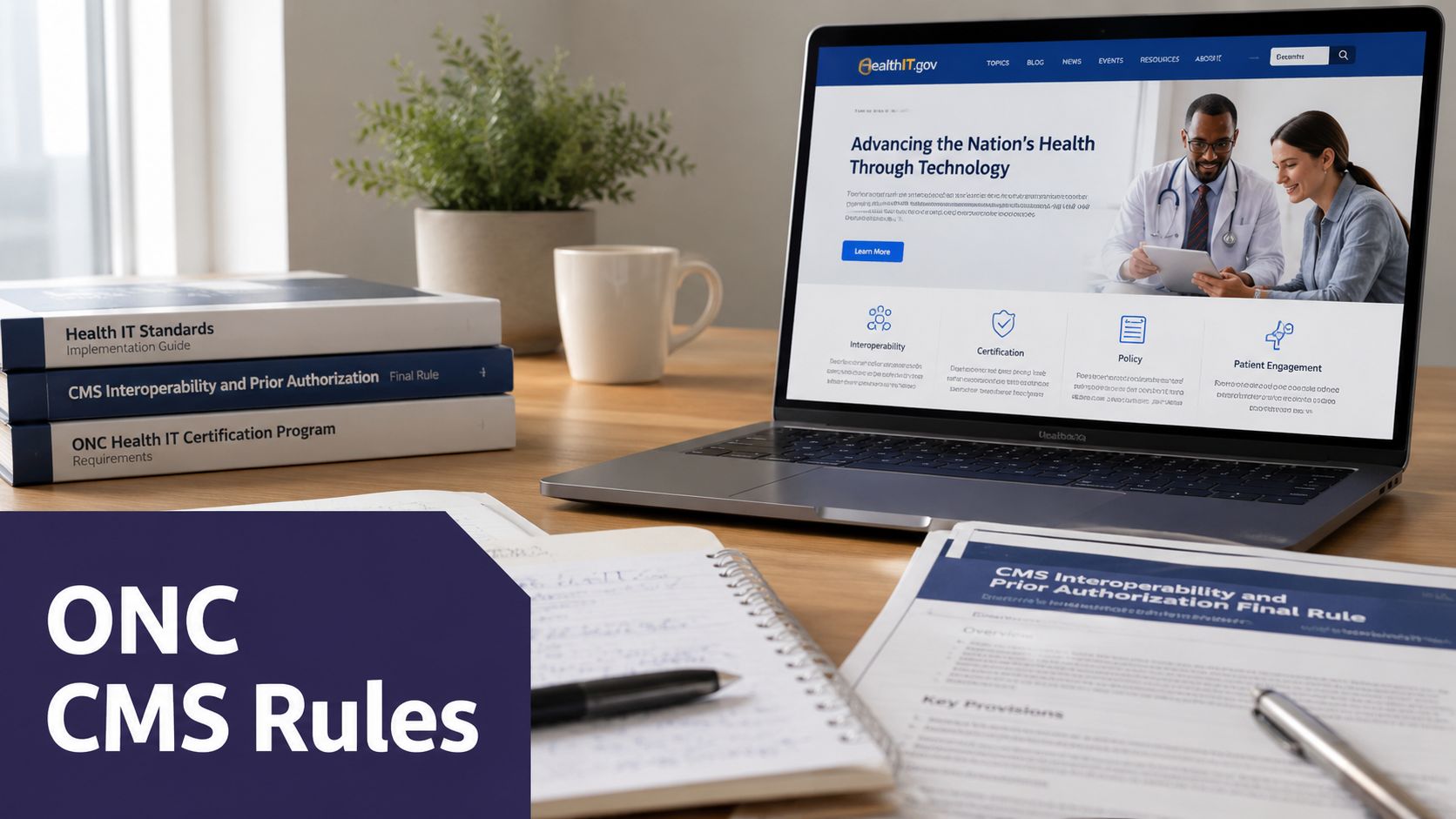
ONC handles the certification framework. Through the Health IT Certification Program, products are tested by authorized certification bodies against defined criteria rather than a vendor's claim of compliance. The practical takeaway for a practice is straightforward. Certified means the software met specific technical and functional standards at the time it was tested.
That matters, but only up to a point.
A certified product has cleared a regulatory threshold. It has not proven that your front desk can move patients through check-in faster, that your nurses can complete refill work without extra clicks, or that your AI scribe, intake bot, or analytics tool will write data back into the chart cleanly. Practices often assume "certified" means "ready for our workflow." It doesn't.
CMS makes CEHRT matter to revenue
CMS is the agency that turns certification into a money issue. For clinicians and groups participating in CMS programs, CEHRT can affect payment adjustments and reporting eligibility. CMS explains those requirements in its guidance for the Medicare and Medicaid EHR Incentive Programs and Certified EHR Technology.
For owners and administrators, this is the part that deserves attention. If your system, version, or setup does not line up with the program requirements you rely on, the problem shows up in reimbursement, audit exposure, and staff time spent fixing reports after the fact.
What independent practices need to separate
These are three different questions, and practices get in trouble when they treat them as one:
- Is the product certified under ONC rules?
- Does your current version and configuration support the CMS programs your practice uses?
- Can your staff run the workflow without workarounds?
That third question is where many buying decisions go sideways. A vendor can answer yes to the first question and still leave your team with clumsy referrals, poor task routing, limited API access, or expensive interface work every time you add a modern tool.
I see this most often when a practice wants to add AI after the EHR decision is already made. On paper, the EHR is certified. In daily use, the system may still block useful integrations, charge extra for access, or force the team to copy information from one screen into another. Certification does not solve that gap.
What this means in practice
Use ONC and CMS for what they tell you.
ONC answers whether the product met certification criteria. CMS answers whether CEHRT status matters for the payment and reporting programs your practice participates in. Neither agency answers whether the system will reduce staffing pressure, support cleaner handoffs, or work well with the tools you plan to add next year.
For an independent practice, that distinction protects both margin and morale. The right question is not whether a vendor can say "certified" in a demo. The right question is whether the certified product you will deploy supports your reporting obligations, your current workflows, and the integrations you will need once you start adding AI and automation.
How to Verify an EHR's Certification Status in Minutes
This is one of the easiest checks a practice can do, and too many still skip it. Don't rely on a sales rep saying a system is certified. Use the public record.
Use the CHPL, not vendor slides
The official place to verify status is the ONC's Certified Health IT Product List, often called the CHPL. It's the authoritative list used to confirm whether a product has certified status.
If you're evaluating Athenahealth, eClinicalWorks, DrChrono, gGastro, EMA ModMed, or another platform, go to the CHPL site and search the product name as it appears in the vendor materials. You'll usually want to confirm the specific product entry, certification edition, and whether the listing is current for the use case your practice cares about.
A fast verification workflow
Use a simple process:
- Search the exact product name. Don't stop at the vendor company name if it offers multiple modules or versions.
- Review the certification details. Look for the edition and product listing information.
- Match it to your actual deployment. Practices often encounter difficulties here. A vendor may have a certified product line, but your office may be on an older build, a limited module, or a workflow that depends on something outside the certified scope.
A five-minute CHPL check can prevent months of cleanup after a software purchase or integration project.
What to ask after you verify it
Once you find the listing, don't close the tab and call it done. Ask the vendor to explain how that certified product maps to your office's real workflows.
For example, if a dermatology group uses EMA ModMed for charting but relies heavily on call-driven intake and biopsy follow-up, the practical question isn't only "is it certified?" It's "can this exact setup support the data exchange and documentation path we need?" The same goes for a GI group using gGastro for procedure-heavy scheduling or an internal medicine clinic trying to standardize refill and chronic disease follow-up work.
Certification status is easy to verify. Workflow fit takes better questions.
Beyond Certification Integrating Your EHR with Modern Tools
Many articles stop too early. They explain what certified EHR technology is, then act like the hard part is over. It isn't. In a working practice, the actual issue is whether that certified platform can support the tools you need without forcing staff into double entry, inbox gymnastics, or brittle workarounds.
Certified creates the possibility, not the finished integration
Certification matters because standardized, structured data is what allows third-party systems to read and write information in a clinically useful way. That is the technical foundation behind modern automation, including voice-based intake, refill workflows, patient callbacks, and chart support.
The catch is that certification doesn't guarantee a plug-and-play result. A study found that 68% of small practices reported their certified EHR lacked native integration capability for non-EHR vendors, often forcing custom API builds that delayed AI deployment by 3 to 6 months, according to peer-reviewed research on small-practice EHR integration barriers.
That's the practical gap. Your system can be certified and still be painful to connect.
What this looks like in actual practice operations
An office using eClinicalWorks may have the technical base to support outside workflow tools, but the key question is field-level access. Can a third-party system write pre-visit intake into the right section? Can it support medication reconciliation without staff copying data by hand? Can it trigger the right follow-up tasks?
With Athenahealth or Epic, the issue may be less about whether integration exists and more about what the available interface allows. With specialty systems like EMA ModMed or gGastro, the challenge is often whether the workflow logic fits dermatology or gastroenterology operations rather than generic ambulatory use.
Here's a practical way to frame it:
| What vendors say | What your staff actually needs |
|---|---|
| "We are certified" | Data has to move into the correct chart fields |
| "We support APIs" | The API has to support your real workflows |
| "We integrate with partners" | Your scheduling, intake, refill, and clinical follow-up steps have to work without manual cleanup |
What works and what doesn't
What works is narrow, tested workflow integration. Start with one or two high-friction processes. Phone intake. Refill coordination. Test result communication. Pre-op and post-op calls. Then confirm exactly how the data lands in the record and what the staff oversight path looks like.
What doesn't work is buying a broad automation promise and assuming certification fills in the gaps. It doesn't.
Certified status tells you a door exists. It does not tell you whether anyone built a usable hallway behind it.
For practices evaluating workflow automation, EHR integrations should be reviewed at the level of actual tasks, not generic compatibility claims. One example is Simbie AI, which is positioned as AI Medical Staff rather than just a phone tool. That distinction matters because independent practices usually need support across both administrative and clinical layers, including scheduling, intake, refills, prescription renewals, test result review, patient education, adherence check-ins, pre-op and post-op calls, and chronic disease outreach. In practical terms, the value comes from whether the workflow can reduce front-office staffing pressure, capture inbound calls continuously, and document safely into systems such as eClinicalWorks, Athenahealth, or EMA ModMed without creating another inbox for staff to manage.
If you're measuring future-proofing, this is the standard to use. Don't ask whether the EHR is certified. Ask whether the certified system can support the next workflow you need without custom work every time.
A Practical Checklist for Evaluating EHR Vendors
When a practice switches EHRs or reevaluates one, the sales process usually focuses on features. The safer approach is to focus on failure points. Where will work break, where will compliance get messy, and where will staff start creating side processes in spreadsheets, sticky notes, and callback lists.
Start with security and audit controls
CEHRT is required to include encryption for electronic health information and an immutable audit trail that records user, date, time, and patient ID for every action, which is why those controls matter when automated systems are involved, according to the American Hospital Association summary of EHR certification security requirements.
That isn't only a compliance point. It's an operational safeguard. If an outside system helps document intake, queue medication work, or update chart information, your office needs to know what happened, when it happened, and who initiated it.
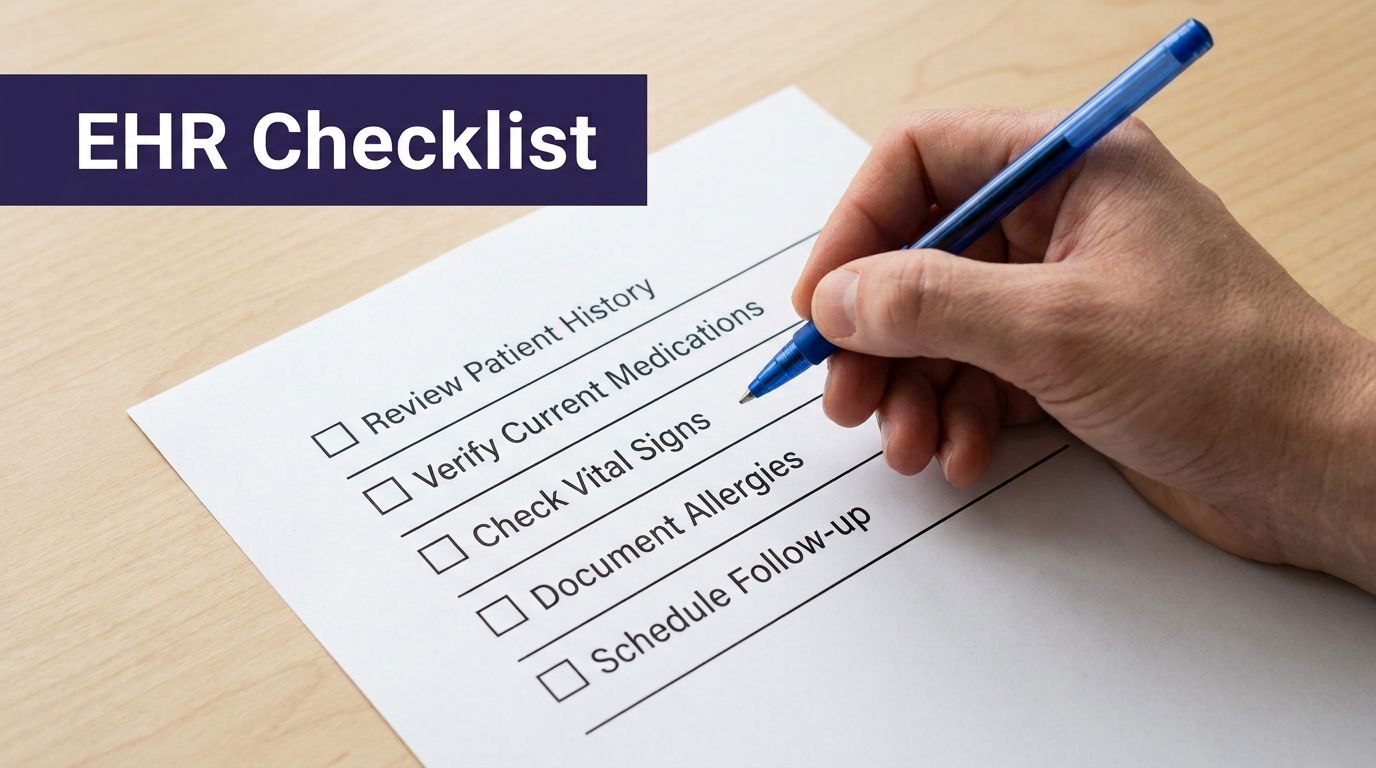
Use this checklist in demos and contract discussions
Bring these questions into every vendor conversation:
- Verify current listing: Confirm the product is on the CHPL and ask which certified edition applies to the exact version your practice would use.
- Ask for workflow proof: Have the vendor show how scheduling, intake, refill processing, results communication, and documentation flow through the system.
- Review API reality: Request documentation on third-party access, limitations, and whether outside tools can write back into discrete fields.
- Inspect the audit trail: Ask how staff can review create, modify, access, and delete actions tied to patient records.
- Check encryption controls: Confirm how data is protected when moving between the EHR and connected systems.
- Test exceptions: Ask what happens when automation fails, a chart can't be matched, or a patient request needs staff takeover.
Judge the vendor by staff sanity, not demo polish
A smooth demo doesn't tell you much. A useful vendor will answer specific operational questions without getting slippery.
If you're comparing options, this resource on finding the best EMR software is a good companion because it helps frame the buying decision around fit, not just features.
One more practical note. If a vendor can't explain its audit logs, field-level integration options, and exception handling in plain English, expect trouble after go-live. In independent practices, those weak spots don't stay technical for long. They turn into overtime, rework, and provider frustration.
Common Questions About CEHRT and AI Integration
The biggest questions now aren't about whether EHR certification exists. They're about how certification applies when a modern workflow tool touches the chart, especially when documentation starts outside the provider's direct keyboard entry.
Does AI-documented data count for CMS programs
Uncertainty is real. A 2025 survey found that 42% of ambulatory providers were unsure whether AI-documented HPI or medication reconciliation would count toward Promoting Interoperability measures if a provider didn't manually input it, according to ONC guidance and the cited FAQ reference.
That uncertainty should change how practices evaluate tools. The issue is not just whether a note gets into the record. The issue is data provenance, attribution, and whether the workflow creates the documentation trail your office would want during review.
Don't treat "documented in the chart" as the same thing as "safe for reporting." Those are related, but they are not identical.
What to look for before adopting automation
If you're adding voice intake, refill automation, or chart-support tools, ask these practical questions:
- Who is attributed in the record: Can the system distinguish between automated entry, staff review, and provider sign-off?
- Where does the data land: Is it structured in the chart, or pasted in as loose text that limits reporting and reuse?
- How does review happen: Can staff intervene easily when a workflow needs correction?
- What if certification changes: Do you have a process for checking whether the underlying product remains listed and appropriate for your reporting needs?
Some of this still sits in a gray area operationally, even when the underlying EHR is certified. That's why independent practices should be careful about assuming automation inherits compliance solely because it touches a certified platform.
The better approach is straightforward. Keep the workflow auditable, keep humans in the loop where clinical judgment matters, and verify how the vendor handles documentation source, review, and record integrity before you roll anything out.
If you're evaluating workflow automation for an independent practice, Simbie AI is one option to review alongside your current systems, especially if you need coverage across both front-office and clinical support workflows. Protecting Doctors' Time for Doctoring. If you want to see how that looks in a live practice workflow, you can book a demo.