
Monday at 8:07 a.m., three calls are on hold, yesterday's claims are still sitting in review, and the front desk is asking whether the scheduler and the biller are looking at the same patient record. That is usually when a clinic starts shopping for new software. We have been there. The actual decision is not which platform looks strongest in a demo. It is which one reduces daily friction without creating a new training problem two weeks after go-live.
Clinic management software now sits at the center of scheduling, billing, patient messaging, intake, and the handoff between front office and clinical staff. In our experience, the pressure point is rarely a missing feature. It is the accumulation of small failures: duplicate data entry, claim edits that bounce back, refill requests stuck in inboxes, and staff spending too much time fixing work the system should have handled in the first place.
That is why we reviewed these tools through an operator's lens. We looked at setup headaches, data migration risk, hidden module costs, billing workflow quality, and how each product holds up once the vendor's implementation team is gone. For some clinics, a broad platform like athenaOne or AdvancedMD makes sense. For others, the better investment is targeted healthcare workflow automation for front-office and clinical tasks that takes pressure off staff before you replace your whole stack.
We also kept the build-versus-buy question in view. If your workflows are unusual or you are stitching together too many separate tools, Hire Developers can be a practical resource for evaluating custom support options. Most clinics, though, do better with software that solves a clear operational bottleneck fast, then proves its ROI in cleaner billing, fewer missed calls, and less staff burnout.
This list reflects that filter. We cut past the marketing claims and focused on what works for small practices, growing multi-provider groups, and teams that need fewer errors, fewer clicks, and a calmer front desk.
1. Simbie AI
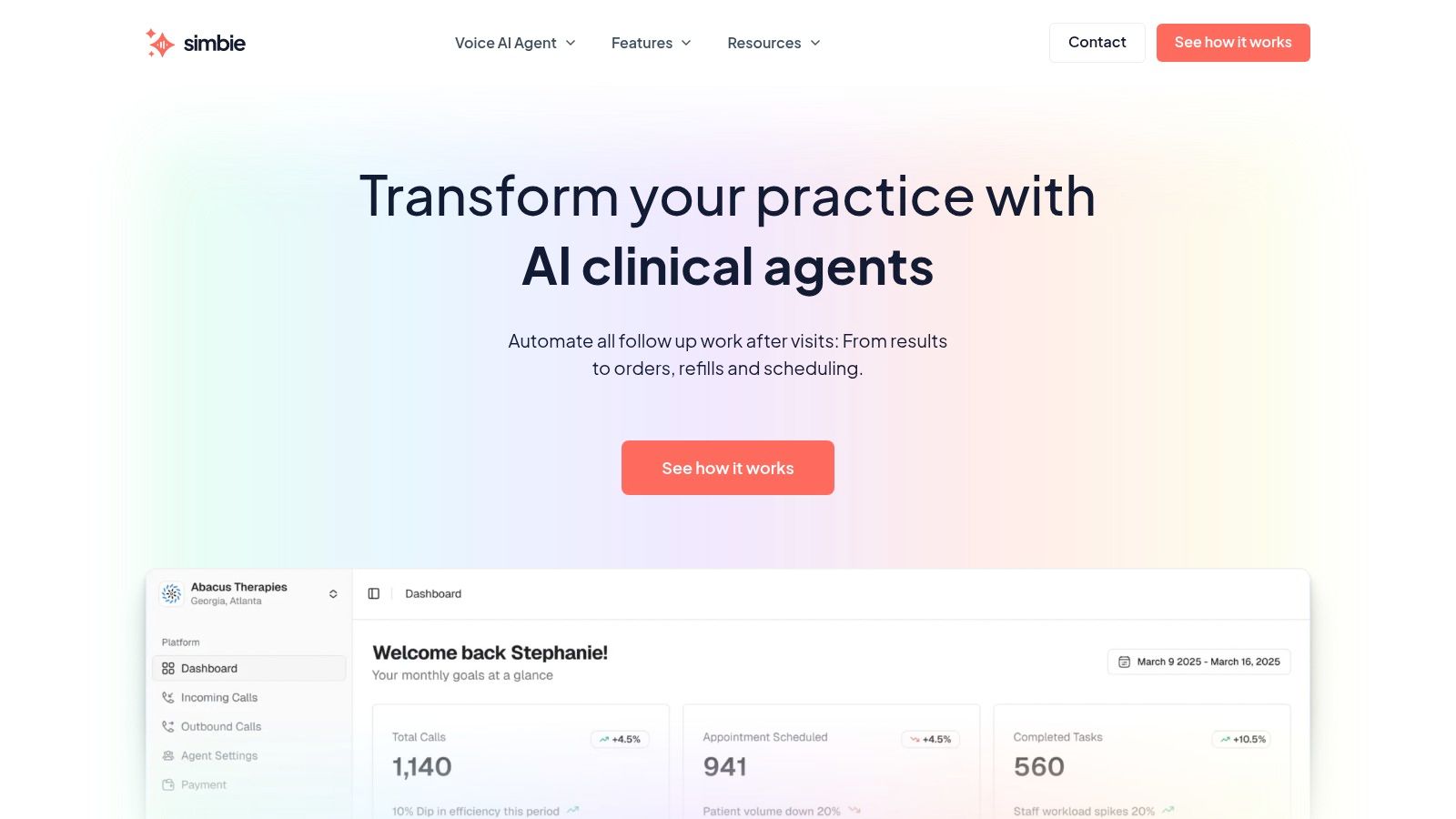
Simbie AI is the one I'd put at the top if your biggest problem is front-office overload, missed calls, and staff burnout. It isn't trying to be just another scheduler or billing shell. It acts more like a voice-based digital staff layer that handles intake, scheduling, refill workflows, prior auth support, medication reconciliation, and patient follow-up, then pushes that work into the EMR.
What stood out to us is that it's built around the actual choke points in clinics. Phones. Repetitive intake questions. Refill queues. Handwritten notes that never make it into the chart cleanly. That's different from a lot of clinic management software that still assumes staff will carry the burden and the system will record it.
A closer look at the workflow matters here:
Where Simbie AI fits best
Simbie works best for practices that already know the front desk can't keep scaling by hiring alone. The platform is built by researchers and physicians, and the voice agents are trained for healthcare workflows rather than generic call routing. It can handle inbound and outbound conversations, document structured details, and pass work into the EMR with human oversight available when needed.
We've found that teams usually feel the value fastest in four places:
- Call overflow: Simultaneous call handling matters if your staff spends half the day apologizing for hold times.
- Intake consistency: The AI collects the same required details every time, which cuts down on missing fields and cleanup later.
- Refill and follow-up queues: These are high-volume tasks that burn out good staff because they're repetitive, not hard.
- After-hours coverage: Patients still call after the office closes, and voicemail is often where service quality goes to die.
If you want a deeper view of that operating model, Simbie's page on healthcare workflow automation is worth reviewing.
Practical rule: If your biggest bottleneck is phone traffic and intake work, don't start by replacing your whole PM stack. Add automation where staff loses the most time first.
Trade-offs we'd watch
Simbie reports cost savings of up to 60% on administrative overhead, based on its own business context and product positioning. That's meaningful, but the pricing is utilization-based, so you need your call volume and workflow mix to estimate real cost. There isn't a simple public flat rate you can plug into a spreadsheet.
The other trade-off is implementation discipline. Simbie can fit into existing workflows, but that doesn't mean you can skip workflow mapping. You still need to decide what gets automated, what gets reviewed, and where manual takeover should happen for clinical or edge-case conversations. In our experience, that planning step is where good automation either becomes a relief valve or a mess.
Security-wise, Simbie states that it is HIPAA-compliant and has SOC 2 Type II certification. For any clinic putting patient conversations into operational systems, that matters a lot.
2. athenaOne
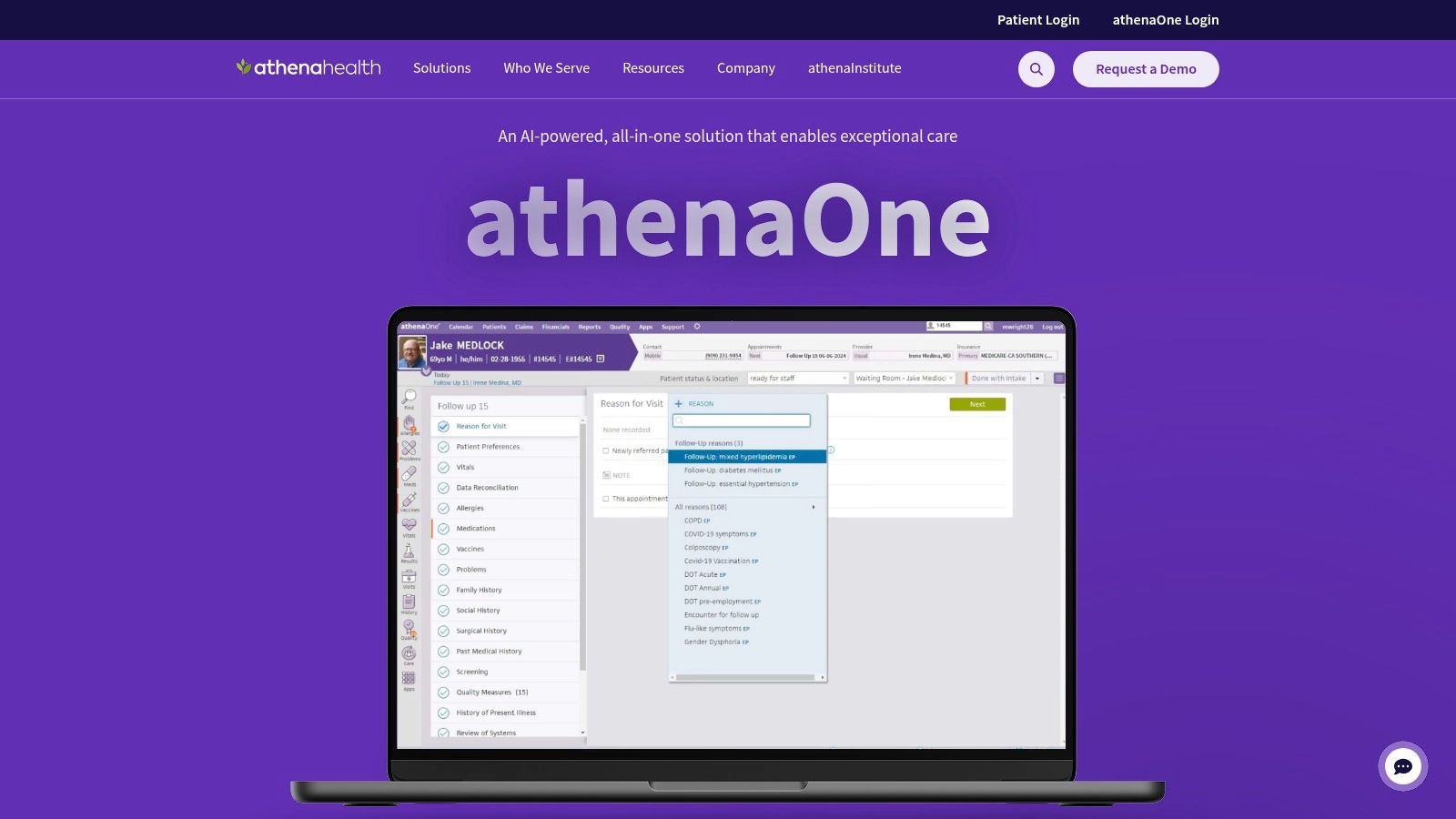
athenaOne is a strong choice if billing performance and payer connectivity drive the buying decision. We've seen it fit best in independent practices and growing groups that need one system for EHR, practice management, revenue cycle, and patient engagement, without stitching together too many outside products.
Its best quality is maturity. Claims workflows, payer-facing processes, and the marketplace around the product feel established, which lowers risk if your team is tired of patching together disconnected tools.
What it gets right
athenaOne tends to work well for organizations that care more about collections discipline than UI novelty. The integrated suite cuts down on some of the common handoff problems between scheduling, coding, claims, and patient statements.
A useful pairing for clinics thinking about phone automation alongside athenaOne is a dedicated AI medical receptionist. That combination makes sense if the core system is solid but staff still loses too much time on inbound calls.
We've learned to ask one blunt question during evaluation. “What happens to denied claims, missed eligibility checks, and schedule changes on a bad Tuesday?” The vendor with the clearest answer usually wins.
Trade-offs
athenaOne can be a heavy lift for smaller teams. Pricing often needs a conversation, not a quick website check, and implementation usually asks more from staff than buyers expect at first. If you don't have an internal project owner, adoption can drag.
I'd shortlist it for practices that want a known platform and can tolerate a more involved rollout.
3. AdvancedMD
AdvancedMD is one of the more flexible options on this list. We usually bring it into the conversation when a clinic wants cloud EHR, scheduling, billing, patient engagement, and analytics, but doesn't want to buy everything in one rigid package.
That modular structure is its selling point. You can right-size the stack for the practice you have now instead of paying for the one you might have later. For multi-specialty ambulatory groups, that's useful because operational needs change fast as providers and service lines grow.
Why teams pick it
The best thing about AdvancedMD is that it gives buyers choices. You can add vendor RCM, use specialty content, include telehealth, and shape the bundle around workflow and budget.
In practice, we've found that helps in two situations:
- Growing clinics that need flexibility: You don't have to overbuy on day one.
- Practices with uneven visit volume: Claims-based or encounter-based pricing can be easier to defend internally than a big flat commitment.
- Teams that want support during rollout: Training resources and onboarding tend to be part of the appeal.
- Groups replacing older systems in phases: Modular products are often easier to adopt than all-at-once changes.
Trade-offs
The risk with modular software is obvious. Add-ons pile up. A product that looks reasonable at the start can become expensive once you tack on every feature your staff asks for after go-live.
That doesn't make AdvancedMD a bad choice. It means you need a firm list of what is necessary now, what can wait, and what you should never buy just because it appeared in a demo.
4. Tebra
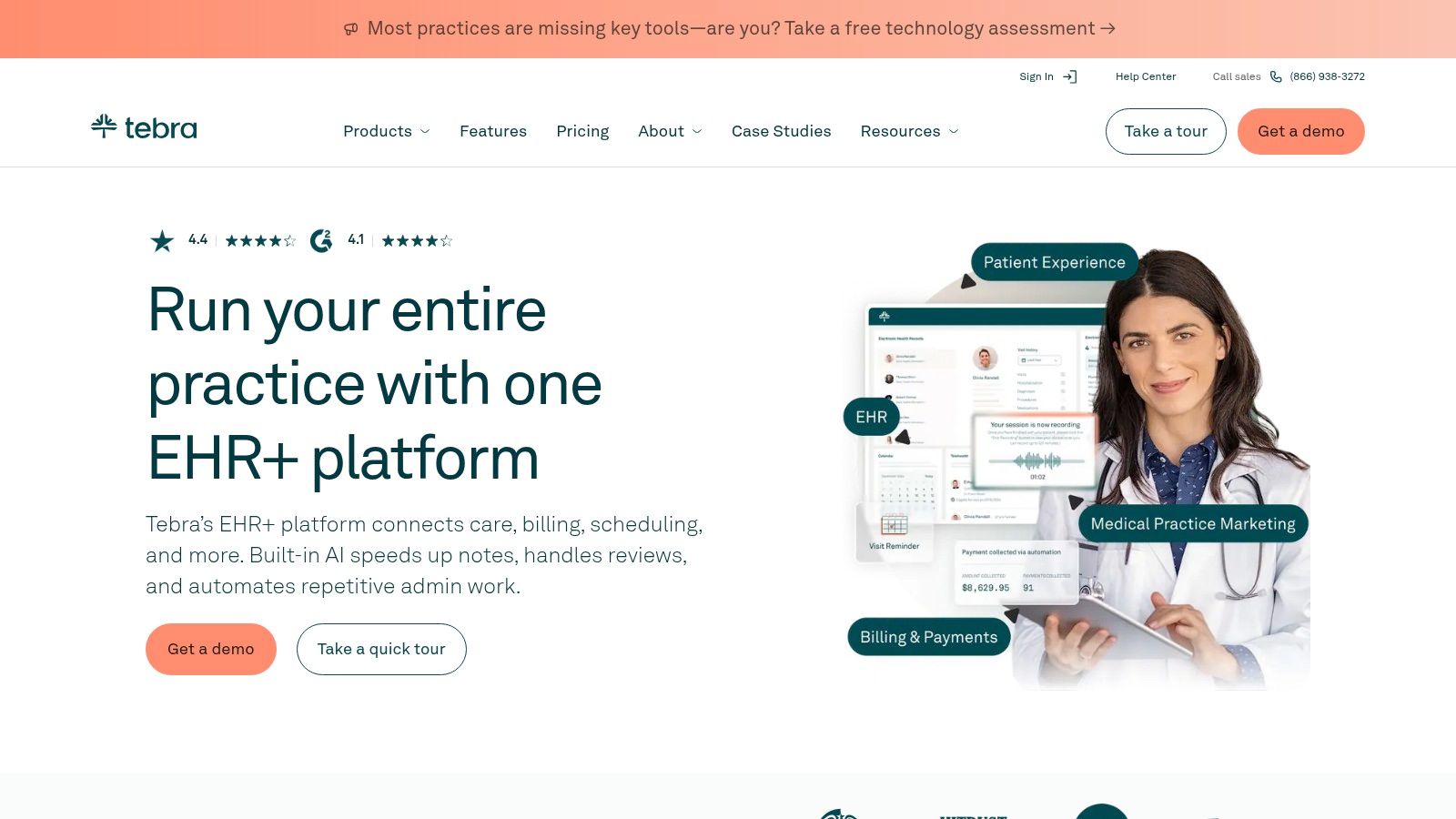
Tebra makes the most sense for small independent practices that want clinical software and patient acquisition tools in the same place. That's the main distinction. It combines EHR, billing, scheduling, online booking, reputation management, and website-related tools under one brand.
We've seen that resonate with clinics in the one-to-ten provider range because they often don't have a separate operations team and marketing team. One person ends up handling both.
Where Tebra earns its keep
For smaller clinics, reducing software sprawl matters almost as much as reducing admin work. Tebra can remove the need to manage separate vendors for core operations and growth.
That matters if your pain looks like this:
- Online scheduling is weak: Patients still call for basic booking because the website flow is clunky.
- Reviews and local presence are slipping: The front office is too busy to chase reputation work.
- You need fewer logins, not more: One bundled system can be easier to run than four decent tools connected poorly.
- Onboarding matters: Small teams usually need hands-on support more than feature depth.
Trade-offs
Tebra is less ideal if your clinic is operationally complex and doesn't care much about patient acquisition features. Large multi-site groups may end up wanting deeper customization in billing or specialty workflow tools than this style of platform tends to offer.
It's a practical product. I'd choose it for an independent clinic that wants to keep things simple and visible, not for a highly specialized enterprise setup.
5. DrChrono
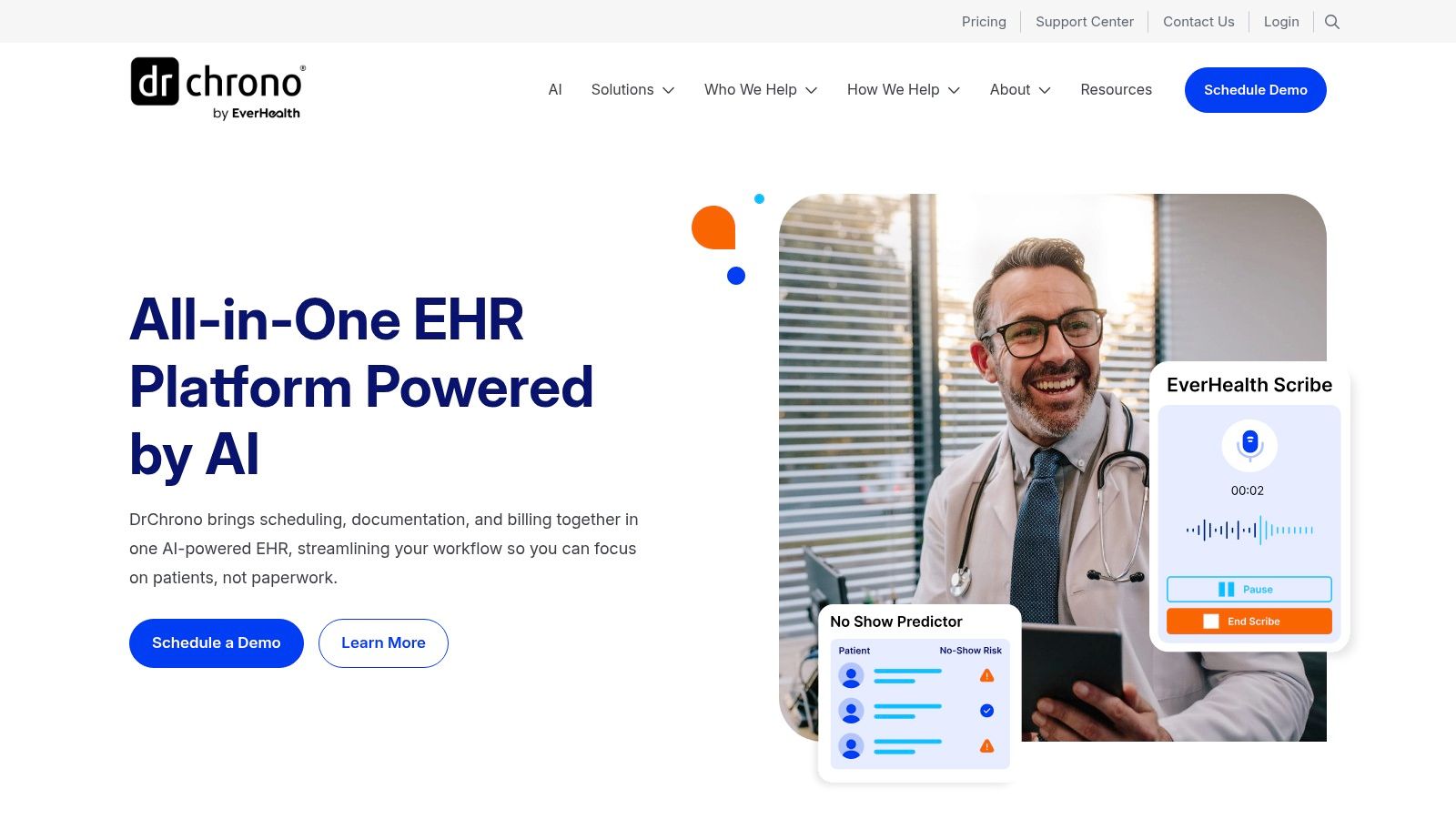
DrChrono still stands out for mobile-first use. If your clinicians work heavily from iPads and want charting, prescribing, scheduling, and billing that feels native on a mobile device, it deserves a real look.
We've seen some physicians take to DrChrono quickly because it feels less desk-bound than older clinic management software. That can matter a lot in fast ambulatory workflows where providers move room to room and don't want to return to a workstation for every small task.
Best fit
This isn't a product I'd choose because it checks every enterprise box. I'd choose it if mobile use is part of the practice identity and daily care flow.
What we like:
- Strong iPad use case: Some systems say they support mobile. DrChrono was built with it in mind.
- Fast setup for smaller clinics: Simpler practices can get moving without months of process redesign.
- Control over billing details: Fee schedules, encounters, and payments are not an afterthought.
- Good documentation: Teams can self-serve more of the setup and training questions.
A mobile-friendly demo isn't enough. Ask the clinicians to finish a real chart on the device they use all day. That's where weak products get exposed fast.
Trade-offs
The main caution is cost creep from usage-based extras. Texting, fax, and phone-related add-ons can change the total picture. Also, clinics with more complex specialty or enterprise needs may outgrow its sweet spot.
For small ambulatory groups, though, it can be a practical and less frustrating fit than bulkier systems.
6. NextGen Office

NextGen Office is aimed at smaller practices that want an integrated cloud setup without buying a huge enterprise platform. It combines EHR, practice management, patient portal, telehealth, e-prescribing, and newer AI documentation features into one package.
We usually look at it for clinics that want a recognizable healthcare software vendor but still need something that feels manageable for a small office.
Why it makes the shortlist
The appeal is simplicity. NextGen Office packages software and services together, which can reduce the number of decisions a small practice has to make during rollout. That sounds basic, but it matters because too many PM projects fail in the handoff between “we bought it” and “staff now has to live in it.”
A few reasons teams like it:
- Small-practice orientation: The product is aimed at organizations without a giant IT bench.
- Integrated telehealth and portal: Useful if the clinic wants core digital access without separate tools.
- AI documentation support: Helpful for providers who are tired of finishing notes late.
- Buyer resources: The vendor publishes feature checklists and guidance that can help evaluation.
Trade-offs
Pricing is quote-based, which means comparison shopping takes time. You'll need to force clarity on modules, services, support, and what counts as extra. I wouldn't call that unusual in this category, but it is inconvenient.
If you want a cleaner buying process, it may feel opaque. If you want a known vendor with a small-practice package, it's worth a look.
7. CareCloud
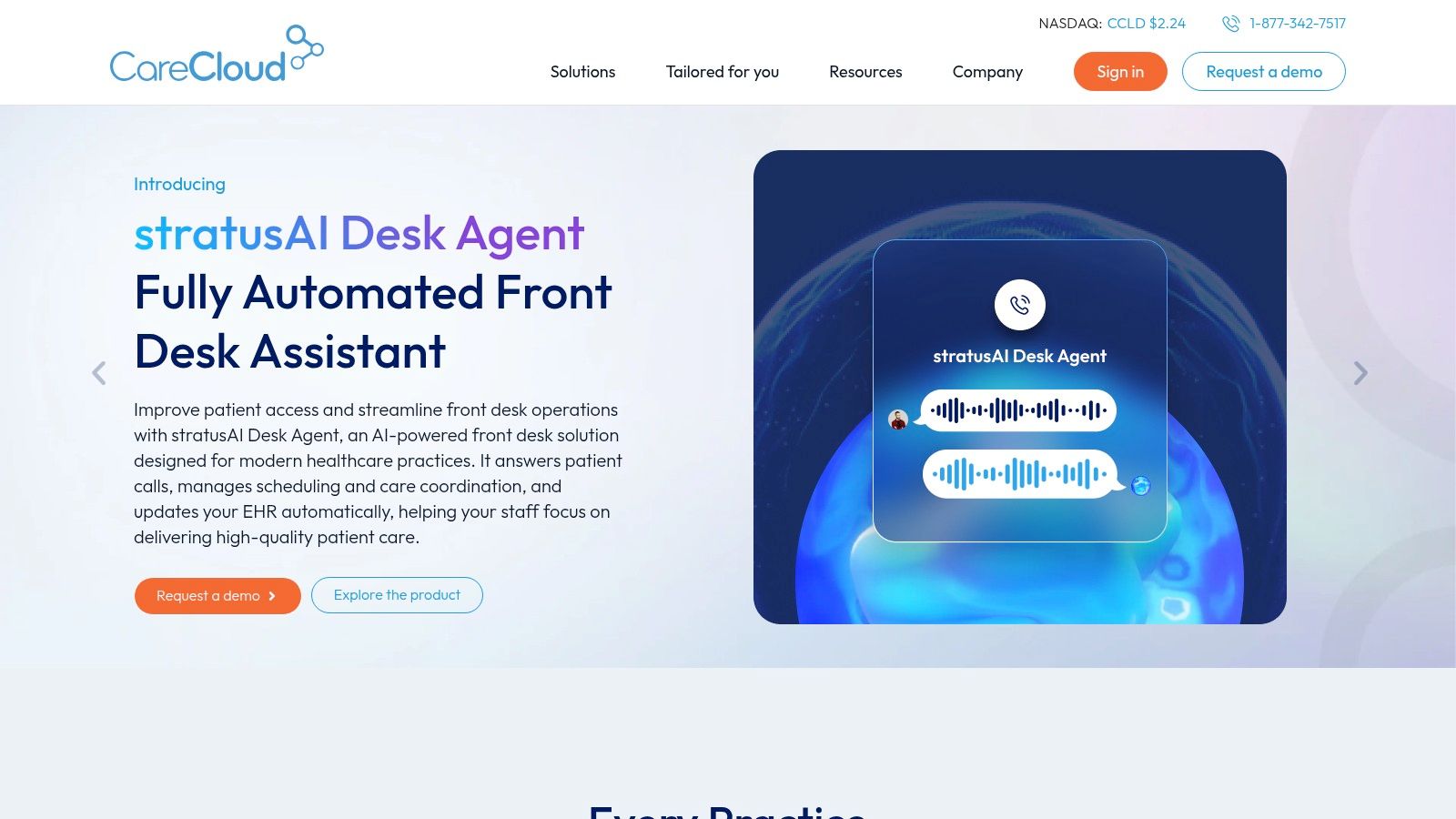
CareCloud is a decent fit for clinics that want one vendor across EHR, practice management, and optional revenue cycle services. Its product structure gives you a few entry points, which is useful if you don't want to replace everything at once.
We've found it most appealing to teams that care about front-desk efficiency and eligibility workflows, but also want the option to pull in more vendor-managed services later.
What works in practice
The “one vendor, multiple paths” setup is the reason to consider CareCloud. You can start lighter, then expand into a more bundled setup if the first phase goes well.
That gives it an edge for practices that are trying to control risk during change. Common situations where it fits:
- PM-first replacements: You need better scheduling and billing before you touch the clinical side.
- Budget-sensitive rollouts: Different implementation paths can matter if capital is tight.
- Front office cleanup: Eligibility and patient-facing process improvements are often high on the list.
- Future RCM outsourcing: Some clinics want that option without switching vendors again.
Trade-offs
The weak point is pricing clarity. Module combinations and contract structure affect cost, so you need a careful quote review. I'd also push hard on implementation expectations because a flexible product line can still turn into a messy rollout if ownership isn't clear.
8. eClinicalWorks
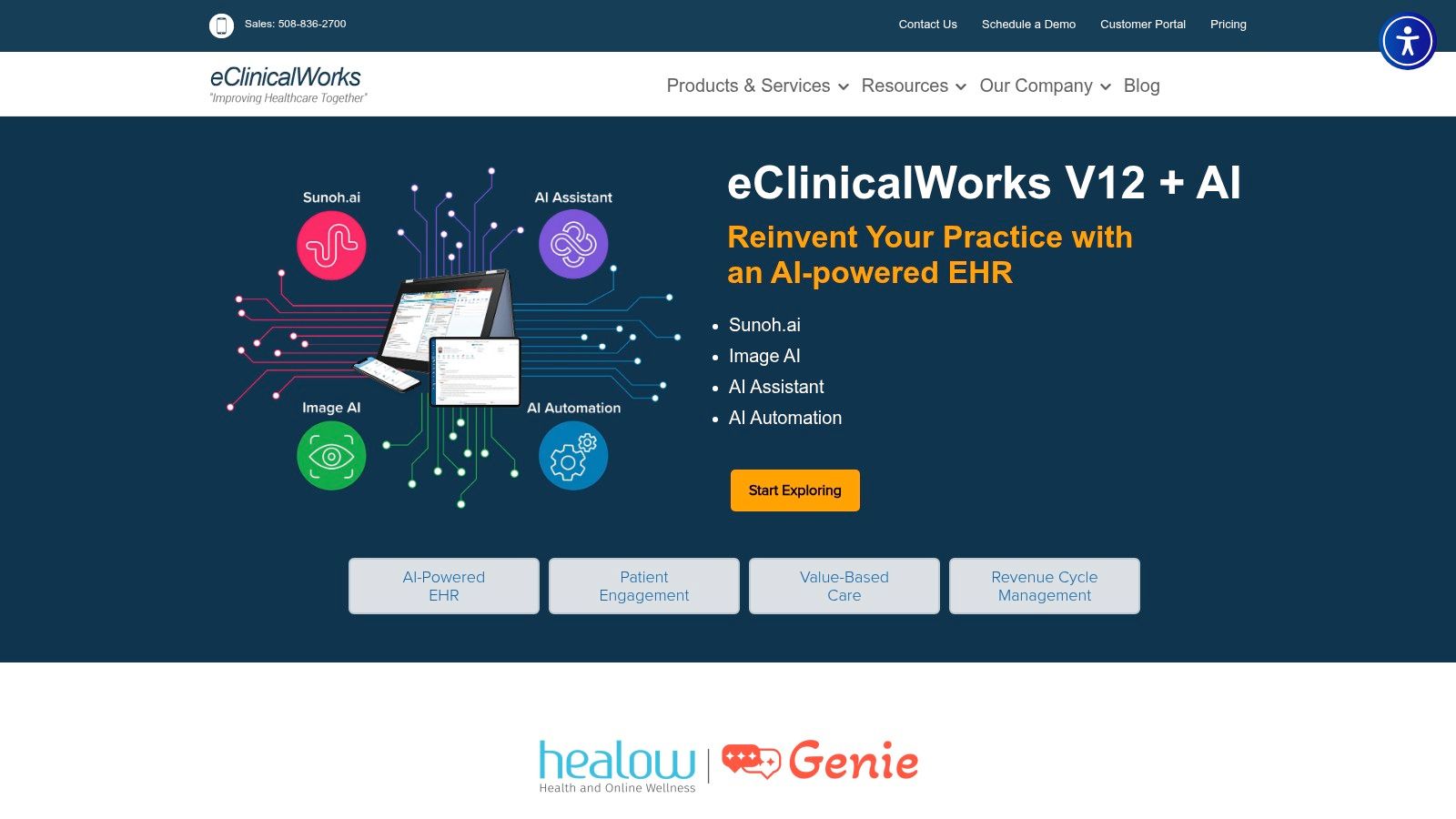
eClinicalWorks is one of the more common names in ambulatory care for a reason. It covers EHR, practice management, telehealth, registry tools, analytics, and population health features, so it can stretch from a smaller practice into a larger multi-specialty environment.
We've seen it come up often in primary care and groups that need broad functionality more than elegant simplicity.
Where eCW makes sense
This is a platform for clinics that want a known ambulatory suite and expect to grow into more complex reporting or care management use. Connectivity matters here too, especially if you have to make multiple systems talk to each other.
For teams thinking hard about that integration layer, Simbie's guide to EMR system integration is useful alongside an eCW evaluation.
A few reasons practices keep eCW on the shortlist:
- Broad ambulatory coverage: It handles a lot under one roof.
- Telehealth and mobile tools: Useful for hybrid care models.
- API and FHIR focus: Important if you're connecting outside tools.
- Multiple deployment paths: Some clinics start narrower, then expand features later.
Trade-offs
eCW can feel less refined in billing depth than products built around revenue cycle first. That doesn't mean it fails at billing. It means complex finance teams may want to inspect customization limits carefully before signing.
I'd put it in the “wide capability, moderate complexity” bucket. Good for many practices, ideal for some, but rarely the easiest product to love on day one.
9. ModMed
ModMed is the specialty pick on this list. If your clinic works in dermatology, ENT, GI, ophthalmology, orthopedics, pain, or another specialty that hates generic templates, ModMed deserves real attention.
The biggest win with ModMed is reduced setup friction inside the specialty itself. Practices don't have to spend as much time forcing a general system to mimic specialty workflows.
Why specialty clinics like it
Specialty teams often care less about broad market appeal and more about whether the product already understands their visit types, templates, and documentation patterns. That's where ModMed tends to land well.
What we'd call out:
- Specialty content is the product story: The time saved in template building can justify the switch by itself.
- Integrated PM and billing: You don't have to cobble together operations around a specialty EHR.
- Training resources: Specialty-specific adoption tends to improve when training speaks the same clinical language.
- AI documentation direction: Worth watching if your providers want help with note burden.
Trade-offs
The obvious downside is that specialty depth often comes with premium pricing and a narrower fit. If your clinic is general medicine or a mixed group with varied needs, ModMed may not be the cleanest match.
For the right specialty practice, though, a system that already understands the work can save a lot of frustration during rollout.
10. ChARM Health

ChARM Health is the budget-aware option I'd look at for startups, solo practices, and very small clinics that need a low-friction entry point. It combines EHR, practice management, billing, portal access, telehealth, and e-prescribing, while keeping a more transparent pricing posture than many larger vendors.
That matters because early-stage practices usually don't need the deepest feature stack. They need something affordable, usable, and flexible enough not to trap them six months later.
Best use case
ChARM Health works well if cash discipline matters more than enterprise polish. Encounter-based plans and lower-cost entry points can make it easier to start without committing to a large monthly overhead.
We'd look at it for clinics that need:
- A low upfront barrier: Good for new practices still finding patient volume.
- Basic all-in-one coverage: Scheduling, portal, telehealth, billing, and eRx in one place.
- Transparent plan structure: Easier to model than quote-only systems.
- Room to add modules later: Inventory, labs, kiosk, and other add-ons are available.
Cheap software isn't cheap if staff spends all day working around it. Budget tools are fine. Hidden complexity isn't.
Trade-offs
The challenge with ChARM is the a la carte model. You need to know what the clinic needs because add-ons and plan thresholds can change the economics quickly. Auto-upgrade rules are the kind of detail buyers skip during review, then regret later.
Still, for a small practice trying to stay lean, it's one of the more practical starting points in this category.
Top 10 Clinic Management Software Comparison
| Product | Core features | Quality & UX ★ | Value & Pricing 💰 | Target audience 👥 | Unique selling points ✨ |
|---|---|---|---|---|---|
| Simbie AI 🏆 | 24/7 clinically-trained voice agents; intake, scheduling, refills, prior auth; EMR writeback; simultaneous call handling | ★★★★☆; 0s hold, high patient satisfaction | 💰 Utilization-based; reported up to 60% admin cost savings; ROI calculator | 👥 Small–mid practices, large clinics, telemedicine providers | ✨ Clinically-trained voice agents; real-time EMR documentation; HIPAA + SOC2; manual takeover |
| athenaOne (athenahealth) | Integrated EHR + PM + RCM; native AI assistance; payer network; marketplace | ★★★★☆; mature RCM & interoperability | 💰 %‑of‑collections or tiered; less transparent | 👥 Independent practices & larger groups | ✨ Network-curated claims rules; large integration ecosystem |
| AdvancedMD | Cloud EHR, PM, RCM, analytics; modular bundles; specialty content | ★★★☆☆; good onboarding/support | 💰 Modular pricing; add-ons raise total cost | 👥 Multi‑specialty ambulatory groups | ✨ Configurable bundles; optional vendor RCM |
| Tebra (Kareo + PatientPop) | Unified EHR + billing + marketing/growth tools; online scheduling; reputation | ★★★☆☆; small‑practice friendly UX | 💰 Published pricing overview; quotes vary by modules | 👥 1–10 provider clinics | ✨ Built‑in marketing & patient acquisition; success coach |
| DrChrono | Mobile-first iOS/iPad EHR; eRx; billing; patient portal | ★★★★☆; intuitive mobile workflows | 💰 Plan variability; add-on usage fees | 👥 Clinicians needing mobility; small ambulatory clinics | ✨ Native iPad apps; fast mobile charting |
| NextGen Office | Integrated EHR/PM, telehealth, AI documentation; all‑inclusive service model | ★★★☆☆; simplified cloud deployment | 💰 Quote-based all‑inclusive pricing | 👥 Small practices seeking turnkey service | ✨ AI docs + Amazon-powered supplies marketplace |
| CareCloud | Tiered PM/EHR + optional RCM; front‑desk automation; eligibility checks | ★★★☆☆; flexible deployment options | 💰 Tiered/custom quotes by module | 👥 Clinics wanting one‑vendor solution | ✨ Multiple implementation paths; front‑desk automation |
| eClinicalWorks (eCW) | EHR + PM, telehealth, registry/analytics, population health; API/FHIR | ★★★☆☆; fast deployment for many clinics | 💰 Competitive entry pricing; RCM options vary | 👥 Primary care & multi‑specialty groups | ✨ Strong API/FHIR connectivity & templates |
| ModMed (EMA) | Specialty-focused EHR + PM + RCM; template libraries; AI scribe tools | ★★★★☆; deep specialty workflows | 💰 Quote-based; may be premium for specialties | 👥 Specialty practices (derm, ENT, GI, ophtho, ortho) | ✨ Specialty templates; active training community (ModMed U) |
| ChARM Health | Cloud EHR + PM + billing; encounter-based & free/low-cost tiers; telehealth | ★★★☆☆; budget-friendly for startups | 💰 Transparent entry pricing; encounter-based scaling | 👥 Small & micro‑practices, startups | ✨ Free/low-cost tiers; clear pricing pages and auto-upgrade rules |
Final Thoughts
Monday at 8:07 a.m., the phones are stacked, two patients are waiting on eligibility answers, yesterday's claims batch still has errors, and the front desk is already behind. That is the test clinic management software has to pass. The right system reduces that pressure. The wrong one turns every routine task into rework.
After going through evaluations and rollouts, we have learned that product demos hide the actual cost. The true cost shows up three weeks into training, six weeks into claim follow-up, and three months later when staff start building workarounds outside the system. That is why feature count is a weak buying filter. Workflow fit, billing accuracy, reporting clarity, and adoption speed matter more.
Practice size changes the answer. A small clinic usually needs software that is easy to learn, priced clearly, and quick to deploy. A growing multi-provider group needs tighter claims management, scheduling controls, and fewer handoffs between front desk, billing, and clinical staff. Larger organizations need stronger permissions, cleaner integrations, and more discipline around configuration because one bad setup choice spreads across locations fast.
The market keeps expanding, which is not surprising. Clinics are trying to cut admin work, collect faster, and stop burning out good staff. The stronger vendors help with at least one of those problems. The weaker ones record the mess without reducing it.
Staff burnout belongs in the buying conversation. We have seen acceptable demos turn into daily frustration once reception teams start living in the scheduling screen, the billing team starts fixing preventable errors, and managers start chasing reports that should have been easy to pull. Bad software rarely fails all at once. It fails in small operational losses, slower check-ins, more claim edits, more callbacks, and more turnover.
If we were choosing again, we would shortlist by pain point first. Simbie AI makes sense when phone volume, intake, refill requests, and repetitive admin tasks are draining the team. athenaOne and AdvancedMD are stronger fits when billing performance and broader platform depth carry the most weight. Tebra and ChARM Health are easier to justify for smaller clinics that need a practical setup without enterprise complexity. ModMed stands out when specialty workflow fit drives the decision.
One rule matters more than any comparison table. Ask every vendor to walk through the five tasks your staff repeats every day, using your clinic's workflow, not their ideal demo script. If the clicks are messy, the handoffs are unclear, or the reporting answer is vague, the problems will show up after go-live.
If your clinic is losing time to phone volume, intake work, refill queues, and front-desk burnout, Simbie AI is worth a serious look. It adds a healthcare-trained voice automation layer to the systems you already use, helps cut repetitive admin work, and gives practices a more realistic path to better access without piling more work on staff.