
Most follow-up problems do not start with clinical complexity. They start with a front desk queue, a callback list, an inbox full of refill requests, and staff who are already juggling too many small tasks that still have real patient consequences.
We’ve helped dozens of practices put voice AI into these workflows, and the pattern is consistent. Patient loss to follow-up usually isn’t one big failure. It’s a chain of missed reminders, late callbacks, unclear handoffs, and outreach that happens only after the patient has already drifted away. That’s why ai for patient loss to follow-up prevention works best as an operations project first, and a technology project second.
Small and mid-sized practices feel this more than large systems do. They rarely have internal analysts, interface teams, or spare management time. What they do have is a practical need. Fewer patients slipping through the cracks, less staff time spent chasing routine tasks, and a follow-up process that still works on a bad Monday.
The real cost of a broken patient follow-up system
A broken follow-up system drains a practice twice. It loses revenue when patients don’t show up or never complete the next step, and it wears down staff who spend their day cleaning up preventable gaps.
The visible part is easy to spot. Empty appointment slots. Unreturned calls. Test results that need another reminder. Medication refill requests that sit until someone has a spare few minutes. The harder part is what happens behind the schedule. Staff stop trusting the callback list, clinicians worry about patients who disappear after a referral or discharge, and managers get stuck adding headcount to a process that still doesn’t feel under control.

The business case for fixing this is real, not theoretical. In a six-month pilot, the NHS in England used AI to reduce missed appointments by 30%, preventing 377 missed appointments, allowing 1,910 additional patients to be seen, and pointing toward projected annual savings of £27.5 million according to NHS England’s report on AI and missed appointments.
That pilot matters because it reflects what practice managers already know. Follow-up isn’t just a reminder problem. It’s a timing problem, a capacity problem, and often a patient access problem.
Where manual systems break
The old model usually depends on people remembering to do repetitive work under pressure. That includes:
- Appointment reminders: Staff call or text patients manually, often in batches, which means outreach happens late or inconsistently.
- Referral follow-up: A patient is told to book the next step, but no one checks if it happened.
- Post-visit outreach: Someone needs to call after a procedure, medication change, or discharge, but urgent same-day tasks win.
- Escalation: Patients who sound confused, upset, or at risk don’t always get identified early enough.
We’ve seen practices try to solve this with extra spreadsheets, color coding, and more callback notes. That may help for a week. It rarely holds once volume picks up.
Practical rule: If your follow-up process depends on staff memory, sticky notes, or “we usually call those patients on Fridays,” you don’t have a system. You have a habit.
A better starting point is to separate true clinical judgment from repetitive coordination. Humans should handle the parts that need empathy, decision-making, and exceptions. Software should handle the routine outreach that has to happen every time.
If you want a useful primer on the appointment side of this problem, this guide on how to reduce patient no-shows is a good place to compare your current process against a more reliable one.
What the cost looks like in daily operations
Most practices underestimate how much broken follow-up changes staff behavior. Front desk staff become call center staff. Medical assistants spend time tracking down confirmations instead of helping in clinic. Managers lose hours trying to answer a simple question: “Who still needs outreach?”
That’s why I don’t frame this as “automating reminders.” The core issue is control. You need to know which patients need a call, what was said, who needs escalation, and what happened next. Without that, follow-up becomes reactive, and patients vanish between visits.
Designing your AI-powered follow-up workflow
The best AI workflow is usually boring on paper. That’s a good sign. It means the process is clear, predictable, and easy for staff to trust.
Practices get in trouble when they start with the tool instead of the workflow. They buy something that can call patients, then try to figure out what those calls should accomplish. We’ve had better results when a practice maps its current follow-up path first, then chooses the points where a voice agent should take over.
Start with the moments that trigger outreach
Most follow-up work begins with an event already sitting inside the EMR or scheduling system. An appointment gets booked. A test result becomes available. A refill request arrives. A patient misses a visit and needs to be rescheduled.
Write those triggers down in plain language. Don’t overcomplicate it.
A workable first pass often includes:
- Appointment scheduled
Trigger reminder outreach and confirmation. - Appointment not confirmed
Trigger another call or text, then route unresolved cases to staff. - Missed appointment
Trigger a reschedule call and document the barrier if the patient answers. - Result or order pending action
Trigger outreach that explains the next step and prompts scheduling. - Medication follow-up due
Trigger a refill, adherence, or education call with escalation rules.
That’s enough to build a real system. You don’t need every edge case on day one.
Compare the old flow to the AI-assisted one
Here’s the simplest way to explain the change internally.
| Task | Manual Process (Admin Staff) | AI-Driven Process (Voice Agent) |
|---|---|---|
| Appointment reminder | Staff export lists, call in batches, leave voicemails, document manually | Voice agent calls automatically based on schedule rules, captures confirmation, writes status back |
| Unconfirmed visit follow-up | Staff revisit the list later if time allows | Voice agent retries on schedule and flags unresolved patients for human review |
| No-show recovery | Staff call after the fact, often with limited context | Voice agent contacts the patient quickly, offers rescheduling, logs reason for missed visit |
| Post-procedure check-in | Nurse or admin makes calls between other duties | Voice agent handles routine symptom questions and escalates concerning answers |
| Medication or refill outreach | Staff return calls one by one | Voice agent collects structured information before staff or clinician review |
Many teams first see that AI doesn’t need to replace the whole front desk. It just needs to own the repetitive steps that happen at high volume and low complexity.
If you’re comparing channels, this overview of the benefits of healthcare chatbots is useful because it explains where conversational automation helps and where a human still matters.
We’ve found that practices adopt voice automation faster when they define one sentence for each workflow: “What is the agent trying to get done on this call?”
Keep the first version narrow
One mistake I see a lot is trying to automate reminders, referrals, refill intake, lab follow-up, billing calls, and after-hours triage all at once. Staff can’t absorb that much change, and your reporting gets muddy fast.
Start with one workflow that has four traits:
- It happens often
- It follows a repeatable script
- It already causes staff backlog
- It has a clear handoff to a human
For many practices, appointment confirmation is the cleanest entry point. After that, post-visit follow-up and refill intake tend to be the next logical layers.
If your team is exploring voice-first tools, this page on healthcare conversational AI gives a decent picture of how these systems fit into patient communication without changing your entire operation overnight.
Key technical steps for a smooth implementation
Technical setup scares a lot of practice managers for good reason. “EMR integration” can mean anything from a clean real-time connection to a messy manual export that someone still has to babysit.
The good news is that you don’t need to be technical to ask the right questions. You do need a short list of things to pin down before go-live.
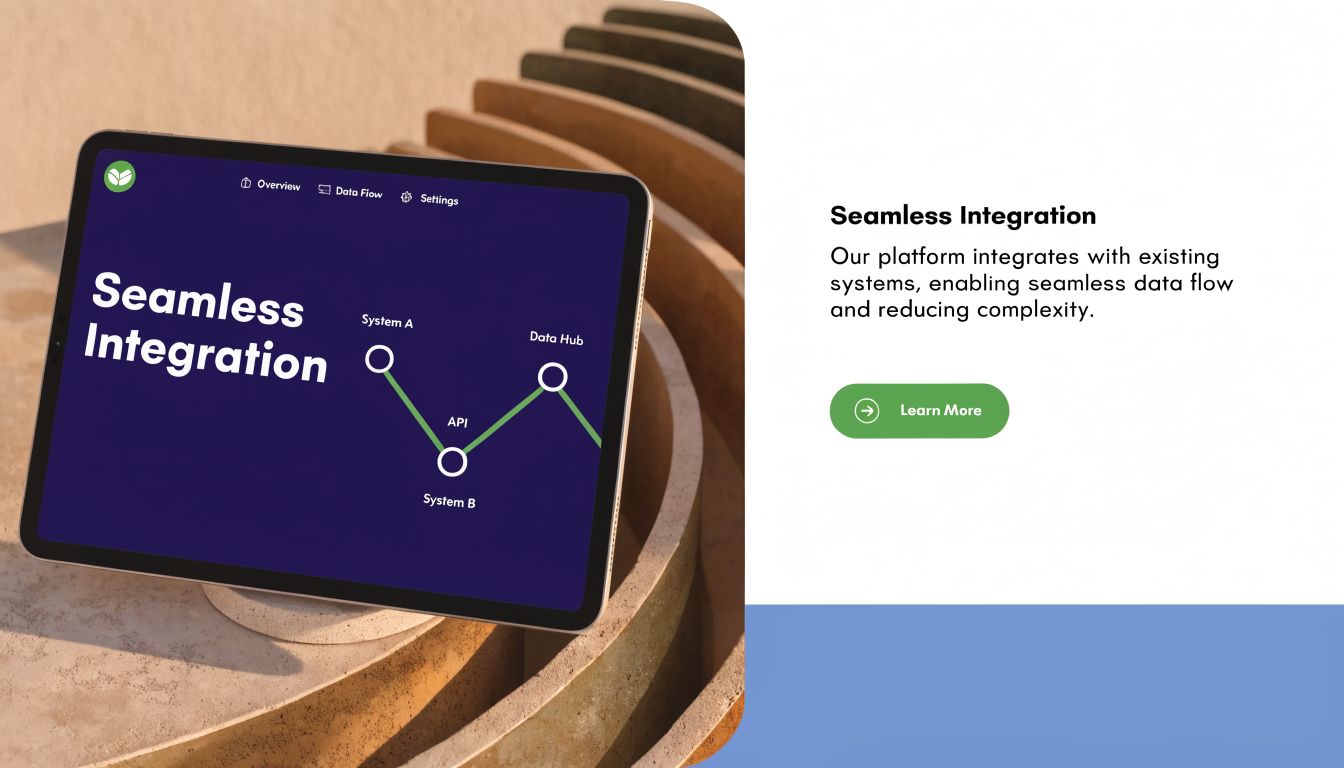
Know how data will move
Ask your EMR vendor and AI partner these questions early:
- Does the EMR have an API? If yes, what data can flow in real time?
- If not, what is the fallback? Secure file transfer can work, but it usually adds delay and more operational handling.
- What fields are required? Patient name, phone, appointment date, provider, visit type, follow-up status, and escalation notes are common starting fields.
- Where does documentation land? A good workflow writes useful call outcomes back into the chart or task queue, not into a separate system no one checks.
A lot of implementation pain comes from vague answers here. “We integrate with most EMRs” isn’t enough. Ask what data is read, what data is written back, and how exceptions are handled.
Tune the system before volume hits
Predictive models can be useful, but bad tuning creates more work than it removes. Machine learning models for predicting patient dropout can achieve 85–90% accuracy, yet implementation quality matters. Overly sensitive models can cause alert fatigue, reducing staff intervention compliance from 70% to under 30%, while poorly tuned models can miss up to half of at-risk patients according to this review of AI predictive analytics for readmissions and dropout risk.
That lines up with what we’ve seen in practice. If every patient becomes “high priority,” nobody trusts the queue. If thresholds are too conservative, you miss the people who needed a call most.
Don’t ask for the smartest model first. Ask for the cleanest operational queue.
A safer rollout looks like this:
- Begin with rules before prediction: Scheduled reminder, missed appointment, refill due, no response.
- Review early escalations daily: Check whether the system is sending too many “urgent” cases.
- Adjust scripts and thresholds together: A weak script can look like a model problem when it’s really a communication problem.
- Decide who owns exceptions: Someone in the practice must review flagged calls and close the loop.
Check security and accountability
Any AI vendor touching patient data should be able to answer basic compliance questions without hand-waving. Ask about HIPAA controls, data storage, access logging, retention, and whether they sign a Business Associate Agreement.
Also ask a simple operational question that gets ignored too often. If the system fails, who notices first?
That’s why I prefer implementations with visible daily reporting, clear escalation logs, and one place where staff can review call outcomes. This page on EMR system integration is a useful checklist for the kinds of integration details a practice should pin down before launch.
Crafting outreach scripts that patients actually respond to
Most follow-up scripts fail for a very ordinary reason. They sound like they were written for compliance review, not for a patient answering the phone while driving home, making dinner, or sitting at work.
Good voice AI scripts are short, polite, and specific. They tell the patient why they’re being called, what they need to do next, and how to respond with as little effort as possible.
What a usable script sounds like
Here’s a reminder script style we like because it gets to the point fast:
“Hi, this is the care team calling for Maria Chen about your appointment on Thursday at 10 a.m. with Dr. Patel. Please say ‘confirm’ if you’re coming, ‘reschedule’ if you need a different time, or ‘help’ if you have a question.”
That works because the patient hears four things quickly. Who’s calling. Why. Which appointment. What to do next.
Now compare that with the version many practices start with. It’s often too long, too formal, and packed with instructions before the patient even knows what the call is about.
Three scripts worth building first
The first set should cover the common points where patients disappear.
Appointment confirmation
Keep this one direct.
“Hi, this is the clinic calling for James Wilson about your visit on Monday at 2 p.m. Please say ‘confirm’ if you’ll be there, or ‘reschedule’ if you need another time.”
Post-procedure check-in
This one needs warmth and a clear escape hatch to a human.
“Hi, this is the care team checking in after your procedure. We’d like to ask a couple of quick questions. Are you having any new pain, bleeding, fever, or trouble taking your medication? You can say ‘yes,’ ‘no,’ or ‘nurse’ at any time.”
Medication follow-up
This one should look for friction, not just yes-or-no adherence.
“Hi, this is the clinic checking on your medication. Are you taking it as prescribed, or have you had trouble with side effects, cost, or getting the refill?”
That last line matters. Patients often drop off because of barriers they weren’t directly asked about.
Speed matters after a warning sign
Advanced AI retention systems in clinical trials achieved a 10–18% absolute lift by acting on signals such as negative sentiment or rescheduled appointments within a 12–48 hour service level agreement, according to this review of AI and clinical trial retention workflows. The setting is different, but the operational lesson carries over well to outpatient care. If a patient sounds frustrated, misses a step, or asks to reschedule, the value is in how fast you respond.
That’s why we build scripts with escalation logic, not just prompts. If a patient sounds confused, angry, worried, or mentions transportation, cost, or worsening symptoms, the system should route that case out of automation and into a staff queue.
A surprising side lesson from message testing is that small wording choices change response rates. Even written communication benefits from cleaner language and simpler formatting. If your team also handles email reminders, this guide on email subject line capitalization is a useful reminder that clarity often beats “professional sounding” copy.
A script should sound like a calm staff member on their best day, not a legal notice read out loud.
Training your staff and managing the transition
The hard part of AI adoption usually isn’t the software. It’s the moment a front desk lead hears “automation” and assumes leadership wants fewer people answering phones.
If you want this to work, deal with that fear directly. The message has to be plain. The AI is taking repetitive calls off the team’s plate so staff can handle exceptions, patient questions, and in-clinic work that software shouldn’t own.

Give one person clear ownership
Smaller practices don’t need a data science team, but they do need an owner. That’s especially true because a known gap in AI adoption for smaller practices is the lack of guidance on staffing and governance. Large health systems can spread this work across multiple teams. Smaller groups need a simple framework for workflow integration and monitoring model performance without dedicated analytics staff, as discussed by UC Davis Health on the implementation gap in AI care workflows.
In practice, one staff member should own these daily tasks:
- Review escalations: Check calls that need a human response.
- Spot script issues: Catch recurring confusion, awkward wording, or wrong routing.
- Close the loop with clinicians: Report patterns that affect care, not just operations.
- Track exceptions: Wrong numbers, duplicate outreach, unclear charting, language issues.
This doesn’t need to be a new hire. It often works best as part of an existing operations or front desk lead role.
Train for handoffs, not just software clicks
The staff training plan should focus on moments of transition. Who steps in when a patient asks for a nurse? What counts as urgent? Where do call notes appear? How should staff document a completed handoff?
Those are the questions that decide whether a deployment feels helpful or chaotic.
We’ve also learned to role-play the first week’s likely failure points. Patients speaking over the agent. Background noise. A caller who says, “I got three calls from you, what is this about?” Staff need a script for those moments too.
One lesson from rollout work: If your team can’t explain the handoff path in one minute, the workflow is still too messy.
For teams comparing different automation approaches, this article on streamlining healthcare with AI chatbots is worth reading because it frames automation as a support layer for communication work, which is exactly how staff need to see it.
Set expectations that fit a real clinic
No rollout is clean on day one. Contact lists have errors. Patient names get pronounced badly. Someone forgets to update a workflow after a scheduling change. That’s normal.
What matters is whether the practice treats those issues as proof the system “doesn’t work,” or as normal tuning work during adoption. We’ve seen the strongest outcomes when managers tell staff this upfront: expect rough edges, report them fast, and judge the process after iteration, not after the first weird call.
The only body mention I’ll make here is that tools like Simbie AI fit this model well when a practice wants voice agents that can handle repetitive follow-up calls, write structured outcomes back into workflow, and hand high-risk conversations to staff instead of trying to automate everything.
How to measure success and prove your ROI
If you can’t show what changed, the project turns into opinion. One person says the phones feel quieter. Another says patients still complain. Leadership asks whether the system is worth it, and nobody has a firm answer.
The fix is simple. Track a small set of operational measures from the start, and review them on a fixed schedule.
Measure the patient outcome first
For ai for patient loss to follow-up prevention, the first numbers to watch are the ones tied to completed care:
- No-show trend
- Completed follow-up appointments
- Recovered missed appointments
- Time from trigger to outreach
- Time from outreach to resolution
You don’t need a fancy dashboard on day one. A weekly report is enough if it shows whether patients are completing the next step.
The most useful framing is this: did the system close more care loops than your manual process did?
Then measure the workload shift
The second layer is operational. At this stage, practice managers usually find the strongest internal case because it connects directly to staffing pressure.
Track items such as:
| KPI | What to look for |
|---|---|
| Admin call volume | Whether routine outbound work moved off staff phones |
| Escalation queue size | Whether the AI is sending a manageable number of cases to humans |
| Documentation completeness | Whether call outcomes are landing where staff can act on them |
| Staff time spent on callbacks | Whether repetitive work is actually dropping |
| Repeat contact on same issue | Whether patients are getting clear enough outreach the first time |
These metrics also help you catch bad automation early. If escalation volume is too high, your thresholds may be off. If repeat contact stays high, your script may be unclear. If staff time doesn’t drop, the system may be adding steps instead of removing them.
Build an ROI story leadership will trust
A believable ROI report is not a pile of vanity metrics. Keep it grounded in operational change.
I’d structure it around four questions:
- Did fewer patients disappear between visits?
- Did the practice recover capacity that was previously lost to follow-up gaps?
- Did staff spend less time on repetitive outreach?
- Did the clinic get a more reliable escalation path for patients who needed human help?
That’s enough for most owners and administrators. They want to know if patient access improved, if staff pressure eased, and whether the system created control instead of another layer of complexity.
Use call recordings, escalation notes, and staff feedback alongside the numbers. In small practices, those details matter because they show whether the process feels safer and easier in real clinic conditions, not just in a spreadsheet.
If you’re evaluating options, keep one standard in mind. The tool is not the outcome. The outcome is a follow-up system that patients respond to, staff trust, and managers can measure without needing a full analytics team.
If your practice is trying to fix no-shows, follow-up gaps, refill backlogs, or missed callbacks without adding more admin burden, Simbie AI is one option to evaluate. We work with practices to map the workflow first, connect voice AI to the systems you already use, and build a follow-up process your staff can readily run.